Cart Empty
Continue ShoppingIf you are looking to hook up a second controller and play MLB The Show 26 with a friend on the same couch, you might be wondering how the game handles multiplayer. Specifically, does it use a traditional split screen, and what modes can you play together?
Here is everything you need to know about setting up 2-player local multiplayer in MLB The Show 26.
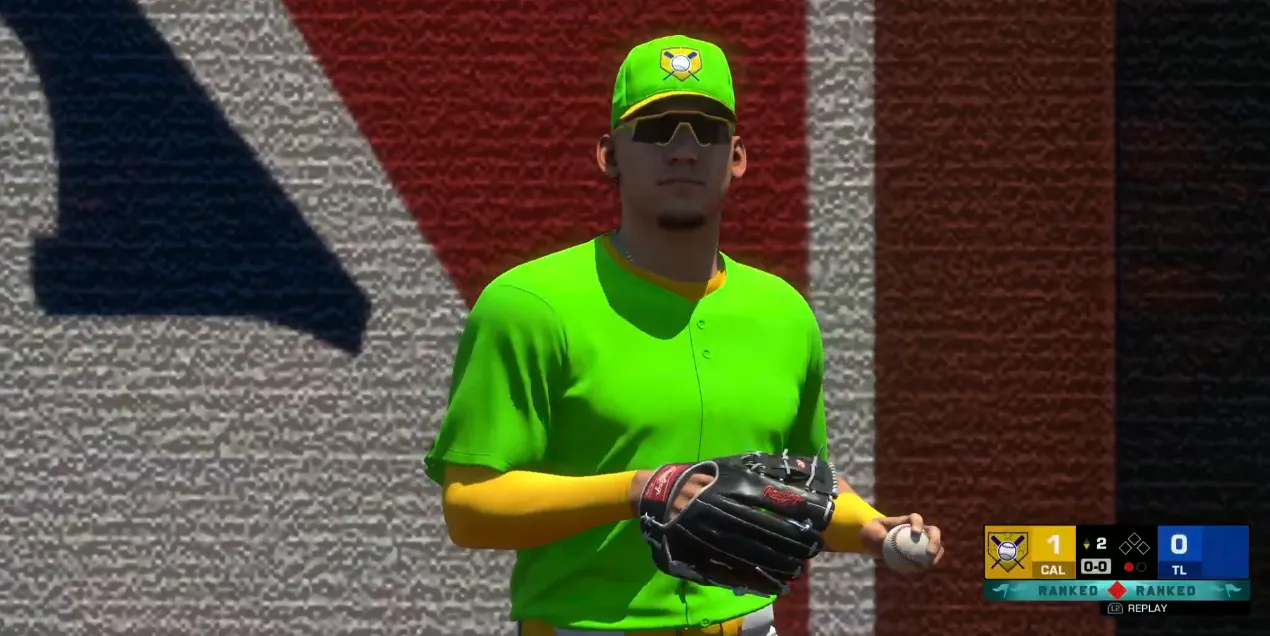
Technically, no. MLB The Show 26 does not use a literal split screen where the television is divided in half. Because of how baseball is played, both players share the exact same full-screen view.
You cannot play every game mode with a local player. For instance, single-player career modes like Road to the Show are strictly offline for one user. However, you have great options for local multiplayer:
This is the quickest way to play. You can choose any two MLB teams, customize the stadium and weather, and either play against each other or team up against the AI.
You can play through a full multi-year season with a friend. When starting a Franchise game, you can choose to control the same team or face off against each other in divisional rivalries.
Setting up a local game takes less than a minute. Follow these steps:
Once your controllers are set up, you can take your gameplay to the next level by building an unbeatable Diamond Dynasty squad right here. To quickly lock down the league's top players and rarest packs, choose to buy MLB The Show 26 Stubs safely through our platform. Secure your delivery today and immediately dominate both local couch play and online competition.
| Mode | Local 2-Player (Same Couch) | Online Multiplayer | Max Players |
|---|---|---|---|
| Exhibition | Yes | Yes | 2 (Local) / 4 (Online) |
| Franchise | Yes | No | 2 (Local) |
| Diamond Dynasty Co-Op | No | Yes | 3 per team (6 total) |
| Diamond Dynasty Ranked | No | Yes | 2 (1v1) |
| Road to the Show | No | No | 1 Only |
If your friend isn't sitting next to you, MLB The Show 26 offers robust online cooperative play. Through the Co-Op mode in the main menu or within Diamond Dynasty, you can invite a friend online to play 2v2 or 3v3 matches against other real players.
In online co-op, the game automatically rotates your responsibilities, allowing one player to pitch an inning while the other handles specific infield or outfield defense, and alternating at-bats while on offense.
Authored by elite gamers and industry insiders, the U4N Editorial Team delivers authoritative game updates, patch notes breakdowns, and expert strategies for trending titles including World of Warcraft, Path of Exile 2, MapleStory, Aion 2, and Arc Raiders.
From deep-dive guides to the latest meta shifts, our in-house veterans test every tactic firsthand to keep you ahead of the game.