Cart Empty
Continue Shopping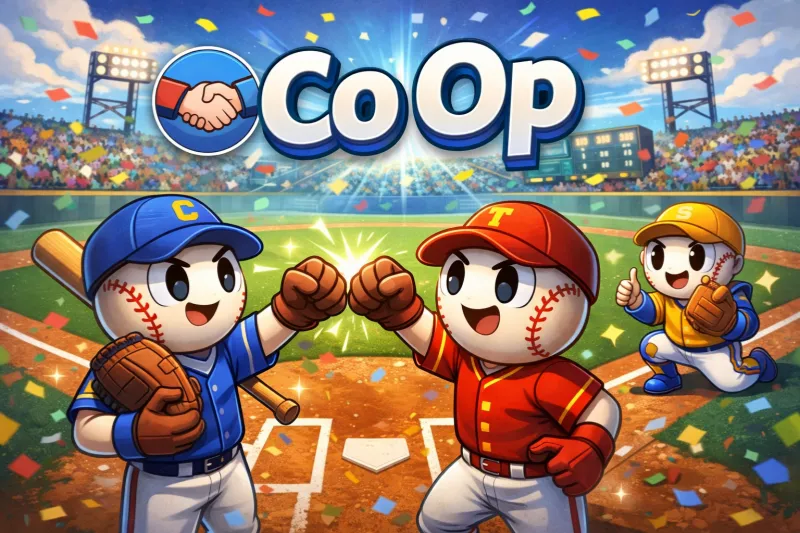
If you are having trouble with MLB The Show 26 Co-Op, it is likely due to server instability following the game's official standard launch on March 16, 2026.
Server Status & Maintenance. For example: Maintenance: Regularly scheduled maintenance typically occurs at 4 AM PT. Updates: Game Update 2 was deployed on March 15 for PlayStation and Xbox. Nintendo Switch players may still experience issues as their update is scheduled for a later date.
1. Flexible Rotation System: Players can now choose exactly when to switch roles during a game. New rotation options include:
2. Unified Catcher/Infield Control: A significant mechanical change now gives the player controlling the infielder direct control over the catcher as well. Previously, these were split between different players.
3. Defensive Improvements: The defensive player now maintains control of the catcher immediately after a pitch is delivered, rather than control defaulting to the pitcher.
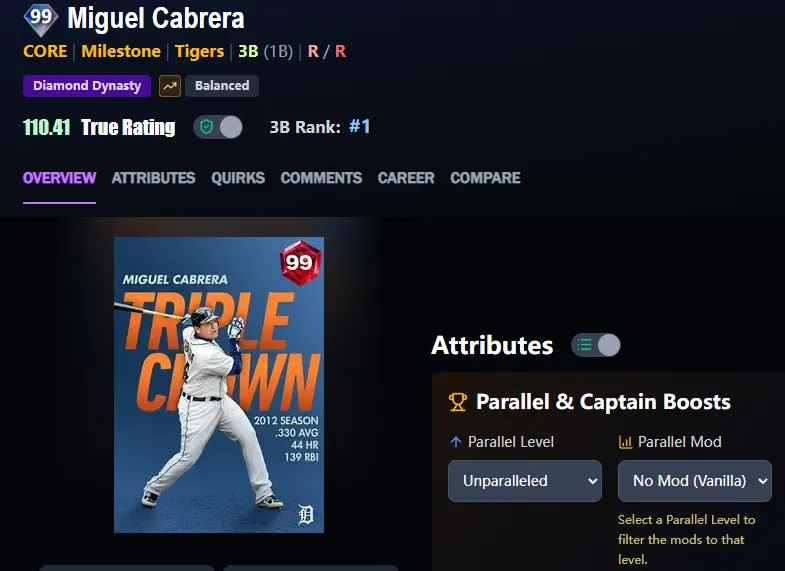
If you're still hitting hurdles with server stability or rotation bugs, focusing on your squad's roster can help take the edge off the wait for the next patch. To get ahead of the competition and secure the latest Diamond Dynasty cards for your 2v2 or 3v3 runs, you can conveniently buy MLB 26 stubs online through trusted platforms like U4N, ensuring your team is ready the moment the servers stabilize.
Following the game's early access launch on March 13, 2026, Game Update 2 was released to address initial co-op bugs:
Reported Launch Issues: Hitting Rotation Glitch. Some players have reported a bug when using the "rotate after every out" setting. If a player records the final out of an inning, the game sometimes fails to register the rotation, causing that same player to lead off the next inning.
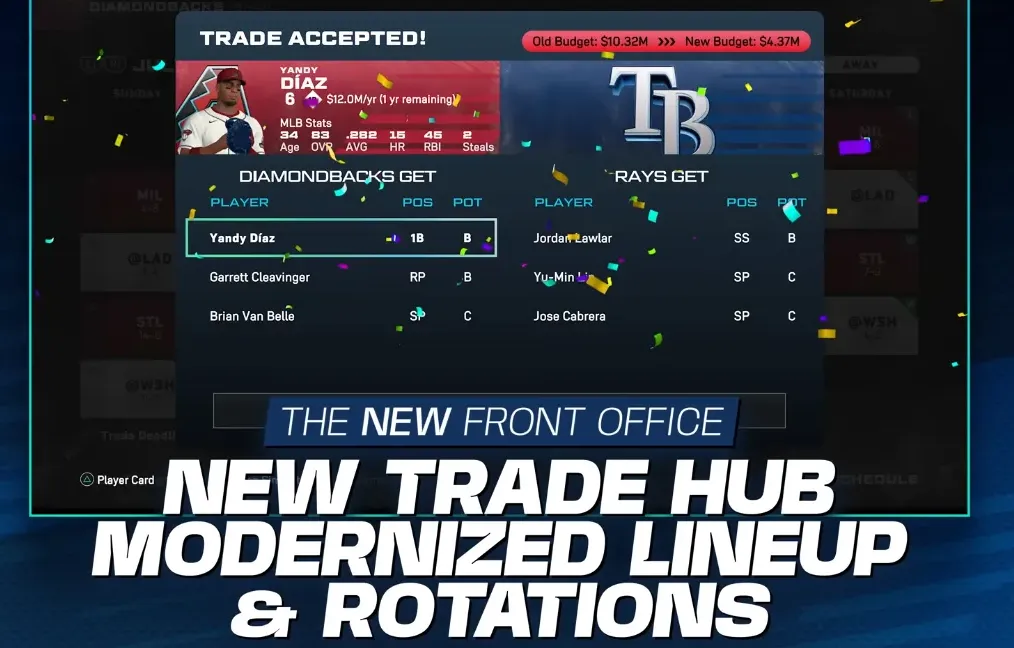
As of March 16, 2026, MLB The Show 26 does not feature a dedicated Online Co-Op Franchise mode. While Franchise mode received a significant "Front Office" overhaul this year, the core Co-Op experience remains tied to Diamond Dynasty and Casual Online Play.
If you want to play with friends in a multi-season format, these are the available options:
Online co-op in MLB The Show 26 allows players to team up in 2v2 or 3v3 matches across various modes, primarily within Diamond Dynasty Ranked and Casual Play. The 2026 edition introduces several significant gameplay and structural changes to the online co-op experience:
MLB The Show 26 supports full cross-play across all available console platforms for its online co-op modes. This allows players on different systems to team up for 2v2 or 3v3 matches in both Diamond Dynasty and Casual modes.
Important Notes. PC Support: MLB The Show 26 is not available on PC or via Xbox Game Pass for PC at launch; therefore, cross-play with PC is not possible. Disabling Cross-Play: If you prefer to play only against users on your own console, you can toggle cross-play Off in your in-game profile settings.
The U4N Editorial Team is made up of dedicated gamers and technical experts. We're not just a trusted marketplace for game assets—we're all about empowering players with top-tier, expert-driven content. Our team produces in-depth guides, strategies, and technical fixes for some of the biggest games out there, like MLB The Show 26, Aion 2, Forza Horizon 6, Arc Raiders, and Path of Exile.
Whether it's mastering market flipping in Diamond Dynasty or optimizing your endgame builds, all of our strategies are tested and proven by in-house experts. At U4N, we don't just follow the meta—we help you stay ahead of it.