Cart Empty
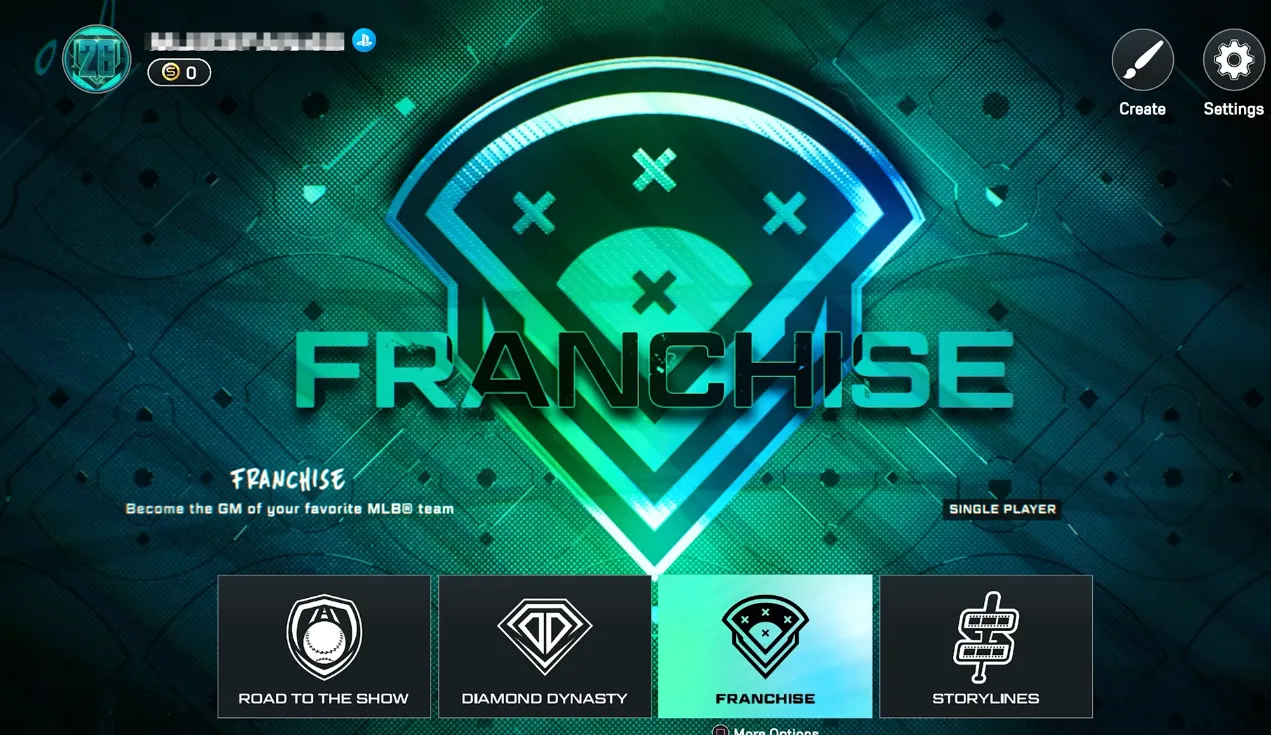
Continue ShoppingMLB The Show 26 has taken Franchise mode to the next level with big upgrades, but there are limits when it comes to playing with friends. Here's everything you need to know about co-op options, local play, and alternative ways to enjoy a “franchise experience” together.
The 2026 Franchise mode is bigger and deeper than ever:
However, this mode is strictly single-player or local, meaning you cannot share a league online with friends, trade with each other, or co-manage teams remotely.
Unlike some older sports games, MLB The Show 26 does not support an online connected franchise. You cannot:
This can be disappointing for players who hoped for a fully online co-op GM experience, but there are still ways to enjoy multiplayer.
The game does support offline co-op on the same console:
For example, players have reported enjoying two-player seasons where one controls the Yankees and the other the Dodgers, alternating series in a single franchise to see how rivalries develop.
While the deep management features of Franchise mode are primarily a solo or local endeavor, building an unstoppable Diamond Dynasty team remains the ultimate way to compete and showcase your skills against friends online. Navigating the market for elite players requires a significant amount of currency, but you don't have to spend weeks grinding through challenges to assemble your dream roster. To get a head start on the competition and ensure your squad is packed with top-tier talent from day one, you can securely buy MLB 26 Stubs through U4N, the most reliable marketplace for enhancing your gaming experience without the hassle.
If you want to play online with friends:
Custom Leagues don't replace the full franchise experience, but they are a viable workaround for online play.
While Franchise mode lacks online co-op, Diamond Dynasty allows friends to play together online:
This is currently the best online option to experience teamwork with friends.
Another simple way to play with friends:
Although it's not a full-season experience, exhibition matches let you experiment with different strategies against friends online.
To ensure smooth online matches:
This setup ensures that even without an online franchise mode, you can enjoy competitive and cooperative games with friends.
While MLB The Show 26 does not offer a full online Franchise co-op, there are multiple ways to enjoy the game with friends:
Players looking to experience a shared baseball season will need to be creative, but the game's deep single-player franchise and robust multiplayer modes make it easy to have fun, compete, and build stats with friends in other ways.
Authored by elite gamers and industry insiders, the U4N Editorial Team delivers authoritative game updates, patch notes breakdowns, and expert strategies for trending titles including World of Warcraft, Path of Exile 2, MapleStory, Aion 2, and Arc Raiders.
From deep-dive guides to the latest meta shifts, our in-house veterans test every tactic firsthand to keep you ahead of the game.