In MLB The Show 26, Franchise Mode is all about balancing realism with gameplay efficiency. For the most immersive and competitive experience, it's important to fine-tune settings that impact everything from how your team performs to how the game feels on the field. Here's a guide to the best settings for optimizing your Franchise Mode.
Core Gameplay Settings
These settings help create a more authentic and challenging experience:
| Setting | Best Choice | Description |
|---|---|---|
| Gameplay Style | Simulation | Plays closer to real MLB outcomes rather than arcade-like results. |
| Hitting Difficulty | Hall of Fame | Offers the most authentic challenge with realistic bat speed and CPU pitching. |
| Pitching Difficulty | Hall of Fame | Provides the most realistic mound experience and pitching challenge. |
| Fielding Difficulty | Normal | Keeps fielding outcomes fair without being too punishing. |
| Auto Fielding / Auto Throwing | On (optional) | Allows ratings to govern defense, which is ideal for a simulation experience. |
| Tutorial Tips / Aids | Off | Reduces assistance, helping you stay immersed in the game. |
Gameplay Tuning
These settings help you fine-tune the flow of the game and add realism:
| Setting | Best Choice | Description |
|---|---|---|
| Umpire Accuracy | Personalized | Makes the strike zone more realistic and challenging. |
| ABS Challenge System | On | Adds an extra challenge for pitch judgment, especially in high-leverage moments. |
| Pitch Clock | Off | Removes pressure from the timing system, giving a more relaxed experience. |
| Wind | On | Adds variability to ball flight for more realistic gameplay. |
| Injuries / Ejections | On | Adds unpredictability and realism to a long Franchise mode. |
| Auto Bullpen Warm Up | Off | Gives you more control over bullpen deployment. |
Control Options (Use-Feel Preferences)
If you want realism without heavy manual input, these control settings work best:
| Setting | Best Choice | Description |
|---|---|---|
| Hitting Interface | Directional (or Timing) | Great balance between control and realism for precise hitting. |
| Swing Input | Buttons | Provides cleaner, more consistent results compared to analog input. |
| Auto Baserunning | On | Lets ratings govern baserunning if you prefer a more simulation-based experience. |
| Baserunning Interface | Directional Analog | Gives you player-level control if you want to manually dictate baserunning. |
Optional Gameplay Enhancements
These settings aren't essential but can enhance pacing, immersion, and overall gameplay experience:
| Setting | Best Choice | Description |
|---|---|---|
| Quick CPU Pitching | On | Speeds up games by reducing CPU pitcher downtime between pitches. |
| Disable Commentary and Menu Sounds | On | Reduces audio clutter during long seasons, helping you stay focused. |
| Camera Setup for Franchise | Strike Zone (Hitting) + High (Fielding) | Provides the best view of pitches and fielding, offering better recognition and tracking. |
Slider / Difficulty Notes (Community Wise)
Many players adjust sliders for the best Franchise experience. These community-tested settings help ensure you have a competitive but fair gameplay environment:
- Dynamic Difficulty: Adjusts in real-time based on your performance. It helps find your "sweet spot" in difficulty (usually around Hall of Fame).
- HOF Simulation Sliders: Community creators, like Armor & Sword, provide slider packs to make the game feel as realistic as possible by turning off assists and focusing on ratings performance.
In MLB The Show 26, fine-tuning your Franchise Mode settings is key to getting the most out of your experience, whether you're managing a team or playing through seasons. From gameplay settings like difficulty levels to control preferences, each choice helps make the game feel more authentic and competitive. But sometimes, to fully immerse yourself in Franchise Mode, you might need additional resources like stubs to improve your team or enhance your experience. For that, U4N is a reliable platform where you can buy MLB The Show 26 stubs online. With affordable prices and a safe, trusted service, U4N helps you focus on what really matters—dominating the game—without having to grind endlessly for stubs.
Camera & Visuals
For clear pitch recognition and fielding, these camera settings are essential:
| Setting | Best Choice | Why |
|---|---|---|
| Hitting Camera | Strike Zone or Strike Zone High | Offers the clearest view of pitch movement and release point. |
| Fielding Camera | High | Provides a wider view to track balls off the bat and for easier fielding. |
| Hitting Depth of Field | On | Blurs the background, reducing distractions and helping you focus on the ball. |
Franchise Management & Speed
If you're grinding through multiple seasons, these settings will help maintain a fast pace:
| Setting | Best Choice | Why |
|---|---|---|
| Presentation Mode | Fast Play | Skips unnecessary broadcast cutscenes to speed up gameplay. |
| Quick CPU Pitching | On | Reduces the time the CPU takes between pitches, speeding up games. |
| Difficulty | Dynamic | Adjusts the difficulty based on your performance to maintain a balanced challenge. |
| Automation | Scouting & Finances (Auto) | For beginners, focusing on gameplay first while letting the game handle scouting and finances. Experienced players may want 30-team control for realistic roster moves. |
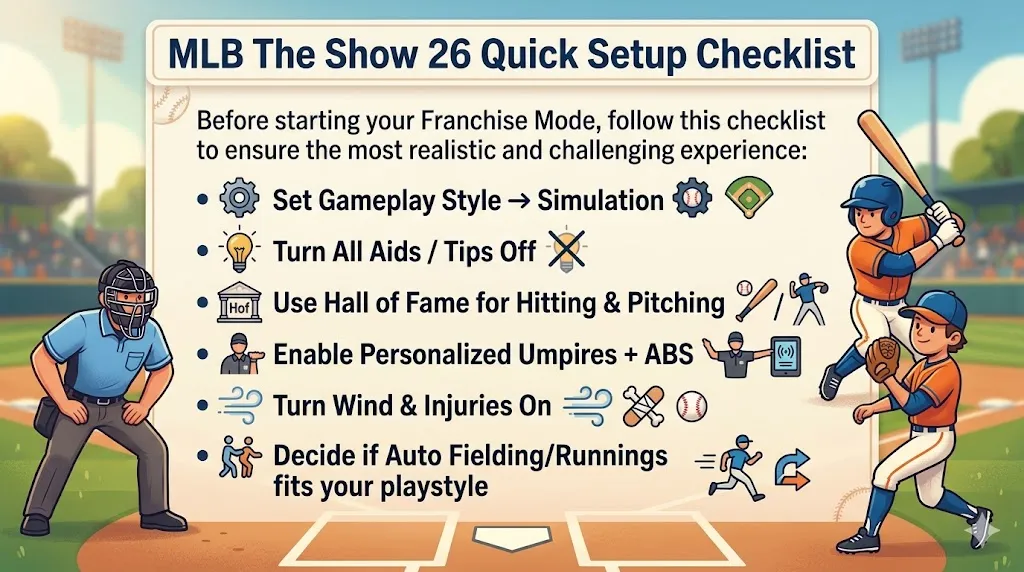
Quick Setup Checklist
Before starting your Franchise Mode, follow this checklist to ensure the most realistic and challenging experience:
- Set Gameplay Style → Simulation
- Turn All Aids / Tips Off
- Use Hall of Fame for Hitting & Pitching
- Enable Personalized Umpires + ABS
- Turn Wind & Injuries On
- Decide if Auto Fielding/Runnings fits your playstyle