U4N.com
Sell Sign in

All articles

The U4N blog aggregates the latest news across various games. Through continuously updated articles, it helps readers quickly stay informed about the latest game updates, patch notes, guides on classes and gear, seasonal developments, and trending community topics.

3,035 articles Weekly updates Last updated

All articles

MLB The Show 26

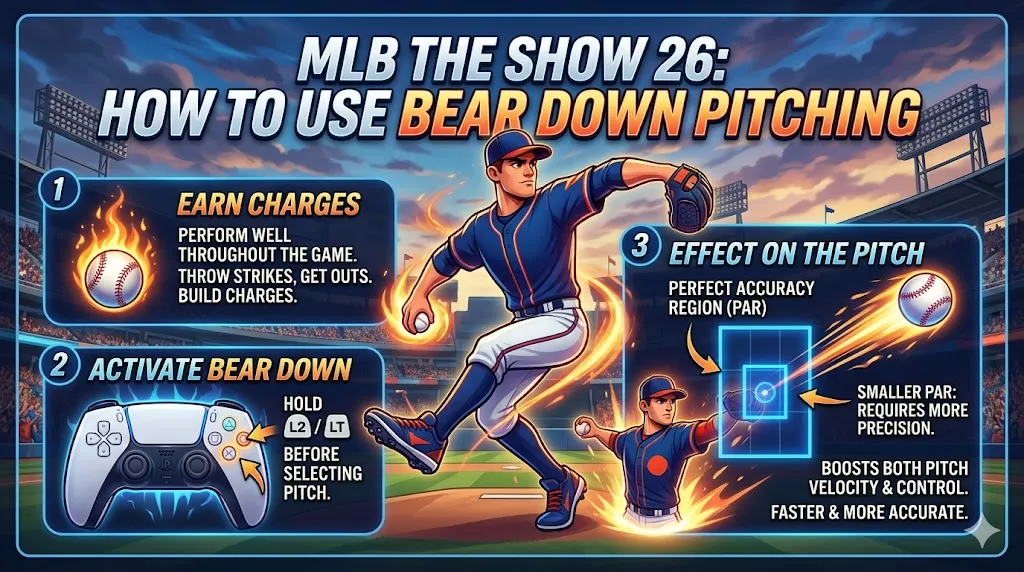
How to Use Bear Down Pitching in MLB The Show 26

In MLB The Show 26, one of the most exciting new pitching mechanics is Bear Down Pitching, designed to give you an edge during high-leverage situations. Whether you're facing a clutch moment or dealing with a power hitter, Bear Down allows you to boost your pitcher's performance when it matters most.
1,656 reads
MLB The Show 26

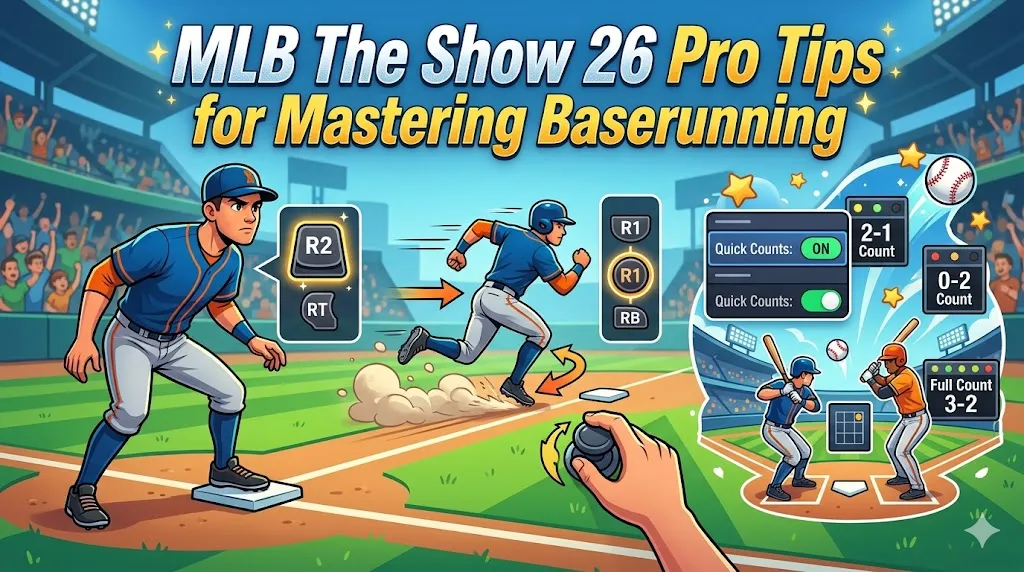
Best Baserunning Settings in MLB The Show 26

Mastering baserunning in MLB The Show 26 can make a huge difference in competitive play or even casual games. Having the right settings for baserunning is crucial to maximize your control, speed, and efficiency. Here's a detailed guide to the best baserunning settings in the game, along with pro tips to improve your gameplay.

3,743 reads
MLB The Show 26

MLB The Show 26 Best Batting Settings

In MLB The Show 26, perfecting your batting setup can be the difference between a successful season and a frustrating one. Whether you're aiming for competitive play or just improving your casual game, the settings you choose can have a huge impact on how you hit. Here's a breakdown of the best settings to help you get the most out of your batting in MLB The Show 26.

2,530 reads
MLB The Show 26

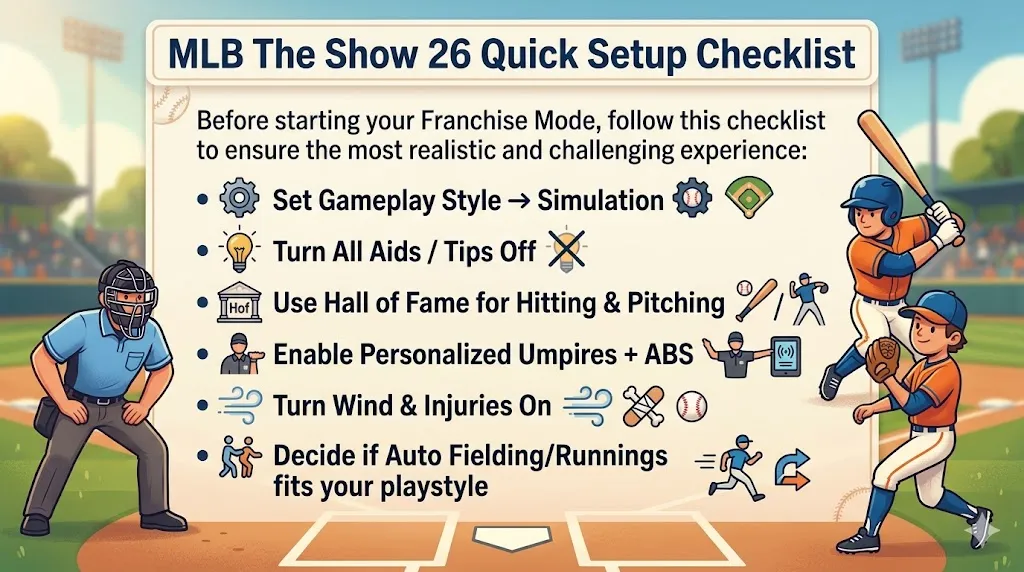
MLB The Show 26 Best Franchise Settings

In MLB The Show 26, Franchise Mode is all about balancing realism with gameplay efficiency. For the most immersive and competitive experience, it's important to fine-tune settings that impact everything from how your team performs to how the game feels on the field. Here's a guide to the best settings for optimizing your Franchise Mode.

3,513 reads
MLB The Show 26

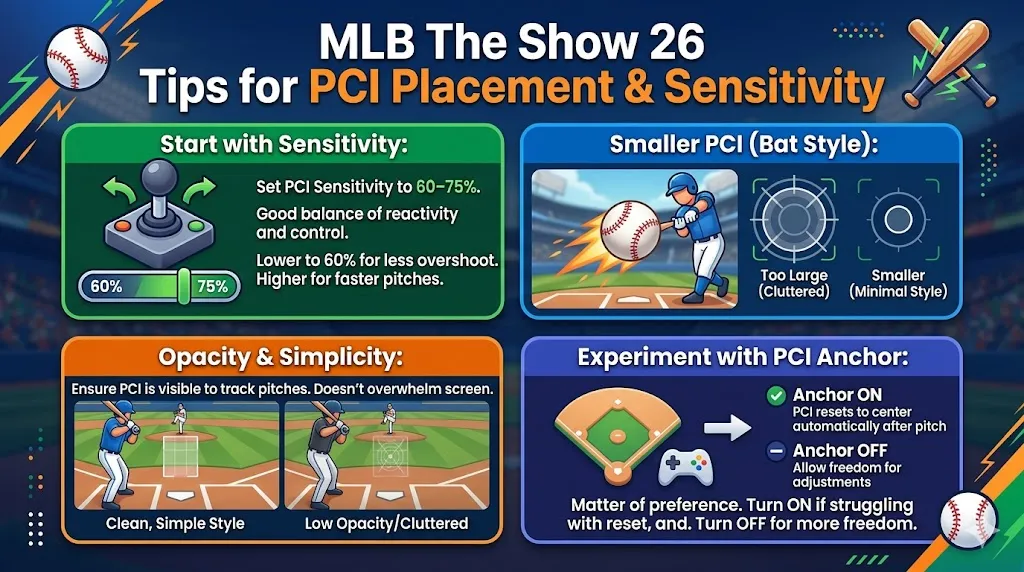
MLB The Show 26: Best PCI Settings

In MLB The Show 26, mastering the Plate Coverage Indicator (PCI) is key to improving your hitting. For competitive players, the goal is to create a clean, minimalist look that allows you to focus on the ball without distractions. While everyone's preferences differ, there's a general "meta" used by top-tier players that emphasizes specific visual settings and configurations. Here's everything you need to know to get the best PCI setup for your game.

3,862 reads
MLB The Show 26

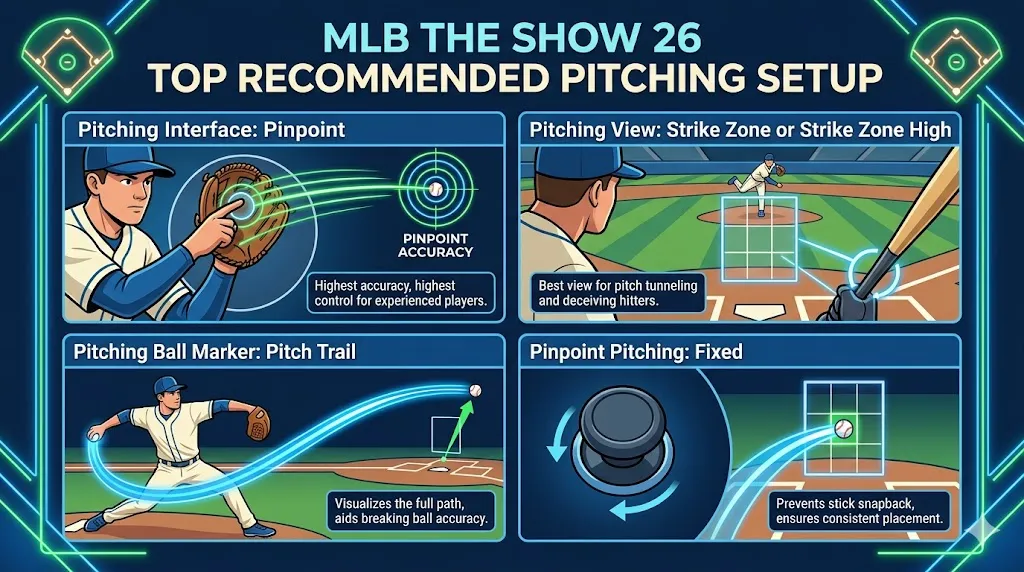
Best Pitching Settings in MLB The Show 26

In MLB The Show 26, mastering pitching is crucial for success, whether you're playing competitively or just having fun in casual games. The best pitching settings give you control, precision, and a smoother gameplay experience. If you want to improve your pitching and take your game to the next level, these settings are the way to go.

2,978 reads
MLB The Show 26

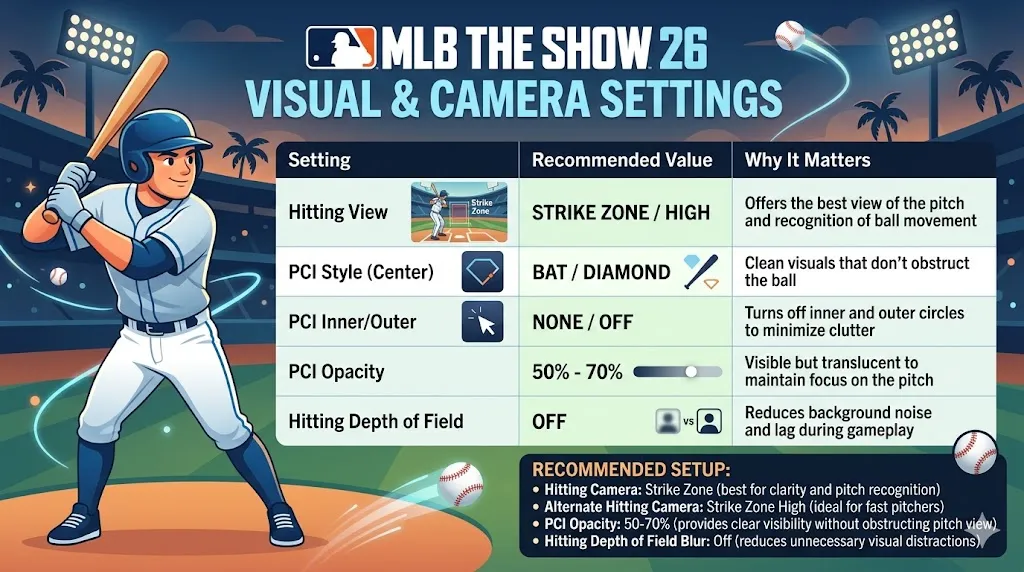
Best Camera Settings for MLB The Show 26

In MLB The Show 26, the key to mastering hitting, pitching, and fielding lies in your camera settings. The best camera views help with pitch recognition, ball tracking, and overall gameplay performance by reducing visual clutter. Competitive players generally prefer a few specific setups for the best results, so let's dive into those.

2,538 reads
MLB The Show 26

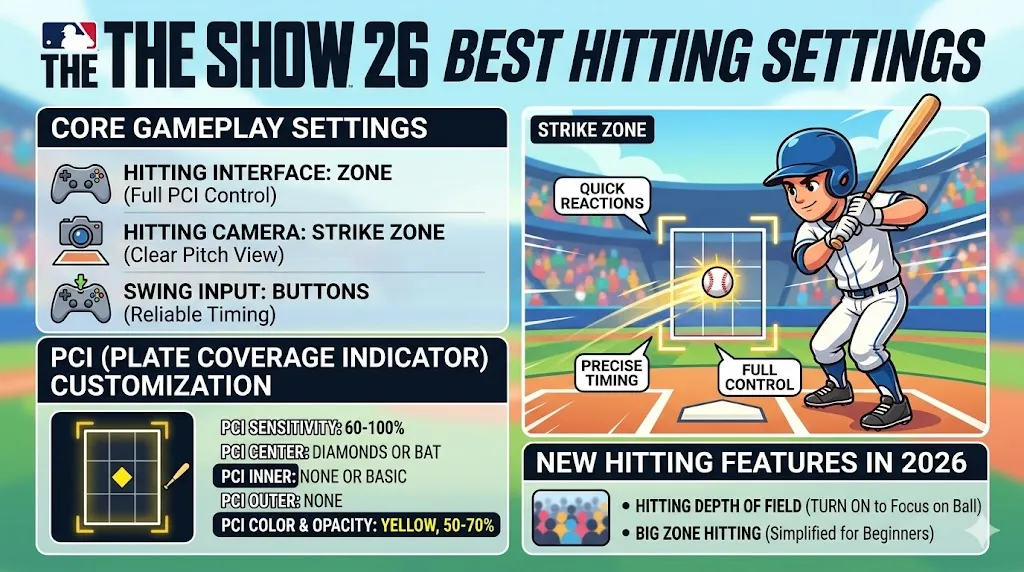
MLB The Show 26 Best Hitting Settings

To get the best hitting results in MLB The Show 26, competitive players agree that using the Zone Hitting interface paired with the Strike Zone camera view is a winning combination. This setup gives you full control over your Plate Coverage Indicator (PCI) and provides a clear view of the pitch's path, enabling quicker reactions and precise timing.

2,475 reads
MLB The Show 26

MLB The Show 26 Best Settings for Xbox

Whether you're grinding through Diamond Dynasty or climbing the competitive ladder in MLB The Show 26, setting up your game correctly is key to boosting your performance. As an experienced gamer, I've put together the best settings for Xbox that help you master both hitting and pitching, plus how to fine-tune visuals and game speed for smoother, faster play.

1,931 reads
Visa Mastercard Discover AMEX JCB Apple Pay Google Pay Alipay BLIK EPS SPEI ShopeePay PIX