


A small murloc plush gives us a good reason to make room on the shelf. The upcoming World of Warcraft Twitch Drop features the Cuddly Seafoam Grrgle, a housing decoration available by watching eligible streams during December. Our team's approach is simple: check the account connection before the event, choose something we actually want to watch, and leave enough time to claim the reward without rushing.
For readers whose searches include buy World of Warcraft Forever Gold, the distinction here matters: this article concerns a Retail WoW housing reward earned through a Twitch campaign. We would keep its viewing requirement separate from any plans involving another version of the game. The useful preparation happens in account settings and Twitch, before we start thinking about where the plush might look best.
Blizzard's announcement schedules the campaign for December 1, 2026, at 10:00 a.m. PST through December 29, 2026, at 10:00 a.m. PST, with four hours of eligible viewing required. As of November 26, the event has not started, so this is the time to prepare rather than expect viewing progress. For readers using Beijing time, the corresponding window begins December 2 at 2:00 a.m. and ends December 30 at 2:00 a.m.
Put the Correct Dates on Your Calendar
We would save both the opening time and a personal completion date. The official deadline tells us when the opportunity ends; our own reminder should leave room for a missed evening, an account issue, or a stream that turns out to be ineligible.
For a North American audience, the schedule looks like this:
| Time zone | Campaign opens | Campaign closes |
|---|---|---|
| Pacific Standard Time | December 1, 2026, 10:00 a.m. | December 29, 2026, 10:00 a.m. |
| Eastern Standard Time | December 1, 2026, 1:00 p.m. | December 29, 2026, 1:00 p.m. |
| UTC | December 1, 2026, 6:00 p.m. | December 29, 2026, 6:00 p.m. |
| Beijing time | December 2, 2026, 2:00 a.m. | December 30, 2026, 2:00 a.m. |
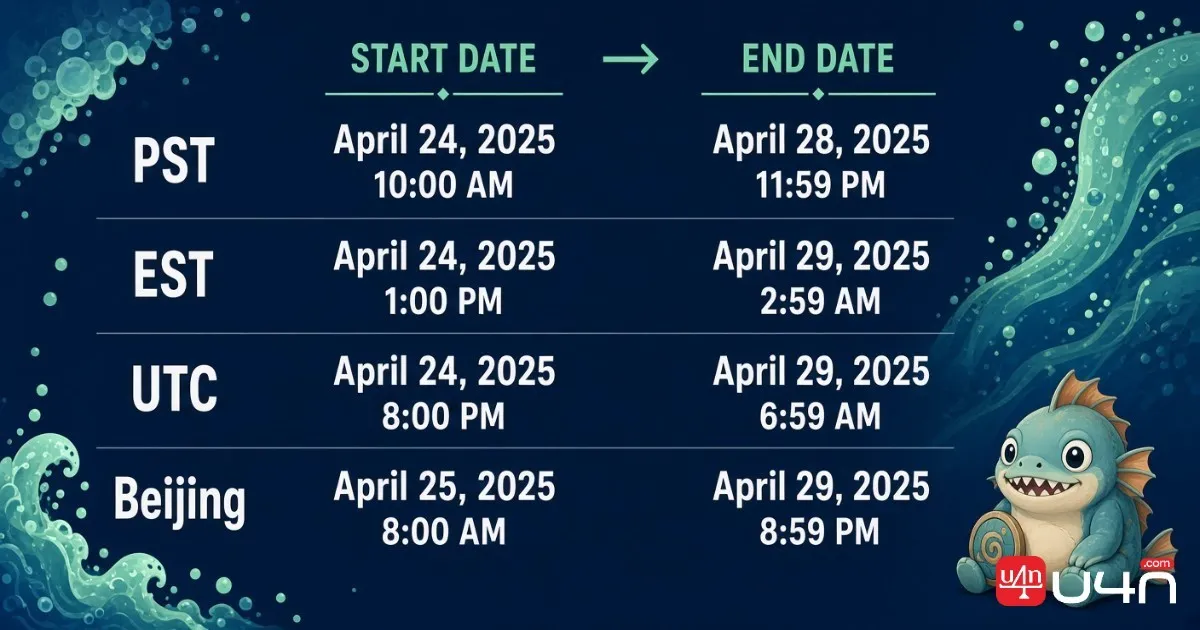
These are the same opening and closing moments expressed locally. We recommend using the row that matches the calendar you check every day, especially if you regularly read announcements from several regions.
Our preference would be to finish during the first week. That is a scheduling choice, not an extra event condition. December plans can become crowded quickly, and a decoration should not turn into something we are trying to rescue between travel arrangements and a raid invitation.
Avoid treating December 29 as an unrestricted final day. A morning cutoff in California means an evening viewing session there would be too late. Setting a reminder for an earlier evening is much more practical than relying on the date alone.
Check the Connection Before Opening a Stream
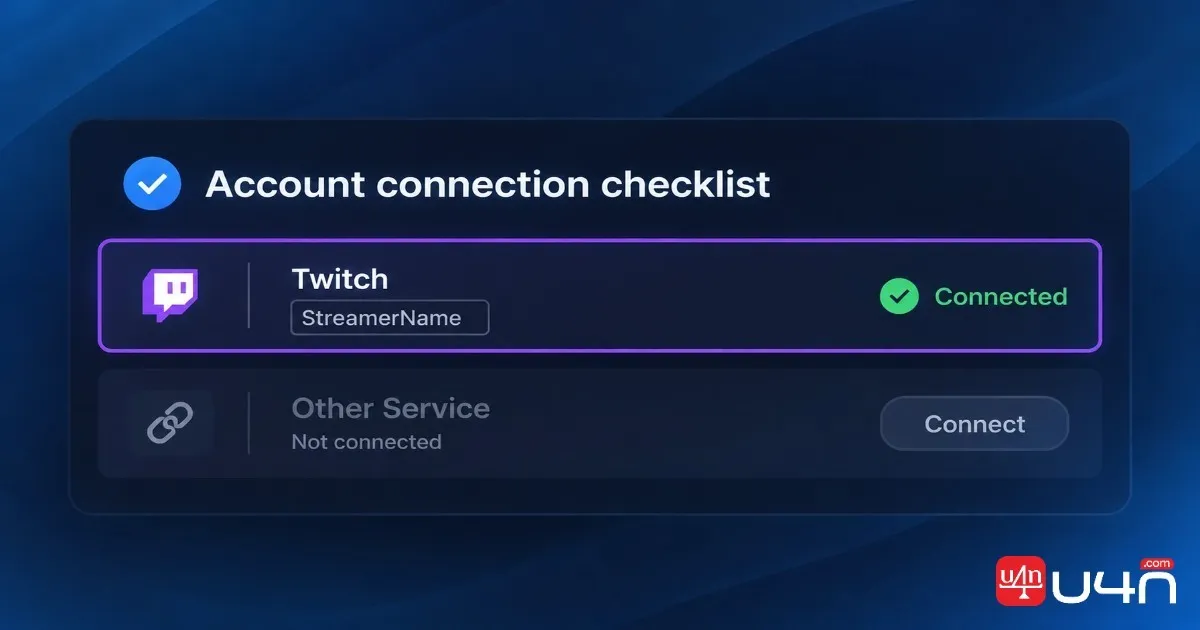
Our first stop would be the Battle.net Connections page. We would sign into the account that should receive the decoration, inspect the Twitch connection, and check the Twitch username carefully.
This deserves a deliberate look if you use several browser profiles or have more than one account. We recommend checking the actual account names rather than trusting whichever session the browser has remembered. Taking a minute here gives the rest of the process a clear starting point.
For reference, Blizzard's campaign instructions specify the following account, viewing, and delivery rules:

| Area | Published requirement or limitation |
|---|---|
| Account connection | Link Twitch and Battle.net; relink after password or relevant account changes |
| Switching accounts | Relinking triggers a seven-day cooldown before linking a different Twitch account |
| Viewing progress | Eligible channels can be switched; simultaneous streams do not accelerate progress |
| Supported viewing | PC or Mac browsers and the Android or iOS Twitch app support earning and claiming |
| Claiming | Manually claim through the viewing channel or Twitch Drops Inventory |
| Delivery | The first Battle.net region logged into after claiming receives the reward; delivery can take up to 24 hours |
| Game access | The decor is unavailable in Classic; subscription or Game Time is required, and placement requires housing access through Midnight |
We would pay particular attention to the difference between reconnecting an account and switching to another Twitch account. Before changing anything, decide which Twitch login you intend to use for the campaign.
We also recommend recording which Battle.net account you checked. A private note with the account nickname is enough. There is no reason to store passwords or sensitive account information alongside an event reminder.
Choose a Stream You Want to Watch
Our preferred viewing plan starts with the reward, then moves quickly to the content. Once the campaign is active, we would open its Twitch listing, identify an eligible World of Warcraft broadcast, and check that the correct drop is attached.
We would not use a streamer's title alone as proof. Our recommendation is to look for the campaign information and inspect the progress display after watching for a little while. That gives us a useful early check before committing an entire evening.
From there, choose a broadcast that makes the time worthwhile. Our team would lean toward a raid discussion, a relaxed dungeon session, or a housing stream with ideas we could borrow for our own layouts. A reward is a pleasant extra when the broadcast already interests us.
There is little reason to force a single long session into a busy evening. We would schedule viewing around the time we comfortably have available, then check the displayed total before leaving. The progress indicator should guide the next session, rather than a rough memory of when we opened the tab.
A simple personal viewing log can help:
| Checkpoint | What we would record |
|---|---|
| Before watching | Correct Twitch login and campaign selected |
| Early in the session | Whether the campaign shows progress |
| Before leaving | Current displayed progress |
| After completion | Whether the claim action is available |
We would keep that log brief. Its purpose is to prevent uncertainty, not turn a casual stream into administrative work.
Treat Claiming as a Separate Step
Our viewing plan would always include time to return to Twitch and inspect the reward status. We would consider the session unfinished until we had checked for the claim action and confirmed what the interface showed afterward.
That distinction shapes how we schedule the event. We would avoid opening a stream and walking away until the last possible minute, because our plan still needs room for the claim check. The same applies if we split the viewing across several evenings.
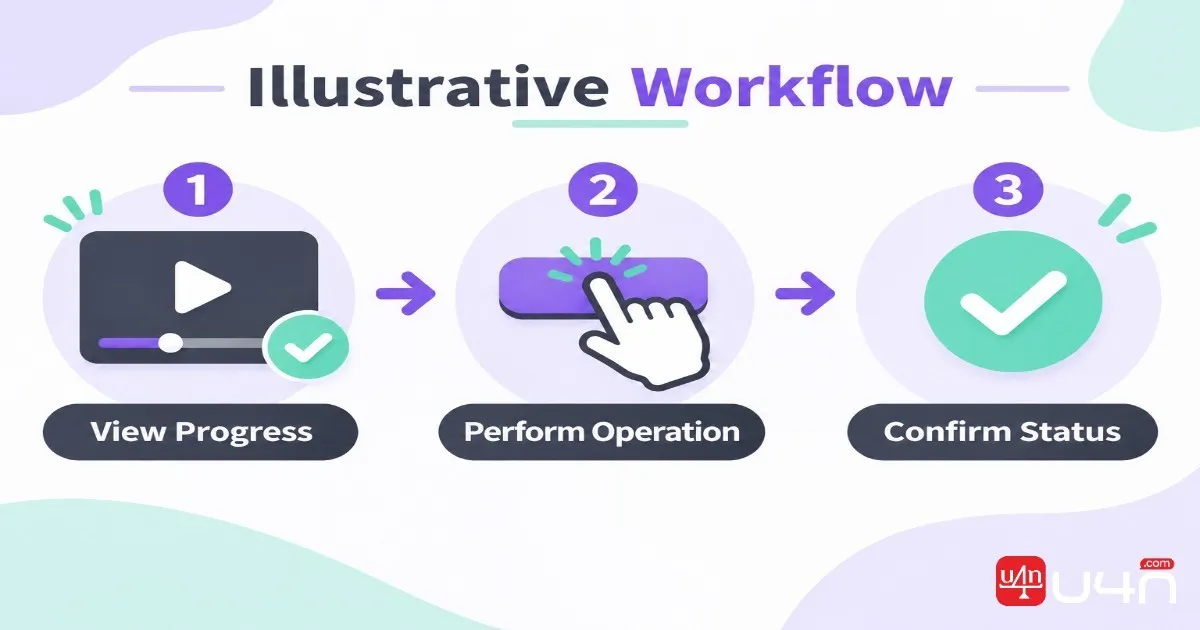
Before leaving Twitch, our team would ask three practical questions:
- Does the campaign show the required viewing as complete?
- Have we selected the available claim action?
- Does the reward now appear as claimed?
We recommend taking a screenshot of the claimed status for personal reference. It is a small precaution that can make a later support conversation clearer, especially if several Twitch campaigns are running close together.
We would also resist making unnecessary account changes immediately afterward. If the interface confirms the claim, our next action would be to prepare the intended game login and check delivery. Repeating setup steps without a specific reason would make our own troubleshooting harder to follow.
Decide the Destination Region Before Logging In
For anyone who uses multiple Battle.net regions, we would make the destination decision before claiming. Write down where the decoration belongs, then check the launcher selection before entering the game.
Our recommendation is especially relevant to readers who maintain a second region for friends, testing, or an older character roster. We would avoid launching a familiar shortcut on autopilot during the delivery step. A quick region check is easier than trying to reconstruct which login happened first.
We would use this sequence:
- Confirm the reward is marked as claimed on Twitch.
- Check the intended Battle.net account and region.
- Log into that region.
- Inspect the relevant housing collection or reward interface.
- Record the claim time if the item has not appeared.
If delivery is not immediate, we would compare the elapsed time with the published delivery allowance before treating the claim as a failure. Our first response would be to review the account, claim status, and region together.
Should the reward remain missing beyond the stated window, we would gather the claim screenshot and a concise description of what happened before contacting support. We would keep private account details out of public forum posts and use the official support process for anything sensitive.
Give the Plush a Place in Your Housing Plan
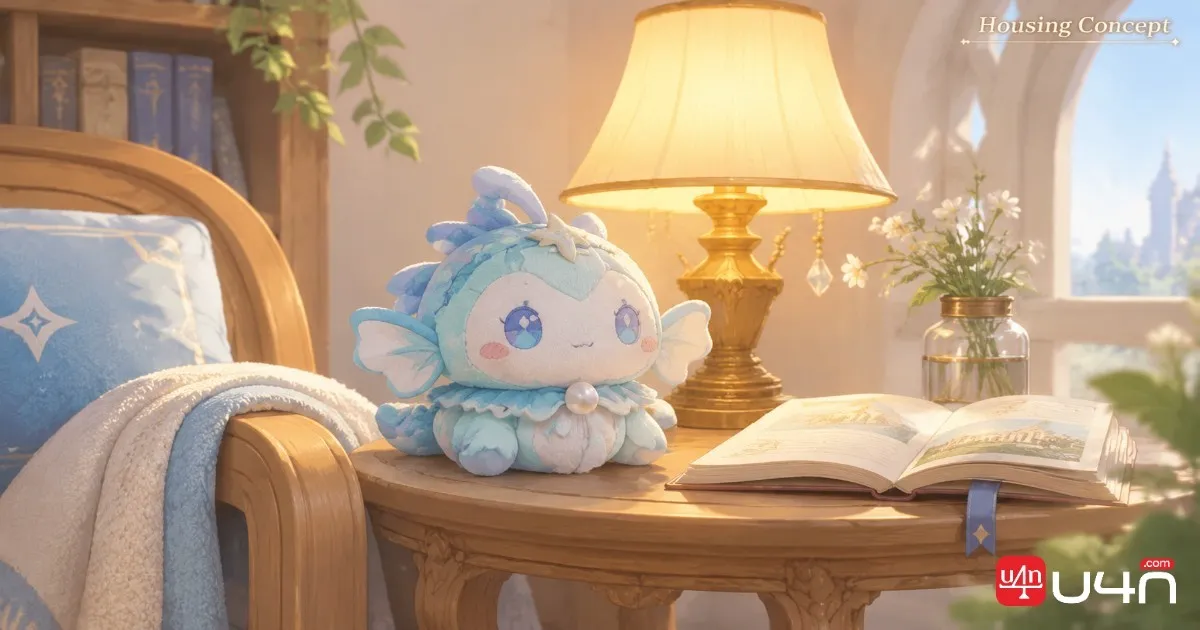
The reward is small enough that we would build a corner around it rather than redesign an entire room. Our first choice would be a reading nook: a comfortable chair, a modest side table, and the plush positioned where it can be noticed without dominating the scene.
A coastal room would be another appealing direction. We would try pale wood, restrained blue accents, and warm lighting, then see whether the decoration feels at home among them. These are styling suggestions; we would judge the finished arrangement in the housing editor before committing to a layout.
For a shared lounge, our team would place it somewhere conversational. Beside a chair or near a gathering table feels more personal to us than displaying every collectible in a perfectly even row. A little asymmetry can make the space feel used.
We would also give the item breathing room. Start with the plush and two or three supporting objects, step back, and check the camera view. If the corner feels cluttered, remove something before adding another prop.
Our taste leans toward decoration that suggests a character's habits. A book left open, a warm lamp, and a murloc plush could imply someone has just stepped away. That small story would matter more to us than filling every available surface.
There is no need to have the finished room ready before participating. We would claim the collectible first and return to the decorating decision when we have a clear idea for the space.
Make the Viewing Session Easy to Finish
Our team would turn the campaign into one manageable calendar task: verify the connection before launch, choose an eligible broadcast once the event opens, check progress during viewing, and leave time to claim. A reminder should name the reward and link to the campaign information so we can return without searching again.
Our focus should remain on the campaign status, connected accounts, and destination region. Players looking to buy WoW Forever Boosting can also keep track of their progression goals while completing these checks. A clear checklist makes it easier to identify pending actions and ensure everything is ready.
Once the reward arrives, we would place it in a quiet corner and take a screenshot at the character's eye level. A warm lamp, an uncluttered shelf, and a small seafoam murloc would be enough for our first arrangement.