


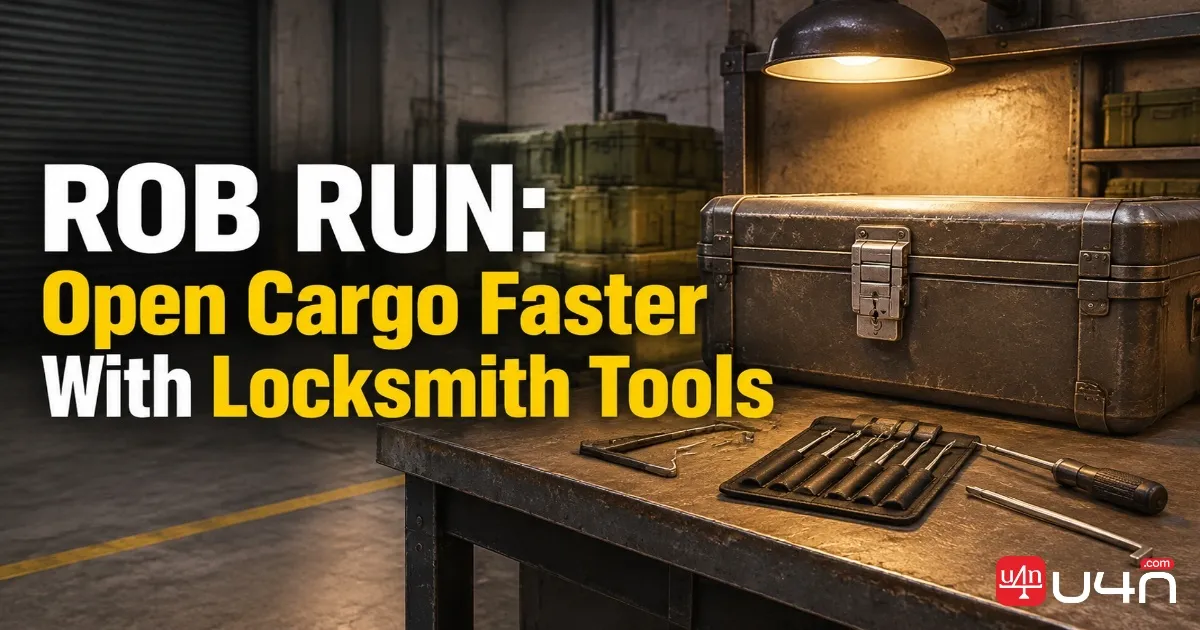
A cargo backlog turns your base into a waiting room. If opening shipments is slowing down your routine, our team recommends focusing on the Cargo Workbench modification called Locksmithing Tools: research it, buy the equipment, and install it in the bench's matching modification slot.
For players building a ROB RUN Dirty Cash routine around cargo, the useful distinction is simple: this upgrade targets processing time. We would not treat it as a promise of higher sale prices or better contents. The aim is to spend less time waiting for the workbench and move through the cargo you already bring home.
The Fast Route to a Quicker Cargo Workbench
The route described in the supplied guide has three separate stages: research the modification through Shipments, purchase it through the Black Market, and fit it to your Cargo Workbench. Buying the tools is not the final step.
Here is the short version to keep beside you while working through the menus:
- Press H to open Shipments.
- Select Furniture and locate the Cargo Workbench research branch.
- Complete the required research leading to Locksmithing Tools.
- Open the Black Market, then check Construction.
- Purchase the tools, listed at $15,000 in the supplied guide.
- Return to your base and open the Cargo Workbench's Modifications menu.
- Drag the tools into their designated slot.
We prefer this compact checklist to repeated trips between menus. The sequence matters because each stage solves a different problem: research grants access, purchasing gives you the item, and installation applies it to the workstation.
The supplied article describes the modification as reducing cargo-opening time, but does not provide a measured reduction. We therefore would not attach a percentage or a guaranteed timer to this route.
Find the Research Before Visiting the Shop
Open Shipments with H, then move to Furniture. Locate the Cargo Workbench and follow its connected research path toward Locksmithing Tools.
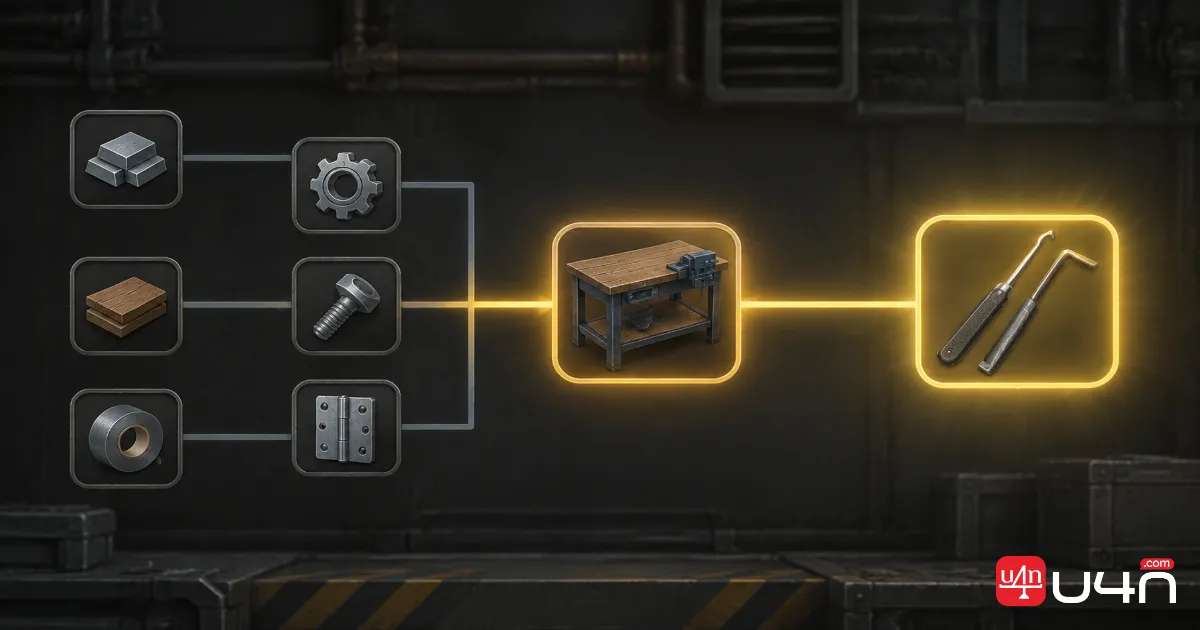
Our approach is to start with the workstation rather than search the entire menu for a vaguely related tool. That keeps the task anchored to the correct equipment branch. You are looking for a Cargo Workbench modification, not a general-purpose lockpick or a tool used elsewhere.
Check the prerequisite state
If the node is unavailable, inspect the research connected to it. The supplied route places the tools further along the Cargo Workbench branch, so the workstation's own research needs attention before the modification.
Read the selected node before spending. Check its name, description, prerequisites, and displayed cost. Similar-looking equipment is easy to confuse when you are moving quickly through a research screen.
We would also check that you have an actual Cargo Workbench at your base. Access to a workstation and ownership of that workstation are separate milestones. A researched modification has nowhere to go if the bench itself is still missing.
Separate research access from equipment ownership
Research is a preparation step. It should not be treated as evidence that the tools are already fitted.
Our working checklist uses three questions:
- Is the modification research complete?
- Have we purchased the physical equipment?
- Does the equipment appear in the workstation's modification slot?
That distinction prevents a common guide-reading mistake: following the first half of an upgrade route and expecting the benefit immediately. Stay with the process until the installation screen confirms the item is in place.
Buy the Tools Without Misreading the Budget
After completing the required research, open the Black Market and check Construction, following the route in the supplied article.
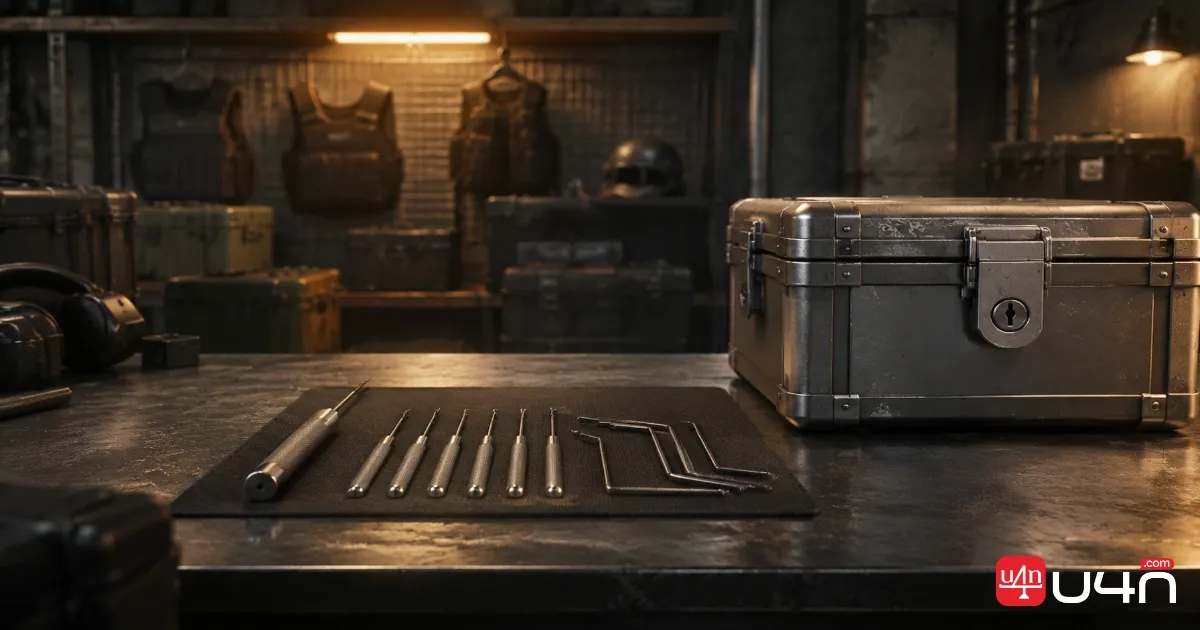
Find the cargo-opening tool by name and purpose. The original text uses “Locksmithing Tools,” while its image label uses “Locksmith Tools.” We would match the item to the Cargo Workbench description rather than assume that a small naming difference identifies a different upgrade.
The supplied purchase price is $15,000. Treat that as the equipment price, not a complete starting budget. The original article does not itemize all research and workstation costs.
| Budget item | What we can establish from the supplied article |
|---|---|
| Locksmithing Tools purchase | Listed at $15,000 |
| Modification research | Required, but its cost is not stated |
| Cargo Workbench setup | Needed if you do not already have the workstation |
| Total investment from scratch | Not established by the supplied figures |
Our spending advice is straightforward: check the full route before committing your available cash. A cheap-looking final purchase can be misleading if several prerequisites remain unfinished.
We would also avoid buying related equipment just because it appears nearby. This task has a specific target. Confirm that you are purchasing the tools intended for the Cargo Workbench, then check that the transaction has given you the item before leaving the shop.
Install the Modification and Confirm It Is Fitted
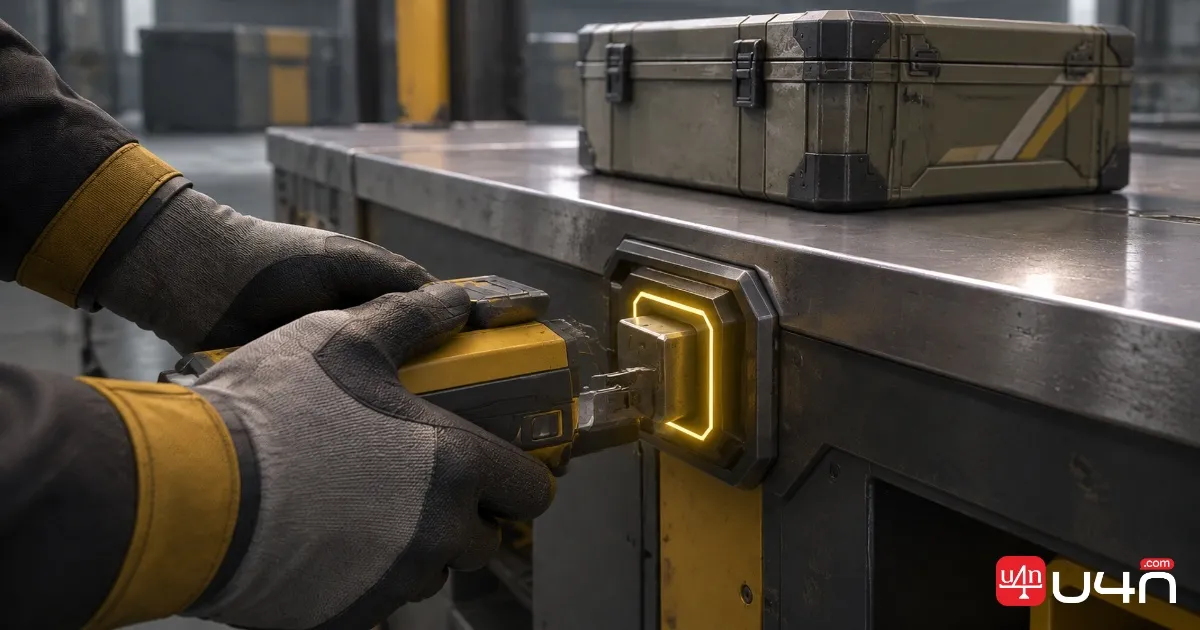
Return to your property and interact with the Cargo Workbench. Open Modifications, locate the slot intended for the tools, and drag the purchased equipment into it.
The supplied installation route ends with the item placed in its matching slot. This is the point we would inspect carefully, rather than assuming the purchase applied the upgrade automatically.
Check the slot, not just the inventory
The tools should be represented in the workstation's modification interface after placement. An item sitting in your inventory is not the same as an installed workbench component.
If the drag-and-drop action does not appear to work, pause and inspect the screen. Check that you selected the intended tool, targeted the matching slot, and are interacting with the Cargo Workbench rather than another station.
We would close and reopen the modification panel as a simple visual check. The purpose is not to trigger a hidden mechanic. It is to confirm that the interface still shows the equipment where you placed it.

Use a controlled comparison
For a useful timing check, compare equivalent cargo before and after installation. Different shipments make a poor baseline because an apparent difference could come from the cargo rather than the modification.
Our preferred comparison is deliberately modest:
- Record the displayed opening time for a particular cargo type before installation.
- Fit the tools and confirm their placement.
- Check the displayed time for an equivalent fresh cargo item.
- Note any other installed modifications that could affect the comparison.
Do not infer a universal percentage from a single mismatched pair. The supplied article establishes the intended benefit, but it does not document a measured reduction or explain how an already-running opening job responds to installation.
Fix Missing Tools and Judge the Upgrade's Value
We would troubleshoot this route by identifying which stage failed. Searching every menu again is slower than checking the last completed step.
| Symptom | What we would inspect |
|---|---|
| The research node is unavailable | The Cargo Workbench branch and its connected prerequisites |
| The item is missing from the shop | Whether the required research is complete and Construction is selected |
| The tools were purchased but nothing changed | Whether they are installed rather than merely owned |
| The equipment will not enter the slot | The item description, workstation, and intended modification slot |
| A timer comparison looks inconsistent | Cargo type, other modifications, and whether the baseline was recorded correctly |
Research complete, but no tools in the shop
Return to the research screen and inspect the specific modification node. Do not rely on having completed the Cargo Workbench research alone.
If the research appears complete, compare the live item description with the guide's terminology. We would prioritize a matching workstation description over a loosely remembered name.
Our team would not recommend buying a substitute on guesswork. Establish that it serves the same cargo-opening function before spending.
Tools owned, but the bench feels unchanged
Open the modification panel again. This is the quickest place to distinguish an installation issue from an expectation issue.
If the tools are visibly fitted, check the basis of the comparison. Remembering that one shipment “felt faster” is weak evidence. A recorded timer for equivalent cargo gives you something useful to inspect.
Avoid changing several things at once while testing. If you rearrange equipment, switch cargo types, and add another modification in the same session, it becomes harder to identify what caused the result.
Decide whether processing speed is your actual bottleneck
We would prioritize this purchase when cargo is regularly waiting on the bench and you expect to keep using the station. Repeated use gives a time-saving modification more opportunities to help.
If your bench sits idle because you rarely bring cargo home, faster opening addresses a smaller problem. Finish the basic setup and preserve enough cash to keep your routine running before chasing shorter timers.
The financial distinction matters. Faster processing does not, by itself, establish higher profit per shipment. Its practical value is the waiting time it removes and the extra processing opportunities that may create.
We would not promise a fixed number of cargo items to recover the purchase cost. That calculation needs reliable information about time saved, cargo availability, and what you earn from the extra processing you actually complete.
A Shorter Cargo Routine, With Fewer Missed Steps
Our recommended route stays focused: finish the relevant research, purchase the tools, fit them to the Cargo Workbench, and verify their placement before judging the result.
Our team would keep the workbench upgrade separate from broader ROB RUN Boosting plans. For faster cargo opening, the checklist stays specific: complete the required research, purchase the correct tools, and confirm that they are fitted to the Cargo Workbench. Progress elsewhere is not a substitute for checking the installation itself.
Keep the purchase price separate from prerequisite spending. Keep timing comparisons limited to equivalent cargo. Keep claims about profit separate from claims about processing speed.
Once the equipment is visibly fitted, use a fresh, comparable shipment to check the result. That gives you a clearer answer than repeatedly visiting the Black Market or guessing from memory.
FAQ: Faster Cargo Opening in ROB RUN
What equipment do we need to open cargo faster?
The supplied route uses Locksmithing Tools, also labeled Locksmith Tools in its image caption. Research the Cargo Workbench modification, purchase the equipment, and place it in the matching slot through the workstation's Modifications menu.
Where do we find the research?
Press H to open Shipments, select Furniture, and locate the Cargo Workbench branch. Follow the connected prerequisites to the tool modification rather than searching unrelated equipment categories.
Is $15,000 the complete cost?
No complete starting cost is established in the supplied article. It lists $15,000 for the tools themselves, while leaving research costs unspecified. If you do not already own a Cargo Workbench, its setup also needs to be considered separately.
Do the tools apply automatically after purchase?
The supplied instructions require manual installation. Return to the Cargo Workbench, open Modifications, and drag the equipment into its intended slot. We would confirm that placement before expecting a shorter opening time.
How much time will the upgrade save?
The original article does not give a measured percentage or a before-and-after timer. We would check equivalent cargo in the live game rather than publish a precise reduction without evidence. One shipment of a different type is not a reliable comparison.
Should we buy it before every other base upgrade?
Our recommendation is narrower: consider it when repeated cargo-opening waits are holding up your routine. The supplied information does not support ranking it above every other purchase, especially when your workstation setup or available funds are still incomplete.