



Your Battle Pass points now come with you when you change regions in ROB RUN. That's the biggest change in November 17, 2026 patch, especially if you've been putting off a move to join friends.
If you're also trying to work out what happens to your ROB RUN Dirty Cash, treat that as a separate question. Kefir names Battle Pass points explicitly and says progress carries over, but the notes give no itemized list of what else is included. SteamDB records the release as build 26726105.
Our team would start with the reason for moving. If a friend sends you an invite, ask for the exact destination before you touch the region selector. If you've already decided to move, open the Battle Pass panel and save the point total. That gives you a number to compare once you arrive, and it takes less time than trying to reconstruct your progress after a session. The rest of the patch is worth checking against what you plan to do next, from earning Jail Time to opening Shipments at Lenny's.
What Carries Over When You Change Regions?
Battle Pass points are the clearest part of the patch. If you earned points in one region and move to another, those points should still be on your pass when you arrive. We'd compare the actual total on the same pass. A reward tile or a progress bar can help you recognize the screen, but a point total gives you a precise reference when you were already close to a reward.
The broader word progress is where we'd slow down. Kefir uses it alongside Battle Pass points and leaves it undefined. If you're moving primarily to play with friends, your pass balance may be the one number you care about. If your plans for the new region rely on cash, a particular item, or a land plot, check how the game describes those assets before you commit.
| What you're checking | What the patch notes confirm | What we'd check in game |
|---|---|---|
| Battle Pass points | Points carry across regions. | Compare the total on the same pass before and after the move. |
| Other progression | Progress carries over. Individual systems are unspecified. | Record the particular level, meter, or unlock you care about. |
| Cash, items, and property | The notes give no asset-by-asset transfer details. | Read the in-game confirmation and look for wording about the asset you intend to use. |

We'd make the comparison as soon as the destination loads, before completing an activity that might award more points. If the total looks off, make sure you're looking at the same pass on the same account, then record the starting region, destination, and both totals. A pair of screenshots with those details gives you a useful account of what happened if you need to report a mismatch. It also helps when the move itself went through and only one part of your progress looks different.
How the Jail Time Caps Affect Progression
The patch introduces two Jail Time limits, one for daily accumulation and one for the total you can hold. Kefir gives no figures for either and leaves the daily reset schedule unspecified. For a player working toward something that requires Jail Time, the immediate question is how much progress the next activity actually adds.
We'd check the current total before doing an activity that normally adds Jail Time. Afterward, compare it with the new total and read any message the game displays. If the total stays flat, save the message alongside the two readings. An unchanged number tells you what happened on that attempt. The message, if there is one, may help you tell whether you reached a cap or need to investigate another cause.
The difference matters when you're deciding how to spend the rest of a session. A daily limit could change what you can get done that evening. A total limit could affect a longer plan. If you're working toward a specific requirement, start with the gap between your current Jail Time and that requirement. Then check what the next activity actually adds before repeating it. That's the point where this patch changes the routine for players who used to build Jail Time in one long session.
Who Can Use Voice Chat at the Prison and Motel?
Kefir's voice chat changes names two locations, the Prison and Lenny's Motel. The announcement ties access to land plot ownership and whether the character has accumulated any Jail Time. Its wording lists either missing condition as grounds for losing access. If you own a plot but have no Jail Time, or have Jail Time but own no plot, we'd verify access on that character before making local voice part of the group's plan.
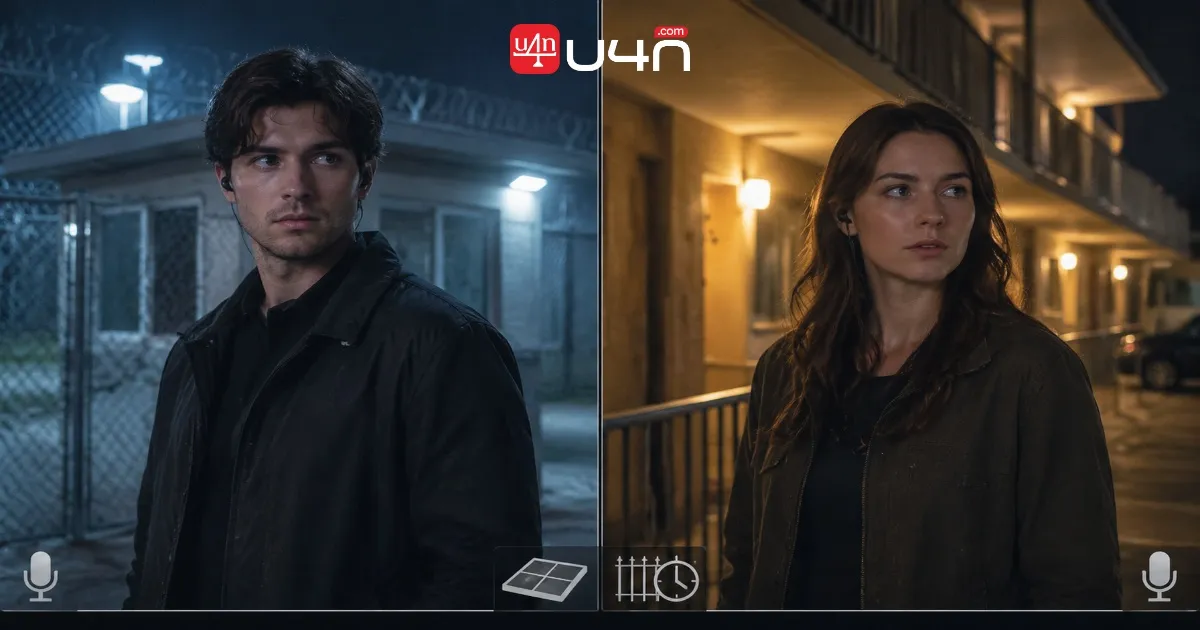
A quick comparison can save a lot of time in audio settings. If someone in your group can speak in another area, ask them to try voice inside the Prison or at the motel with the same input settings. If the problem appears only at one of the locations named in the patch, check that character's plot ownership and Jail Time first. If the mic also fails outside those locations, widen the check to the input device and voice settings.
We'd do that check with the player who actually needs to talk. One teammate getting through on voice tells you very little about a second character with a different status. If your group is meeting at the motel, agree on how you'll coordinate before you get there, especially if someone has just joined or has yet to accumulate Jail Time.

Shipments at Lenny's and the Eviction Rights Barter Change
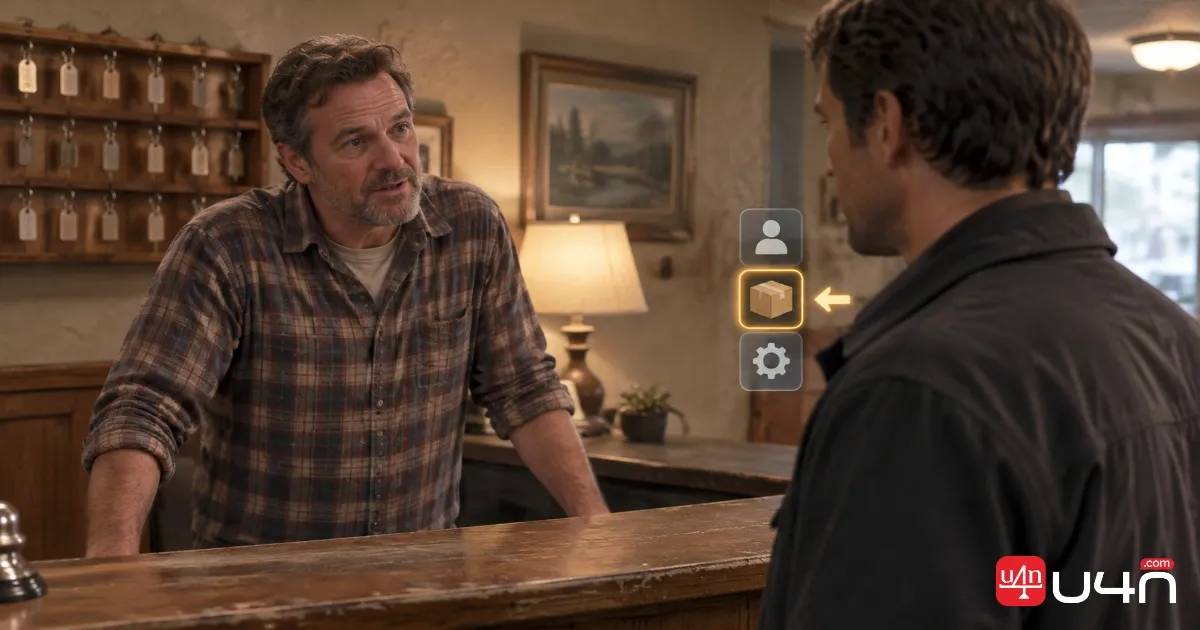
Open Lenny's interaction menu and you can now reach Shipments from there. That's handy if you're already stopping to speak to him and want to check a Shipment before deciding what to do next. The change described in the patch is the new menu entry. If you're looking up a requirement or trying to work out why an option is unavailable, use what's shown on the Shipment you're interested in.
The barter change is separate. Kefir temporarily removed Eviction Rights from barter and gave no return date. If an older route ends with that exchange, check the live offer before you set out to collect trade materials. We'd make that check early in the session, while it's still easy to change plans. An old guide can get you all the way to the right NPC and still leave you standing in front of a menu that no longer offers what you came for.
Mouse Controls, Reporting, and Connection Stability
- The mouse settings now support an inverted Y-axis. If that's your usual setup, turn it on and try a couple of simple movements before you get into a fight. Look up toward a fixed point, return to eye level, and track a target vertically. A few seconds of deliberate movement will tell you whether it feels right before you have to rely on muscle memory.
- Kefir also added a profanity filter for character names and made the Report button easier to spot on the death screen. The two changes show up at different moments. You'll encounter the filter when entering a character name. The more visible Report button is there when you need to flag an incident after a death. If you've been closing that screen on autopilot, give it a second when you need to report something.
- Kefir says it improved connection stability. The patch notes give no performance figures, so we'd judge the change against the problem you were having. For trouble joining, pay attention to where the connection fails. For a drop during a session, record the region, when it happened, and any error text. Being able to get in and being able to stay connected are separate observations, and each gives you a better starting point if the issue persists.
What We'd Check Before the Next Session
If we were changing regions to join friends, we'd confirm the destination, save our Battle Pass total, read the transfer prompt, and compare the pass as soon as we arrived. If we were staying put, we'd start with the change that affects the night's plan. That might be checking how much Jail Time an activity adds, testing voice before a meetup at Lenny's Motel, or opening Shipments directly from his menu.
If you're browsing older barter routes or comparing cheap ROB RUN Items before a move, check the current offer and the transfer terms for anything you plan to use in the destination region. The November 17 notes give you a firm answer for Battle Pass points. For a trade or an asset you're counting on, make the decision using what the game shows before you commit.
FAQ
Will I lose my Battle Pass points if I change regions?
Kefir says your earned Battle Pass points carry over when you change regions. We'd save the total before moving and compare it on the same pass after arrival. Check it before doing anything that could earn more points so the before-and-after comparison is straightforward.
Does the update confirm that my cash, inventory, and land plot will move too?
The announcement explicitly confirms Battle Pass points and refers to progress more broadly. It gives no individual transfer rules for cash, inventory, or land plots. If any of those will determine whether you move, check the wording in the transfer prompt before confirming.
What are the daily and total Jail Time caps?
Kefir announced both caps without publishing the values or the daily reset time. If your Jail Time stops increasing, check the message shown after the activity and record your total. That gives you something concrete to work from while you're planning your next session.
Why does voice work elsewhere but fail at Lenny's Motel?
The motel and the Prison are the locations named in the new voice restriction. Check whether the affected character owns a land plot and has accumulated Jail Time. If a group member meets only one condition, test access at the location before relying on local voice.
Where do I open Shipments, and can I still barter for Eviction Rights?
Open Shipments from Lenny's interaction menu. Eviction Rights were temporarily removed from barter in the November 17 patch, and Kefir gave no return date. If a route you're following still lists the exchange, check the current offer before gathering materials for it.