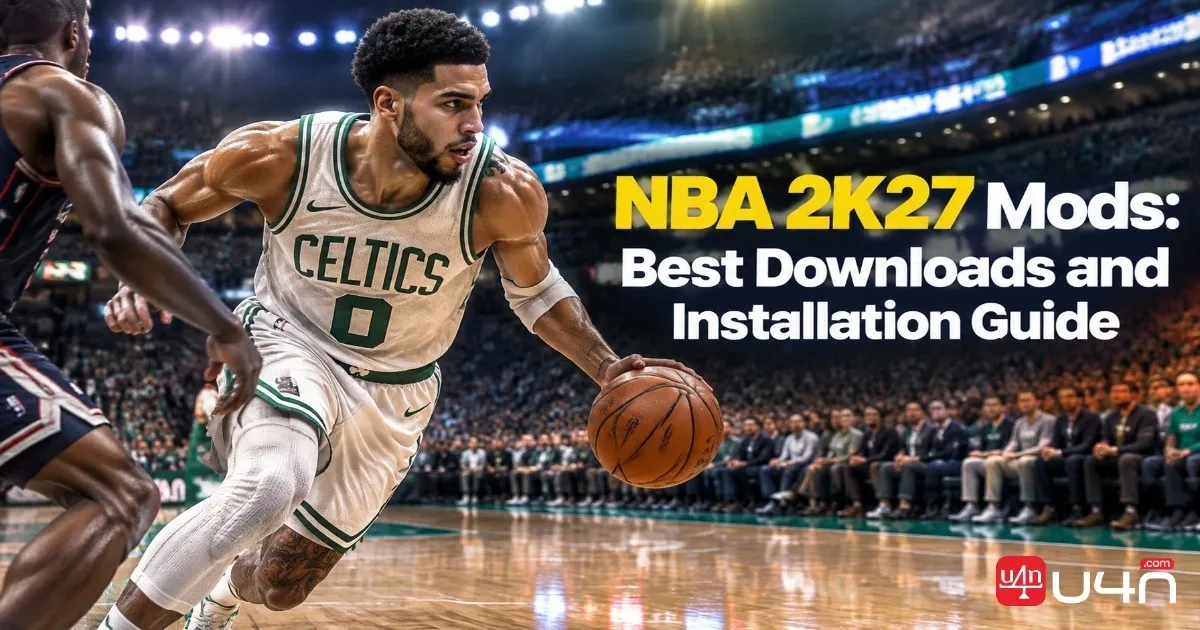
NBA 2K27 mods give PC players more ways to customize the basketball experience, from realistic player faces and updated jerseys to custom courts, broadcast graphics, and roster changes. However, finding a promising download is only half the job. Our team recommends checking game-version compatibility, installation requirements, and community feedback before adding any files to your setup.
Whether you want to refresh the look of your favorite team or improve your local basketball experience, choosing the right modifications can make a noticeable difference. Players who are also planning their in-game spending should keep customization separate from progression decisions, especially when deciding whether to buy NBA 2K27 VC for official in-game content or focus on community-made visual upgrades.
Our team's recommendation is to start with one clearly documented modification, verify that it supports your version of NBA 2K27, and test it before adding more files. A compatible, well-documented mod is more useful than a large collection of unverified downloads.
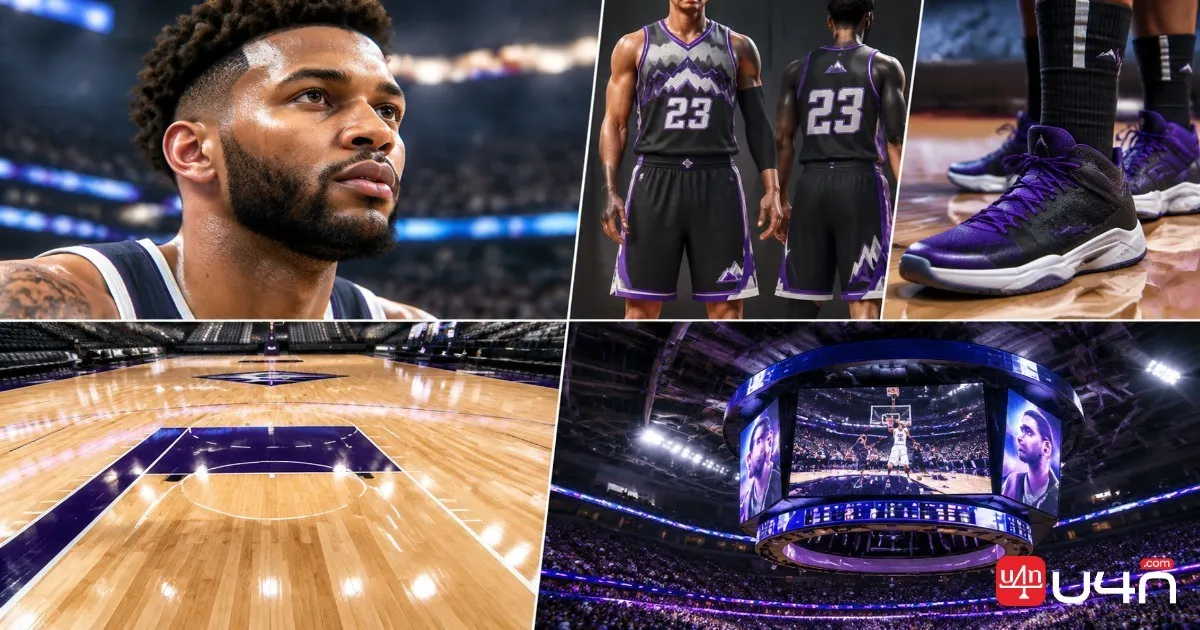
What Types of NBA 2K27 Mods Are Available?
Not every mod changes gameplay. Many community projects focus on presentation, while others update rosters or replace individual player assets. Understanding these differences helps you choose files that match your goals without installing unnecessary tools.
| Mod Type | What It Changes | What to Check |
|---|---|---|
| Cyberfaces | Player faces, hairstyles, and visual details | Player IDs and file compatibility |
| Jerseys and shoes | Uniforms, footwear, and textures | Team assignments and supported game version |
| Custom courts | Court designs, floors, and arena details | Arena compatibility and asset conflicts |
| Lighting and graphics | Visual presentation, materials, and lighting | Performance requirements and installation method |
| Scoreboards and broadcast packages | Scoreboard layouts and presentation elements | Interface conflicts and display resolution |
| Rosters and player ratings | Player data, team lineups, and ratings | Roster format and save compatibility |
For most players, we recommend starting with a single visual mod. A well-made cyberface or court replacement is easier to evaluate than a large collection of files, particularly when you are still learning how the game's modding workflow operates.
Where to Download NBA 2K27 Mods
Reliable download sources matter because community files can vary significantly in quality, compatibility, and maintenance. We recommend prioritizing established basketball gaming communities and checking the original release post rather than relying solely on reposted download links.
NLSC Forums
The NLSC Forums are a useful starting point for basketball game modding discussions, community releases, and technical troubleshooting. Before downloading a file, confirm that the post specifically supports NBA 2K27 rather than an older entry in the series.
Shuajota 2K Mods
Shuajota 2K Mods is another community resource worth checking for roster updates, player assets, and related basketball game modifications. Always read the individual release details because support can differ between games and projects.
What to Check Before Downloading
Our team uses a straightforward checklist when evaluating a community release:
- Confirm the game title and supported version.
- Read the installation instructions before extracting the archive.
- Check the release date, update history, and recent user feedback.
- Verify whether additional tools or dependencies are required.
- Avoid unfamiliar executable files and unexplained DLL replacements.
- Keep a backup of any original files that the instructions tell you to replace.
A creator's reputation is useful, but it does not guarantee that every upload is compatible with the current game build.
Essential Tools for NBA 2K27 Modding
The tools you need depend on the type of modification you want to install. A simple asset replacement may require a different workflow from a roster editor or a graphics modification that changes how the game renders.
| Tool Category | Typical Purpose | When You Need It |
|---|---|---|
| Archive utility | Extracts ZIP or RAR packages | When the download is compressed |
| Roster editor | Adjusts supported player and team data | When editing roster files |
| Asset viewer or exporter | Inspects or extracts supported game assets | When a modding workflow requires asset access |
| Mod loader or file manager | Loads or organizes supported modifications | Only when the game version and mod instructions require it |
| Graphics utility | Changes supported rendering settings or effects | For compatible visual enhancement projects |
Utilities such as WinRAR and 7-Zip can handle common archive formats. Other tools should be selected only after confirming their authenticity and compatibility.
Be particularly cautious with DLL injectors and graphics modifications advertised with dramatic performance gains. Results depend on the hardware, game build, rendering configuration, and the specific modification. A performance claim without reproducible testing is not enough to justify changing your installation.
How to Install NBA 2K27 Mods on PC
The installation process varies by mod. Some files replace existing assets, while others rely on a dedicated loader or a documented folder structure. The following workflow provides a safe starting point without assuming that every mod uses the same directories.
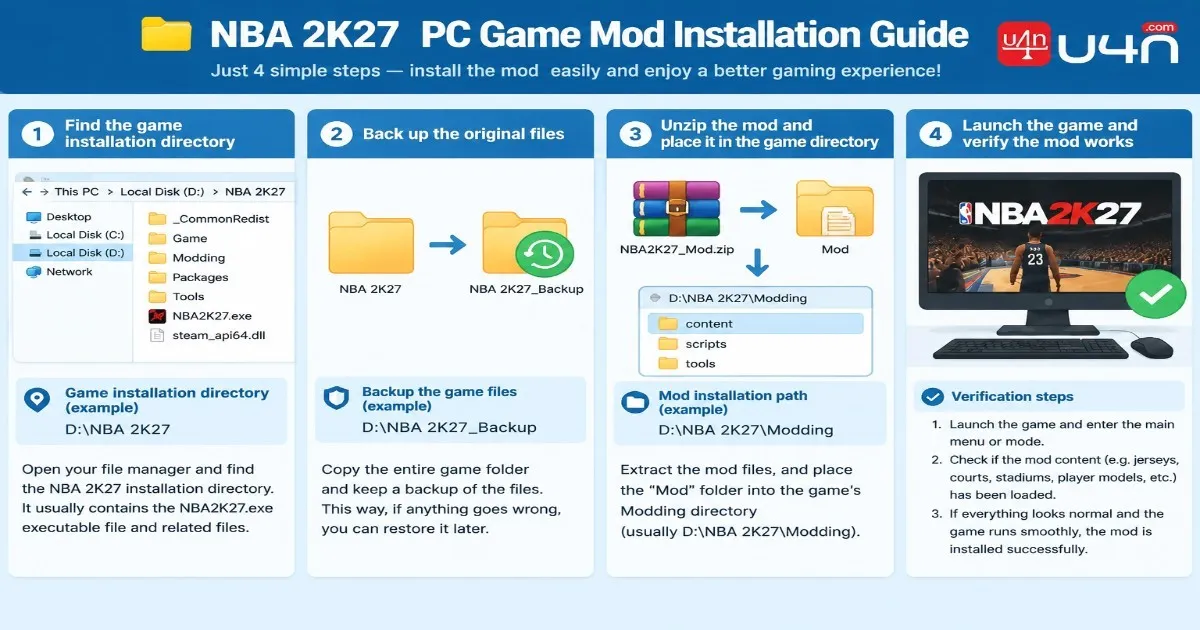
Step 1: Locate Your Game Installation
If you use Steam, open your Library, right-click NBA 2K27, and select Manage → Browse local files. This opens the installation directory associated with your current installation.
The exact path depends on your Steam library location, so do not assume that every PC uses the same default folder.
Step 2: Read the Mod's Installation Instructions
Before extracting anything, check the release page for supported game versions, required tools, and destination paths.
Do not automatically create a mods folder or copy every .iff file into a guessed directory. A folder structure used by another NBA 2K title may not work in NBA 2K27.
Step 3: Back Up Relevant Files
Create a separate backup of any original files that the mod will replace. If the modification affects roster data or saved progress, review its instructions for the appropriate backup procedure.
We recommend installing one mod at a time. This makes it much easier to identify which file caused a problem if the game stops loading correctly.
Step 4: Extract and Place the Files
Use a trusted archive utility to extract the downloaded package. Follow the author's instructions to determine which files belong in which locations.
Do not rename files, change folder structures, or overwrite unrelated assets unless the release documentation explicitly instructs you to do so.
Step 5: Launch the Game and Verify the Result
Start NBA 2K27 and inspect the specific player, court, uniform, or interface element affected by the modification.
If the change does not appear, stop and review the installation instructions before adding more files. A missing visual change does not necessarily mean that you need another utility; the issue could be an incorrect destination, an unsupported file, or a version mismatch.
Common Mod Problems and Safety Tips
Even a correctly downloaded modification can fail when the game updates or when two files attempt to change the same asset. A methodical troubleshooting process is usually more effective than reinstalling multiple tools at once.
| Problem | First Thing to Check |
|---|---|
| Mod does not appear | Installation path, loading requirements, and game version |
| Player face looks incorrect | Player ID, asset mapping, and conflicting files |
| Game crashes after installation | Most recently added files and required dependencies |
| Mod stops working after an update | Compatibility notes and newer releases |
| Roster changes are missing | Roster loading steps and save compatibility |
| Graphics performance declines | Graphics settings, hardware load, and recently added visual effects |
Keep Online Play in Mind
Not every modification is appropriate for every game mode. Cosmetic replacements, roster edits, and tools that alter the game's runtime behavior can have different implications for online play.
Before using a mod in a competitive or connected mode, check the game's current rules and the author's guidance. Avoid modifications that bypass anti-cheat systems, manipulate online gameplay, or create an unfair advantage.
Players who prefer to spend their time improving their builds or learning competitive mechanics may also consider NBA 2K27 Boosting as a separate progression-related topic. It should not be confused with installing visual mods, and any third-party service should be evaluated carefully for account-security risks and compliance with the game's rules.
Summary
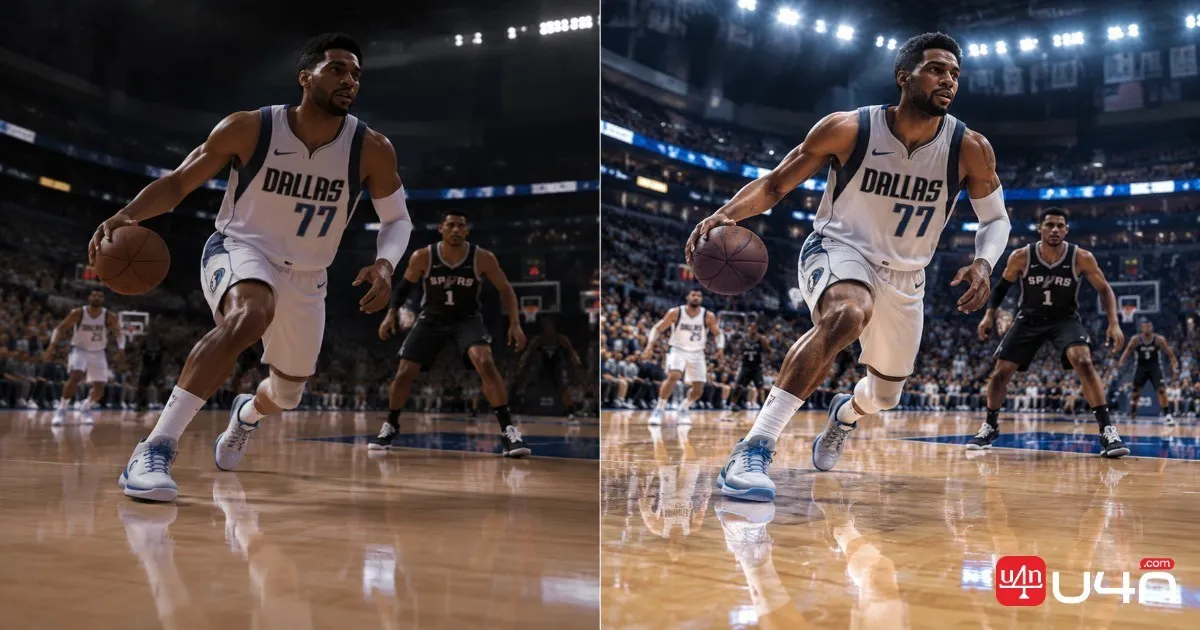
NBA 2K27 modding can add variety to the PC experience, particularly for players who enjoy realistic player faces, custom uniforms, updated presentation, and community roster projects. The most effective approach is to select a specific goal, find a credible release, verify compatibility, and follow the installation instructions for that exact file.
Our team's recommendation is to begin with one clearly documented modification and test it before expanding your setup. Back up relevant files, avoid unsupported technical shortcuts, and recheck compatibility whenever the game receives an update.
A smaller collection of reliable mods is generally more manageable than a large package of files whose origins and installation requirements are unclear.
FAQ
Are NBA 2K27 mods available for every platform?
Mod availability depends on the platform and the type of modification. The resources discussed in this guide primarily concern PC modding. Do not assume that PC asset files or installation methods will work on PlayStation or Xbox.
Can I install several NBA 2K27 mods at once?
Possibly, but compatibility depends on the files involved. Some modifications affect the same assets and may conflict. Install and test them individually before combining them.
Do NBA 2K27 mods improve graphics performance?
Not necessarily. Some modifications improve visual presentation but can increase hardware demands. Performance-focused tools may help in specific configurations, but claims should be supported by testing on comparable hardware.
Why is my NBA 2K27 mod not working?
Common causes include an incorrect installation path, an unsupported game version, missing dependencies, incompatible asset files, or a loading method that the game does not support. Start by checking the original release instructions and removing the most recently installed modification if necessary.
Can I use NBA 2K23 conversion mods in NBA 2K27?
Not automatically. A conversion package designed for NBA 2K23 runs on that game's underlying installation and should not be treated as a native NBA 2K27 mod. Check the project's supported game version before downloading or installing it.