


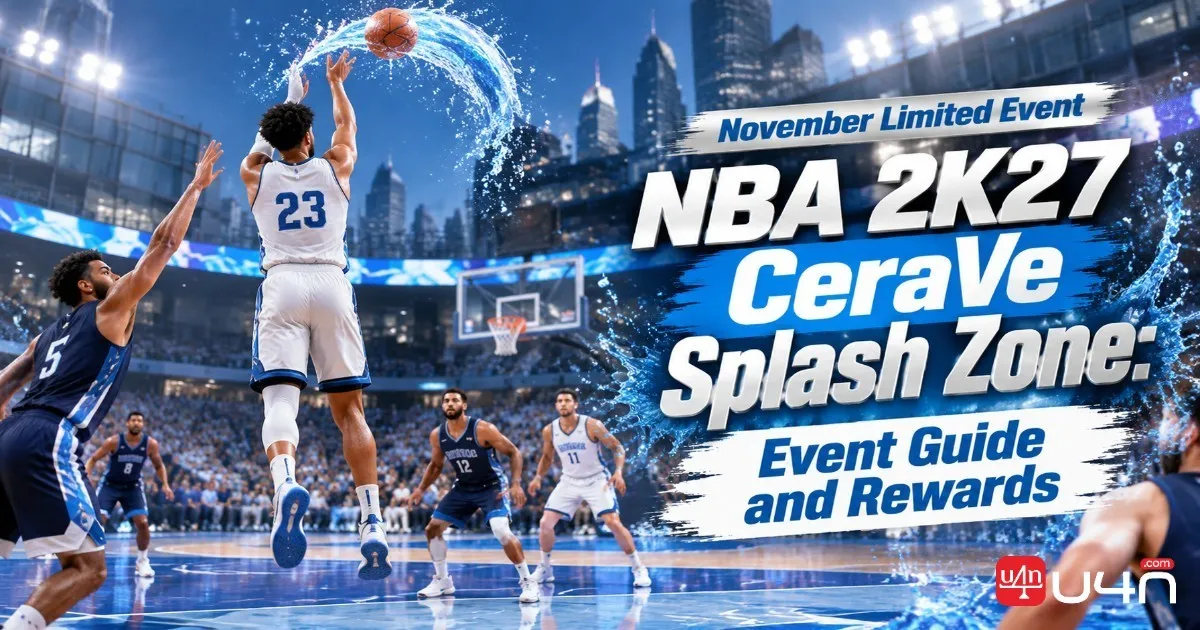
NBA 2K27's CeraVe Splash Zone gives players a limited-time opportunity to earn extra REP while competing in The City. Running from November 13 through November 15, 2026, this Season 2 event puts the spotlight on five-on-five basketball, with three-pointers providing additional event score and every eligible event game offering 2X REP. For players working toward their next progression milestone or looking for a productive way to spend their time online, this is a short event worth prioritizing. Players who are also managing their NBA 2K27 VC balance should keep their event preparation focused on builds and equipment they already own rather than spending unnecessarily.
Our team recommends approaching CeraVe Splash Zone as both a scoring challenge and a progression opportunity. A reliable outside shooter can help create more event score, but winning possessions still requires good spacing, timely passing, and defensive awareness. Before entering the event, players should check the in-game schedule, review their MyPLAYER setup, and make sure they understand how event results and REP progress are displayed. A little preparation can make these three days considerably more productive.
NBA 2K27 CeraVe Splash Zone Event Dates and Details
CeraVe Splash Zone runs from November 13 to November 15, 2026, inside The City Event Center. Its five-on-five format uses a 21-point target, making it important to balance efficient scoring with consistent team play. The main attraction is the three-point bonus, which gives perimeter shooting a more prominent role in the event's scoring system.
CeraVe Splash Zone combines three-point bonus scoring with 2X REP. Every eligible game played inside the event counts toward REP progression, making the November 13–15 window particularly valuable for players looking to improve their ranking.
| Event Detail | Information |
|---|---|
| Event | CeraVe Splash Zone |
| Season | Season 2 |
| Dates | November 13–15, 2026 |
| Location | The City Event Center |
| Format | 5v5 |
| Target Score | 21 points |
| Scoring Feature | Three-point bonus |
| REP Bonus | 2X REP |
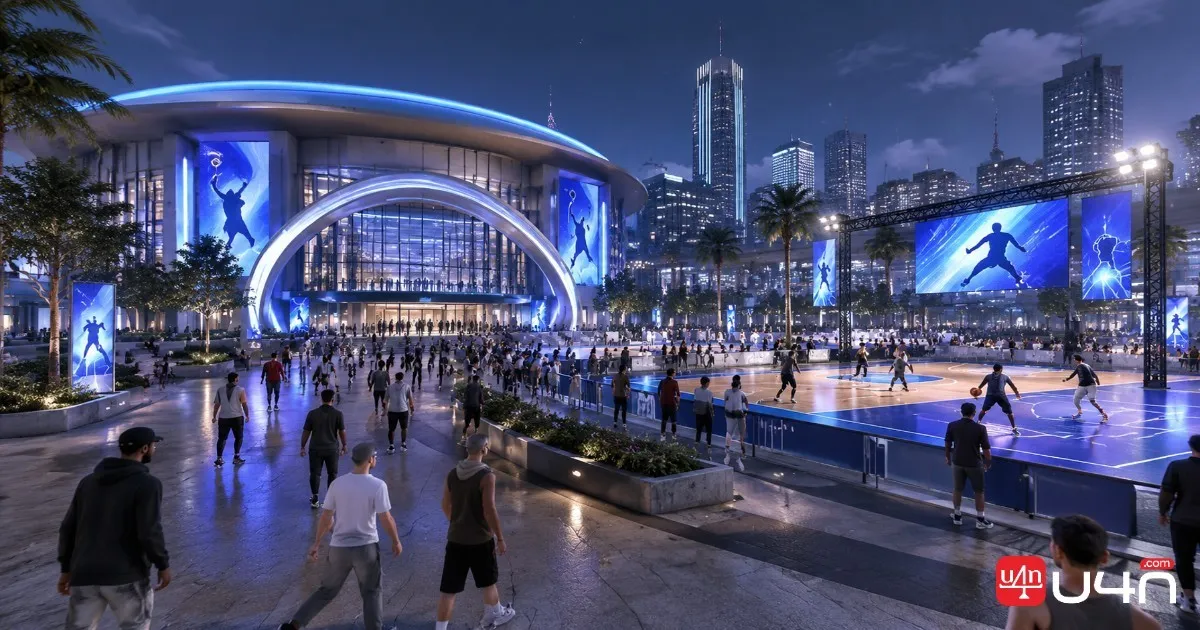
Players should check the Events menu in The City for the live event countdown and exact availability in their region. The listed dates identify the event window, but the in-game schedule is the safest reference for the actual start and end times. Avoid relying on an assumed midnight reset, especially if you plan to play close to the closing window.
How to Join CeraVe Splash Zone
Getting into the event is straightforward, but we recommend checking the event listing before heading to the court. This helps avoid confusion with other activities in The City that may have different rules or progression bonuses.
Follow these steps:
- Launch NBA 2K27 and load your MyPLAYER into The City.
- Open the Events menu and locate CeraVe Splash Zone.
- Confirm that the event is currently active.
- Travel to the Event Center and select the corresponding event.
- Review the match format, enter the queue, and begin playing.

Once inside, pay attention to the event-specific information shown on the screen. Do not assume that every five-on-five mode in The City qualifies for the same bonus. The 2X REP benefit is associated with CeraVe Splash Zone matches, so entering the correct activity matters.
Preparing Your Build for Better Event Scores
The scoring format makes perimeter shooting especially valuable, but we would not recommend rebuilding a MyPLAYER just for one weekend. Instead, review your current attributes, badges, and animations before spending resources on adjustments.
Prioritize Consistent Three-Point Shooting
A strong outside shooter can create more scoring opportunities, particularly when teammates understand how to space the floor. We suggest checking these areas before queueing:
- Three-Point Rating: Make sure your build can consistently convert open perimeter attempts.
- Shooting Badges: Equip the badges that support your preferred shooting style.
- Jump Shot Animation: Use a release you already know rather than experimenting during the event.
- Hot Zones: Review your shooting tendencies and identify the areas where you are most comfortable.
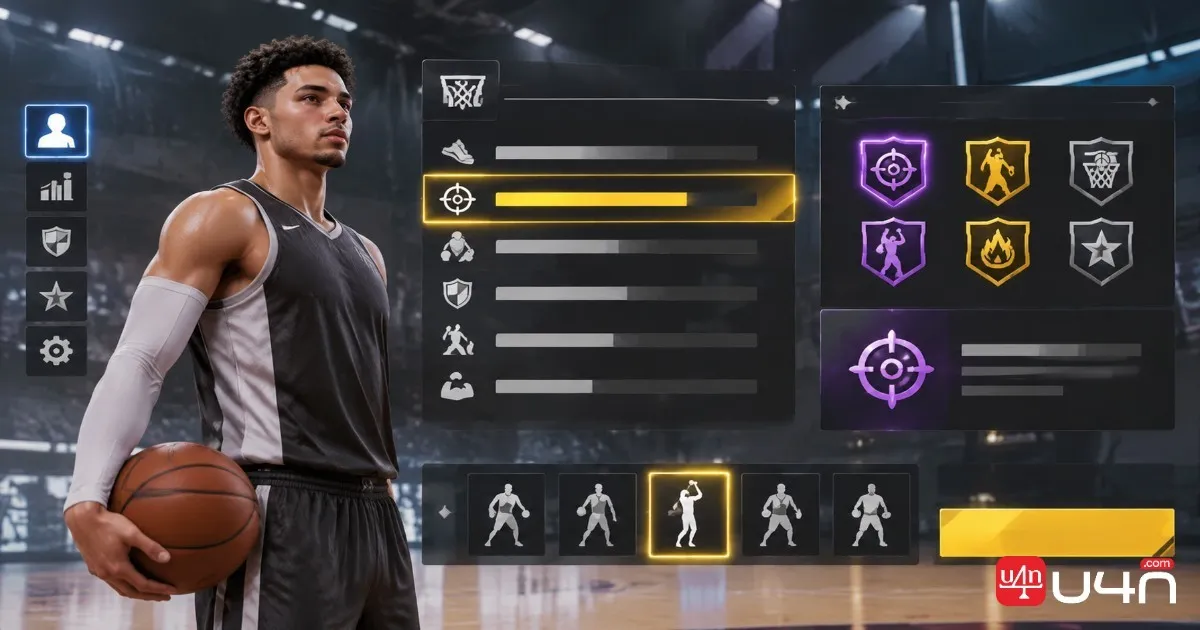
A high three-point rating alone does not guarantee good results. Shot timing, defensive pressure, and shot selection still matter. We have found that taking an open shot after a good pass is generally more productive than forcing contested attempts simply to chase bonus points.
Build a Balanced Five-Player Lineup
Even though three-pointers receive additional event score, a team made entirely of perimeter shooters can struggle when opponents attack the basket. A balanced lineup should include:
| Player Role | Main Responsibility |
|---|---|
| Primary Ball Handler | Create open shots and control possessions |
| Shooting Guard | Provide reliable perimeter scoring |
| Small Forward | Space the floor and defend multiple positions |
| Power Forward | Set screens and help with rebounds |
| Center | Protect the paint and secure defensive boards |
Players entering with friends should agree on their roles before the match. Random teammates can still be effective, but communication and sensible spacing become even more important when every possession contributes to the final result.
How to Maximize Event Score and Earn 2X REP
The main reason to prioritize CeraVe Splash Zone is that it combines a special scoring system with a REP progression bonus. These are two separate benefits, so players should understand how each one works.
Focus on High-Quality Three-Point Attempts
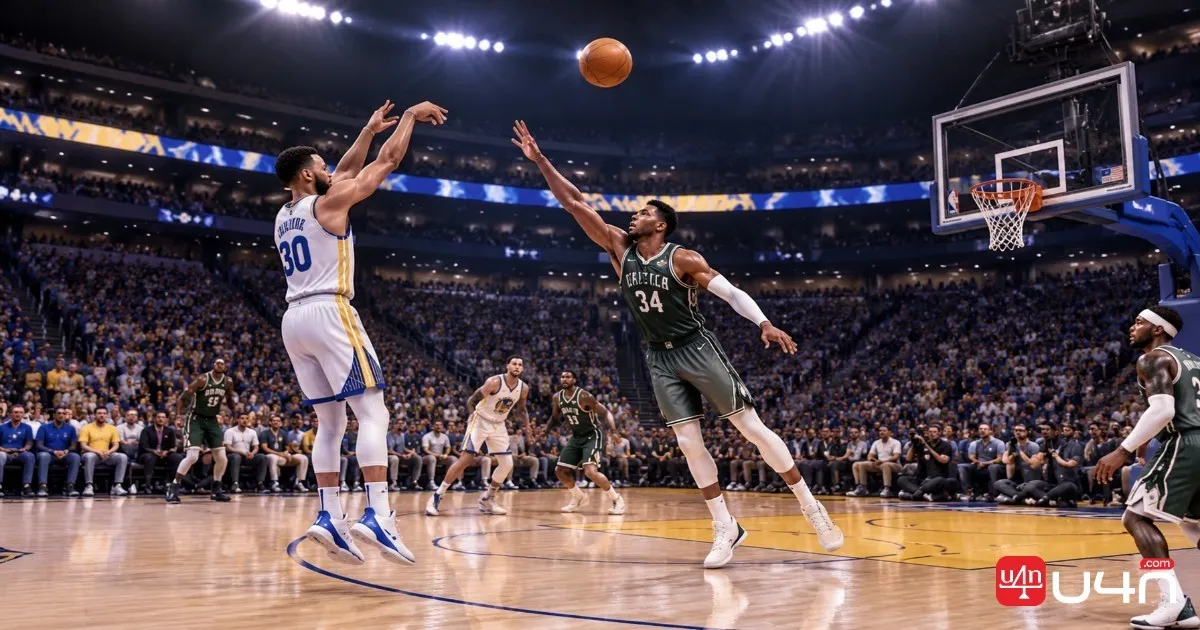
Three-pointers provide bonus points toward the event score. This makes outside shooting a useful way to improve your match performance, but it does not mean every possession should end with a three-point attempt.
We recommend using screens to create separation, passing to open teammates, and avoiding unnecessary contested shots. If the defense closes out aggressively, a quick pass or drive can create a better opportunity.
Take Advantage of Every Eligible Match
The event's 2X REP benefit applies to games played in CeraVe Splash Zone. Unlike certain apparel-based REP events, this activity does not require players to equip a specific brand item to activate its advertised bonus.
For players working toward higher REP ranks, the three-day window offers a useful opportunity to make progression while participating in a dedicated event. However, do not confuse REP with Season XP or assume that the multiplier automatically applies to unrelated game modes.
Manage Your Time During the Event
The event runs across three calendar days, so there is no need to rush every match. We suggest setting aside a few focused sessions rather than spending hours queueing without checking your results.
A practical approach is to:
- Play a warm-up game to confirm your shooting timing.
- Enter the event with your preferred build and lineup.
- Prioritize efficient possessions and consistent team performance.
- Check REP progression after several completed matches.
- Return to the event while it remains available.
This approach helps players identify whether their matches are contributing to progression instead of assuming that every game has been recorded correctly.
CeraVe Splash Zone Rewards: How to Check Your Progress
One important distinction is that event score, REP progression, and item rewards are not necessarily the same thing. Players should check each category separately rather than assuming a high-scoring match automatically unlocks every available reward.
Understand the Event Scoring System
Your three-point performance contributes bonus points toward the event score. This makes consistent shooting important, particularly for players trying to improve their overall event results.
The event also provides 2X REP for its matches. REP is tied to your progression ranking, so players should look for changes in their REP progress rather than only checking their match statistics.
Check Whether Your Rewards Have Registered
After completing a match, take a moment to review the available in-game information:
- Match Results: Confirm that the game finished normally and displayed its final score.
- Event Progress: Check whether your event score or ranking has changed, where the event interface displays it.
- REP Progress: Compare your REP progress before and after the match.
- Reward Notifications: Look for any newly unlocked rewards or event-related messages.
- Inventory: Check the relevant clothing, equipment, or reward category if the game confirms that an item has been awarded.
We recommend taking screenshots of important results, especially if you are close to a reward milestone. This makes it easier to identify missing progress if something goes wrong.
What to Do If Rewards Do Not Appear
Not seeing an item immediately does not always mean the reward has been lost. First, confirm that the match belongs to CeraVe Splash Zone and that the game completed without a connection error.
If the progress still looks incorrect, try these steps:
- Return to The City and reopen the Events menu.
- Check the event's current score and reward information.
- Review your REP progression and relevant inventory categories.
- Restart the game if the interface appears to be displaying outdated information.
- Contact 2K Support if the missing reward or progression issue continues.
Keep screenshots of the match result, event status, and any error messages. These details can help support staff investigate the issue.
A note about reward expectations: The confirmed event information establishes the scoring bonus and 2X REP, but does not provide a complete verified list of individual prizes or guaranteed reward tiers. We would avoid promising specific VC amounts, exclusive clothing, or Skill Boosts unless those rewards appear in the official event details or in-game interface.
Make the Most of the November Event
CeraVe Splash Zone is a useful opportunity for players who want to improve their REP progression without spending the weekend switching between different activities. Its combination of three-point bonus scoring and 2X REP makes efficient shooting and coordinated team play more valuable than simply chasing individual statistics.
Our team recommends checking the event schedule before each session, using a familiar shooting build, and reviewing match results regularly. Players should also verify any unlocked NBA 2K27 Items through the appropriate in-game inventory instead of assuming that event score and item rewards are automatically linked.
Most importantly, remember that the event closes on November 15. Make sure your matches are completed and your progress is recorded before the event disappears from The City.
NBA 2K27 CeraVe Splash Zone FAQ
When does CeraVe Splash Zone start and end?
The event runs from November 13 through November 15, 2026. Check the Events menu in The City for the exact start and end times.
Where can I play CeraVe Splash Zone?
You can access the activity through the Event Center in The City. Look for the CeraVe Splash Zone listing while the event is active.
Does CeraVe Splash Zone offer 2X REP?
Yes. All games played within the CeraVe Splash Zone event qualify for 2X REP.
Do three-pointers give extra event points?
Yes. Three-point shots contribute bonus points toward your event score, making reliable perimeter shooting an important part of the competition.
Do I need special CeraVe clothing to earn 2X REP?
No specific CeraVe clothing requirement is listed in the confirmed event description. The event's advertised 2X REP applies to its eligible games.
Can I earn rewards after November 15?
The event's participation window ends on November 15. Whether any unclaimed rewards remain accessible afterward depends on the in-game reward rules, so we recommend checking your results and available rewards before the event closes.