Cart Empty
Continue ShoppingIn MLB The Show 26, players are often faced with the intro game, a tutorial match that serves as a "demo" while the game finishes downloading. It can be frustrating if you're eager to dive into the full experience, but there are ways to bypass or speed up the process.
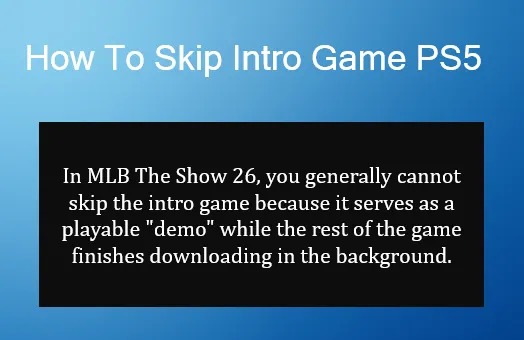
The intro game is necessary because the game often isn't fully installed when you first start it. The PlayStation 5 allows you to start playing once a minimal amount of data is downloaded (around 10GB). However, to unlock the full game, which includes the main menus and features, the complete download (around 52GB or more) needs to finish in the background.
If you're stuck in the Blue Jays vs. Dodgers intro match and want to get past it quickly, try the following methods:
Once you've navigated through the initial intro game and installation process, you can start building your team and progressing in MLB The Show 26. For those looking to speed up their progress even further, acquiring MLB 26 stubs is essential. With instant delivery services, you can get the MLB 26 stubs you need quickly and reliably. This means you can spend more time enjoying the game and less time waiting for rewards. For a smooth, hassle-free experience, check out trusted sources like U4N for your MLB 26 stubs needs.
Once the game is fully installed and you can access the main menus, you can adjust settings to skip recurring intro elements.
Authored by elite gamers and industry insiders, the U4N Editorial Team delivers authoritative game updates, patch notes breakdowns, and expert strategies for trending titles including World of Warcraft, Path of Exile 2, MapleStory, Aion 2, and Arc Raiders.
From deep-dive guides to the latest meta shifts, our in-house veterans test every tactic firsthand to keep you ahead of the game.