

Opening a personal shop in MapleStory Classic World is a straightforward way to sell equipment, materials, and consumables without negotiating every trade manually. However, buying a shop permit is only the first step. Choosing the right location, stocking items that players actually need, and setting competitive prices will have a much bigger impact on your sales.
Our team recommends treating a personal shop as a small trading operation rather than simply leaving items on display. Whether you're selling spare equipment for extra MapleStory Classic World Mesos or turning valuable drops into regular income, understanding the shop system will help you avoid unnecessary costs and improve your trading efficiency.
How to Get a Personal Shop Permit
Personal Shop Permits are available through the Cash Shop. Open the shop menu, navigate to the Utility category, and look for the available personal shop options.
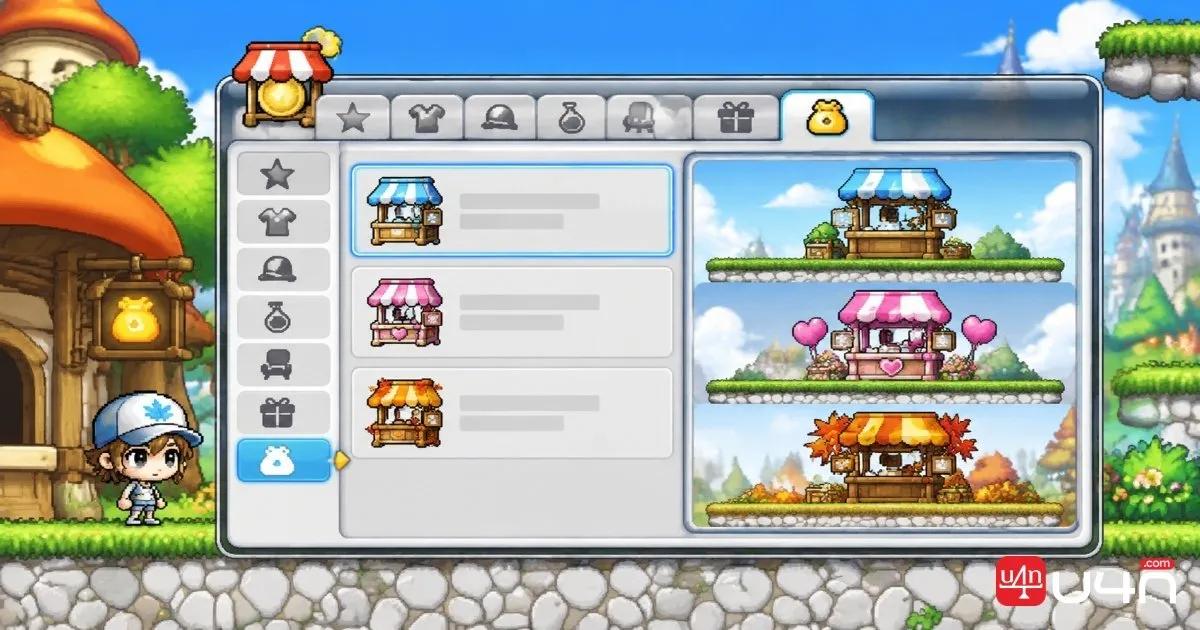
| Shop Type | Price | Item Slots | Duration |
|---|---|---|---|
| Regular Shop | 1,500 NX | 12 | 90 days |
| Pink Shop | 3,000 NX | 18 | 90 days |
| Autumn Shop | 3,000 NX | 18 | 90 days |
The Regular Shop is suitable for players who mainly sell a few pieces of equipment or commonly used materials. The Pink and Autumn versions provide six additional listing slots, making them more convenient for players with larger inventories.
All three permits have a 90-day duration. Once the permit expires, you will need to purchase another one to continue operating that shop.
After purchasing a permit, it appears in your Cash Inventory. You can transfer it to the main Cash Storage and move it between eligible characters, which is useful if you manage your trading activities with a dedicated merchant character.
Our recommendation: Start with the Regular Shop if you only plan to sell a small selection of items. Consider an 18-slot permit when you regularly accumulate equipment, crafting materials, and consumables that you want to list simultaneously.
Where Should You Set Up Your Shop
Location is one of the most important factors in personal shop management. A shop with competitive prices can still struggle if players rarely pass through its location.
There is one important restriction: personal shops cannot be opened inside towns. You need to move outside the town area and find a suitable spot where other players can access your listings.
Popular Hunting Areas
Sleepywood is one of the locations highlighted. Its popularity comes from the number of players moving through nearby hunting areas.
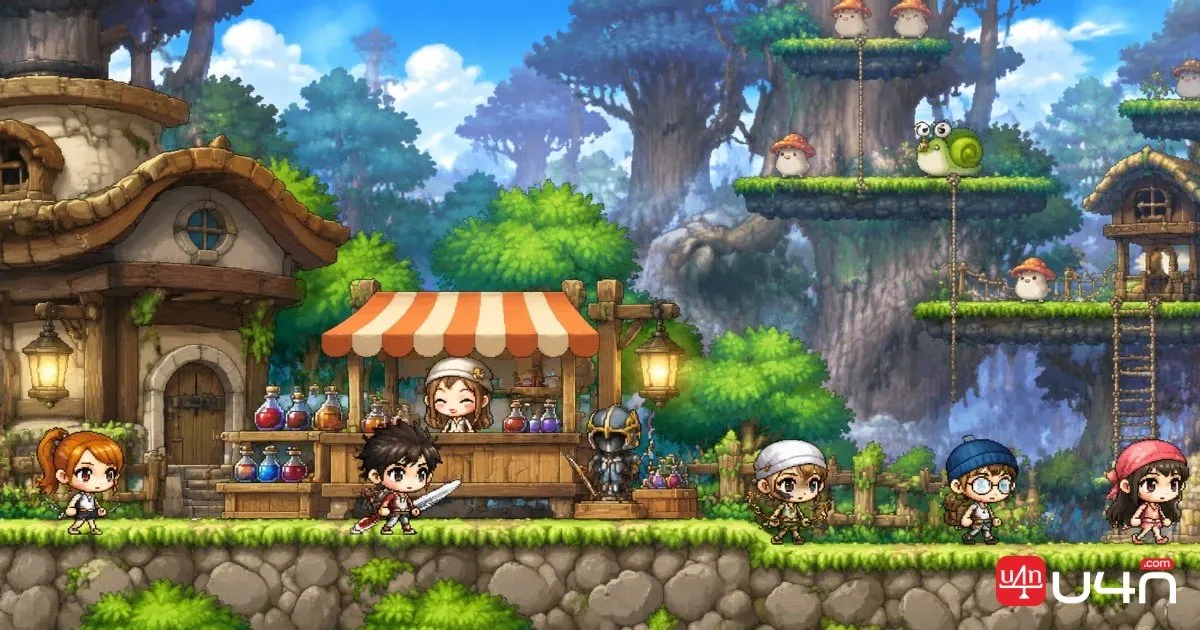
Other useful locations include maps where players regularly hunt Zombie Mushrooms and Horny Mushrooms. These areas attract players who may need potions, equipment upgrades, and other frequently used supplies.
We recommend matching your inventory to the surrounding activity:
- Potions and consumables: Useful near frequently visited hunting maps.
- Low-level equipment: Suitable for areas where newer characters are leveling.
- Arrows and basic supplies: Convenient for players who want to restock without making another trip.
- Monster drops and crafting materials: More attractive when nearby players are collecting resources for quests or production.
A shop positioned near the right audience can sometimes outperform one in a busier location with less relevant inventory.
Free Market and Channel Selection
The Free Market is another major trading destination. It brings together players who are actively browsing shops, comparing equipment, and searching for materials.
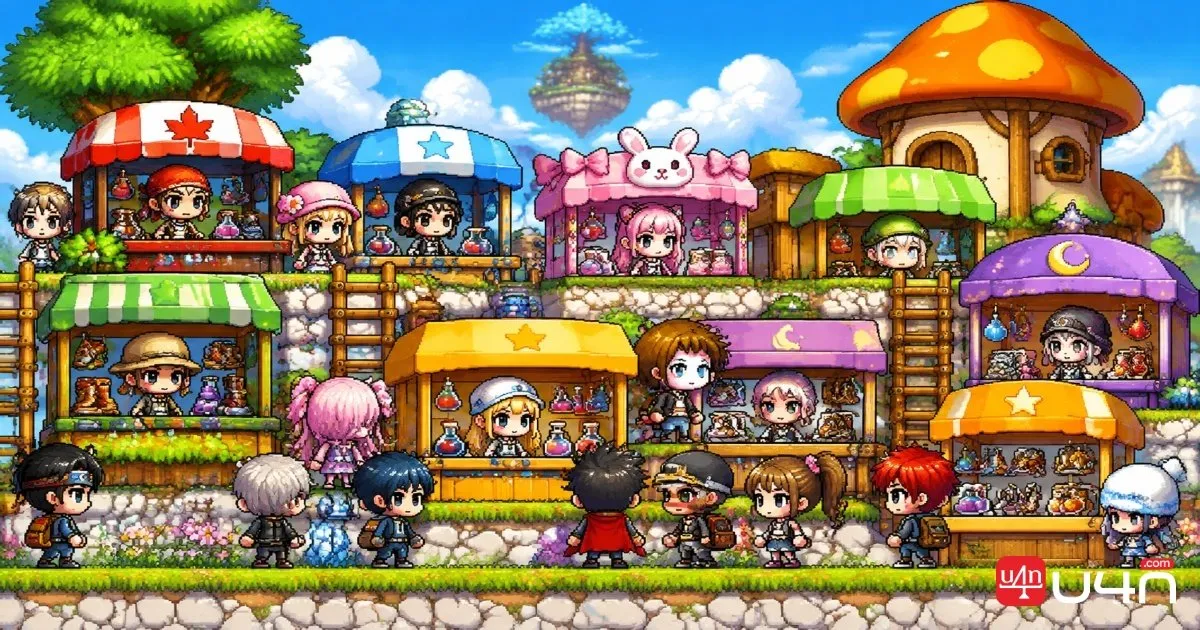
Its main advantage is concentrated buyer traffic. However, competition for available spaces can be intense, and popular sections may already be occupied.
Channel selection also matters. Channel 1 because it generally attracts more passing players. Other channels can still work, particularly when a popular area is crowded or when you find a better available position.
Before opening your shop, check the following:
- Is the location easy for players to reach?
- Are several competing shops selling the same items?
- Is there enough space to place your shop?
- Can monsters attack characters or interfere with the shop?
Personal shops require sufficient space around their placement point. If another shop occupies the nearby area, you may need to change channels or move to another location.
We also recommend avoiding monster spawn points. Being attacked by monsters can reset the shop and force you to configure it again.
What Items Should You Sell
A good shop needs the right inventory. We generally recommend prioritizing items that solve an immediate problem for nearby players instead of filling every slot with random drops.
The most useful products fall into five categories.
| Item Category | Examples | Potential Buyers |
|---|---|---|
| Consumables | Potions, Lemons, Meat, Return Scrolls | Active hunters |
| Quest Materials | Shells, Leaves, monster drops | Players completing quests |
| Crafting Materials | Bronze Ores, Animal Leather | Crafters and equipment producers |
| Equipment | Weapons, armor, shields | Players upgrading their characters |
| Special Items | Cosmetic items and Cash Shop goods | Collectors and interested buyers |
Prioritize Items with Immediate Demand
Consumables are a practical starting point because players regularly need them during grinding sessions. Selling potions near popular hunting maps can save buyers a trip to town.
Quest materials are another useful option. If players need to collect several types of shells or monster drops, placing a shop near the relevant quest area can make your listings more convenient.
Crafting materials such as Bronze Ores and Animal Leather Bundles also deserve attention. Players who regularly produce equipment need a steady supply of these resources, creating demand beyond ordinary monster hunting.
Sell Equipment and Rare Items for Higher Returns
Equipment can generate more Mesos per transaction than ordinary consumables, particularly when the item offers a useful upgrade for a specific level range.
We recommend paying attention to:
- Weapons and armor suitable for popular leveling brackets.
- Equipment with desirable stats or useful class-specific bonuses.
- Uncommon drops that are difficult to obtain consistently.
- Cosmetic items and tradeable Cash Shop goods.
However, higher selling prices do not automatically mean higher profits. Rare equipment may take longer to sell, while inexpensive consumables can move more consistently.
A balanced shop with a mixture of fast-selling supplies and higher-value equipment is usually more practical than relying on one category.

How to Set Up and Manage Your Shop
Once you have chosen a location and prepared your inventory, the setup process is relatively simple.
Configure Your Shop Name
Your shop title should tell potential buyers what you are selling. A vague name gives players little reason to stop, especially when several shops are positioned close together.
For example:
- Cheap Equipment
- Affordable Potions
- Crafting Materials
- Weapons and Armor
- Discount Items
If your prices are competitive, mentioning that in the title can help attract attention. We prefer clear descriptions over overly creative shop names because buyers usually want to identify relevant products quickly.
Add Items and Set Quantities
After opening the shop interface, select the items you want to sell. The game asks you to specify the quantity for each listing.
You do not have to list your entire inventory. For example, if you own seven pieces of a particular material, you can list six and keep the remaining one for personal use.
Before confirming each listing, check:
- The correct item has been selected.
- The quantity matches what you intend to sell.
- The asking price is competitive.
- You still have room for other important products.
Once your listings are ready, select the option to open the shop. The interface changes to indicate that the shop is active, allowing other players to enter and browse.
Up to three players can browse the shop simultaneously. You can leave your character idle or minimize the game while waiting for purchases.
Monitor Completed Sales
Opening a shop does not mean you should ignore it indefinitely. Check the sales interface periodically to see which items have sold and how much each transaction generated.
This information helps you identify:
- Which products attract the most buyers.
- Which items remain unsold.
- Whether your prices are too high.
- Which products deserve additional inventory.
Over time, these records become a useful reference for deciding what to stock in future trading sessions.
Shop Fees, Pricing, and Mesos Profit
Pricing is where many inexperienced shop owners lose potential profit. Setting a lower price than competing shops can attract buyers, but undercutting everyone without calculating costs is not a reliable strategy.
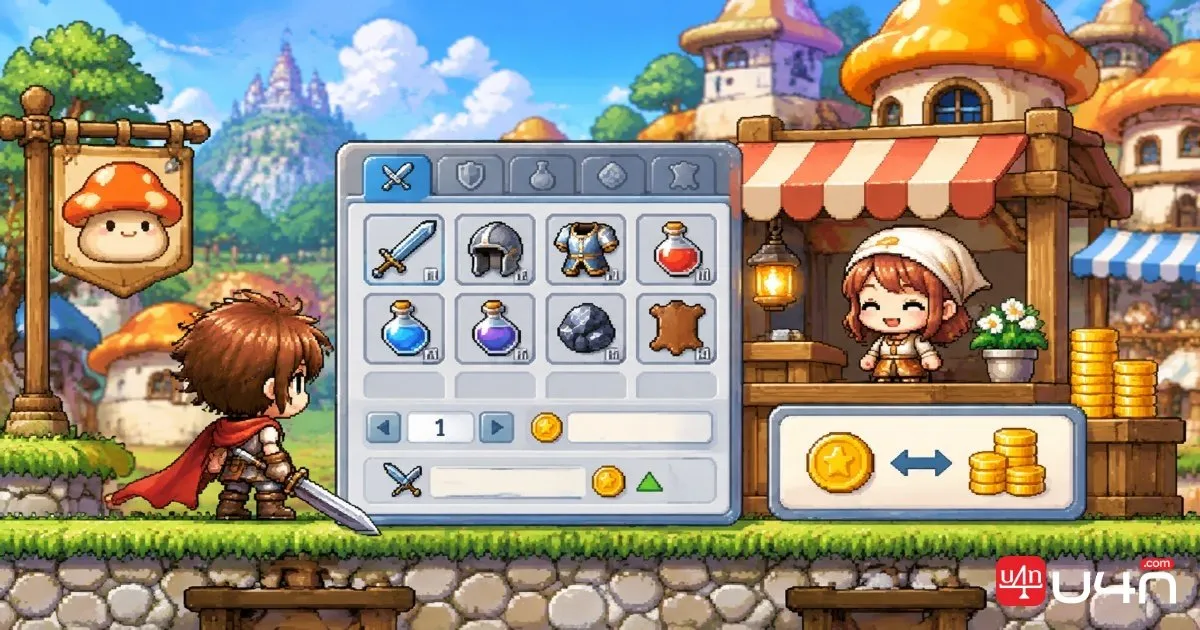
Identifies a 3% sales fee on shop transactions. This means the amount you receive is lower than the displayed selling price.
For example:
| Selling Price | 3% Fee | Net Revenue |
|---|---|---|
| 10,000 Mesos | 300 Mesos | 9,700 Mesos |
| 50,000 Mesos | 1,500 Mesos | 48,500 Mesos |
| 100,000 Mesos | 3,000 Mesos | 97,000 Mesos |
| 500,000 Mesos | 15,000 Mesos | 485,000 Mesos |
Your actual profit also depends on how much you spent obtaining the item.
For example, if you sell equipment for 100,000 Mesos and spent 50,000 Mesos acquiring it, your net profit after the shop fee is 47,000 Mesos.
Summary
Setting up a personal shop in MapleStory Classic World is relatively easy, but running a profitable shop requires more planning. The right permit gives you enough listing space, while a suitable location helps connect your inventory with players who actually need it.
Our team recommends starting with frequently purchased consumables and useful crafting materials, then expanding into equipment and rare items as you learn the market. Keep an eye on competing shops, account for the 3% sales fee, and review completed transactions before restocking. If you also need additional equipment or supplies for your trading activities, you can explore MapleStory Classic World Items to understand the available item options.
A successful shop is not necessarily the one with the most listings or the lowest prices. Consistent demand, convenient placement, and sensible pricing are what make long-term trading worthwhile.
FAQ
1. How Do You Open a Personal Shop in MapleStory Classic World?
Purchase a Personal Shop Permit from the Cash Shop under the Utility category. Move outside a town, find an available location, configure your shop name and listings, and select the option to open it.
2. How Much Does a Personal Shop Permit Cost?
The Regular Shop costs 1,500 NX, while the Pink Shop and Autumn Shop each cost 3,000 NX.
3. What Is the Difference Between Regular and Premium Shops?
The Regular Shop supports up to 12 item listings. The Pink and Autumn versions support up to 18 listings. Their main functional difference is inventory capacity.
4. Can You Open a Shop Inside a Town?
No. Personal shops must be opened outside town areas. You also need sufficient space around your chosen position.
5. Where Is the Best Place to Set Up a Shop?
Sleepywood, popular hunting areas, and the Free Market are potential locations. Choose based on player traffic, nearby demand, and competition rather than popularity alone.
6. How Much Is the Personal Shop Sales Fee?
3% sales fee. For example, a 100,000 Mesos sale generates 97,000 Mesos after the fee, before accounting for the item's acquisition cost.
7. Can Monsters Close Your Personal Shop?
Monster attacks can interrupt or reset an open shop, requiring the owner to configure it again. Avoid locations close to monster spawn points.