Cart Empty
Continue ShoppingAion 2 has finally launched in Taiwan and South Korea, but it's not available worldwide just yet. If you're eager to play, here's a step-by-step guide on how to get started, along with some useful tips for international players.
To get started, you'll need to create a regional NCSoft account to access Aion 2's servers. The Taiwanese version is the best option for international players, as it has fewer restrictions than the South Korean one.
Once your account is set up, you'll need to download NCSoft's "Purple" launcher, which is required to play the game.
Now that you have the launcher ready, it's time to install Aion 2.
Aion 2 is officially translated into English, but you'll need to enable the language setting manually.
To enhance security, you may need to set up a One-Time Passcode (OTP) through a mobile authenticator app.
Once you've successfully set up your account, installed Aion 2, and configured the language to English, you're all set to dive into the game. As you progress through the game, you may want to improve your in-game experience by acquiring valuable items and resources. If you're looking to get ahead quickly, consider visiting U4N, a trusted marketplace where you can buy Aion 2 Kinah. With Aion 2 Kinah in hand, you can enhance your gear, level up faster, and access exclusive content, ensuring a smoother and more rewarding adventure in the world of Aion 2.
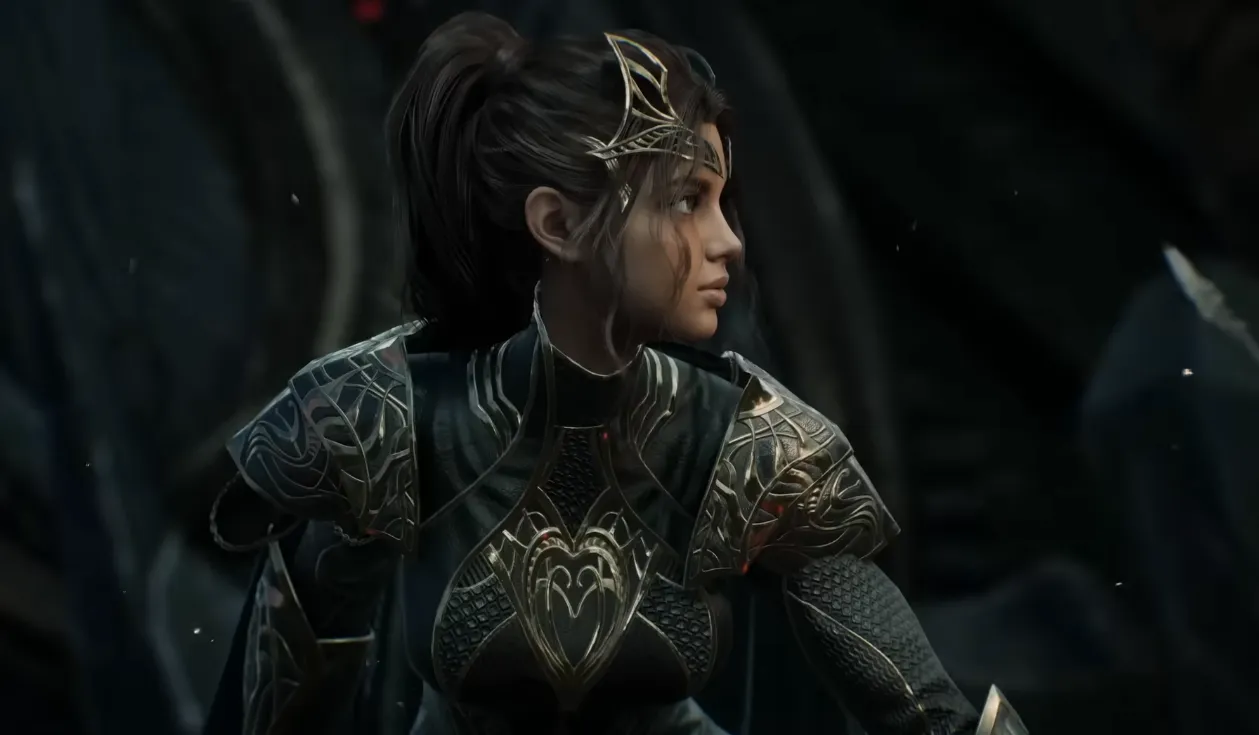
The game is still in its early release stages, but it's good to know the system requirements for when the global version becomes available later in 2026 via Steam.
Since Aion 2 servers are located in Taiwan, you may experience high ping or latency. This can affect your gameplay, especially in fast-paced PvP or group content.
The U4N Editorial Team is made up of dedicated gamers and technical experts. We're not just a trusted marketplace for game assets—we're all about empowering players with top-tier, expert-driven content. Our team produces in-depth guides, strategies, and technical fixes for some of the biggest games out there, like MLB The Show 26, Aion 2, Forza Horizon 6, Arc Raiders, and Path of Exile.
Whether it's mastering market flipping in Diamond Dynasty or optimizing your endgame builds, all of our strategies are tested and proven by in-house experts. At U4N, we don't just follow the meta—we help you stay ahead of it.