

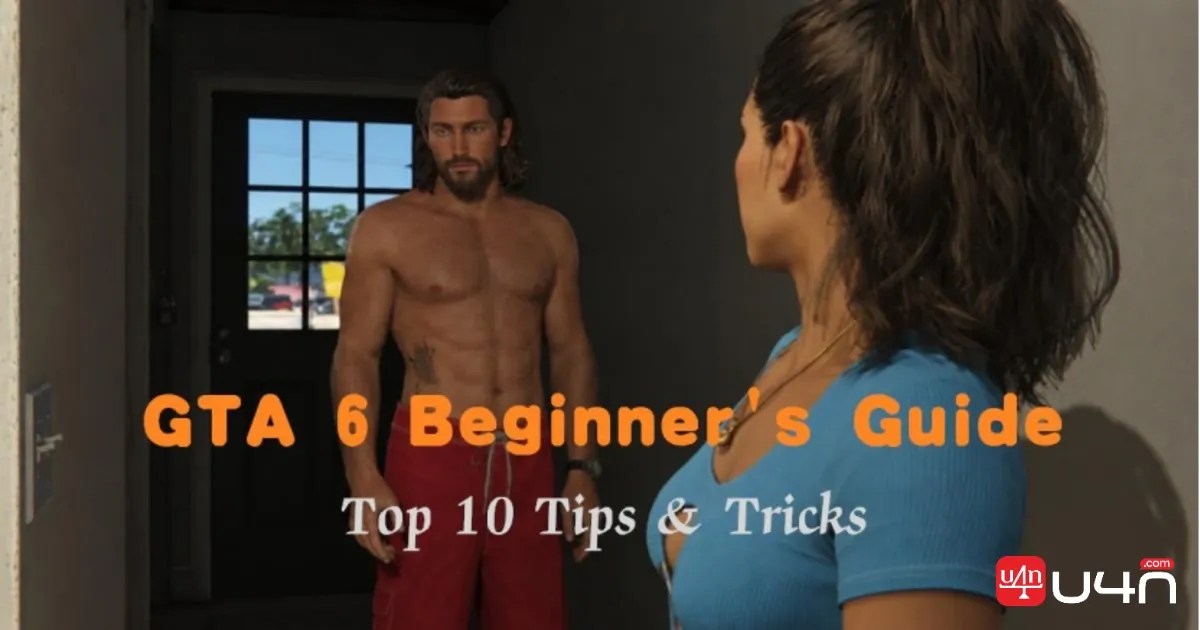
Grand Theft Auto 6 can be overwhelming, especially for players who are unfamiliar with its new mechanics. This brand-new title in the series features a massive open world, two playable protagonists, a police system, and several new gameplay features. Learning these mechanics early is crucial because GTA 6 introduces several interconnected systems. So, a small mistake early on can create problems later. Understanding money management, character inventories, exploration, and combat can make the opening hours easier. We've played the game and learned major top 10 tips and tricks we're ready to share with you to make the progression smooth.
Understand the Core Gameplay Loop

The gameplay loop revolves around exploring the open world of Leonida, completing criminal jobs, and earning money. The activities connect the main storyline, criminal operations, and character development. Jason and Lucia begin with smaller criminal activities before getting involved in dangerous jobs. Below are some examples.
- Robberies and bank heists.
- Drug deliveries and smuggling.
- Vehicle theft and recovery.
Players can discover new locations and neighborhoods, explore beaches and urban areas, drive different vehicles across the map, and even discover optional activities to earn money. The game lets you switch between characters, including during certain combat situations. Learning when to fight, escape, or change vehicles makes criminal missions easier to finish. The gameplay mechanics evolve when you are deeply involved in criminal activities.
| Progression Stage | What Players Experience |
|---|---|
| Early game | Learn controls, explore, meet NPCs, finish smaller jobs. |
| Mid game | Complicated criminal operations and make connections. |
| Later game | High-stakes missions, larger criminal opportunities |
How Saving Works
GTA 6 has no mission replay. Unlike GTA 5, once a mission is done, you can't go back and play it again. The only way to do so is via a manual save. You've got 15 save slots. So, make a manual save before every mission and any big choice that you have to make. Manual saving lets players create their own checkpoints.
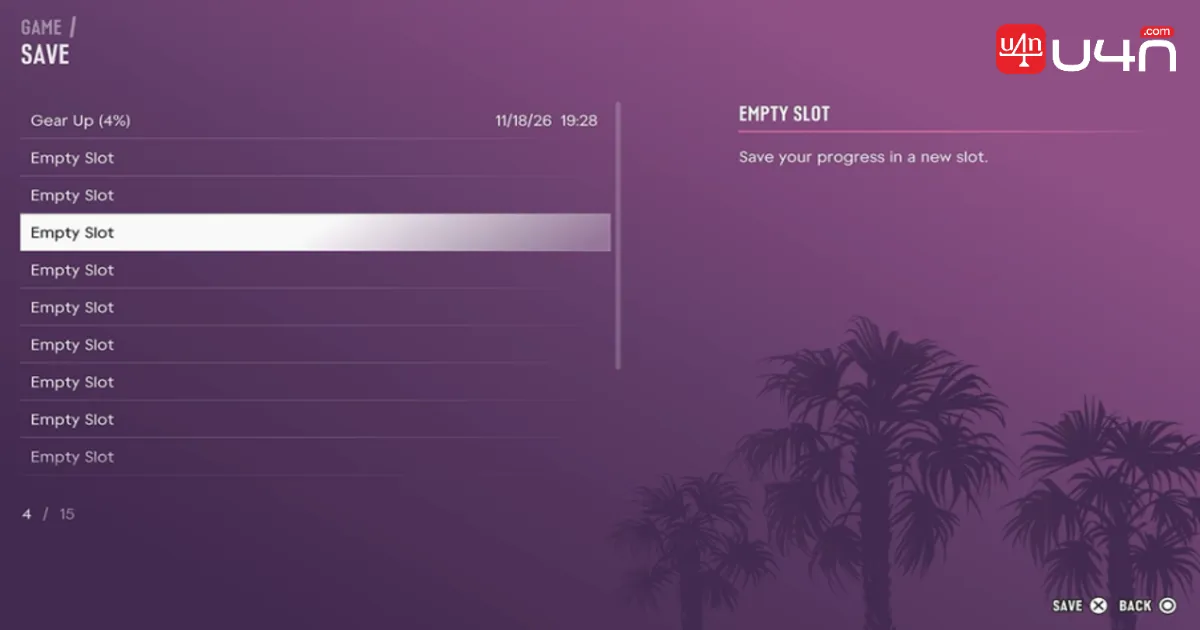
Follow the steps below to manually save your progress.
- Open the pause menu.
- Select the Game option.
- Choose Save Game and select an empty save slot or overwrite an existing one.
- Confirm your selection and wait for the saving process.
Press the Options button on PS5 and the Menu button on Xbox. You can manually save during free roam without returning to the safehouse. It's worth mentioning that Manual saving is unavailable while you're actively completing a mission. Since we've only 15 saving slots, here's the best strategy to use them wisely.
| Save Slot | Recommended Checkpoint |
|---|---|
| 1 | Start of Chapter 1 |
| 2 | End of Chapter 1 |
| 3 | Beginning of Chapter 2 |
| 4 | End of Chapter 2 |
| 5-10 | Beginning and end of remaining chapters |
| 11-15 | Before major missions and decisions |
Learn to Switch Between Jason and Lucia
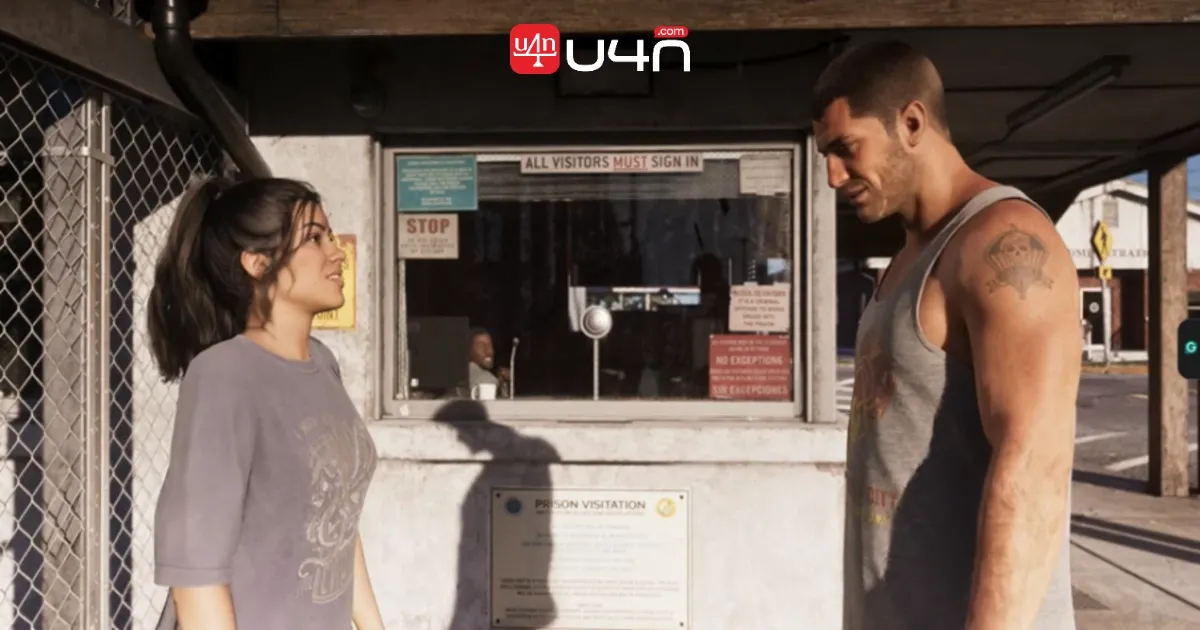
One of the biggest features in GTA 6 is its dual-protagonist system. This lets players control both Jason Duval and Lucia Caminos. You can switch between them during free roam after unlocking the feature in Chapter 2.
We must mention that certain story missions restrict character switching to maintain the storyline. The feature unlocks after completing the Breakfast Run mission and progressing through Coffee Break. Most players are wondering how to switch characters, so follow the steps below to switch between Jason and Lucia.
- Hold Right on the D-pad to open the Partner Menu.
- Press the shoulder button to switch characters.
- Wait for the camera transition.
- You will now control the other protagonist.
Switching characters is not about experiencing other characters, but it helps you handle missions, combat situations, and criminal activities effectively. For example, Lucia can drive the vehicle while Jason handles enemies from the passenger seat. You can switch control between them to take over different roles. Robberies are another situation where switching can be useful. Every player must know when they can't switch sometimes between Jason and Lucia.
| Problem | Explanation | What Should You Do |
|---|---|---|
| Features not unlocked | Haven't progressed enough | Continue Chapter 2 |
| Character-specific mission | One protagonist required | Finish the mission |
| Partner unavailable | Other character is busy | Wait until he/she becomes available |
| Character at home | Switching is restricted in home situations | Leave the house and try again |
How the Police System Works
The police in this game are vastly different from previous titles. They actually learn a lot about you, and they even remember you. Your car, the weapon you used, and even your attire. This means escaping the immediate police chase doesn't necessarily mean you're safe. Learning to manage your criminal activities can make escaping much easier. It's probably wise to know certain ways you can quickly get them off your radar.
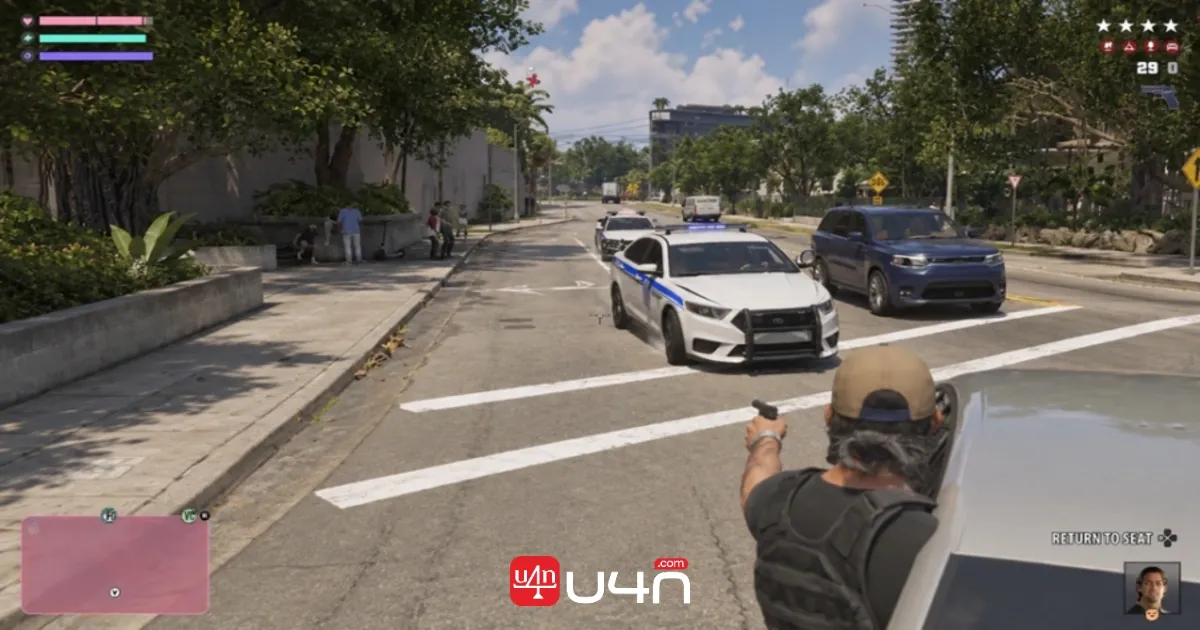
A stolen car always remains a stolen car until you're able to register it. There are many different ways in which police can track down a stolen car. In regard to your clothing, this can be changed right away. Hold LB or L1 and press RB or R1; you can remove certain pieces of gear, even change the way you're wearing a hat. It's also a good tip to have a few different outfits for the purpose of, indeed, committing a crime. The best thing is that outfits you can access from your wardrobe in your house can also be stored in your car storage. Below are some crucial tips to practice.
- Change your outfit after criminal activities.
- Use different vehicles when escaping situations.
- Learn when to use stealth.
- Avoid carrying unnecessary evidence.
Manage the Money Carefully
Money management is one of the crucial things beginners should learn in GTA 6. Every player should understand the difference between carrying cash and keeping money protected, rather than spending everything on weapons, clothes, and vehicles. Unlike previous GTA games, in GTA 6, a lot of what you want is tied to story progression. This includes better vehicles and weapons, access to stealing them, and better apps for your phone.
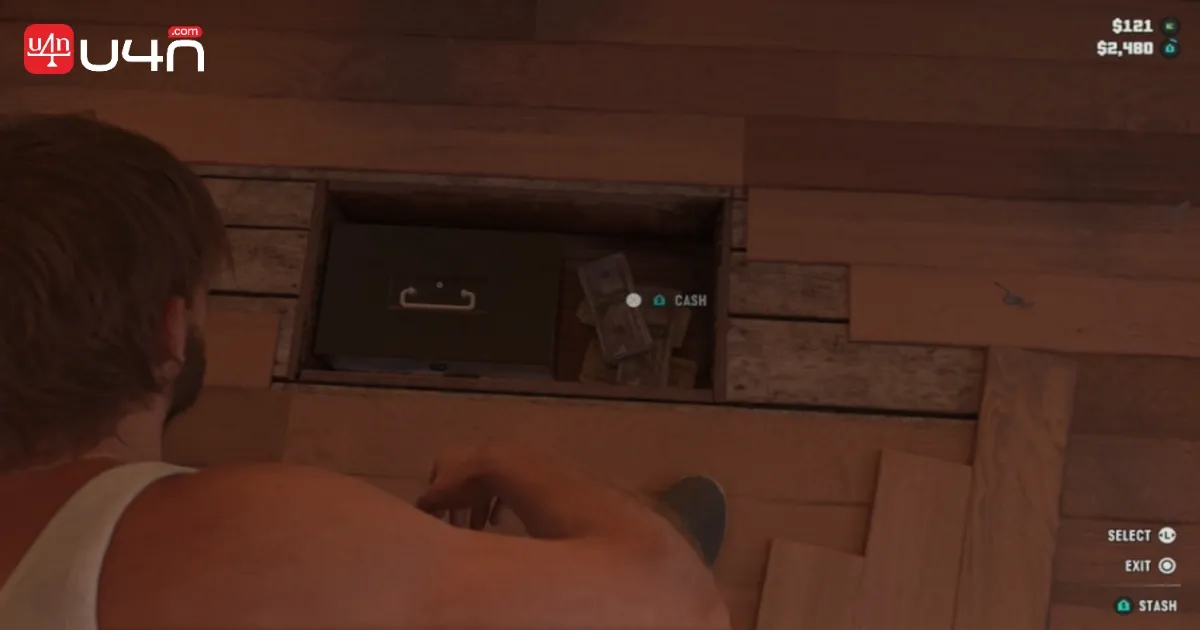
We recommend progressing until you unlock better options. The great tip we stumbled upon is the money you earn. Whether you steal it or earn it through jobs, this money you have on you will always be at risk. If you get busted or anything else, there's a chance you lose it or a good portion of it. You can keep your money safe by putting it in your secret stash within your house. We have gathered some essential tips to manage your money.
- Deposit your available cash into your BuckMe bank account.
- Avoid carrying large amounts of cash during activities.
- Use ATMs to deposit money.
- Save money for important purchases. Prioritize weapons for criminal missions. Spend money on vehicle customization you actually need.
Don't transfer all your available money into Family Savings immediately. We recommend keeping enough money for missions, vehicles, weapons, and other purchases.
Your Criminal Profile
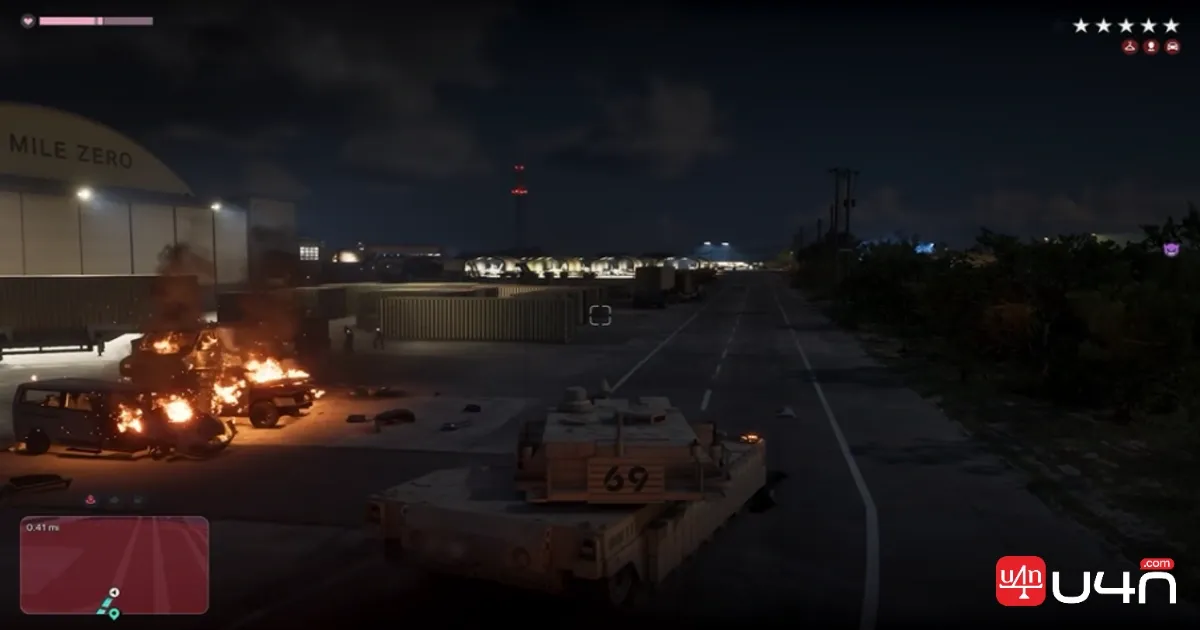
Getting a wanted level doesn't change your criminal profile, but how you handle the police does. If you go on a violent rampage, the game starts building you a psycho profile. Think of it as a variation of the Honor System from Red Dead Redemption 2, but here GTA 6 evaluates what type of criminal you are. The criminal profile can influence how characters and civilians respond to you. Killing civilians, police officers, and animals can develop a more violent profile. GTA 6 features the following six Criminal Profile levels.
| Criminal Profile | Behavior | Playstyle |
|---|---|---|
| Professional | Avoid unnecessary violence | Careful criminal |
| Hardened | Use force when necessary. Avoid overkilling. | Controlled aggression |
| Violent | Frequently kill enemies, civilians, and police. | Aggressive criminal |
| Psycho | Commit extreme acts of violence. | Unpredictable criminal |
| Irredeemable | Continue extreme violence after the breaking point. | Permanently extreme criminal |
You can move between the first four levels depending on your behaviour. If you somehow reach Irredeemable, then the game automatically makes the profile permanent. Different Criminal Profiles reward different actions. The headshots from Violent and Psycho profiles increase Focus.
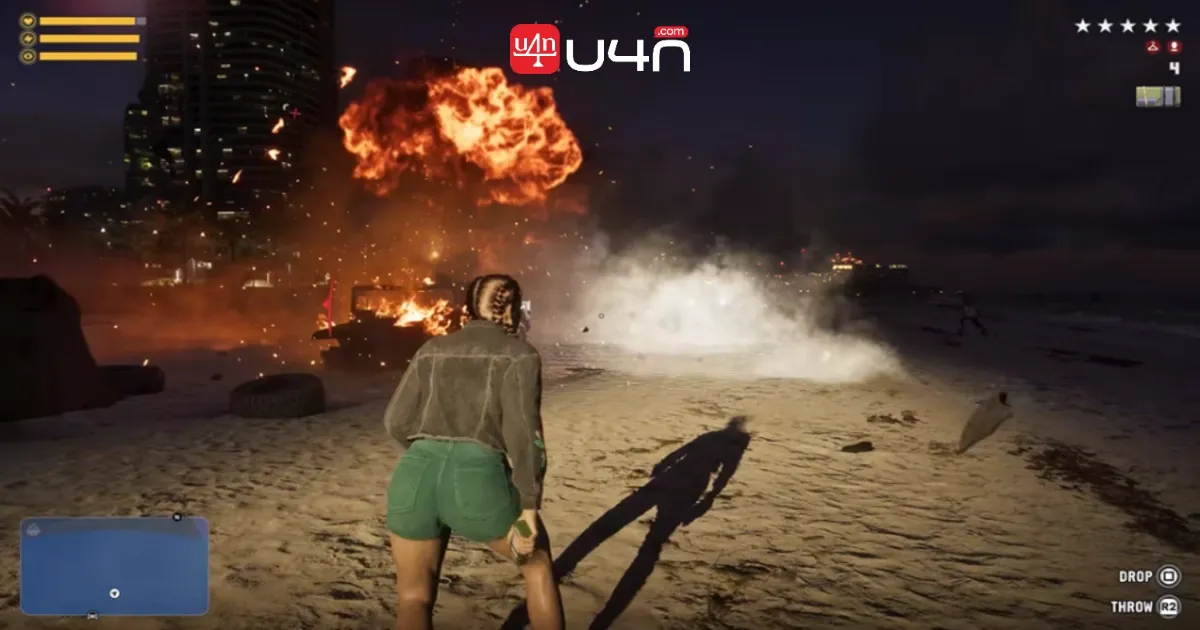
Reaching Psycho or Irredeemable lets you lose the ability to surrender to police. Surrendering and being arrested have different financial consequences. One thing to note here is that Jason and Lucia have separate Criminal Profiles. But reaching Irredeemable can create tension between Jason and Lucia. This can even affect their relationship.
How To Check Your Criminal Profile
GTA 6 lets you track your current Criminal Profile without interrupting your gameplay. Follow the steps below to check it.
- Open the map.
- Press L1 on PlayStation or LB on Xbox to access the Jason and Lucia tab.
- Select Jason or Lucia.
- Check the Criminal Profile displayed.
Learning Your Phone
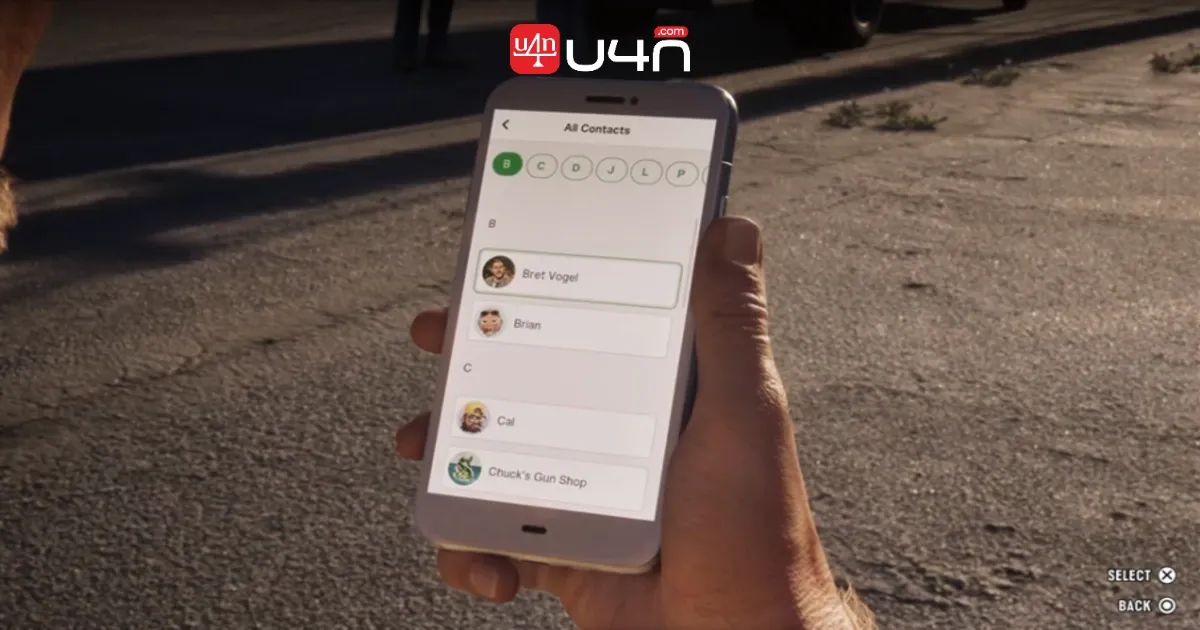
Your phone itself has many great features. It acts as a small in-game hub for staying connected and managing activities. Some apps become available as you progress through the story. If an app isn't showing on your phone, continue the main missions and check again. Press Up on the D-pad to use the phone on PS5. Press Up on the D-pad for Xbox. If you want to open an app, highlight it and press X. You can bring out the phone while walking or driving. Here are some early apps to use on the mobile.
- WAiNK: Scan vehicles for collection or theft-related activities.
- Snapmatic: Browse social posts, comments, and locations.
- BuckMe: Manage your GTA6 Money.
- RydeMe: Order a ride to your destination.
- Contacts: Call friends and characters.
When Cheats Unlock
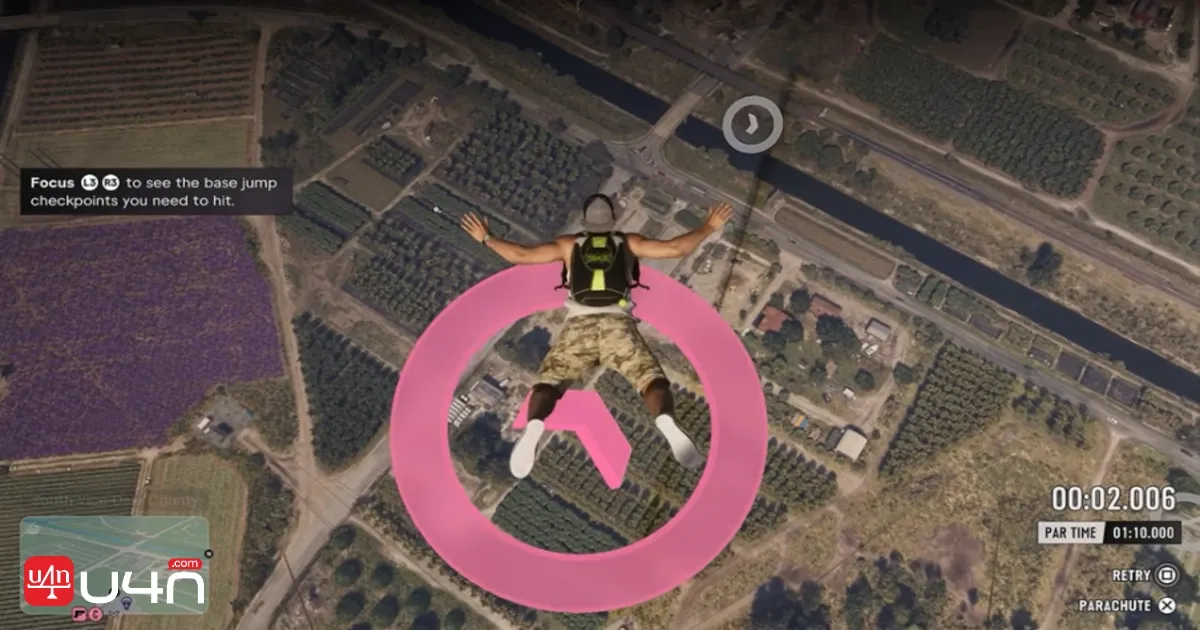
GTA 6 does have cheats, but this time it has a little bit of a twist. You can't use them until you finish the story. Not only that, each one has its own unlock requirement on top of that. The Cheats menu appears under Progress in the Cheats tab after completing the story. We divide the Cheats into five distinct categories.
| Cheat Category | How Many |
|---|---|
| Player cheats | 10 |
| Combat cheats | 11 |
| Vehicle spawn cheats | 21 |
| Environment cheats | 3 |
| Screen filters | 16 |
Once you've unlocked a cheat, open your phone as we discussed above. After that, hold L1 + R1 on PS5 and LB + RB on Xbox. Enter the directional button combination. We must mention that you cannot save your game while cheats are active, and trophies are also disabled while using cheats. Below are some cheat unlock requirements.
- Drunk: Spend $2,500 on alcohol
- Raise Heat Level: Lose a 3-star Wanted Level frequently
- Body Armor: Complete 100 workouts
- No Reload: Earn 25 gold medals at shooting ranges
- Infinite Ammo: Earn 25 silver medals at shooting ranges
- Exploding Balls: Hit enemies with explosive damage
- Faded Glory filter: Rob 50 stores with your partner
- Unlimited Nitrous: Complete 50 stunt jumps
Best Settings to Use
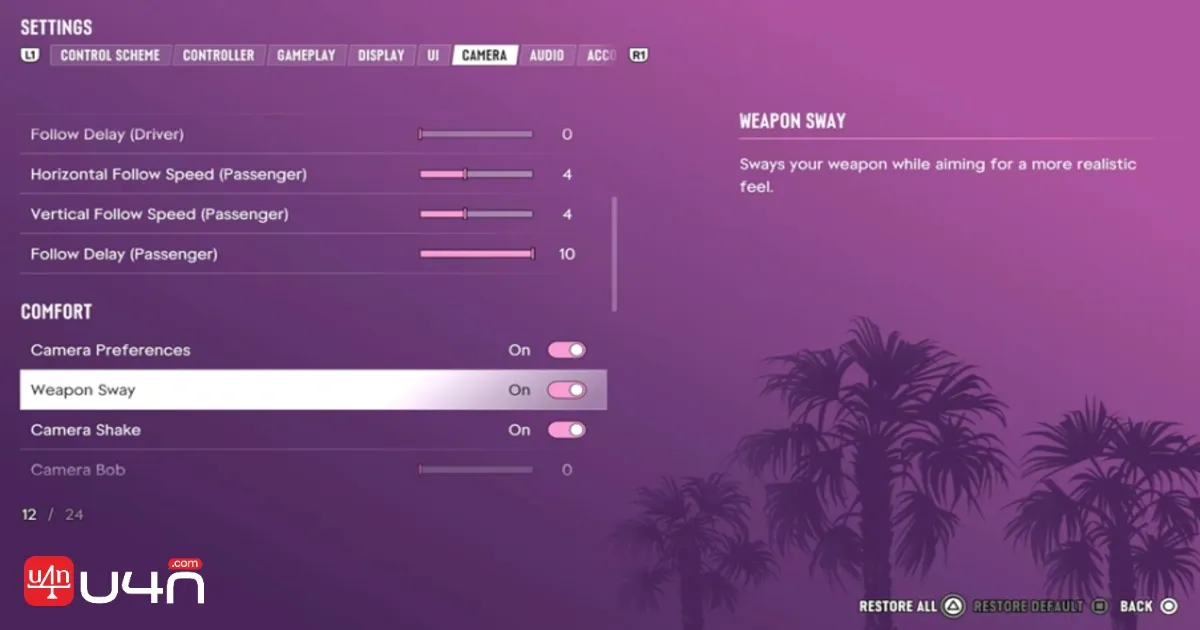
The best GTA 6 settings depend on whether you want smoother controls, easier aiming, or clearer visuals. For beginners, we recommend starting with reduced motion blur and a larger minimap. Since the game targets 30 FPS, there's no Performance Mode or Quality Mode switch. The most important, in our opinion, are the lock sensitivity and aim acceleration. If you do feel a slight delay, changing the sensitivity up slightly helped us out a lot. Don't go too high, though. Follow the steps below to change the settings.
- Pause the game and select Settings.
- Choose the category you want to change.
- Adjust the options.
- Use Restore Default to undo the changes.
Best Controller Settings
Adjust them after trying a few fights and driving sections. These are sensible starting points, not mandatory values.
| Setting | Recommended Starting Points |
|---|---|
| Horizontal Look Sensitivity | 7-9 |
| Vertical Look Sensitivity | 7-9 |
| Horizontal Aim Sensitivity | 5-7 |
| Vertical Aim Sensitivity | 5-7 |
| Look Acceleration | 7 |
| Aim Acceleration | 5 |
| Aim Response Curve | Linear |
Best Gameplay and Aiming Settings
If you prefer aiming and more challenging fights, then we recommend trying Free Aim instead of Partial.
| Setting | Recommended | Why Choosing It |
|---|---|---|
| Targeting | Partial | Helps with aiming without fully locking |
| Aim Assist Strength | High | Controller aim becomes easier |
| Shooting Assist | On | Helps simplify shooting |
| Drive-By Assist | On | Shooting from vehicles becomes easier |
| Quick Draw | On | You react quickly |
| Movement Speed | Jog | Reduces unnecessary walking |
| Combat Movement Speed | Fast Walk | Repositioning is easier |
| Hold Assist | 2x | No need to hold the button longer |
Best UI and Minimap Settings
A larger minimap is very helpful when exploring Leonida for the first time. Reduce the map size if you prefer a cleaner screen.
| Setting | Recommended | Why Choosing It |
|---|---|---|
| Minimap | Always On | Keeps navigation visible |
| Minimap Blip Size | Large | Easier to identify the locations |
| Subtitles | On | Helps follow conversations |
| Subtitle Size | Medium or Large | Improves readability |
| Navigation | Always On | Follow the routes easily |
| HUD Notifications | On | Important updates are visible |
| Reticle | On | Aiming becomes easier |
Train your Stats
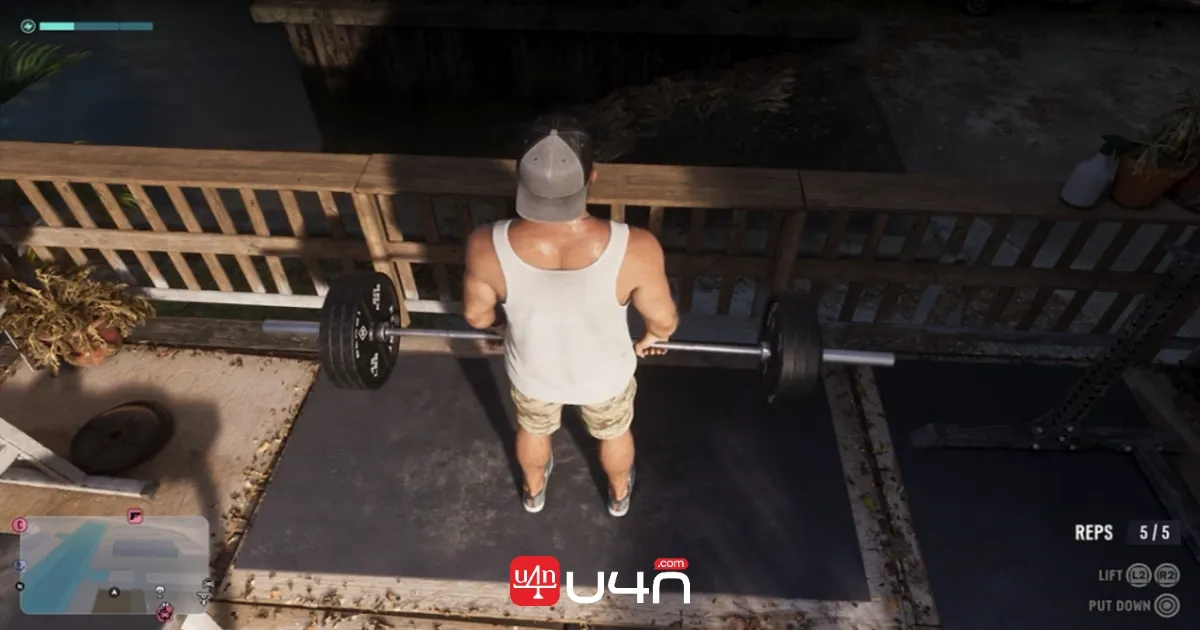
While you're home, you can also increase your stats before leaving. Jason and Lucia have three trainable stats: Strength, Cardio, and Focus. Eating, sleeping, and recovery also improve your characters' physical condition. Below are all trainable stats and their benefits.
- Strength: Increases maximum health. This lets you withstand more damage.
- Cardio: Enhances maximum stamina. Sprint and perform other activities for longer.
- Focus: Increases the duration of the combat Focus ability.
If you work out doing a few deadlifts, you can increase your health. Just be sure to eat and rest up afterwards to lock in those gains. Go downstairs into the small cabin and find the punching bag to hang up outside. Playing around punching it a little lets you increase your stamina.
You can also shoot some hoops just outside the house to increase focus. The game lets you gain an extra 2% for every shot you land until it caps out. The last thing you should do before leaving Jason's house is just feed the snake; this doesn't affect the stats. You can find him in the house in the middle of the room. Below is the best training route for beginners.
| Routine | Recommended Activity | Benefits |
|---|---|---|
| Morning | Eat and check Fitness app | Prepare for training |
| First workout | Weightlifting | Strength |
| Second workout | Treadmill or cycling | Cardio |
| Free time | Shooting Range | Focus |
| Other activity | Fishing, pool, or golf | Focus |
| End of day | Sleep | Recovery |
You can check your progress in two ways. Open your phone and select Fitness to check hunger, workout progress, Focus, and body. The alternative way is to open the pause menu, select Jason or Lucia, and scroll through their character profiles.
These beginner's tips and tricks are enough to make your early progression smooth and easier in Grand Theft Auto 6.