


In Forza Horizon 6, the game automatically saves your progress, but knowing how to ensure your data is secure can save you a lot of frustration—especially after long races, rare car wins, or completing major events.
How Saving Works in FH6
Unlike some other games, FH6 does not have a traditional “Save Game” button. Instead, it uses a continuous autosave system that records progress at key moments:
- Completing races or challenges
- Buying or upgrading cars
- Finishing events or side missions
The autosave happens in the background, and a small spinning save icon appears on the screen when the game is writing data. You'll typically see it near the speedometer in the bottom-right corner. Always wait for this icon to disappear before exiting the game to prevent any loss of progress.

Forcing an Immediate Save
If you want to make absolutely sure your latest progress is saved before quitting, there are several ways to trigger an instant autosave:
- Fast Travel: Warp to any festival site, unlocked player house, or event hub.
- Enter a Building: Drive into a Horizon Festival site or your player house and step inside.
- Swap Vehicles or Modify Cars: Changing your current car or applying upgrades, tunes, or liveries will prompt a save.
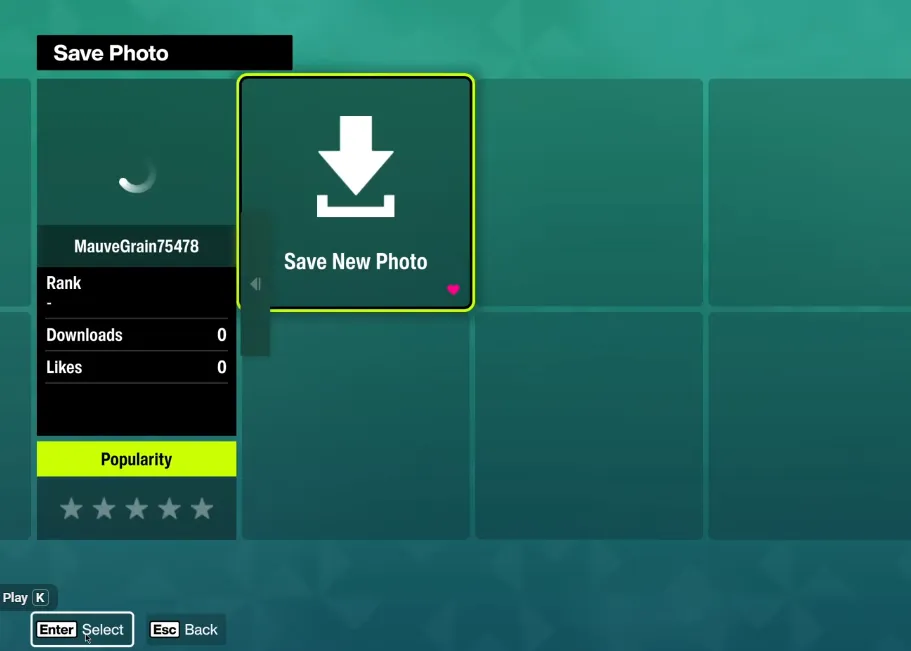
- Photo Mode Trick:
- Press up on the D-Pad (controller) or P (PC keyboard).
- Select Take Photo.
- Capture a photo and exit the camera. This forces FH6 to log your progress immediately.
Watch the small saving icon to confirm the game has completed the write operation before closing the session.
PC Saving Tips
Some PC players notice progress not sticking between sessions, especially when running FH6 via Xbox Game Pass or Steam. Common fixes include:
- Run as Administrator: Right-click the FH6 executable and choose “Run as administrator” to ensure the game has permission to write save files.
- Check Save Locations: Make sure your user folders or game directories aren't restricted by permissions or cloud sync conflicts.
- Avoid Killing the Game Too Quickly: Closing the window while the save icon is spinning can interrupt autosave.
Key Points to Remember
- FH6 automatically saves frequently—you just need to respect the save icon.
- Fast travel, entering buildings, car swaps, and Photo Mode can all force an instant save.
- PC users may need extra steps to ensure permission to write to save folders.
- There is no manual save button, so the autosave system is your friend—use it wisely.
By following these tips, you can confidently exit Forza Horizon 6 without worrying about losing your progress. Whether you've just unlocked a rare car or completed a tough event, forcing a save ensures every mile and reward is safely recorded.





