


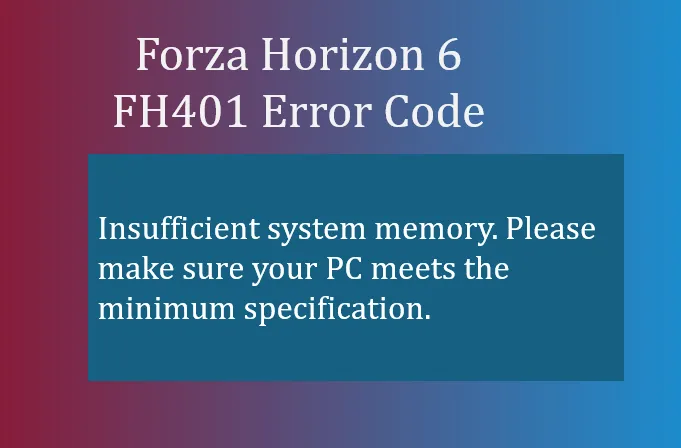
If you've been trying to launch Forza Horizon 6 and were greeted with the FH401 error code, you're not alone. This error usually pops up on PC when the game detects that your system doesn't have enough memory to run smoothly. Unlike graphics-related crashes, FH401 is all about your RAM and virtual memory.
- Insufficient system memory. Please make sure your PC meets the minimum specification.
In simple terms, FH401 means your system memory is insufficient. The game may crash during startup or display a warning message if your PC doesn't meet the minimum RAM requirements specified by Playground Games. Even if your system meets the bare minimum, running heavy background applications alongside FH6 can still trigger this error.
Why FH401 Happens
Several common scenarios lead to FH401:
- Your PC has less than the required physical RAM for Forza Horizon 6.
- Background applications are consuming too much memory, leaving little free RAM for the game.
- Windows is restricting memory usage via MSConfig settings or improperly configured virtual memory.
- RAM modules aren't seated correctly or aren't running in dual-channel mode, which can limit memory allocation efficiency.
How to Fix FH401
Here are practical steps that have helped players get past the FH401 error:
1. Check Background Memory Usage
Before launching FH6, close memory-heavy applications like:
- Google Chrome with multiple tabs
- Discord or Teams overlays
- OBS Studio or any streaming software
This can free up several GBs of RAM for the game.
2. Verify Your System RAM
Make sure your PC meets the minimum system requirements:
- Check your total installed RAM in Settings → About.
- FH6 generally requires at least 16GB RAM for stable performance; 8GB may trigger FH401.
3. Disable MSConfig Memory Caps
Sometimes Windows is limiting memory usage:
- Press Win + R and type msconfig.
- Go to Boot → Advanced Options.
- Ensure Maximum memory is unchecked.
- Restart your PC.
4. Increase Virtual Memory
Windows can use a portion of your storage as “virtual RAM”:
- Search View advanced system settings.
- Under Performance → Advanced → Virtual Memory, click Change.
- Uncheck Automatically manage paging file size.
- Set:
- Initial size: 1.5× your total RAM (MB)
- Maximum size: 3× your total RAM (MB)
- Apply and restart.
5. Check Physical RAM Installation
- Ensure your memory sticks are properly seated.
- Dual-channel configurations improve performance; avoid single-channel setups for heavy games like FH6.
- Run Windows Memory Diagnostic to check for faulty modules.
6. Optional: Upgrade Your RAM
If you continue to hit FH401 despite all tweaks, consider upgrading your RAM. Many FH6 players report that 16GB+ ensures smooth gameplay, especially on dense open-world maps like Japan.
By following these steps, most FH401 errors can be resolved without reinstalling the game. Closing unnecessary applications, adjusting virtual memory, and verifying hardware setup usually clears the problem.

For players looking to save time or enhance their experience, services like U4N provide quick options to purchase Forza Horizon 6 credits, which can help unlock cars and upgrades even while troubleshooting your system memory issues.





