


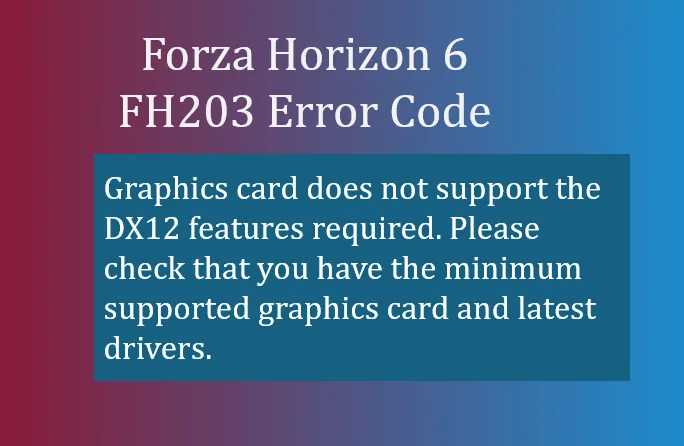
If you've recently tried to launch Forza Horizon 6), and received the FH203 error code, it generally means your system's graphics card isn't supporting the DirectX 12 features the game needs.
- Graphics card does not support the DX12 features required. Please check that you have the minimum supported graphics card and latest drivers.
What FH203 Means
FH203 is essentially a compatibility block. Forza Horizon 6 relies on modern DirectX 12 features, including advanced feature levels like 12_1, which allow for ray tracing, dynamic lighting, and other next-gen graphical effects. If your GPU can't handle these, the game refuses to launch, throwing FH203.
This happens most often on:
- Older or mid-tier GPUs that only support DX12 partially or DX11 fully.
- Laptops defaulting to integrated graphics instead of a dedicated GPU.
- Outdated GPU drivers that misreport capabilities to the game.
How to Fix FH203
Here are the steps to resolve the issue:
1. Update Your GPU Drivers
Even if your card supports DX12, outdated drivers can cause FH203. Make sure you have the latest drivers:
- NVIDIA: GeForce Experience
- AMD: Adrenalin Software
- Intel: Intel Graphics Command Center
A driver update often restores the reported DX12 features.
2. Check DirectX Feature Levels
Verify your GPU supports the required feature level:
- Press Windows Key + R.
- Type dxdiag and press Enter.
- Go to the Display tab.
- Look under Feature Levels. For FH6, you need 12_1 ideally, or at minimum 12_0. Anything lower (like 11_1) won't run the game.
3. Perform a Clean Driver Reinstallation
Sometimes remnants of old drivers cause misreporting:
- Download Display Driver Uninstaller (DDU).
- Boot into Safe Mode and run DDU to remove existing GPU drivers completely.
- Reinstall the latest GPU driver from the manufacturer.
4. Force the Game to Use Your Dedicated GPU
For laptops with integrated graphics:
- Go to Windows Settings → System → Display → Graphics Settings.
- Add ForzaHorizon6.exe and set it to High Performance.
- Make sure the dedicated GPU is selected.
Failing to do this may let the game run on “potato” integrated graphics, which will trigger FH203.
5. Verify Hardware Compatibility
If your GPU is older than roughly NVIDIA GTX 970 / AMD RX 470 / Intel Iris Xe, it may simply not be capable of supporting DX12 features required for FH6. In this case, a hardware upgrade is necessary.

Summary
FH203 is your PC telling you: “I'm not ready for Forza Horizon 6.” Most of the time, the fix is driver-related or switching to your dedicated GPU. If your card is simply too old, there's no software fix, and upgrading your graphics card will be the only solution.
Getting this right means you can enjoy Forza Horizon 6's dense Japanese map, vibrant city racing, and high-fidelity Alpine and coastal tracks without crashes or errors.





