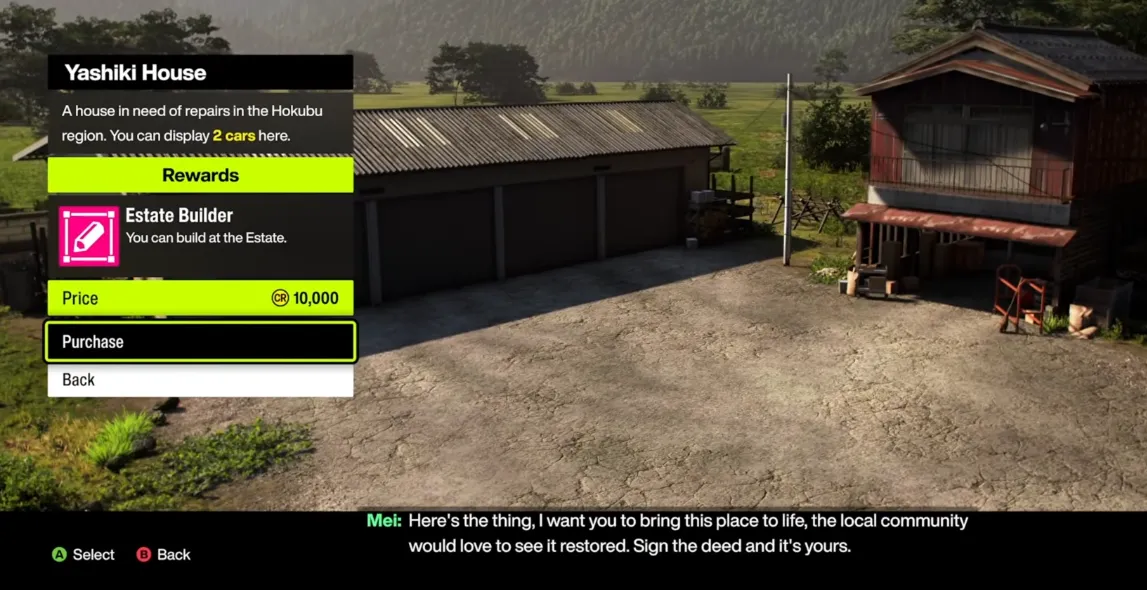
In Forza Horizon 6, the Estate is your ultimate creative playground. Unlocked via the Yashiki House in the western Hokubu region, it lets you build permanent, custom environments that you and your friends can explore. Powered by the upgraded World Builder toolset, the Estate mountain valley gives you full freedom to create drivable tracks, drift zones, and cinematic setups.
Popular Estate Build Concepts
Players have gotten really creative with their Estates. Here are some popular ideas:
| Concept | Description |
|---|---|
| Custom Racetracks & Touge Routes | Build full race circuits or mountain switchbacks. You can even replicate famous real-world tracks like the Circuit de Barcelona-Catalunya. |
| Industrial Hubs & Drifting Playgrounds | Craft urban zones with gas stations, car washes, and shipping container layouts for precision drifting. |
| Showrooms & Delivery Studios | Create realistic car dealerships or neon-soaked photo studios. Perfect for cinematic shots using the drone camera. |
How to Build or Import Layouts
- Unlock the Estate – Complete the prologue, earn your first wristband, and collect the Yellow Visitor Stamp by exploring. Drive to the Yashiki House to open the editor.
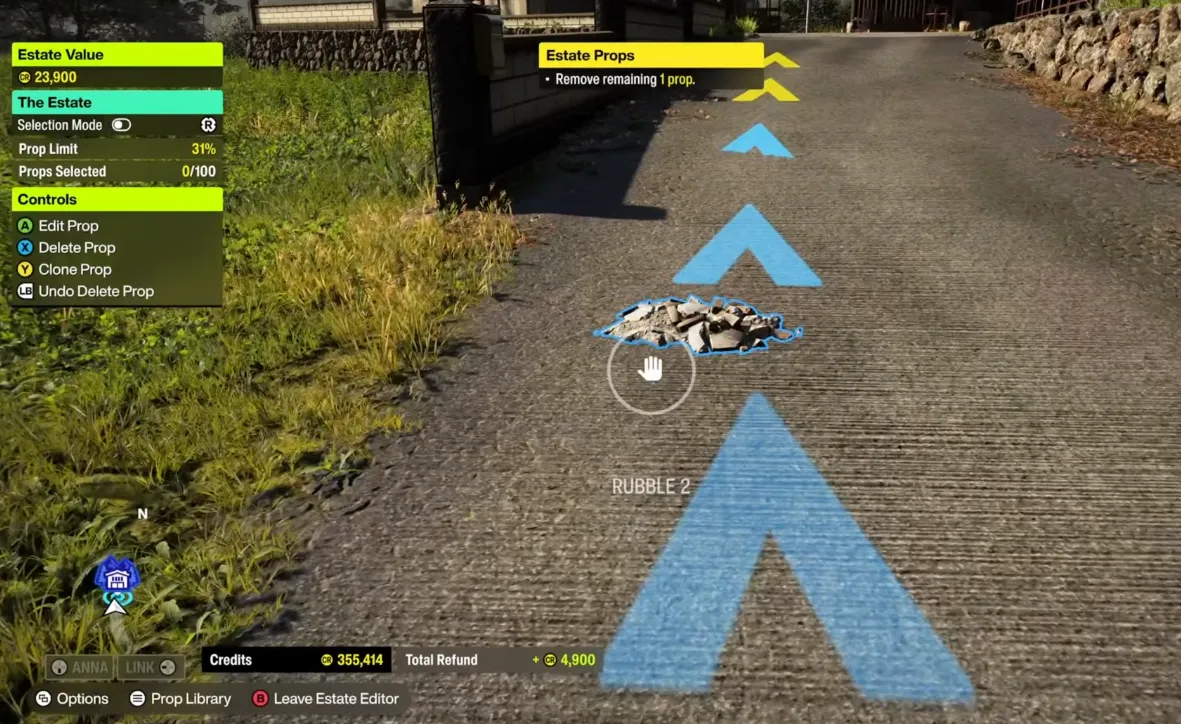
- Spend and Reclaim Credits – Props cost in-game credits. If you delete or scrap a build, you get all credits refunded instantly.
- Download Community Layouts – Browse the Creative Hub for shared Estates. You can instantly download them if you have enough credits to cover props.
For players looking to jumpstart their creative projects in Forza Horizon 6, U4N offers a safe and convenient option to buy cheap FH6 accounts, giving instant access to Estates, credits, and unlocked features so you can start building custom racetracks, drifting playgrounds, and showrooms without the grind.
Building a Drift Zone
To create the perfect drift area, focus on momentum, weight transfer, and visual flair.
| Layout Type | Strategy |
|---|---|
| Touge Layout | Recreate mountain passes with tight, alternating corners to force heavy weight transfer. |
| Mega-Ring Layout | Build a massive circle for a single, high-angle drift that chains for huge points. |
| Gymkhana Playground | Arrange obstacles like shipping containers to test precision and handbrake control. |
Best Props to Use
- Water Tanks & Light Poles – Place at inner apexes for clipping points.
- Tyre Stacks – Outline corners for safe impact zones.
- Asphalt Modules – Use smooth asphalt for predictable sliding and consistent grip.
Setting Up a Drift Score Counter
- Open the World Builder menu in your Estate.
- Go to the Gameplay Objects tab and select a Drift Zone Start Gate.
- Drive along your track to draw the scoring line.
- Place the Drift Zone End Gate to activate the leaderboard.
Building a Race Circuit
The Estate's mountain valley provides plenty of space for technical circuits or high-speed tracks.
| Track Section | Tips |
|---|---|
| Main Straightaway | Use the longest flat stretch for GT and hypercars to hit top speed. |
| Heavy Braking Zones | Add sharp $90^circ$ turns or hairpins to challenge braking and overtaking. |
| Technical Infield | Set up chicanes and sweeping curves to test downforce and handling. |
Track-Building Props
- Asphalt Platforms & Curbs – Smooth, modular track pieces.
- Wall Barriers & Catch Fencing – Concrete or Techpro barriers to keep cars on track.
- Start/Finish Gantries & Grandstands – Add racing atmosphere with 12-car starting grids and spectator areas.
Step-by-Step Blueprint Creation
- Place the starting grid using the Gameplay Objects tab.
- Map your lap by driving the route; a blue line will show your path.
- Add checkpoints at corner apexes to prevent cutting.
- Close the loop by returning to the starting grid.
- Test multi-lap drives to validate the track before publishing to the Creative Hub.