


With the official launch of World of Warcraft: Forever approaching, choosing the right addons can make a noticeable difference in how efficiently players explore Azeroth, complete quests, manage their characters, and prepare for endgame content. Although WoW Forever retains the classic MMORPG experience, many routine activities still require careful planning. The right tools can reduce unnecessary travel, simplify inventory management, and make important combat information easier to track.
For players planning their first character, preparation involves more than choosing a class and leveling route. Managing training costs, equipment upgrades, and consumables also requires attention, especially when working with limited WoW Forever Gold during the early stages. Our team has selected several useful addons based on their practical functions, with a focus on helping players spend less time handling repetitive tasks and more time enjoying the game.
The best WoW Forever addon setup is not necessarily the one with the most features. It is the one that solves your actual gameplay problems without making the interface unnecessarily complicated.
Best Addons for Faster Leveling and Questing
Leveling in WoW Forever is closely tied to quest selection, travel routes, and character progression. Unlike games that automatically guide players through every objective, the classic-style experience often requires more independent exploration. Two addons worth considering are RestedXP and Questie.
RestedXP: Plan More Efficient Leveling Routes
RestedXP focuses on leveling route optimization. Instead of deciding where to go after every completed quest, players can follow predefined route instructions that organize their progression.
Its main advantages include:
- Providing step-by-step questing routes.
- Identifying suitable quest areas and objectives.
- Helping players prioritize useful equipment upgrades.
- Offering reminders about class training and important progression decisions.
For players aiming to reach higher levels efficiently, route planning can save considerable time. We particularly recommend this type of addon for players who are creating their first character or leveling an unfamiliar class.
However, a route should be treated as a guide rather than an absolute rule. If a quest area is crowded or a particular objective takes too long, adjusting your route can sometimes be more efficient than following every instruction.
Questie: Make Quest Objectives Easier to Find
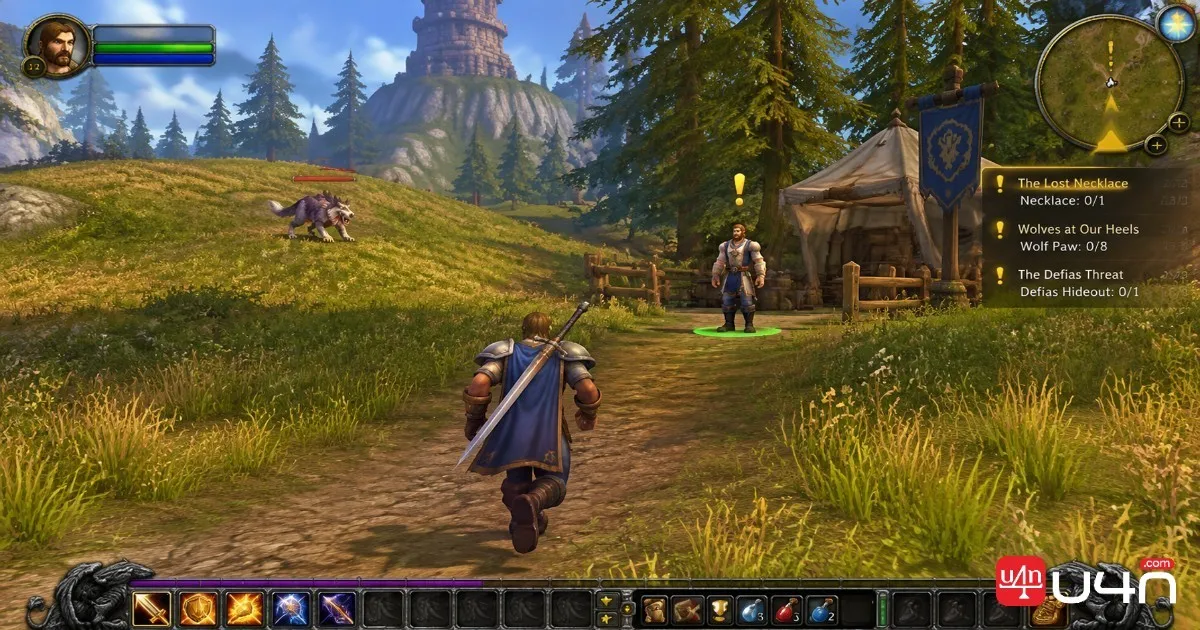
Questie complements route-planning tools by improving quest visibility. It displays relevant quest locations, objectives, and NPC markers on the world map and minimap.
Useful features include:
- Showing quest objectives and associated NPC locations.
- Displaying available and unfinished quests.
- Providing information about quest rewards and experience.
- Helping players identify objectives they may have overlooked.
The difference between RestedXP and Questie is straightforward: RestedXP helps determine where to go next, while Questie makes it easier to locate specific quest-related targets.
Using both can create a more organized leveling experience, particularly when moving between several quest hubs.
Best Addons for Maps and World Exploration
Exploration is an important part of WoW Forever. Players frequently travel through unfamiliar terrain, search for hidden entrances, and move between quest locations. When the default map does not provide enough navigational detail, dedicated map addons can help.
OpenMap: Improve World Map Navigation
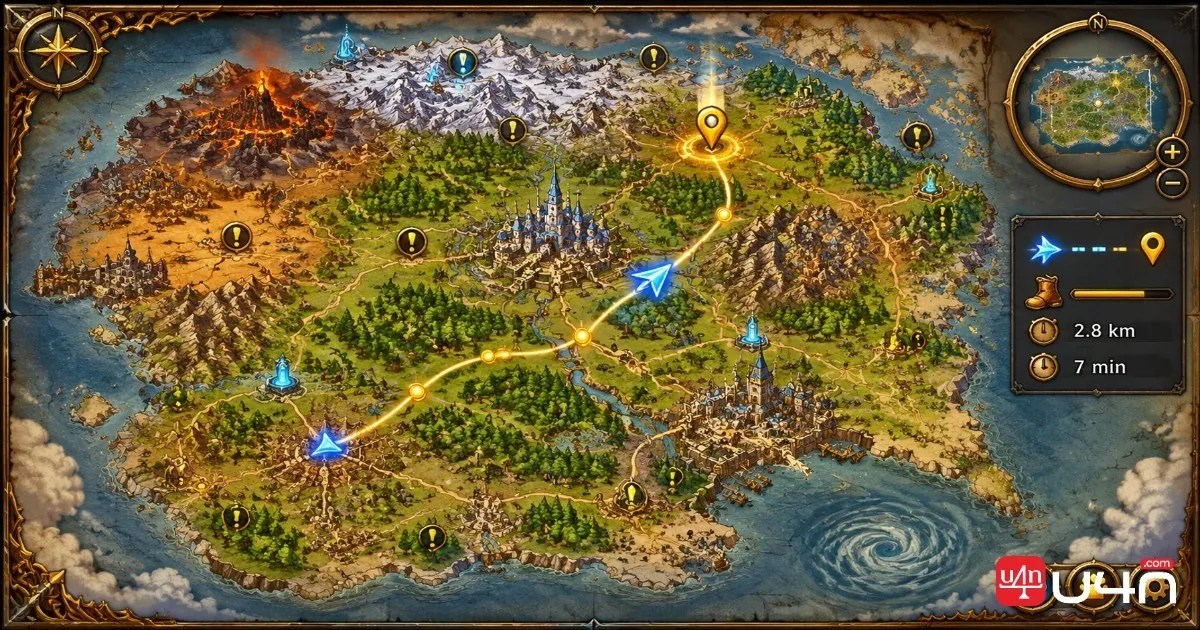
OpenMap is an open-source addon designed specifically for WoW Forever. Its main feature is combining maps from different regions into a more continuous world map.
Rather than repeatedly switching between individual zone maps, players can zoom and drag across connected areas to understand their geographical relationships.
Its practical advantages include:
- Viewing adjacent regions through a continuous map interface.
- Zooming and dragging to inspect different locations.
- Retaining a visual style close to the original Vanilla map.
- Working alongside quest markers and other map-related tools.
For players unfamiliar with Azeroth's geography, this can make route planning considerably easier.
TomTom: Set Custom Waypoints
TomTom focuses on coordinate-based navigation rather than overall map presentation.
Players can create custom waypoints to mark quest objectives, gathering locations, dungeon entrances, or other important destinations. Direction and distance indicators then help them reach the selected location.
We find this especially useful for players who frequently gather materials or revisit specific locations. Instead of repeatedly checking map coordinates, they can save important destinations and follow navigation prompts.
| Addon | Main Function | Best Use |
|---|---|---|
| OpenMap | Expanded world map | Exploring connected regions |
| TomTom | Custom waypoints | Reaching specific coordinates |
| Questie | Quest markers | Finding quest objectives |
These addons serve different purposes rather than replacing one another. OpenMap provides a broader geographical view, TomTom handles precise navigation, and Questie focuses on quest-related information.
Best Addons for Inventory and UI Management
As characters progress, inventory management becomes increasingly important. Equipment, quest items, crafting materials, and consumables can quickly fill available bag space.
A well-organized interface also helps players identify important information without constantly opening additional windows.
Bagnon: Simplify Inventory Management
Bagnon combines separate inventory bags into a more unified interface, making it easier to locate and organize items.
Its main benefits include:
- Viewing inventory contents in one interface.
- Finding equipment and consumables more easily.
- Reducing the need to switch between individual bags.
- Making routine item management more convenient.
For players who regularly collect crafting materials or switch between different equipment sets, a consolidated inventory can save time.

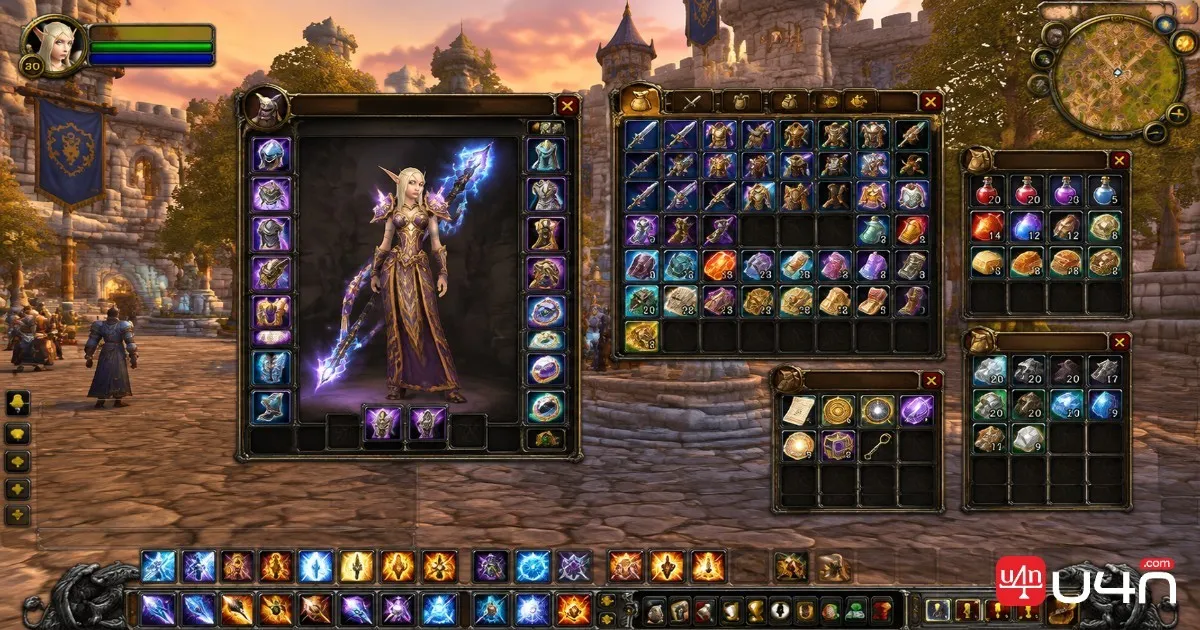
ElvUI: Customize Your Game Interface
ElvUI is a comprehensive interface customization addon. It allows players to adjust several elements of the default UI, including:
- Action Bars
- Unit Frames
- Nameplates
- Quest Tracking
- Cooldown Displays
Players can change the size, position, and appearance of individual interface elements to better suit their preferred playstyle.
For example, a healer may prefer more visible party frames, while a tank may want important target and combat information positioned closer to the center of the screen.
However, we do not recommend installing a complete UI overhaul immediately. New players should first become familiar with the default interface. Once they understand which elements feel inconvenient, they can customize only the sections that need improvement.
Best Addons for Combat, Dungeons, and Raids
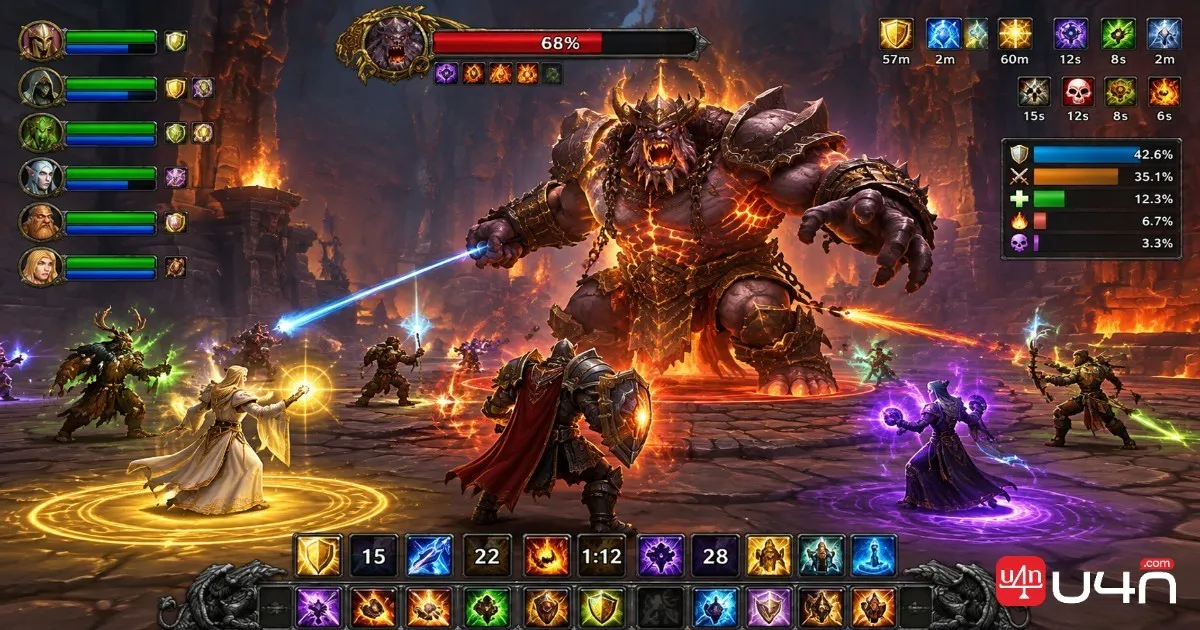
As players move into dungeons and raids, combat awareness becomes just as important as equipment and character level. Tracking buffs, debuffs, cooldowns, and enemy threat can help prevent avoidable mistakes.
Musca Auras: Track Important Combat Information
Musca Auras provides customizable combat alerts for important character and encounter information.
Depending on its supported modules and configuration, players can create notifications for:
- Buffs and debuffs.
- Skill cooldowns.
- Resource levels.
- Combat events.
- Important ability-related conditions.
Players can customize icons, progress bars, durations, and other visual indicators to make essential information easier to recognize.
This is particularly useful for experienced players who want more control over their combat interface. However, beginners do not necessarily need a complicated alert system.
If the built-in Cooldown Manager already provides the information you need, start there before adding another layer of interface elements.
Threat Display: Monitor Enemy Aggro
Threat management is especially important in group content.
Threat Display helps players monitor their threat level against enemies, allowing tanks to understand whether they are maintaining aggro and DPS players to recognize when their damage output may pull enemies away from the tank.
This information is valuable because losing control of an enemy can quickly disrupt group positioning and increase pressure on healers.
Our recommendation is to prioritize threat visibility when playing a tank or a high-damage DPS specialization. However, players should also understand their class abilities and threat mechanics rather than relying entirely on addon notifications.
Naowh Forever: A More Integrated Utility Toolkit
For players who prefer fewer separate addons, Naowh Forever offers a collection of convenient utility modules.
Its listed functions include:
- Dungeon Journal
- Training Planner
- Gear Lookup
- Buff Reminder
- Threat Meter
- Swing Timer
Two particularly useful features for new players are Dungeon Journal and Training Planner.
Dungeon Journal helps players review dungeon-related information, including available loot and quest details. Training Planner provides information about upcoming class abilities and training decisions as characters level up.
The modular approach is another advantage. Players can enable the functions they actually need instead of activating every available feature.
Before relying on any integrated utility, check that its individual modules work correctly with your current client version.
How to Choose and Set Up WoW Forever Addons
Installing every available addon is rarely the best approach. Too many overlapping tools can clutter the interface, create unnecessary notifications, and make troubleshooting more difficult.
We recommend choosing addons according to your current progression goals.
| Player Type | Recommended Addons | Main Priority |
|---|---|---|
| New players | Questie, Bagnon | Questing and inventory |
| Fast levelers | RestedXP, Questie, TomTom | Route optimization |
| Explorers | OpenMap, TomTom | Map navigation |
| Dungeon and raid players | Musca Auras, Threat Display | Combat awareness |
| UI customization fans | ElvUI, Bagnon | Interface organization |
Check Compatibility Before Installation
Not every addon designed for WoW Classic will automatically work with WoW Forever. Different client builds may introduce changes to addon interfaces and supported APIs.
Before installing an addon, we recommend checking:
- Whether the addon explicitly supports WoW Forever or your current client build.
- Whether its latest available version is compatible with the game.
- Whether the developer has documented known issues or limitations.
- Whether the addon requires additional libraries or dependencies.
- Whether other installed addons provide overlapping functions.
For addons that have not been confirmed for the current client, avoid treating successful installation as proof that every feature works correctly.
Basic Addon Installation Steps
Although installation methods can vary depending on the addon, the general process is straightforward:
- Download the addon from a trusted source.
- Extract the downloaded archive if necessary.
- Locate the WoW Forever installation directory.
- Find the
Interface/AddOnsfolder. - Place the extracted addon folder inside it.
- Launch the game and enable the addon from the character selection screen.
- Enter the game and check whether its features load correctly.
If an addon does not appear, first check the folder structure and confirm that the extracted addon files are not buried inside an extra folder.
If you encounter errors, disable recently installed addons one at a time to identify possible conflicts. Keeping addons updated and removing tools you no longer use can also help maintain a cleaner interface.
Summary: Build an Addon Setup That Fits Your Playstyle
The best WoW Forever addon setup is not necessarily the one with the most features. It is the one that solves your actual gameplay problems without making the interface unnecessarily complicated.
For leveling, RestedXP and Questie provide complementary route-planning and quest-tracking functions. OpenMap and TomTom improve navigation, while Bagnon and ElvUI help organize inventory and interface elements. Once you begin participating in group content, combat alerts and threat monitoring become more valuable.
Our team recommends starting with a small selection of essential tools and adding more only when a clear need arises. This approach keeps the interface manageable while allowing you to gradually improve your gameplay experience.
It is also worth preparing your character's equipment and consumables before entering more demanding content. Having the right WoW Forever Items and a properly configured interface can make dungeon preparation and raid participation considerably smoother.
Ultimately, addons should support your decisions, not replace your understanding of the game. Learn the core mechanics first, choose tools that complement your class and role, and adjust your setup as your character progresses.