


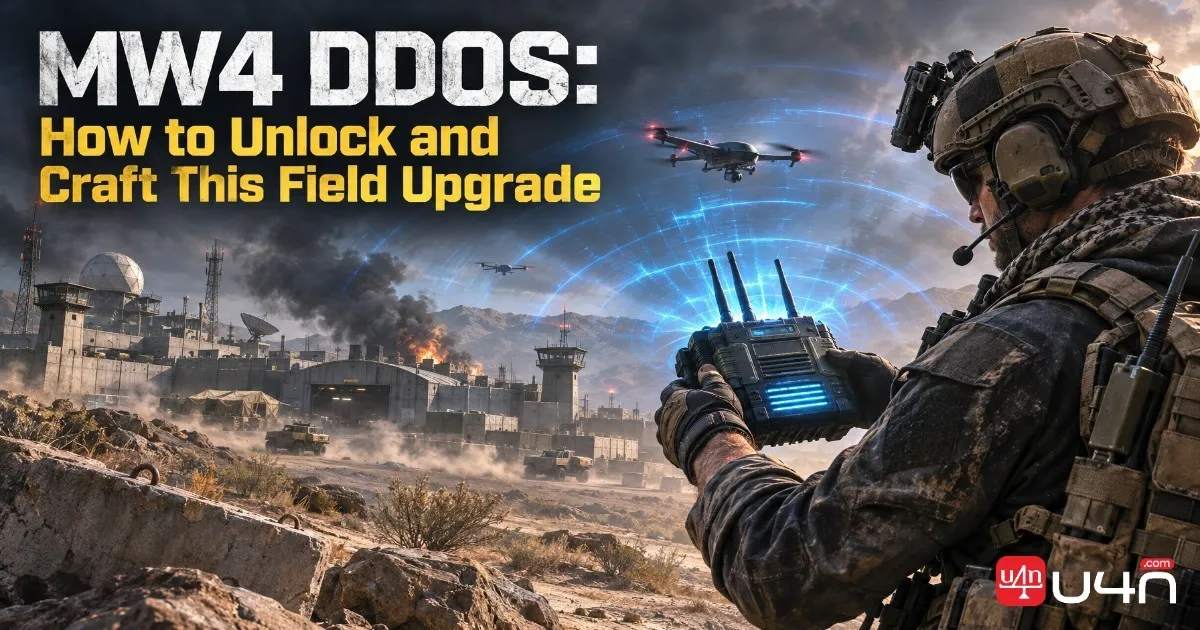
DDOS is a useful electronic disruption tool in Call of Duty: Modern Warfare 4, especially for players who regularly encounter enemy drones, vehicles, and electronic defenses in DMZ. Instead of dealing direct damage, this Field Upgrade releases a localized pulse that temporarily disables nearby enemy electronics and sensors. For players planning their equipment setup or working on MW4 Boosting, understanding when and how to use DDOS can make certain missions and dangerous encounters much easier to handle.
In MW4 DMZ, DDOS is classified as a Rare Field Upgrade. Unlike ordinary equipment that can simply be selected from an unlocked loadout, its crafting recipe requires progression through DMZ Orders and specific materials. We consider it particularly useful for players who prefer a tactical approach, since disabling nearby threats can create an opportunity to reposition, complete an objective, or move through a dangerous area without immediately engaging every enemy.
What Is DDOS in Modern Warfare 4?
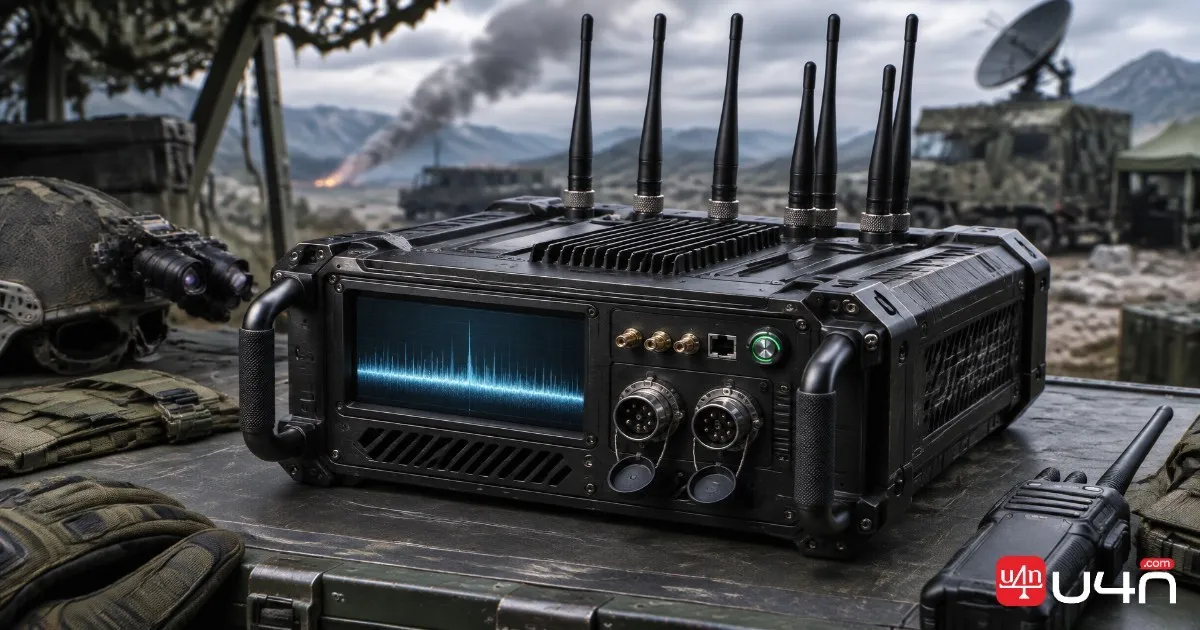
DDOS is an electronic disruption Field Upgrade designed to interfere with nearby enemy equipment. Once activated, it sends out a localized pulse that temporarily jams and disables eligible electronics and sensors within its effective area.
Its main purpose is battlefield control rather than direct combat. It does not function like a conventional explosive or weapon, so players should not expect it to eliminate enemy Operators or deal reliable direct damage. Instead, its value comes from interrupting electronic threats at the right moment.
In DMZ, this can be especially helpful around hostile drones, electronic defenses, and areas where enemy equipment creates additional pressure. A well-timed activation can give your squad a short window to move, investigate an area, or continue an objective.
DDOS Stats and Basic Information
Here is a quick overview of the item's main characteristics:
| Attribute | Details |
|---|---|
| Official Name | DDOS |
| Game | Call of Duty: Modern Warfare 4 |
| Category | Field Upgrade |
| DMZ Rarity | Rare |
| Main Effect | Temporarily disables nearby enemy electronics and sensors |
| Crafting Location | FOB 3D Printer |
| Electronics Required | 30 |
| Detonators Required | 3 |
| DMZ Usage | Single-use |
| Multiplayer Unlock | Player Level 4 |
| Multiplayer Recharge | Fast |
One important distinction is that Multiplayer and DMZ handle DDOS differently. In Multiplayer, it is an early-unlock Field Upgrade that recharges during a match. In DMZ, the crafted version is a consumable item and does not recharge after activation.

How to Unlock and Obtain DDOS in DMZ
To obtain DDOS consistently in DMZ, players need to unlock its recipe through DMZ Orders. The recipe is associated with the Underground chapter, so progressing through the relevant Orders is an important first step.
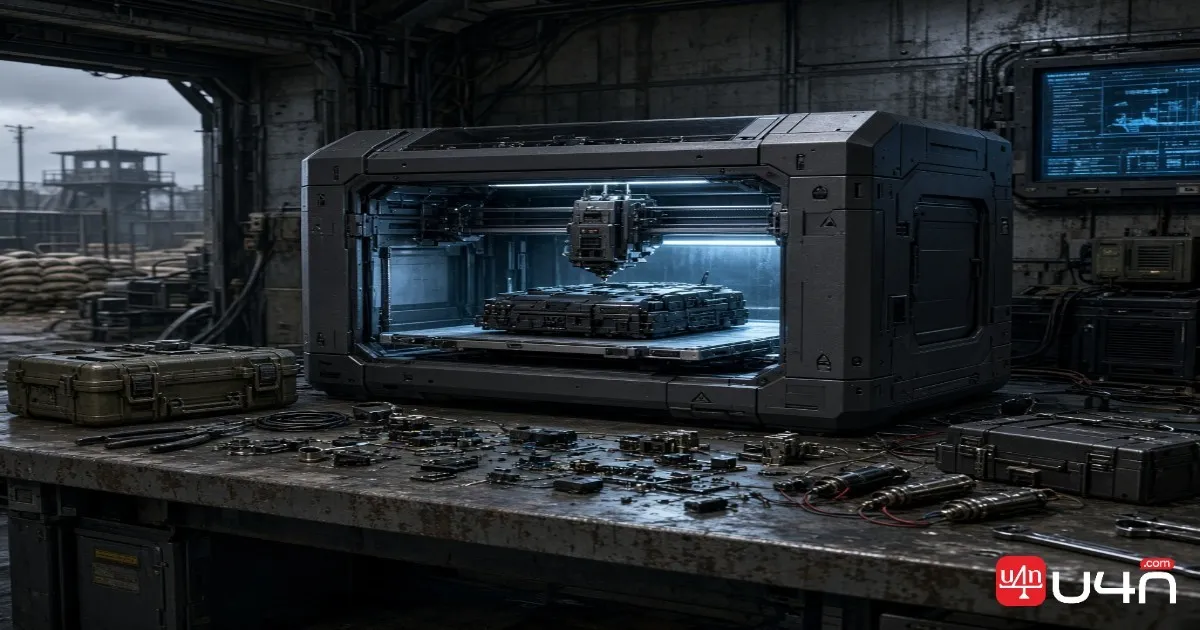
After unlocking the recipe, players can use the FOB's 3D Printer to produce the item. You may also encounter a finished DDOS while looting, although relying on random drops is less predictable than having access to its crafting recipe.
We recommend preparing the required materials before visiting the printer. This saves unnecessary trips back to the FOB and makes it easier to prepare equipment for your next deployment.
Where to Find the Required Materials
| Material | Quantity | Suggested Search Areas |
|---|---|---|
| Electronics | 30 | General raid loot and searchable containers |
| Detonators | 3 | Military areas, industrial areas, and the train |
Electronics are useful crafting materials, so collecting them during ordinary looting runs is a practical habit. Detonators deserve more attention because you need three for every DDOS. Rather than searching one location repeatedly, we suggest checking military and industrial areas along your normal route.
Material availability can vary between deployments, so avoid assuming that a single raid will always provide everything you need.
How to Craft and Use DDOS
Once the recipe is unlocked and you have enough materials, head to the FOB and interact with the 3D Printer.
Follow these steps:
- 1. Open the 3D Printer at your FOB.
- 2. Enter the FIELD UPGRADES category.
- 3. Select DDOS from the available crafting options.
- 4. Confirm that you have 30 Electronics and 3 Detonators.
- 5. Choose whether to print it directly to your Operator or send it to your Stash.
- 6. Confirm the crafting process and prepare for deployment.
Printing directly to your Operator is convenient when you already have a specific mission in mind. Sending it to your Stash is a better choice when you want to save the equipment for a later deployment.
Best Ways to Use DDOS
The most important part of using DDOS is positioning. Activating it too early can waste the item without affecting anything important.
We recommend approaching the target area carefully and checking the DEVICES IN RANGE indicator before activating the upgrade. Once eligible equipment appears within range, use DDOS to disrupt nearby electronics.
It can be useful in several situations:
- Against enemy drones: Disrupt nearby electronic threats before they create additional pressure.
- Around defensive equipment: Use it when approaching areas protected by enemy electronic devices.
- During mission objectives: Create an opportunity to move through a dangerous area or handle an objective.
- During squad rotations: Temporarily disrupt nearby threats while your team changes position.
For the Dead Battery Order, players must print a DDOS Field Upgrade and disable three enemy vehicles or drones. Pay attention to mission progression after activation, as not every nearby object necessarily counts toward the objective.
DDOS vs. Other Tactical Equipment
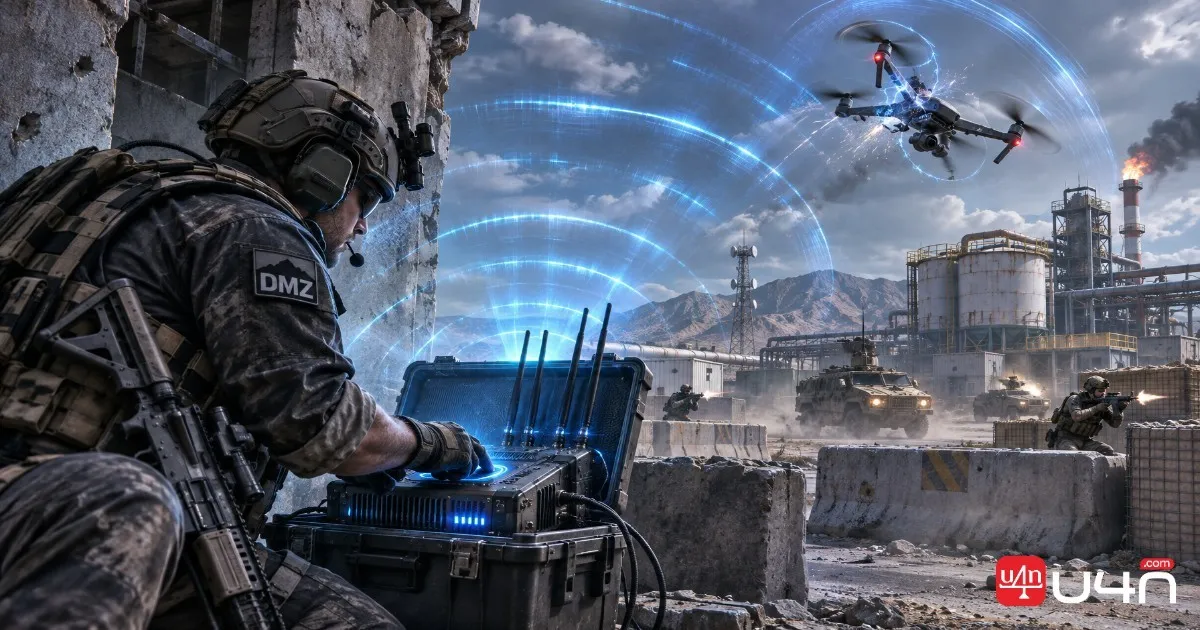
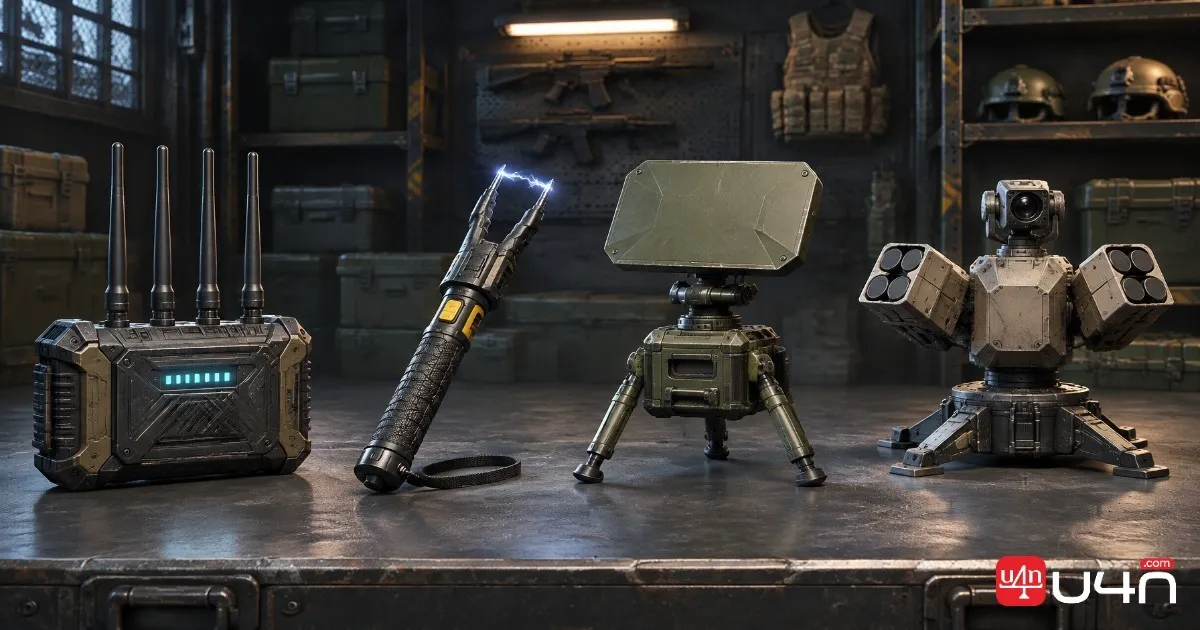
DDOS is not the only option for dealing with electronic threats in Modern Warfare 4. Other equipment offers different advantages, and choosing the right one depends on whether you need disruption, detection, or direct defensive support.
| Equipment | Main Function | Best Use |
|---|---|---|
| DDOS | Disables nearby enemy electronics and sensors | Disrupting electronic threats |
| Shock Stick | Electrically shocks targets and disrupts certain equipment | Close-range equipment interference |
| Portable Radar | Detects nearby enemies through periodic radar pulses | Enemy awareness and positioning |
| Trophy System | Intercepts incoming airborne projectiles | Defending a position |
The biggest advantage of DDOS is its ability to affect multiple eligible electronic threats within its localized area. Shock Stick is a more direct tactical option, while Portable Radar focuses on information gathering rather than disabling equipment.
Trophy System serves a different purpose altogether. It is better suited to protecting a position against incoming projectiles, so it should not be treated as a direct replacement for DDOS.
Our recommendation is simple: bring DDOS when electronic interference is important to your mission. If your main concern is locating enemies or protecting a fixed position, the alternatives may provide more consistent value.
Summary
DDOS is a specialized but useful Field Upgrade in Call of Duty: Modern Warfare 4. Its ability to temporarily disrupt nearby enemy electronics makes it particularly valuable in DMZ, where drones, sensors, and defensive equipment can complicate an otherwise straightforward deployment.
To prepare one, unlock the relevant DMZ Orders recipe, collect 30 Electronics and 3 Detonators, and use the FOB 3D Printer. Since the DMZ version is single-use, we recommend saving it for missions and encounters where electronic disruption can provide a meaningful advantage.
Players comparing their equipment options can also explore CoD MW4 DMZ Items for sale when planning their broader loadout and inventory needs.
FAQ
1. What does DDOS do in MW4 DMZ?
DDOS releases a localized pulse that temporarily disables nearby enemy electronics and sensors. It is designed for disruption rather than direct damage.
2. How do I unlock DDOS in MW4?
In DMZ, you need to unlock its crafting recipe through the Underground chapter of DMZ Orders. In Multiplayer, DDOS unlocks at Player Level 4.
3. What materials are needed to craft DDOS?
Each DDOS requires 30 Electronics and 3 Detonators at the FOB 3D Printer.
4. Does DDOS recharge after use in DMZ?
No. The DMZ version is a single-use Field Upgrade. You need another crafted or acquired item for your next deployment.
5. Can DDOS disable enemy drones and vehicles?
It can disrupt eligible electronic threats within its effective range. For mission objectives, check the in-game range indicator and confirm that your target counts toward the relevant Order.
6. Is DDOS better than Shock Stick?
Neither is universally better. DDOS is useful for localized electronic disruption, while Shock Stick offers a more direct electrical effect. Choose according to the threats and objectives you expect to encounter.