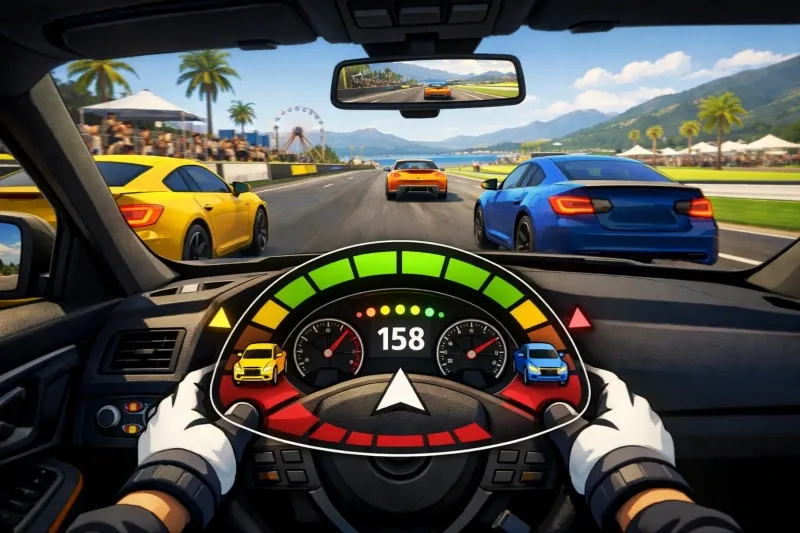
In Forza Horizon 6, the Car Proximity Radar is a new accessibility and HUD feature designed to improve driver awareness, particularly during close-quarters racing. It provides a visual on-screen display that helps you identify other cars in your blind spots, making it easier to maintain a clean racing record.
What is the Car Proximity Radar?
The Car Proximity Radar is an on-screen display that helps you spot nearby cars, especially those lurking in your blind spots. It's perfect for players who love first-person views—cockpit, hood, or bumper cameras—where it can be hard to see everything around your car. Instead of guessing where opponents are, the radar gives you real-time feedback so you can focus on speed and precision.
Proximity Radar helps identify cars in your blind spots, making it easier to avoid unintentional collisions and keep the racing clean, especially when using cockpit, hood, or bumper cameras. You can choose which HUD location works best for you, and you can even enable audio cues. Our biggest new feature, however, is High Contrast Mode, which makes the game’s open world of Japan more visually accessible.
High Contrast Mode simplifies the screen to make it easier for players to distinguish important objects. It’s fully customizable, allowing players to calibrate the experience in a way that works best for them.
Better Racing with Car Proximity Radar
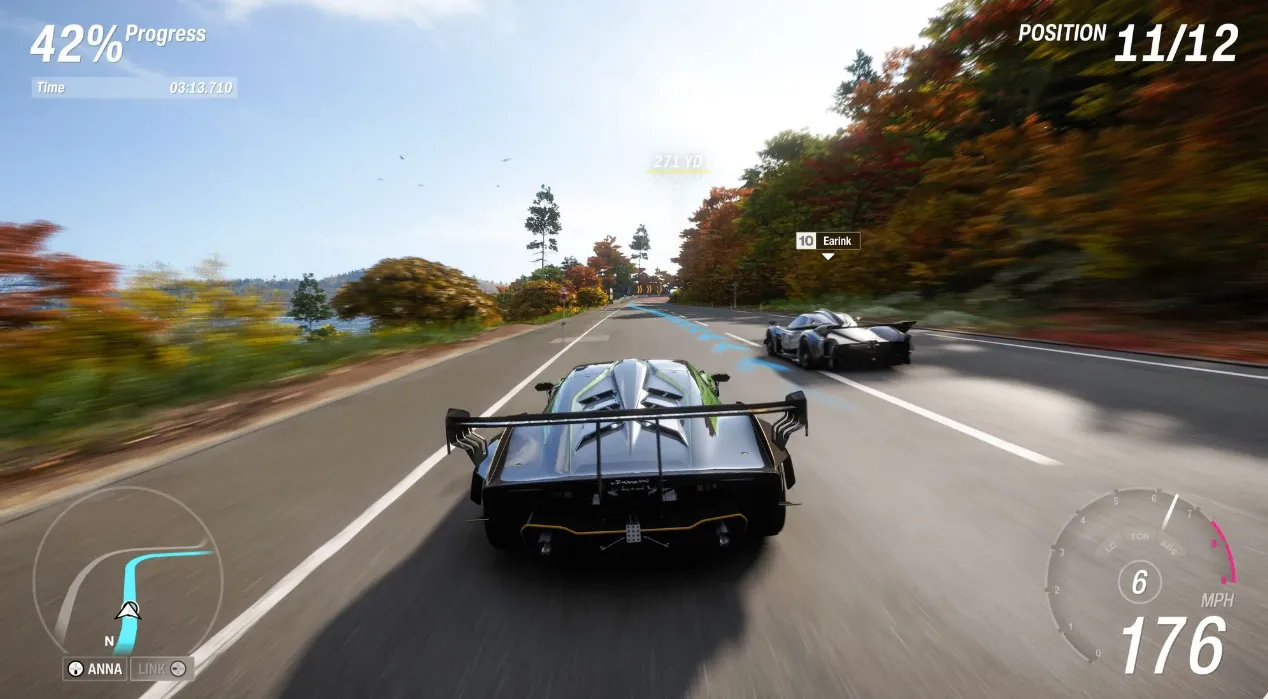
Forza Horizon 6 introduces Car Proximity Radar as a new option that, when enabled, provides additional awareness while racing. This Proximity Radar helps identify cars in your blind spots, making it easier to avoid unintentional collisions and keep the racing clean, especially when using cockpit, hood, or bumper cameras.
Key Details and Functionality
- Enhanced Awareness: The radar identifies the distance and direction of nearby opponents.
- Visual Indicators: It uses a circular graphic where colored blocks (changing from orange to red) indicate how close a car is to your vehicle.
- Optimal Views: While available in all perspectives, it is most effective for players using the cockpit, hood, or bumper camera modes where visibility is naturally limited.
- Customization: Players can likely toggle this feature on or off and adjust its position on the HUD, similar to the system introduced in recent Forza Motorsport updates.
- Blind Spot Identification: Helps detect cars you might not see, cutting down on collisions.
- First-Person View Support: Makes cockpit, hood, and bumper views much more practical in competitive racing.
- Accessibility Integration: Works alongside features like AutoDrive and High Contrast Mode to make the game more inclusive.
- Customization: Adjust the HUD placement to match your preferred setup.
Forza Horizon 6’s Car Proximity Radar is a game-changer for players who love first-person or limited-visibility camera modes, giving you instant awareness of nearby opponents and blind spots. With its clear visual indicators, customizable HUD placement, and seamless integration with accessibility features like AutoDrive and High Contrast Mode, you can race smarter and safer without losing the thrill of speed. For those looking to maximize their experience without breaking the bank, U4N offers Affordable FH6 Credits, making it easier than ever to upgrade your cars and fully enjoy every feature the game has to offer.
How to Enable Car Proximity Radar
Based on the developer FAQ and previous entries, you can typically find this setting under:
- Settings menu.
- Navigate to the Gameplay & HUD tab.
- Scroll down to the Proximity Radar option to enable it for single-player, multiplayer, or both.
Q: How does Car Proximity Radar work? Is it customizable?
Proximity Radar helps identify cars in your blind spots, making it easier to avoid unintentional collisions and keep the racing clean, especially when using cockpit, hood, or bumper cameras. You can choose which HUD location works best for you, and you can even enable audio cues.
Why it Matters
- Reduces Collisions: By clearly showing where opponents are, it helps you avoid accidental contact during tight races.
- Accessibility: Classified as an accessibility tool, it ensures more players can enjoy the thrill of racing without being disadvantaged by limited visibility.
- Upgrade over Arrows: Unlike the old “proximity arrows” from previous Forza games, the radar gives precise information about a rival's distance and angle, making it far more useful during high-stakes moments.