

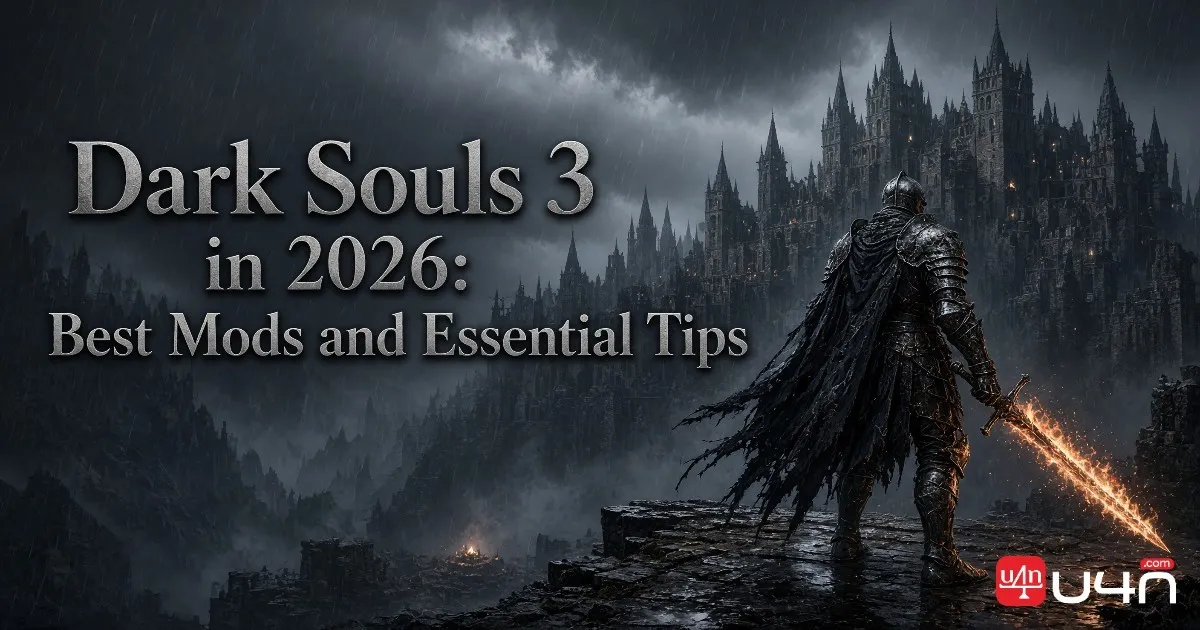
Dark Souls III remains a compelling action RPG for players who enjoy demanding combat, memorable boss encounters, and meaningful character progression. In 2026, returning players have a good reason to revisit Lothric: community mods can change how the game plays without requiring a new official expansion. Whether you want a fresh challenge or a more flexible build, the right setup can make another playthrough feel surprisingly different.
For players planning a new run, understanding the balance between weapon upgrades, character stats, and Dark Souls 3 Souls management is still essential. Mods can expand your options, but they also introduce compatibility issues and potential online risks. Our team recommends starting with a clear goal, checking the requirements of each mod, and keeping your original game files and saves separate before making major changes.
Is Dark Souls 3 Still Getting Updates in 2026?
The first thing returning players should understand is the difference between official game updates and community development. Bandai Namco's official PC patch history lists version 1.15.2, released on January 12, 2023, as its latest published PC patch in the available official records. It addressed bugs introduced by the previous update. Players should check the official news page for any newer announcements before assuming the game has received a fresh patch in 2026. Read the official Dark Souls III Patch 1.15.2 announcement for the original release details.
That does not mean the game has stopped being worth playing. The original campaign, both major expansions, and a mature modding community give players several ways to revisit the experience. Community projects can introduce new equipment, alter progression, adjust enemy encounters, or overhaul existing mechanics, even when no new official content is announced.
Official Updates vs. Community Mods
Official updates are released by the developer or publisher, while mods are created and maintained by community members. Their support schedules, compatibility requirements, and troubleshooting options are different.
| Content type | What players can expect | What to check |
|---|---|---|
| Official patches | Bug fixes and supported game changes | Official patch notes |
| Gameplay overhauls | New mechanics, equipment, and progression | Mod version and dependencies |
| Visual mods | Changes to textures, lighting, or effects | Performance and file conflicts |
| Challenge mods | Different enemy encounters or difficulty | Compatibility with other gameplay changes |
Our advice is straightforward: do not confuse a popular community release with an official update. Check the source and release date before downloading anything advertised as new for 2026.
Best Dark Souls 3 Mods to Try in 2026
The best mod depends on what you want to change. Some projects rebuild large parts of the game, while others focus on a specific visual improvement or a tougher combat experience. We recommend choosing one main gameplay overhaul first rather than installing several large mods at the same time.
Cinders: A Fresh Gameplay Experience
Cinders is a strong starting point for players who have already completed the original game and want a broader overhaul. The project changes progression, equipment, classes, combat mechanics, and other gameplay systems. It also introduces additional content and alternative ways to approach a playthrough.
The appeal is not simply having more weapons. Changes to progression and combat can encourage different builds and decision-making throughout the campaign. However, Cinders is extensive enough that players should read its current documentation before starting.
It is particularly suitable for returning players who know the original encounters and want a different experience. If you are still learning enemy attack patterns or exploring the main story for the first time, completing an unmodded run first may be the better choice.
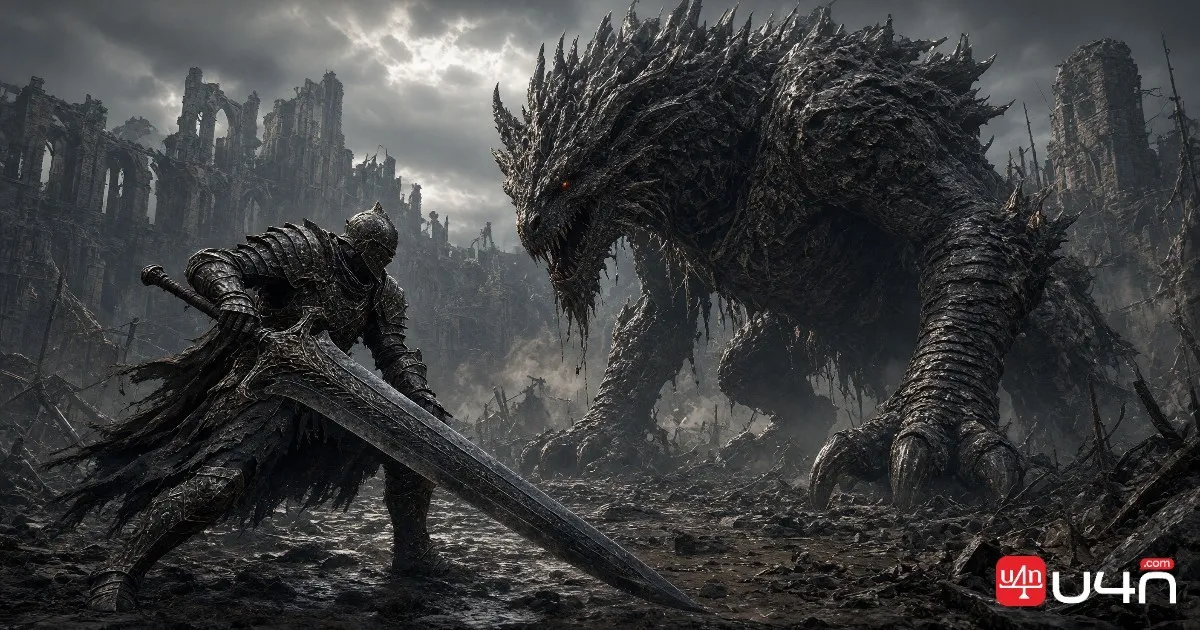
Visual Mods for a Better PC Experience
Visual mods appeal to players who enjoy the atmosphere of Lothric and want to adjust how the world looks on modern hardware. Depending on the project, these modifications may improve textures, lighting, shadows, or other visual effects.
Before installing a visual overhaul, consider your PC's performance. More demanding effects can reduce frame rates, and two mods that modify the same resources may conflict. A visually impressive setup is not necessarily the best one if it makes combat less responsive.
For the most reliable results, install one visual modification at a time and compare performance in a familiar area before adding more changes.
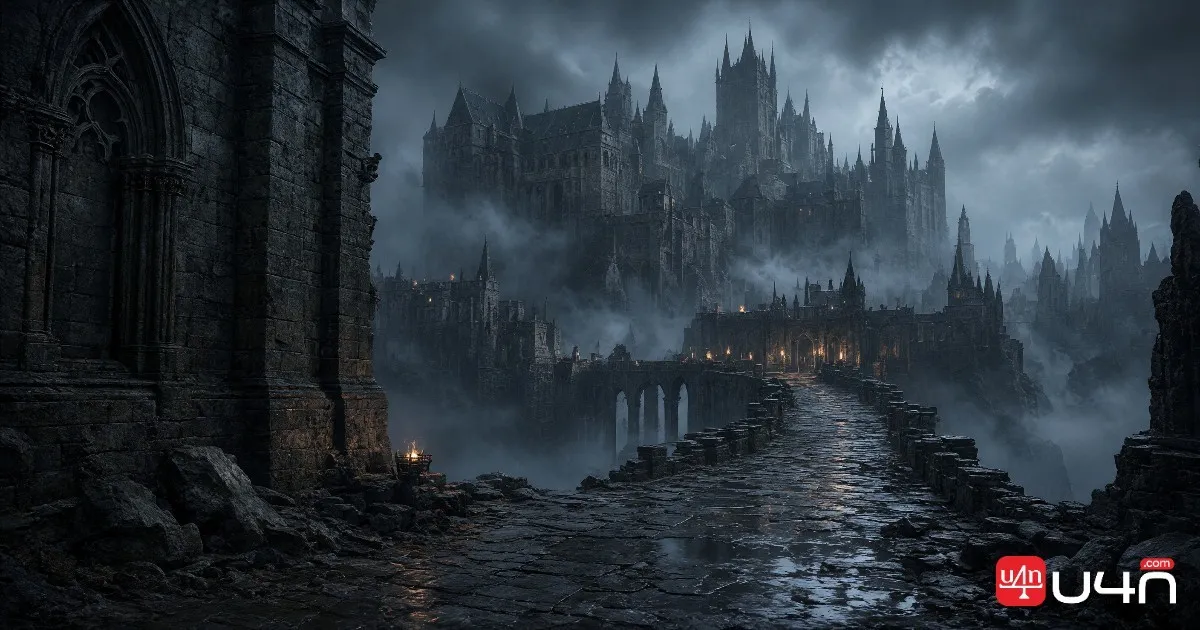
Challenge Mods for Experienced Players
Players who have mastered familiar boss encounters may prefer mods that change enemy placement, increase difficulty, or introduce additional combat challenges. These projects can make previously comfortable routes feel unfamiliar again.
Our team recommends checking whether a challenge mod changes enemy health, damage, attack behavior, or encounter structure. Those differences affect how you should prepare your character. A build that works well in the original game may struggle when enemies behave differently or encounters become more demanding.
| Player preference | Best starting point | Main consideration |
|---|---|---|
| New mechanics and progression | Cinders | Extensive gameplay changes |
| Better visual presentation | A visual overhaul | Performance and file conflicts |
| Harder encounters | A challenge mod | Difficulty and build adaptation |
| First playthrough | Unmodded game | Learn the original mechanics first |
How to Install Dark Souls 3 Mods on PC
Installing a mod is usually manageable, but the correct process depends on the project. Some mods use a dedicated launcher and configuration files, while others require a compatible mod loader. Following generic instructions without checking the specific release can lead to crashes or missing content.
Step 1: Check the Game Version and Requirements
Confirm that your installed game version matches the mod's requirements. Read the description, installation notes, and known issues before downloading the files.
Also check whether the mod requires the base game only or specific DLC content. Do not assume that every mod works with every edition or game configuration.
Step 2: Back Up Your Saves and Game Files
Before installing anything, back up your existing saves and preserve a clean copy of any files that the installation instructions tell you to replace.
Keep your original saves separate from modded progression whenever possible. This is especially important for large overhauls, which may change equipment, character progression, and other data in ways that the original game does not recognize.
Step 3: Follow the Mod's Installation Instructions
Use the loader or launcher recommended by the mod author. Extract files into the specified directory, review the configuration, and launch the game through the method described in the documentation.
Avoid combining different loaders or copying files from unrelated guides without understanding their purpose. If the game fails to launch, remove the most recent change and test again before attempting a more complicated fix.
Step 4: Test Before Starting a Long Playthrough
Launch the mod, confirm that its features appear correctly, and check for missing textures, broken menus, or unexpected crashes. Test it with a new character if the author recommends doing so.
A few minutes of testing can prevent hours of troubleshooting later. Our team also recommends keeping a short record of the files you install so you can reverse changes without reinstalling everything.
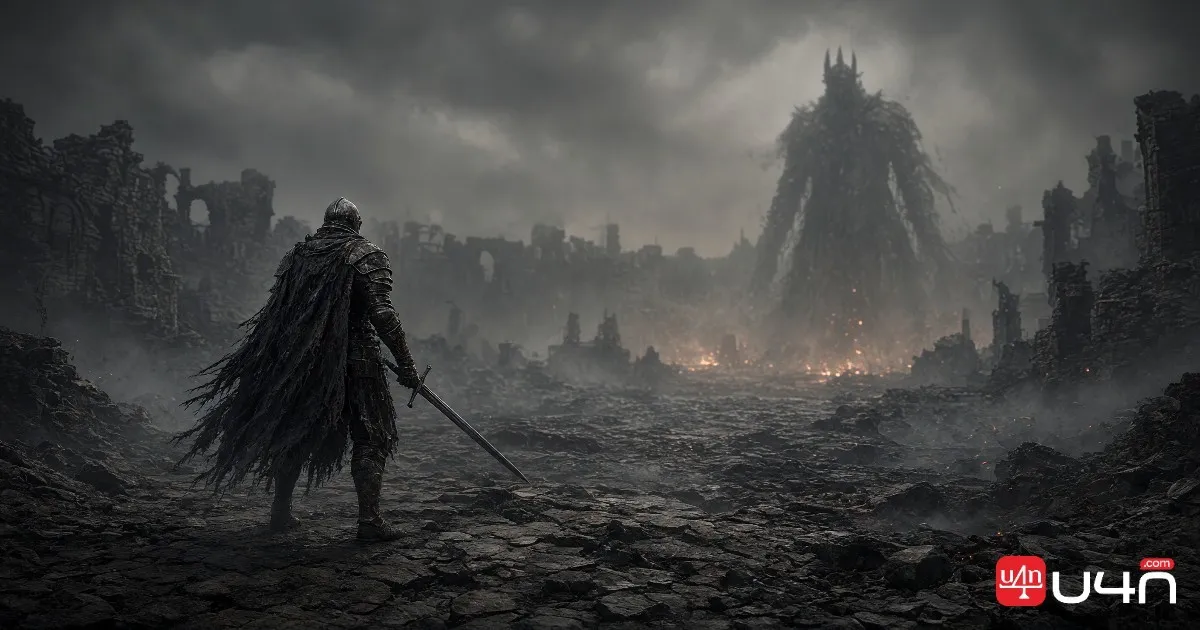
Are Dark Souls 3 Mods Safe to Use Online?
Online safety deserves special attention because a mod that works perfectly in single-player may not be suitable for official multiplayer. Modified game files, unexpected character data, and incompatible setups can create problems that are difficult to reverse.
Can Mods Get You Soft-Banned?
Yes, using certain mods online can expose you to soft-ban or matchmaking restrictions. The exact risk depends on what the mod changes and how the game handles the modified data.
For example, the Cinders project explicitly recommends offline play to avoid soft-ban risk and uses a setup that forces offline play by default. Players should follow the current instructions for the specific mod rather than assuming that all mods have the same protections.
If official multiplayer matters to you, keep your modded playthrough separate from your unmodified online setup. Follow the specific mod's offline-play instructions, and never assume that disabling a mod automatically removes every risk.
How to Protect Your Original Save
Our recommended approach is to keep modded and unmodded playthroughs separate. Back up your original save before making changes, and avoid transferring modified character data into a normal online session.
If your priority is cooperative play, invasions, or PvP, the safest option is to use an unmodified game installation for official online play. Do not rely on simply disabling a mod afterward to guarantee that all modified data has been removed.
Can You Play Co-op With Mods?
Some community projects support multiplayer among players using compatible modded setups, but that does not mean they are compatible with official matchmaking. Requirements can vary by mod, and all participants may need the same version and configuration.
Before attempting multiplayer, read the project's current instructions and confirm which online environment it supports. When there is any uncertainty, keep the modded session offline.
Dark Souls 3 Mod Compatibility and Common Fixes
Even a well-maintained mod can fail if the game version, loader, or configuration does not match its requirements. The best troubleshooting method is to isolate the problem instead of changing several files at once.
The Game Crashes or Will Not Launch
Start by checking whether the loader is compatible with your installed version. Confirm that files are in the correct directory and that the launch method matches the instructions.
If the problem began immediately after installing a mod, temporarily remove that modification and test the original game. For Steam users, verifying the game files can help restore original files, but back up important data and follow the mod author's restoration instructions first.
Modded Content Is Missing
Missing weapons, armor, textures, or other assets may indicate an incomplete installation or an incorrect configuration. Check that all required archives have been extracted and that the loader points to the correct folder.
Large overhauls may distribute their content across separate files, so downloading only one component may not be sufficient. Check the project's file list and documentation before reinstalling.
Mods Stop Working After a Game Update
A game update can change executable behavior or invalidate components that a loader depends on. If a mod suddenly stops working, check the author's page for a compatible release before attempting manual fixes.
Avoid downloading replacement DLL files from unfamiliar sources. Reverting to a known working setup or waiting for an updated release is generally preferable to experimenting with unverified files.
Is Dark Souls 3 Worth Playing Again in 2026?
For returning players, the answer depends on what they want from the game. If you enjoyed the original combat, level design, and boss encounters, a standard playthrough remains a reliable choice. If you have already explored most of the original content, a well-supported overhaul can provide a more substantial reason to return.
Players who enjoy experimentation may find that new mechanics and equipment make familiar encounters feel different. Those who prefer visual improvements can focus on graphics without changing the underlying combat systems. Challenge seekers, meanwhile, should choose modifications that match their skill level rather than assuming that a harder mod automatically creates a better experience.
Progression still matters, too. Planning stats, weapon upgrades, and Dark Souls 3 Items around your chosen build can make a significant difference, particularly when a mod changes equipment availability or combat balance. We recommend testing your setup early and adjusting it based on how the game actually plays.
Our team's view is that the strongest reason to revisit Dark Souls III in 2026 is not the expectation of a new official expansion. It is the combination of a well-designed original game and community projects that offer different ways to experience it.
Summary
Dark Souls III remains worth revisiting in 2026, especially for PC players interested in gameplay overhauls, visual improvements, and new challenges. However, choosing a suitable mod is only part of the process. Version compatibility, installation requirements, save backups, and online restrictions deserve equal attention.
Start with one project, read its current documentation, and test it before committing to a full playthrough. If official multiplayer is important to you, keep that experience separate from modded gameplay. A little preparation can help you enjoy community content while reducing avoidable technical problems.
FAQ
What is the best Dark Souls 3 mod in 2026?
Cinders is a strong option for players who want a broad gameplay overhaul. Visual and challenge mods are better choices for players who want more targeted changes. The best option depends on your preferred playstyle and the mod's current compatibility.
Is Dark Souls 3 still receiving official updates?
The latest PC patch listed in the available official records is version 1.15.2 from January 12, 2023. Check Bandai Namco's official news page for any announcements published after that record.
Can I use Dark Souls 3 mods without getting banned?
There is no universal guarantee. Some modifications can expose players to soft-ban or matchmaking restrictions. For modded gameplay, follow the project's offline-play instructions and keep your original online setup separate.
Can I install multiple Dark Souls 3 mods at once?
Sometimes, but compatibility depends on the files and systems each mod changes. Start with one mod, test it, and add another only after checking for conflicts and following the authors' instructions.
How do I remove Dark Souls 3 mods?
Follow the mod author's uninstall instructions, restore replaced original files when necessary, and verify the game installation if appropriate. Keep your backed-up original saves separate, and do not assume that uninstalling a mod automatically makes modified character data safe for online use.