


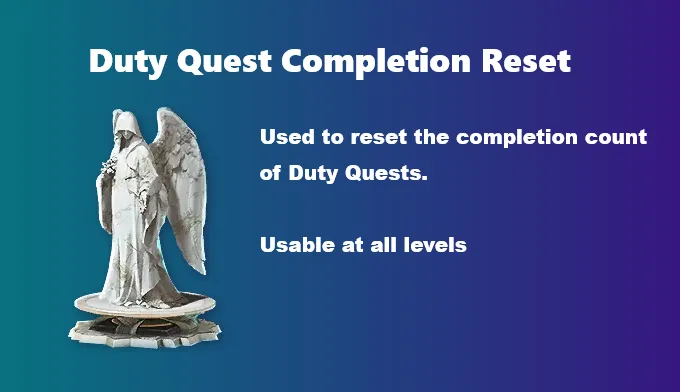
In Aion 2, Duty Quests are essential daily activities that provide valuable rewards such as Abyss Points (AP), Kina, enhancement materials, and more. Understanding how the Duty Quest reset works can help you maximize your rewards and make the most of your time in the game.
Key Features of Duty Quests
- Daily Limit: You can complete up to 5 Duty Missions (often called Mission Quests) each day.
- Reset Time: The quests reset every day around 9 PM or 10 PM server time. You can always check the timer in the Duty menu for the exact reset time.
- Rewards: Completing Duty Quests rewards you with a variety of items, including AP, Kina, Enhancement Stones, Odyle Energy, crafting materials, and challenge tickets.
- Refreshing: Sometimes, you may need to manually refresh your Duty Quests by spending gold. This refresh can give you access to better rewards, such as tickets or higher-tier gear.
- Access: To open the Duty Quest interface, simply press the 'J' key.
By completing your Duty Quests daily, you can earn valuable rewards like AP, Kina, and enhancement materials. If you're looking to quickly boost your resources, you can buy cheap Aion 2 Kinah from U4N.
Manual Refresh for Better Rewards
While your Duty Quests reset automatically, you can also choose to refresh them for a small gold cost. This is particularly useful when you're aiming for higher-quality rewards like yellow gear or special tickets. Refreshing gives you an opportunity to reroll your available quests and tailor them to your current needs.
Standard Automatic Reset Times
If you do not use a reset item, the 5 standard daily slots reset automatically based on regional server times:
- Korean Servers: 10:00 PM KST
- Taiwanese Servers: 9:00 PM CST

How to Check and Manage Duty Quests
- Open the primary user interface by pressing the 'J' key.
- Navigate to the top menu tab explicitly labeled "Duty".
- Track your active limits or utilize any owned Add Contents Ticket Counts (Reset tickets) directly from this sub-menu.
Distinction from Command Quests
It's important to note that Duty Quests are different from Command Quests:
- Command Quests: You can complete 12 Command Quests per week. These quests are usually more difficult than Duty Quests but offer more significant rewards, such as additional AP. Command Quests are purchased from the Command Shop using scrolls and are generally harder to complete.
In contrast, Duty Quests are available daily and are essential for maintaining a steady flow of rewards and materials to enhance your character's progression.
Summary
Duty Quests in Aion 2 provide a reliable source of rewards for players at all levels. With a daily limit of 5 quests, resetting around 9 PM or 10 PM server time, and the option to refresh for better rewards, these quests are a core part of your daily routine. Don't forget to check the Duty menu for the exact reset timer and refresh your quests as needed for the best rewards.