Cart Empty
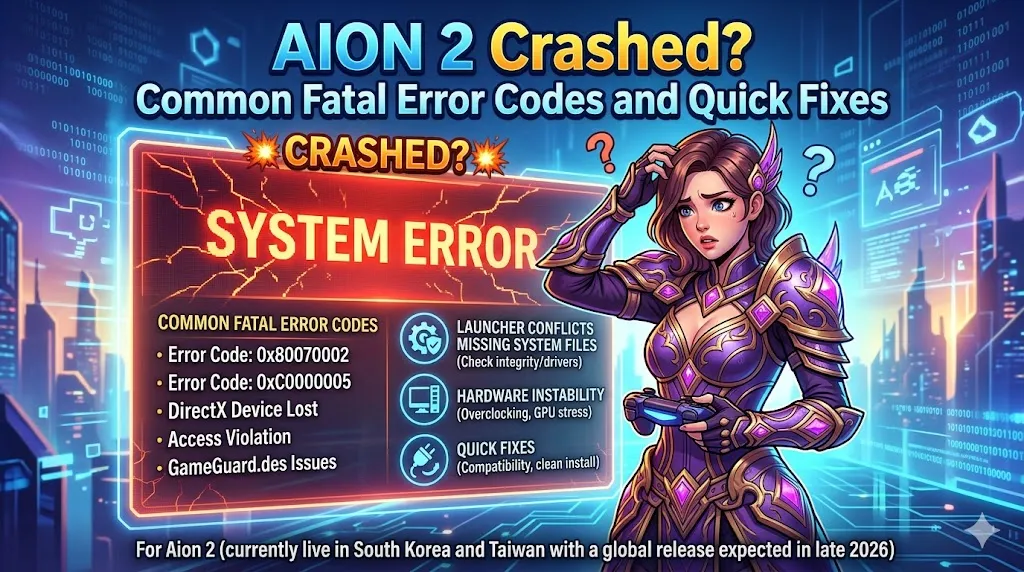
Continue Shopping"Aion 2," which is currently available in South Korea and Taiwan with a global release expected in late 2026, has been experiencing "Fatal Error" crashes. These crashes can be linked to several factors, including launcher conflicts, missing system files, or hardware instability. This article will cover the most common fatal error codes players encounter and provide simple, effective fixes to resolve these issues.
Error 0x0000015 (Launch Failure)
This error typically happens when the Purple launcher (which Aion 2 uses) gets stuck or has trouble initializing the game files.
Fix:
Error 0xE0000027 (Startup/Random Crash)
Players encountering this error might face crashes when launching the game or during gameplay. The root cause is usually conflicts with CPU optimization software or Easy Anti-Cheat (EAC).
Fix:
"Fatal Error" (No Code)
This type of fatal error doesn't come with a specific error code, but it usually indicates that essential Windows components are missing or that game files are corrupted.
Fix:
In addition to the error codes above, some players face random crashes during gameplay. Here are some community-verified solutions that could help prevent these crashes:
Downclock RAM (XMP Issues)
Aion 2 players with high-speed RAM profiles (like 6400MHz) have noticed crashes due to unstable RAM speeds. This is particularly common for users with XMP (Extreme Memory Profile) settings.
Fix:
Disable Overlays
In-game overlays are often used by programs like Discord, Nvidia, and the Purple launcher. While they are useful for notifications and streaming, they can conflict with the game's rendering process and cause crashes.
Fix:
Check Windows Updates
Some players have experienced issues with black screens or launch crashes after updating Windows. One specific update, KB5074109, is known to cause issues for users with Nvidia GPUs.
Fix:
Repair Game Files
Sometimes, game files become corrupted or incomplete, causing random crashes. Instead of reinstalling the entire game, you can repair the files directly from the launcher.
Fix:
Disable Third-Party Performance Tools
Programs designed to monitor or tweak your system's performance, like MSI Afterburner or Rivatuner, can sometimes cause crashes by interfering with the game's anti-cheat system or stability.
Fix:
The U4N Editorial Team is made up of dedicated gamers and technical experts. We're not just a trusted marketplace for game assets—we're all about empowering players with top-tier, expert-driven content. Our team produces in-depth guides, strategies, and technical fixes for some of the biggest games out there, like MLB The Show 26, Aion 2, Forza Horizon 6, Arc Raiders, and Path of Exile.
Whether it's mastering market flipping in Diamond Dynasty or optimizing your endgame builds, all of our strategies are tested and proven by in-house experts. At U4N, we don't just follow the meta—we help you stay ahead of it.