

With the launch of Grand Theft Auto VI approaching, getting the download ready ahead of time is one of the easiest ways to avoid unnecessary delays. Rockstar Games has confirmed that digital preloading begins on November 10, giving players nine days to prepare before the game officially launches on November 19, 2026. Whether you're planning your first trip to Leonida or already thinking about how to manage your GTA 6 money once the adventure begins, having the game installed before launch day should be a priority.
However, the preload process isn't exactly the same on every console. PS5 players can start downloading at midnight in their local time zone, while Xbox Series X|S users follow a worldwide GMT schedule. The game also requires up to 212GB of available storage, so checking your console before the download window opens is essential. Here's how we recommend preparing both platforms.
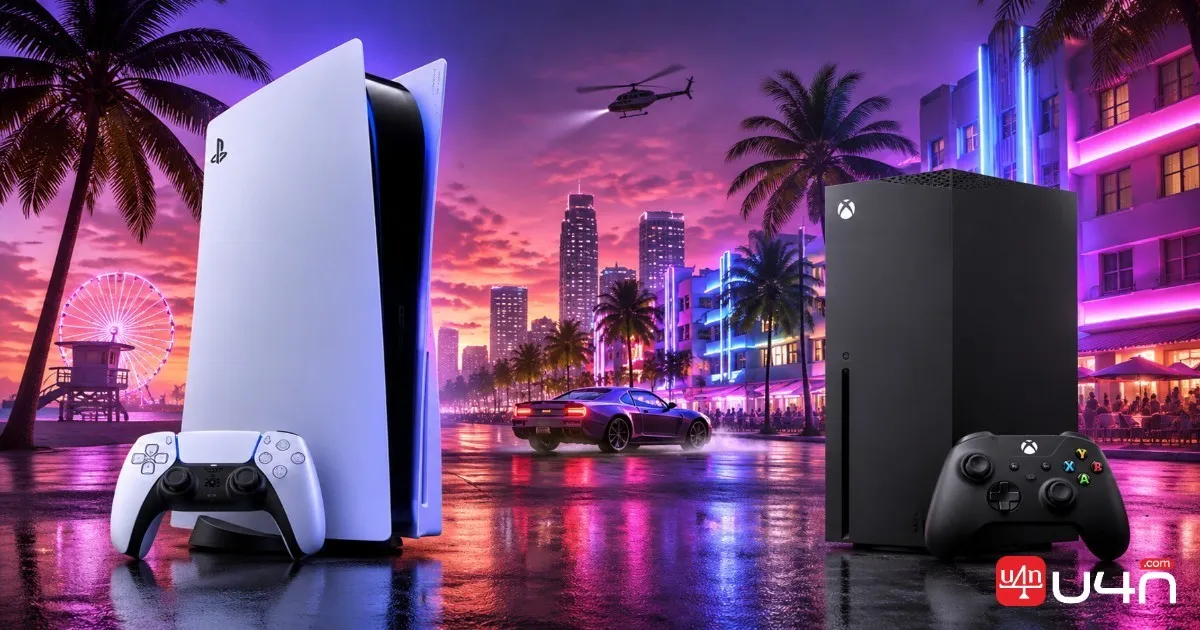
GTA 6 Preload Dates and Times for PS5 and Xbox
Rockstar has confirmed November 10, 2026, as the digital preload date for both supported console platforms. The main difference is how the download window is scheduled.
PS5 players can start preloading at midnight in their local time zone, while Xbox Series X|S players follow a global 12:00 AM GMT schedule. Both platforms should be ready for the November 19 launch.
| Platform | Preload Date | Start Time |
|---|---|---|
| PS5 | November 10, 2026 | Midnight local time |
| Xbox Series X|S | November 10, 2026 | 12:00 AM GMT |
| Official launch | November 19, 2026 | Midnight local time |
PS5 Preload Schedule
PS5 players can begin downloading GTA 6 at 12:00 AM on November 10, according to their respective local time zones. This means players in different regions won't necessarily receive the download at the same global moment.
For example, players in the United States should check the countdown displayed on their PlayStation Store purchase page rather than relying on a time shared by someone in another region. The countdown is the most practical reference for confirming when the download becomes available on your account.
Xbox Series X|S Preload Schedule
Xbox uses a different schedule. According to Rockstar, preloading begins globally at 12:00 AM GMT on November 10.
For players in North America, this means the download window opens on the afternoon or evening of November 9, depending on the time zone. Pacific Time players can expect it at 4:00 PM on November 9, while Eastern Time players can expect it at 7:00 PM.
Keep in mind that the preload date and the actual release date are separate. Downloading the files early does not unlock the game before November 19.
How to Preload GTA 6 on PS5 and Xbox
Before starting, make sure you've successfully pre-ordered the digital version of GTA 6 or redeemed a valid game download code. Preloading is intended for eligible purchases, so simply having the game on your wishlist won't give you access to the download.
How to Preload GTA 6 on PS5
Once the preload window opens, follow these steps:
- Turn on your PS5 and sign in to the PlayStation account used for your purchase.
- Open Game Library from the games home screen.
- Select Your Collection and find your GTA 6 pre-order.
- Open the game's countdown timer or download option.
- Select Download if automatic downloading hasn't started.
- Check Downloads/Uploads to confirm that the installation is progressing.
If you have already enabled automatic downloads, the console should begin downloading the game without requiring you to repeat these steps manually.
How to Preload GTA 6 on Xbox Series X|S
Xbox players should prepare their consoles before the global preload window opens.
- Sign in to the Xbox account used to pre-order GTA 6.
- Open your game library or Microsoft Store purchase page.
- Locate GTA 6 and check whether the preload option is available.
- Select the download or installation option when it appears.
- Open the download queue to monitor progress.
If the download button doesn't appear immediately, check the official release schedule and your purchase status first. There's little benefit in repeatedly restarting the console before the scheduled window has opened.
What About Physical Editions?
One detail worth remembering is that GTA 6's physical Code-in-Box editions are different from traditional disc releases. Rockstar has indicated that these versions contain a download code rather than a game disc, with retailer availability expected from November 12.
That means physical buyers still need sufficient storage and an internet connection to download the game.
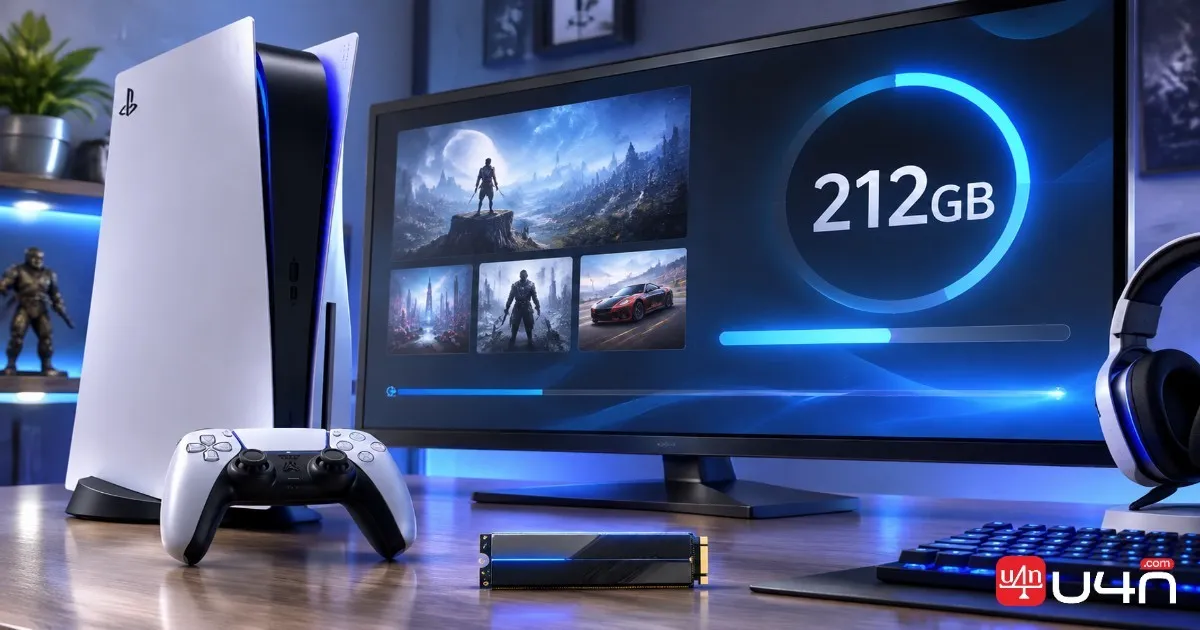
GTA 6 Storage Requirements: Is 212GB Enough?
Storage space is arguably the most important part of this preparation process. Rockstar has confirmed that the GTA 6 preload requires up to 212GB of available space, depending on the device.
For players with several large games already installed, this could mean making room before November 10 rather than waiting until the download fails.
GTA 6 requires up to 212GB of available storage for preloading. Make room before the download window opens instead of waiting until launch week to manage your console storage.
Why You Should Prepare More Than the Minimum
Although 212GB is the confirmed maximum preload requirement, we recommend leaving some additional breathing room whenever possible.
There are a few reasons for this:
- The console needs enough available space to complete the download and installation process.
- Temporary installation files and system operations may require additional working space.
- Future patches and game updates could introduce further storage demands.
The important distinction is that the 212GB figure refers to the stated preload requirement. It should not automatically be treated as a permanent final installation size or a confirmed requirement for every future update.
How to Free Up Storage on PS5
PS5 users can check available capacity through Settings > Storage.
From there, review installed games and applications. Older titles that you haven't played recently are usually the easiest candidates for removal. You can also manage captured videos and screenshots if your media library has become particularly large.
How to Free Up Storage on Xbox
On Xbox Series X|S, open Settings and navigate to System > Storage devices. Review your installed games and applications, then remove titles you no longer need.
If you use an external storage device, check the installation requirements for the game before moving files around. Not every storage configuration supports running current-generation games directly from an external drive.
Our recommendation is simple: prepare the internal storage space in advance and avoid relying on last-minute file transfers.
How to Enable Automatic GTA 6 Downloads
Automatic downloads are particularly useful if you don't want to monitor the preload window manually. However, enabling the feature doesn't guarantee a successful download if your console is offline, storage is insufficient, or your purchase isn't registered correctly.
Enable Automatic Downloads on PS5
Follow these steps before November 10:
- Open Game Library from your PS5 home screen.
- Select Your Collection and locate your GTA 6 pre-order.
- Open the countdown timer.
- Make sure the checkbox next to GTA 6 is selected for automatic downloading.
- Go to Settings > System > Power Saving > Features Available in Rest Mode.
- Enable Stay Connected to the Internet.
- Put your console into Rest Mode when you're ready.
These settings allow the console to download eligible pre-ordered games while in Rest Mode, provided the necessary conditions are met.
Enable Automatic Updates on Xbox
Xbox players should check their automatic update settings and power configuration.
Make sure automatic updates are enabled and that the console is configured to remain available for background downloads. Rockstar also recommends keeping the console powered on or in Sleep mode for automatic preload.
If you prefer not to rely on background downloads, you can simply check the game library after the scheduled start time and begin the installation manually.
GTA 6 Preload Problems and How to Fix Them
Even with everything prepared, digital downloads can occasionally run into problems. Most preload issues are related to account permissions, network connectivity, storage capacity, or incorrect console settings.
GTA 6 Preload Is Not Showing Up
First, confirm that November 10 has arrived according to your platform's release schedule. Remember that PS5 and Xbox use different time arrangements.
Next, check whether the correct account is signed in and whether your pre-order was successfully completed. If you purchased a Code-in-Box edition, make sure the download code has been redeemed.
GTA 6 Download Is Stuck or Paused
If GTA 6 appears in your download queue but isn't progressing, start with the basic checks:
- Confirm that your console is connected to the internet.
- Check whether other downloads are consuming your available bandwidth.
- Pause the GTA 6 download and resume it.
- Restart the console if the queue remains unresponsive.
- Check whether the platform's network services are experiencing problems.
For PS5 users, Rockstar's support guidance also recommends canceling and deleting a stalled preload before returning to the game library and enabling the download again, if the simpler steps don't work.
Not Enough Storage Space
If the console reports insufficient storage, don't keep retrying the same download. Open the storage management menu, remove unnecessary games or applications, and check the available capacity again.
Remember that the preload can require up to 212GB, so having only a small amount of free space is unlikely to be sufficient.
GTA 6 Is Downloaded but Won't Launch
This is not necessarily a download error. Preloading allows the game files to be installed before release, but it does not grant early access to the full game.
If the installation is complete, check the release countdown and make sure you're signed in to the account that owns the game. There's no need to delete and reinstall everything simply because the launch countdown is still active.
Summary
Preparing for GTA 6 is much easier when you handle the download before launch day. PS5 players should remember the November 10 local-midnight schedule, while Xbox Series X|S players need to follow the global 12:00 AM GMT window. Both platforms may require up to 212GB of available storage, making early storage management especially important.
We also recommend checking automatic downloads, account access, and network settings before the preload begins. If you're organizing other launch preparations, including your preferred GTA6 Boosting options for related gaming activities, keep those separate from the actual game installation process. A successful preload is ultimately about having the right files ready when the official unlock time arrives.
GTA 6 Preload FAQ
When Can I Preload GTA 6 on PS5?
PS5 digital preloading begins at midnight local time on November 10, 2026. The exact start time depends on your region.
What Time Does GTA 6 Preload Start on Xbox?
Xbox Series X|S preloading begins globally at 12:00 AM GMT on November 10, 2026. This corresponds to 4:00 PM Pacific Time and 7:00 PM Eastern Time on November 9.
How Much Storage Does GTA 6 Need?
Rockstar confirms that the preload requires up to 212GB of available storage, depending on the device. Players should leave additional room whenever possible.
Can I Play GTA 6 Immediately After Preloading?
No. Preloading only installs the game files ahead of release. GTA 6 officially launches on November 19, 2026, and players must wait until their regional unlock time.
Can I Preload GTA 6 Without Pre-Ordering?
Preloading is intended for eligible purchases. Players need a valid digital pre-order or a redeemed game download code to access the preload.
Does GTA 6 Preload Work in Rest Mode?
Yes. PS5 can automatically download eligible pre-orders in Rest Mode when the relevant automatic download and internet connection settings are enabled. Xbox players should keep automatic updates enabled and use the supported Sleep or powered-on configuration.