

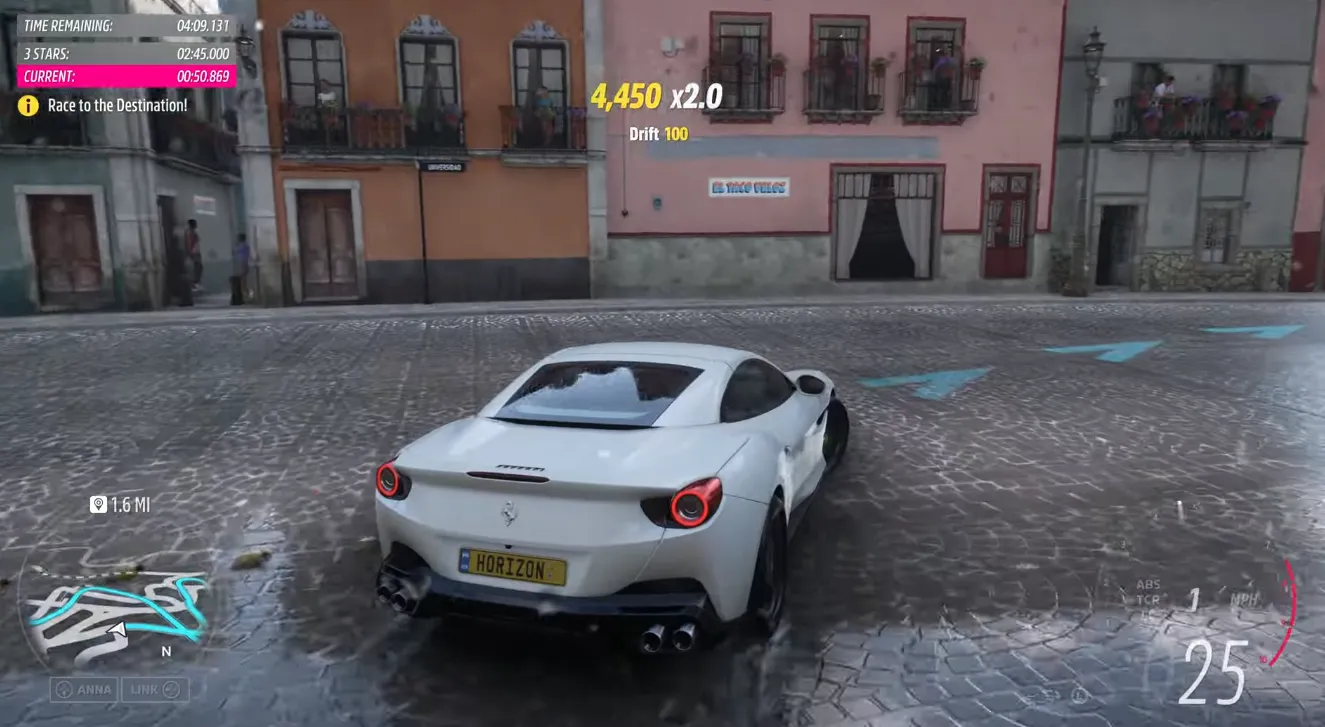
A lot of Xbox players use the “New Zealand trick” every time a big game launches, and yes — it works for Forza Horizon 6 too. If you own the right version of the game, you can start playing many hours earlier simply by changing your console or PC region to New Zealand.
This works because Xbox uses a rolling regional launch system. The game unlocks at midnight local time in each region, so New Zealand players get access before North America and Europe.
For many US players, that means jumping into FH6 roughly 12–16 hours early.
However, there are a few important things you need to know before trying it.
Does the New Zealand Trick Work in Forza Horizon 6?
Yes — but only on Xbox platforms.
The trick works on:
- Xbox Series X
- Xbox Series S
- Xbox App on Windows PC
- Microsoft Store version of FH6
It does NOT work on Steam.
Steam uses a single worldwide release time instead of regional unlocks, so changing your PC region won't unlock the game early there.
Important Requirements Before You Start
Before changing your location, make sure you actually have access rights for the launch window.
1. Premium Edition Early Access
If you want to play during the early-access period, you need one of these:
- Forza Horizon 6 Premium Edition
- Premium Add‑Ons Bundle
- Premium Upgrade Bundle
Early access begins on May 15 in local regions.
Without Premium access, the trick will not unlock the game early.
2. Standard Edition Players
If you only own the Standard Edition or use Xbox Game Pass Ultimate, your unlock happens during the general launch period starting May 19.
The trick can still help you enter earlier than your local timezone once the global rollout begins.
3. Digital Version Required
The New Zealand trick only works with digital copies.
Physical discs usually still require the servers to unlock online features and game access timing.
How to Set Up the New Zealand Trick on Xbox
The Xbox setup only takes about two minutes.
Step 1 — Open Settings
Press the Xbox button on your controller.
Go to:
Profile & system → Settings
Step 2 — Enter System Settings
Open:
System → Language & location
Step 3 — Change Your Location
Under “Location,” select:
New Zealand
Do not change your language unless you want to.
Step 4 — Restart Your Console
Choose:
Restart now
Your Xbox must fully reboot for the region change to apply correctly.
Step 5 — Launch Forza Horizon 6
Once the console restarts:
- Open FH6
- Connect online
- The game should unlock if New Zealand has officially reached launch time
If it still says “too early,” wait a few minutes and relaunch the game.
Once you finish the New Zealand setup and get into Forza Horizon 6 early, you can immediately start grinding races, festival rewards, and seasonal events before most players even log in. That early head start can make a huge difference for building your garage faster, unlocking rare cars, and stacking credits ahead of the market rush. If you want to progress even quicker after launch, many players also use trusted marketplaces like U4N to buy FH6 credits safely and save time on the long grind for expensive hypercars and upgrades.
How to Set Up the Trick on PC (Xbox App / Microsoft Store)
PC players using the Xbox App can also do this very easily.
Step 1 — Open Windows Settings
Press:
Win + I
Step 2 — Open Region Settings
Go to:
Time & Language → Region
Step 3 — Change Region to New Zealand
Under:
Country or region
Select:
New Zealand
Step 4 — Restart the Xbox App
Close the Xbox App completely.
Then reopen it and launch Forza Horizon 6.
Some players also restart Windows to make sure the region fully updates.
Can You Use Kiribati Instead?
Some players try using Kiribati because its timezone is slightly ahead of New Zealand.
In certain launches, this can provide access around 1–2 hours earlier.
However, New Zealand is usually the most reliable and safest option because Xbox support systems consistently recognize it during launch rollouts.
Is the New Zealand Trick Safe?
Historically, Xbox has never seriously punished players for simply changing console regions to access games early.
People have used this method for years with major Xbox releases.
That said, Forza Horizon 6 is being monitored more heavily than usual because of:
- Pre-launch leaks
- Early pirated builds
- Competitive leaderboard protection
- Improved anti-cheat systems
So while changing your region is generally considered low risk, you should still be smart about it.
Important Things You Should NOT Do
Don't Stream Early Gameplay Publicly
One of the fastest ways to attract attention is posting launch footage publicly before your real regional release time.
Avoid:
- Twitch streams
- YouTube uploads
- TikTok clips
- Public screenshots
Especially during the first few hours.
Don't Use Mods or Cheats
FH6 reportedly has much stricter anti-cheat detection than older Horizon games.
Avoid:
- Credit hacks
- Save editing
- Modded cars
- Exploit tools
Even during early access.
Don't Manipulate Leaderboards
Playground Games aggressively tracks suspicious leaderboard activity.
Unrealistic lap times or exploit abuse can absolutely trigger penalties.
Should You Switch Back After Launch?
Yes.
After the game officially launches in your real region, it's a good idea to switch your console or PC region back to normal.
This helps avoid:
- Store pricing issues
- Incorrect regional recommendations
- Timezone confusion
- Download inconsistencies
The process is the same as before — simply change the location back and restart.