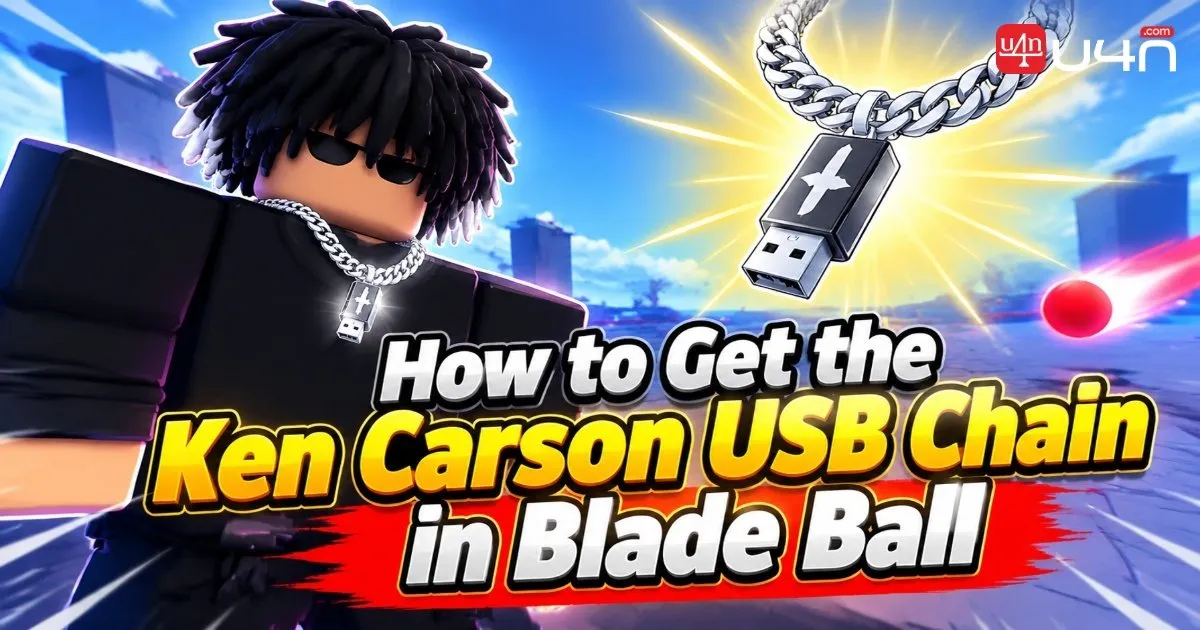
The Ken Carson USB Chain is a limited-time UGC reward tied to a Roblox event, and Blade Ball is where we start the process. To earn the first required badge, we need to complete a special Beatball LTM quest by playing Ken Carson's song, Possessions, and collecting five USBs. Players interested in other game resources can also explore Blade Ball Tokens, but our priority here is completing the event quest correctly.
The good news is that the Blade Ball section is straightforward once we know which mode, song, and difficulty to choose. Our team recommends focusing on the five-USB objective instead of rushing through the song. After earning the first badge, we can move on to the remaining event requirements in The Mimic and The Block.
Step 1: Enter the Beatball LTM
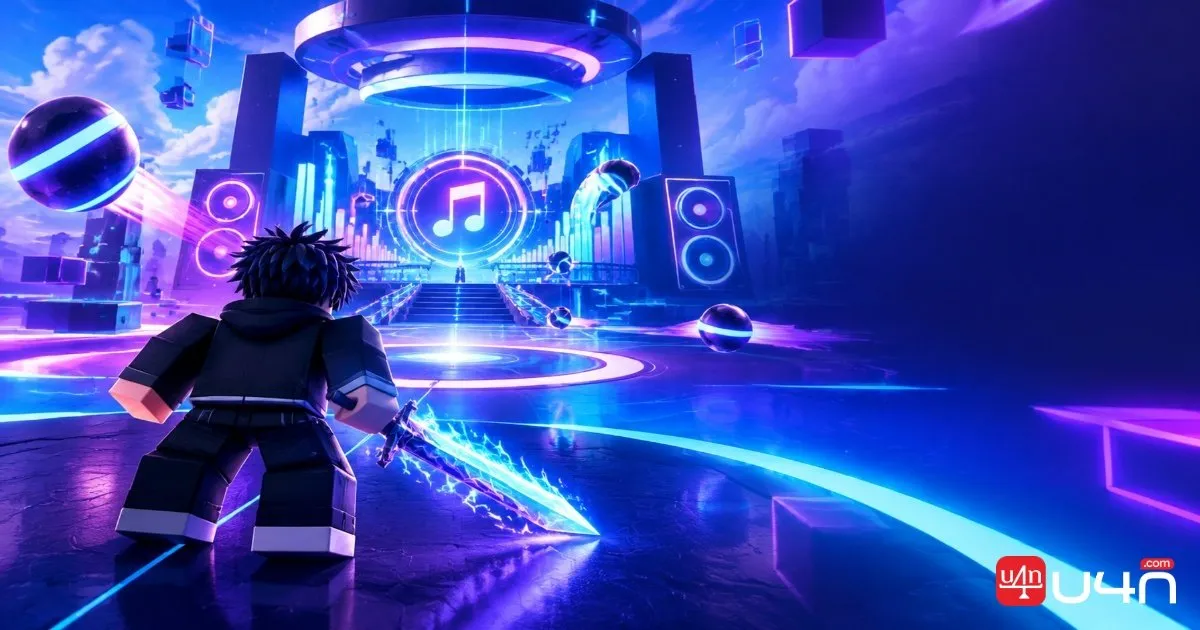
First, launch Blade Ball on Roblox and look for the Beatball LTM, or Limited Time Mode, in the main menu or event area. Since this is a limited-time activity, make sure you enter the correct mode rather than a standard Blade Ball match.
Once inside Beatball LTM, find the Ken Carson song "Possessions." Selecting the correct track matters because the USB collection objective is tied to this event quest. Before starting, take a moment to confirm the song selection so you do not spend a run on the wrong activity.
Step 2: Select Possessions on Easy Mode
After choosing Possessions, set the difficulty to Easy Mode. This is the recommended option because it lets us focus on the collection objective without adding unnecessary pressure.
We suggest prioritizing consistency over speed. Keep your attention on the incoming orbs, watch your character's movement, and avoid distractions from obstacles around the arena. The goal is not simply to finish the song; it is to collect all five USBs and meet the quest requirements.
Step 3: Collect Five USBs and Earn the First Badge
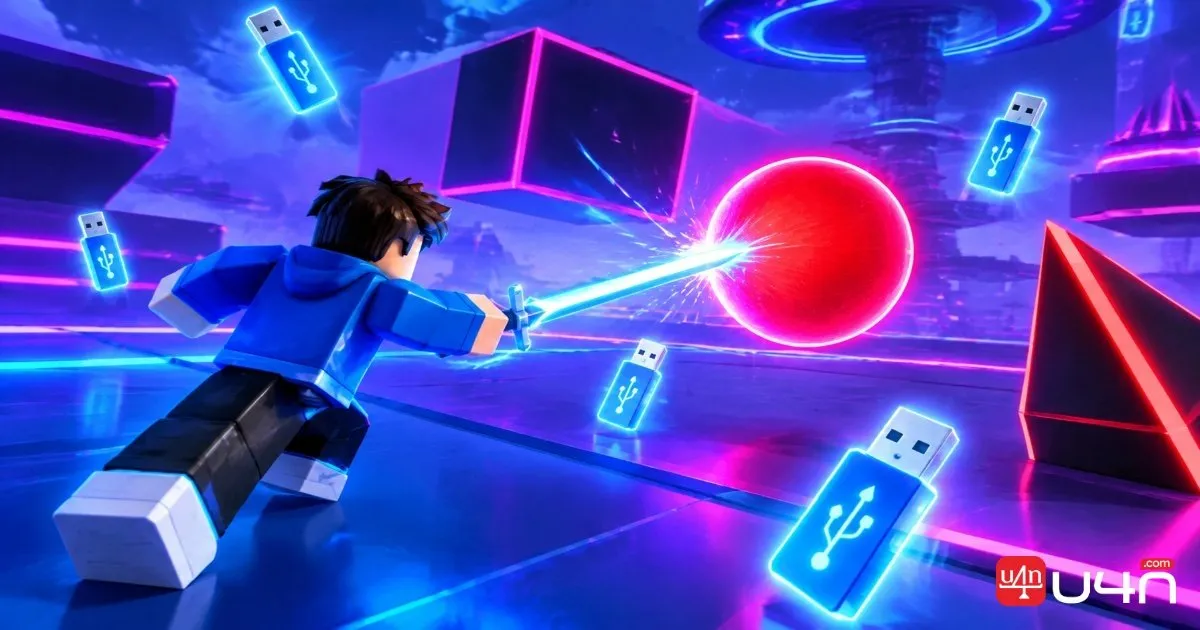
During the song, hit the relevant orbs with your sword to collect the USBs. You need five USBs in total to complete this part of the quest. At the same time, watch for obstacles and avoid missing the orbs or losing all your health.
Our team recommends keeping your movements controlled rather than making unnecessary turns across the arena. If the orbs appear quickly, stay focused on the next target and avoid letting the environment distract you from the collection objective.
| Quest Detail | Requirement |
|---|---|
| Game | Blade Ball |
| Mode | Beatball LTM |
| Song | Possessions by Ken Carson |
| Difficulty | Easy Mode |
| Objective | Collect 5 USBs |
| Reward | First required badge |
Once all five USBs have been collected and the quest is completed, you should receive the first required badge. Check that the badge has been awarded before moving on to the other event tasks.
Pro Tip: Treat the five-USB objective as your main priority. Choosing the correct song and difficulty before starting can help you avoid wasting a run.
Step 4: Complete the Remaining Ken Carson Event Tasks
After earning the Blade Ball badge, head to The Mimic on Roblox and complete its corresponding Ken Carson event mission to earn the second required badge.
Next, join The Block and use the in-game phone to check your badge progress. Attend the Ken Carson concert during a confirmed event session to earn the final badge and claim the USB Chain UGC reward. Because event schedules can change, check the latest in-game information before planning your visit.
Summary
The key to starting this event is completing the Blade Ball quest: enter Beatball LTM, select Possessions on Easy Mode, and collect five USBs to earn the first badge. Once that step is complete, finish the mission in The Mimic, check your progress in The Block, and attend the concert to claim the final reward. If you are also planning your in-game resource budget, you can consider whether it makes sense to buy Blade Ball Tokens, but remember that the USB Chain quest still requires its event-specific objectives.
FAQ
How many USBs do I need to collect in Blade Ball?
You need to collect five USBs during Ken Carson's Possessions song in Beatball LTM to complete the Blade Ball quest described in this guide.
Which difficulty should I choose?
Choose Easy Mode. It lets you focus on collecting the five USBs while managing the orbs and obstacles.
Is completing the Blade Ball quest enough to get the USB Chain?
No. The Blade Ball quest provides the first required badge. You must also complete the corresponding The Mimic task and finish the remaining event requirements through The Block and the Ken Carson concert.
Where can I check my event progress?
Join The Block and use the in-game phone to check your badge progress. Confirm that your required badges have been awarded before attending the concert.