Cart Empty
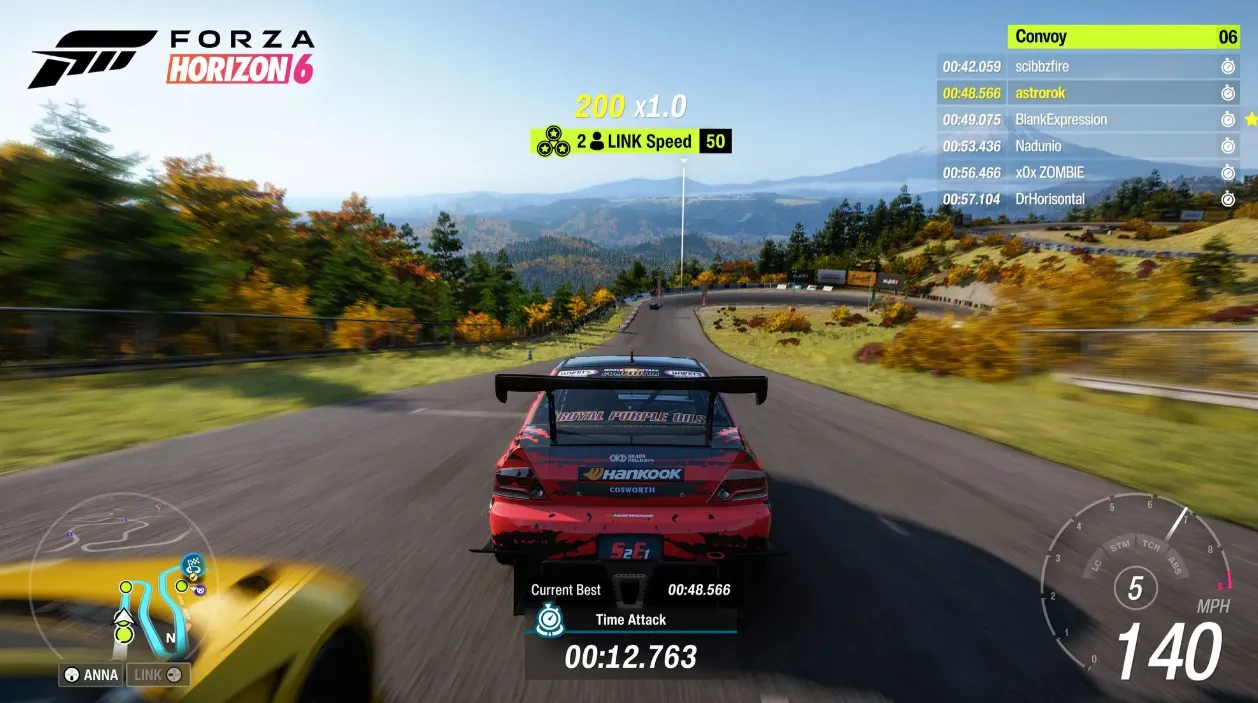
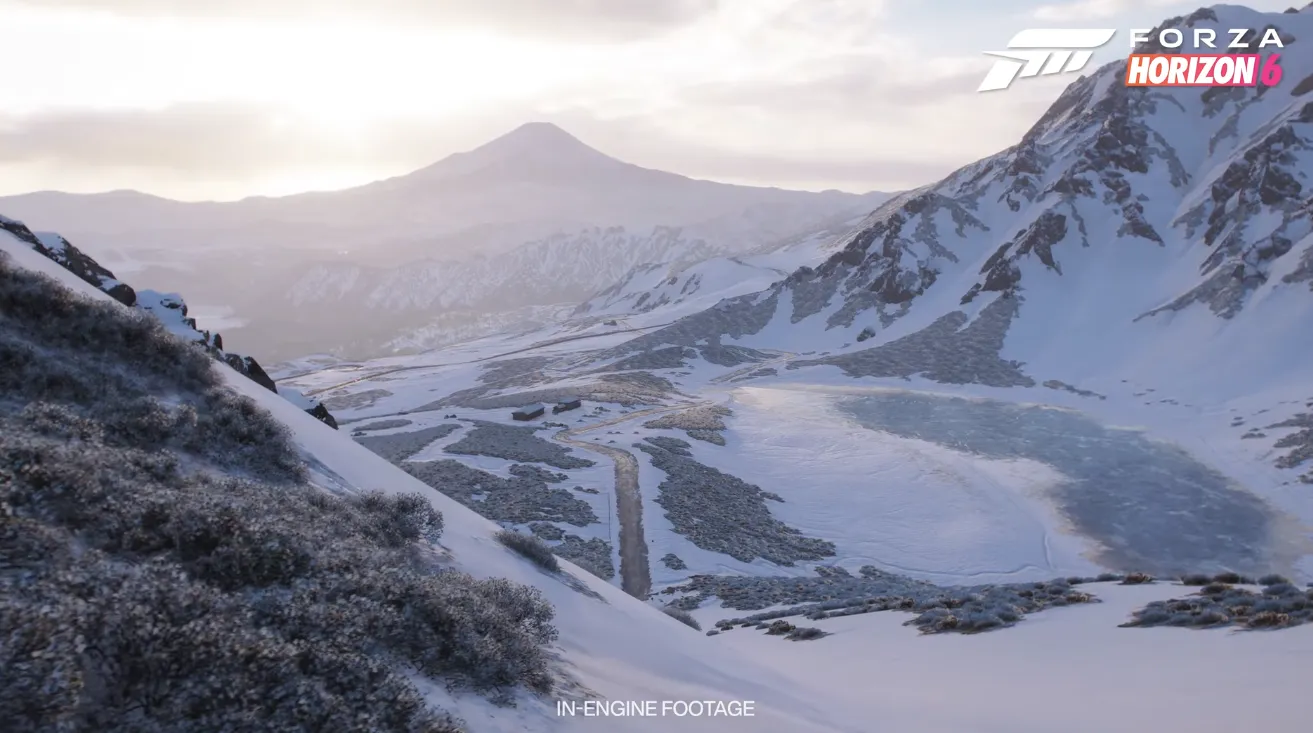
Continue ShoppingAs someone who's tested all kinds of racing games on PC, I'll walk you through the best settings with clear explanations. Forza Horizon 6 brings real ray tracing options, advanced upscalers like DLSS/FSR/XeSS, and a deep graphics menu.
| Setting | Recommended Value | Notes |
|---|---|---|
| Ray-Traced Global Illumination | Off | Major FPS hit; only enable on top-tier GPUs |
| Volumetric Fog Quality | High | Ultra/Extreme kills performance in dense areas |
| Environment Geometry Quality | Ultra | Extreme increases CPU load with minimal visual gain |
| Shadow Quality | Ultra | Extreme drops FPS; High looks blurry |
| Setting | Recommended Value | Notes |
|---|---|---|
| Texture Quality | Extreme | Sharpest car, road, and building details; requires 12GB+ VRAM |
| Anisotropic Filtering | 16× | Improves road/texture clarity at angles; minimal performance cost |
| Shader Quality | Extreme | Enhances lighting, reflections, and surface details |
| Deformable Terrain Quality | Ultra | Realistic mud, sand, and snow tracks |
| Setting | Recommended Value | Notes |
|---|---|---|
| Motion Blur | Off | Removes camera smear during high-speed drifts |
| Resolution Scaling | DLSS / FSR / XeSS Quality | AI upscaling keeps image sharp without lowering native resolution |
| Frame Generation | On (if supported) | Inserts extra frames for smoother gameplay |
| NVIDIA Reflex / AMD Anti-Lag | On + Boost | Minimizes input delay from controller or wheel |
If you want the smoothest and most responsive experience in Forza Horizon 6, make sure Motion Blur is off, use DLSS/FSR/XeSS Quality for resolution scaling, enable Frame Generation if your hardware supports it, and turn on NVIDIA Reflex or AMD Anti-Lag with Boost; for players looking to quickly expand their garages without risk, U4N is a trusted platform where you can safely buy safe FH6 credits and keep racing at peak performance.
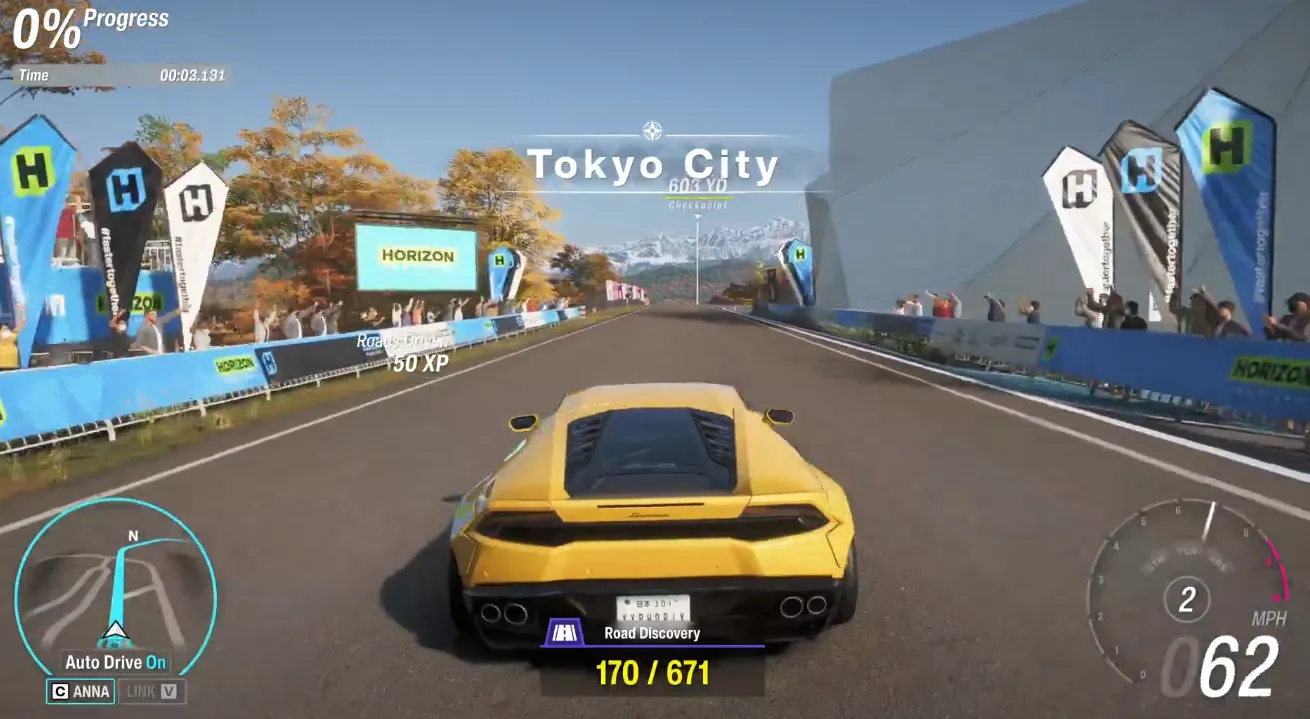
| GPU Tier | Example GPUs | Key Settings |
|---|---|---|
| Mid-Range | RTX 3060 Ti / RX 6700 XT | RTGI: Off, Shadows/Fog: High, Textures: High, Upscaling: DLSS/FSR Quality |
| High-End | RTX 4070 Ti / RX 7900 XT | RTGI: Off/On, Shadows: Ultra, Textures: Extreme, Upscaling: Off or Quality |
| Enthusiast | RTX 50 Series / RX 9000 | RTGI: On, Reflections: On, All maxed (watch VRAM) |
Authored by elite gamers and industry insiders, the U4N Editorial Team delivers authoritative game updates, patch notes breakdowns, and expert strategies for trending titles including World of Warcraft, Path of Exile 2, MapleStory, Aion 2, and Arc Raiders.
From deep-dive guides to the latest meta shifts, our in-house veterans test every tactic firsthand to keep you ahead of the game.