

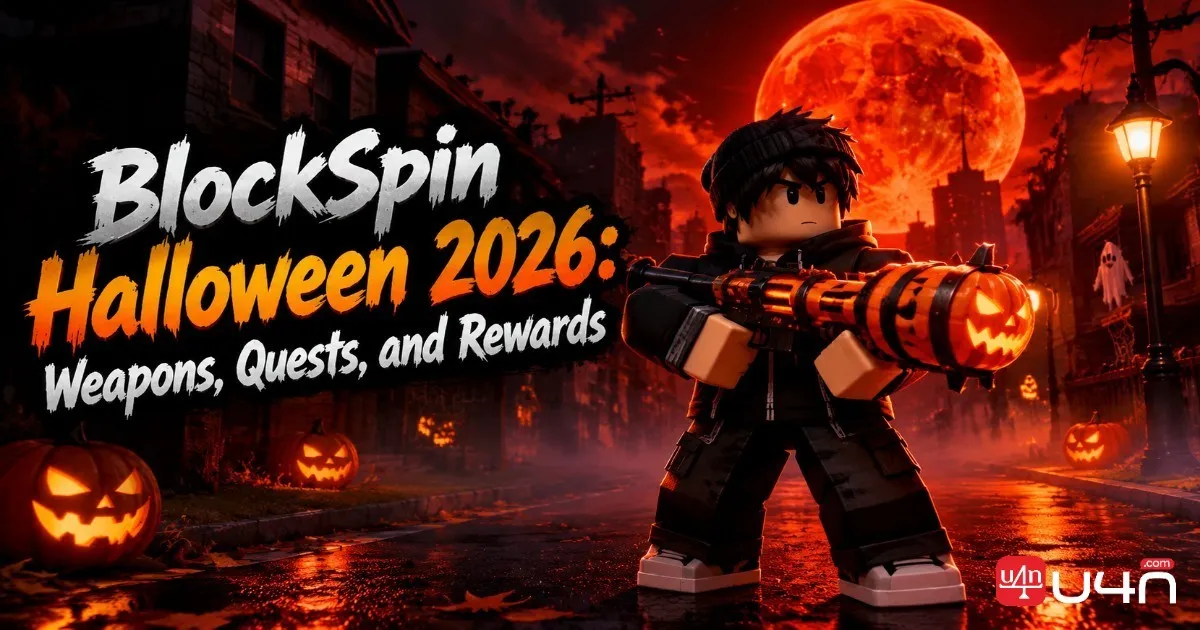
The BlockSpin Halloween Update 2026 brings a seasonal refresh to the streets, with new weapon options, Halloween cosmetics, a special quest, and the eerie Blood Moon atmosphere. Rather than treating the event as a simple cosmetic update, our team recommends looking at it as a limited-time opportunity to collect rewards, test new equipment, and make progress before the event window closes.
The biggest priority is timing. The currently listed schedule places Halloween Update Part 1 from October 17 to November 2, while Part 2 runs from October 24 to November 2. Players researching BlockSpin Accounts or returning to the game after a break should first check the in-game event information, since the displayed countdown is the safest way to confirm the remaining time. The schedule may be subject to change, so do not rely on an old event listing alone.

BlockSpin Halloween Update 2026: Event Dates and Highlights
The Halloween event is split into two parts, giving players more than one reason to revisit the game. Part 1 introduces the seasonal atmosphere, new skins, a quest, and the Blood Moon feature. Part 2 expands the update with two additional weapons, new clothing, and general fixes.
| Event phase | Listed dates | Main highlights |
|---|---|---|
| Halloween Update Part 1 | October 17–November 2 | New skins, a quest, Blood Moon |
| Halloween Update Part 2 | October 24–November 2 | Two new weapons, clothing, general fixes |
Both phases currently share the same listed end date: November 2, 2026. However, the exact closing time may depend on the event schedule displayed by the game. Check the event panel before planning a final farming session, especially if you are playing in a different time zone.
Our team recommends checking the event menu as soon as you log in. Identify which activities are still available, whether a quest has prerequisites, and which rewards you actually want. This simple preparation helps avoid spending your final session on ordinary progression while a limited-time objective remains unfinished.
New Weapons: What Should Players Prioritize?
New weapons are among the most appealing additions to a seasonal update, but a weapon's value depends on more than its appearance. Players should consider its combat role, handling, ammunition requirements, and the risk of losing it during a difficult encounter.
Pumpkin Launcher and Explosive Combat
The Pumpkin Launcher is one of the standout Halloween-themed weapons reported for Part 1. Available information describes explosive attacks with lingering fire damage and ragdoll effects. These mechanics make it worth investigating for players who enjoy disruptive combat and creating space during chaotic fights.
Before committing valuable equipment to a battle, test the weapon in a situation where you can learn its effective range and handling. Explosive weapons can be powerful in crowded encounters, but they may be less convenient when precision, ammunition efficiency, or controlled engagements matter more.
We recommend evaluating three practical factors:
- Effective range: Determine how far you can reliably hit targets before building your strategy around the weapon.
- Combat control: Observe whether explosive impacts help interrupt opponents or create an opportunity to reposition.
- Replacement cost: Consider how difficult the weapon would be to replace if you lose it.
These checks are more useful than assuming a newly released weapon is automatically the strongest option in the game.
Part 2 Weapons and New Equipment
The second update phase introduces two additional weapons. Available third-party update summaries mention a three-round-burst bullpup rifle, but a complete, independently verified list of weapon names and statistics is not yet established here.
Rather than inventing damage numbers or claiming that one weapon dominates every encounter, compare the new equipment against your existing loadout after entering the game. Pay attention to firing behavior, recoil, magazine capacity, reload time, and how easily you can control the weapon under pressure.
Players who prefer aggressive close-range fights may value a different setup from those who hold longer angles or avoid unnecessary confrontations. The best choice is the one that supports your usual playstyle without putting your entire inventory at risk.
Blood Moon Event: How to Prepare for Nighttime Encounters
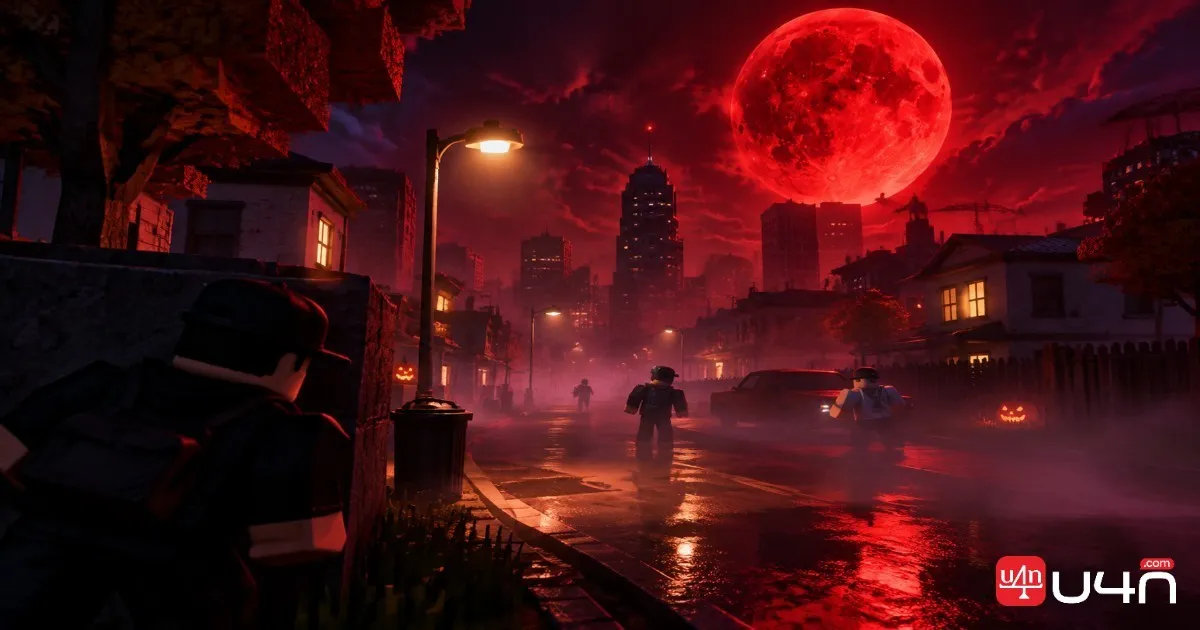
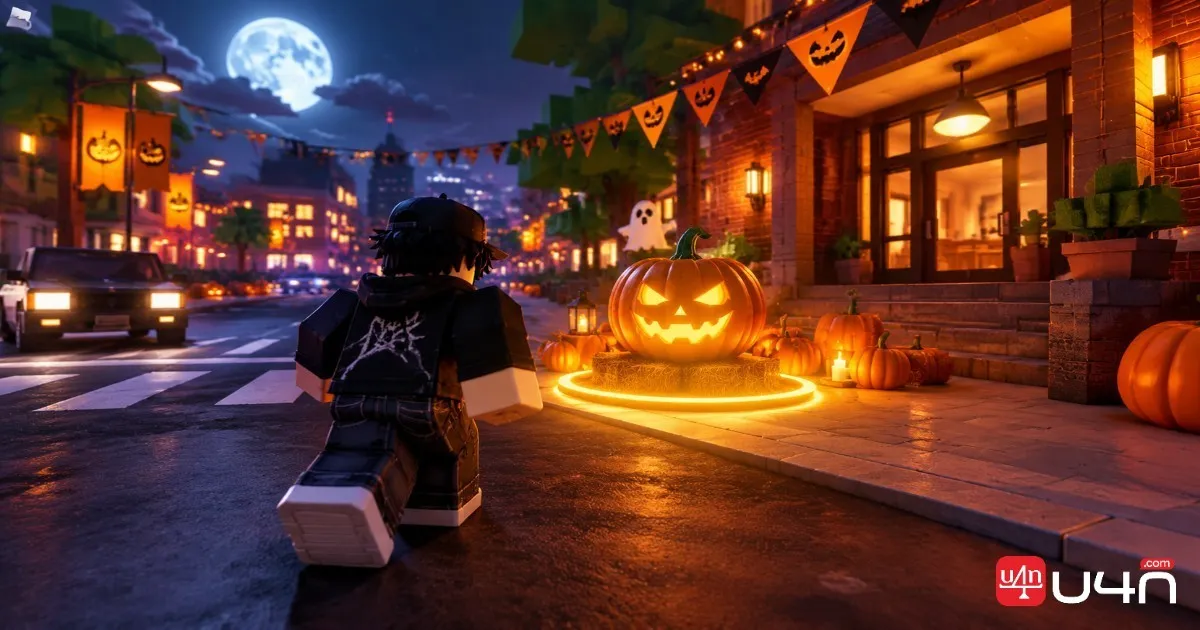
The Blood Moon is one of the defining features of the Halloween update. It adds a darker seasonal atmosphere to BlockSpin and gives the event a distinct identity beyond new clothing and weapon models.
However, players should distinguish visual changes from confirmed gameplay modifiers. The available event information establishes the Blood Moon as part of the update, but it does not conclusively establish every possible effect on enemy behavior, spawn rates, loot quality, or combat statistics.
For practical preparation, our team recommends treating nighttime encounters cautiously until you understand the current event behavior.
Build a Safer Loadout
Bring equipment that serves a clear purpose instead of carrying every valuable item you own. A familiar weapon, sufficient ammunition, and a sensible escape plan are generally more reliable than an experimental loadout packed with expensive gear.
Watch Your Surroundings
Dark or visually busy environments can make it harder to judge an encounter quickly. Keep track of nearby players, avoid rushing into crowded areas without a plan, and leave if a fight becomes unfavorable.
Protect Your Inventory Before Leaving
BlockSpin warns that players drop their inventory when they die. Store valuable items in your house safe before attempting a risky event activity, then carry only what you are prepared to lose.
This habit is particularly important when testing unfamiliar weapons. The goal is to learn how the new equipment performs without turning one unsuccessful fight into a major setback.
Pumpkin Smasher Quest: A Practical Completion Checklist
The Pumpkin Smasher quest is another reported highlight of Part 1. For players who prefer completing objectives over repeatedly entering combat, seasonal quests can provide a more structured way to engage with an update.
The exact quest sequence, coordinates, and full reward requirements should be checked in the live game rather than guessed from the quest name.
Use this checklist before starting:
- Open the event or quest menu. Confirm that Pumpkin Smasher is available and identify its displayed objectives.
- Read every requirement. Check whether the quest asks you to visit a location, defeat a target, collect an item, or complete another action.
- Prepare your equipment. Bring the weapons and supplies needed for the displayed objectives, but leave unnecessary valuables in your safe.
- Complete objectives in a sensible order. If several tasks share a location or activity, finish them together where possible instead of making repeated trips.
- Verify the reward. After completing the objective, check your inventory or reward screen to make sure the item or progress was registered.
If a quest does not advance, revisit its requirements before repeating the entire activity. Some objectives may require a specific interaction or a final confirmation rather than simply reaching a location.
Our team also recommends completing limited-time quests before spending too much time experimenting with optional equipment. A reward tied to a closing event window is usually a higher priority than an activity you can repeat later.
Halloween Skins, Clothing, and Limited-Time Rewards
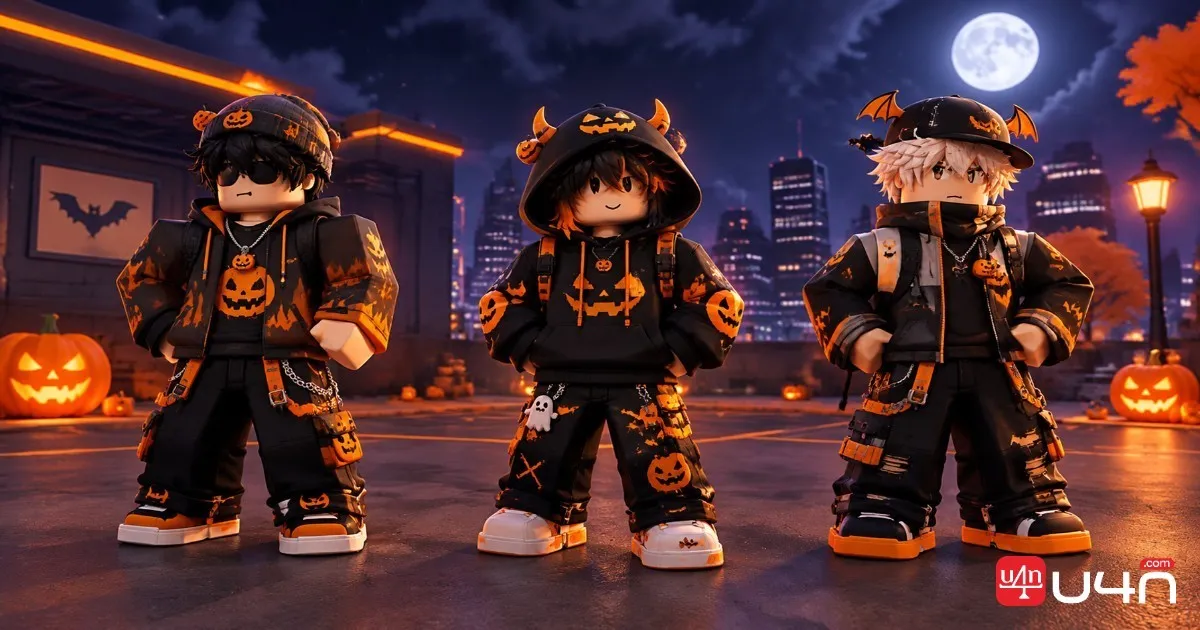
Weapons may attract the most attention, but seasonal cosmetics can be just as important to collectors. Part 1 adds new skins, while Part 2 introduces additional clothing. These rewards give players another reason to participate even if their current combat setup already performs well.
Before spending money or opening reward cases, identify how each item is obtained. A cosmetic unlocked through a quest has a different time commitment from an item that depends on random drops or a shop rotation.
| Reward category | What to check | Recommended approach |
|---|---|---|
| Halloween skins | Unlock conditions and availability | Complete confirmed objectives first |
| New clothing | Shop, quest, or other acquisition method | Check the price and preview before spending |
| Weapon rewards | Handling, utility, and replacement cost | Test before taking valuable gear into risky fights |
| Quest rewards | Completion requirements and final claim step | Finish and verify them before the event ends |
Do not assume every seasonal item will disappear permanently after November 2. The currently listed schedule establishes the event window, but it does not by itself confirm whether individual rewards will return in a later update.
For collectors, the most sensible approach is to prioritize rewards that are confirmed to be time-limited, difficult to obtain, or personally important. For combat-focused players, functional equipment should generally come before cosmetic purchases unless the appearance is the main reason for participating.
Best Strategy to Finish Before November 2
With the listed closing date approaching, players benefit from a short plan rather than trying to complete everything at once. Our team recommends dividing the remaining time into three priorities.
First, secure time-sensitive rewards. Check the event menu, identify available quests, and complete any confirmed limited-time objectives. Claim rewards explicitly when the game requires an additional interaction.
Second, evaluate the new weapons. Test the Pumpkin Launcher and any Part 2 equipment that is available to you. Compare their handling with your current setup before risking them in crowded or unpredictable encounters.
Third, collect the cosmetics you actually want. Review skins, clothing, and other seasonal items after identifying their acquisition methods. Avoid spending your entire balance on random cases before checking whether a specific reward can be earned through a quest or direct purchase.
Finally, revisit the event panel before your last session. November 2 is the currently listed end date, not a guarantee that every server will close the event at the same local time. The in-game countdown should take precedence over an outdated guide or a third-party timer.
Summary
The 2026 Halloween update gives BlockSpin players several ways to participate, from the Blood Moon atmosphere and Pumpkin Smasher quest to new weapons, skins, and clothing. The most effective approach is to secure limited-time quest rewards first, test unfamiliar weapons carefully, and collect cosmetics according to your own priorities.
The currently listed event schedule ends on November 2, 2026, for both update phases. Confirm the exact countdown in-game before making a final plan, and keep valuable equipment in your house safe before entering a high-risk encounter.
Our team's final recommendation is straightforward: prioritize rewards you can verify, avoid unnecessary inventory losses, and do not assume an item is permanently exclusive without an explicit announcement. A little preparation can make the final days of the Halloween event much more productive.
FAQ
When Does the BlockSpin Halloween Update 2026 End?
The currently listed schedule shows November 2, 2026, as the end date for both Part 1 and Part 2. Check the in-game event panel for the exact closing time and any schedule changes.
What Was Added in Halloween Update Part 1?
Part 1 features new skins, a quest, and the Blood Moon event. The Pumpkin Launcher is also reported among the Halloween-themed weapon additions.
What Is Included in Part 2?
Part 2 lists two new weapons, additional clothing, and general fixes. Confirm the exact weapon names and their current statistics in-game before relying on a specific loadout recommendation.
How Do I Complete the Pumpkin Smasher Quest?
Open the quest menu, review the current objectives, prepare suitable equipment, and complete each requirement in order. Verify the reward afterward. Exact steps should follow the live quest instructions.
Will Halloween Rewards Disappear After November 2?
The listed event window ends on November 2, but that does not independently confirm the permanent removal of every reward. Check the developer's announcements and in-game availability before assuming an item will never return.
What Should I Do Before the Event Ends?
Prioritize confirmed limited-time quests, check the acquisition methods for rewards you want, and test new weapons without carrying unnecessary valuables. Always verify the live countdown before your final session.