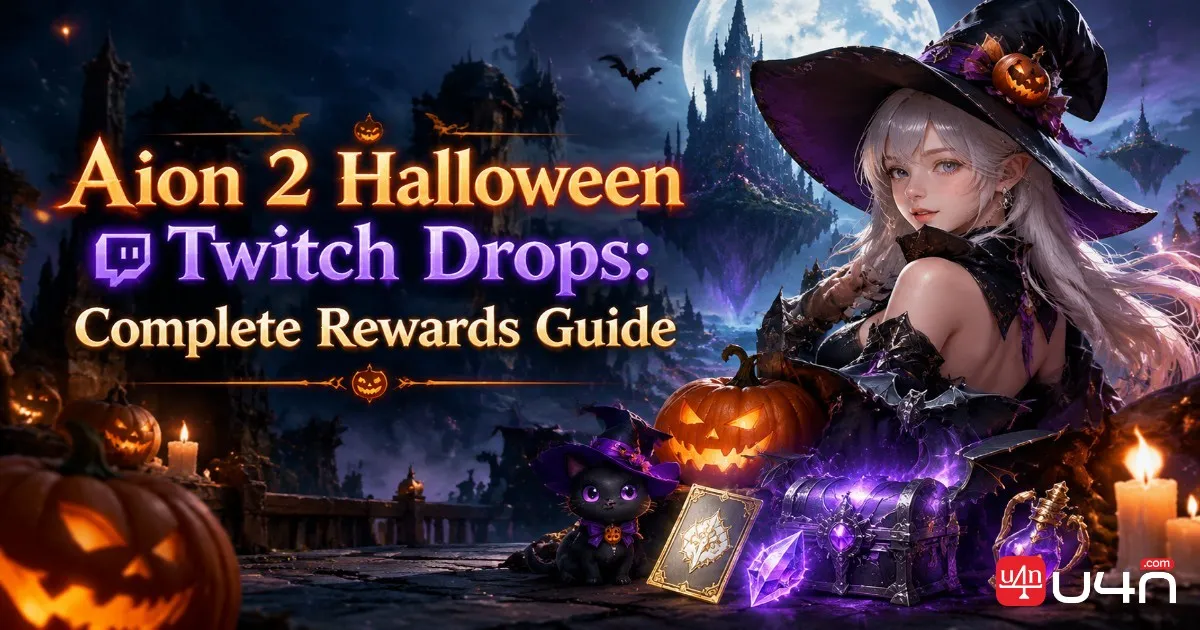
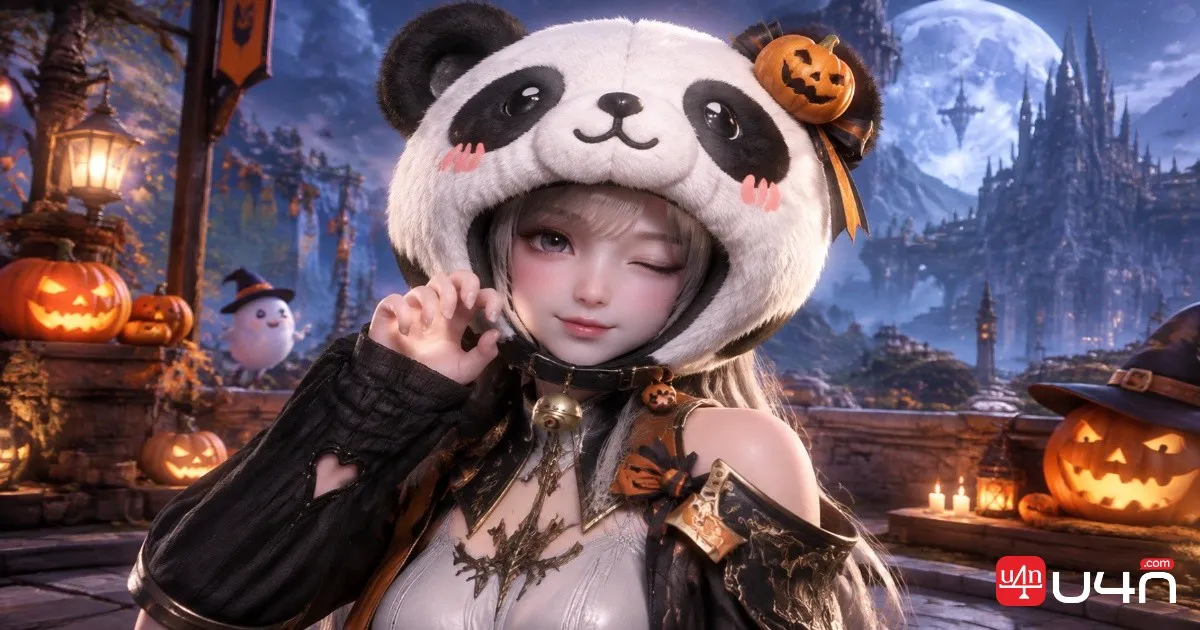
Aion 2 Halloween Twitch Drops gives Global players a chance to collect five free rewards by watching participating livestreams. The campaign includes useful consumables, character customization vouchers, and an exclusive Chubby Panda helm. For players who regularly collect Aion 2 Items, this is an easy opportunity to add extra resources without spending Kina or Quna.
The event requires up to eight hours of eligible viewing, but watching streams is only part of the process. Players must connect the correct accounts, track their Twitch Drops progress, and manually claim each unlocked reward. Our team has organized the important dates, reward milestones, and claiming instructions below to help players avoid missing anything.
Aion 2 Halloween Twitch Drops: Event Schedule
The Halloween campaign is available to eligible Aion 2 Global players from October 28 through November 3, 2026. You can accumulate viewing time across different participating channels, so there is no need to stay with one streamer throughout the event.
One detail worth remembering is that the viewing period and reward claim period have different deadlines.
| Event Detail | Information |
|---|---|
| Event Name | Global Halloween Twitch Drops |
| Start Date | October 28, 2026, 10:00 AM PDT |
| Viewing Deadline | November 3, 2026, 11:59 PM PST |
| Eligible Servers | Aion 2 Global |
| Total Required Viewing | 8 hours |
| Final Claim Deadline | November 17, 2026, 11:59 PM PST |
The November 3 deadline applies to earning viewing progress. If you have already unlocked rewards, you have until November 17 to claim them through Twitch Drops Inventory.
Our team recommends completing the viewing requirements early rather than treating the final day as extra viewing time. This also gives you more room to check your account connection and claim status.
All Five Halloween Twitch Drops Rewards
There are five reward milestones, starting with a consumable after one hour and ending with the Chubby Panda helm after eight hours.
| Watch Time | Reward | Quantity |
|---|---|---|
| 1 Hour | Resurrection Spiritstone (Bound) | 15 |
| 2 Hours | Appearance Change Voucher (Bound) | 1 |
| 4 Hours | Customization Voucher (Bound) | 3 |
| 6 Hours | Odyle Energy (Bound) | 4 |
| 8 Hours | Chubby Panda (Helm) | 1 |
The rewards serve different purposes, so players do not necessarily need to approach every milestone in the same way.
- Resurrection Spiritstone: A practical consumable reward for players who want additional recovery resources.
- Appearance Change Voucher: Useful for players who want to adjust their character's appearance.
- Customization Voucher: Adds more flexibility to character customization.
- Odyle Energy: A useful progression-related resource worth collecting if you are still developing your character.
- Chubby Panda (Helm): The final cosmetic reward and the main reason collectors may want to complete all eight hours.
For most players, the six-hour milestone is a reasonable target because it includes the Odyle Energy. However, cosmetic collectors should aim for the full eight hours to obtain the Chubby Panda helm.
How to Link Your Twitch Account to Aion 2
Before watching any eligible livestream, make sure your Twitch account is connected to the correct Aion 2 Global account.
This step deserves attention because selecting the wrong login method or linking an old game account can complicate reward delivery later.
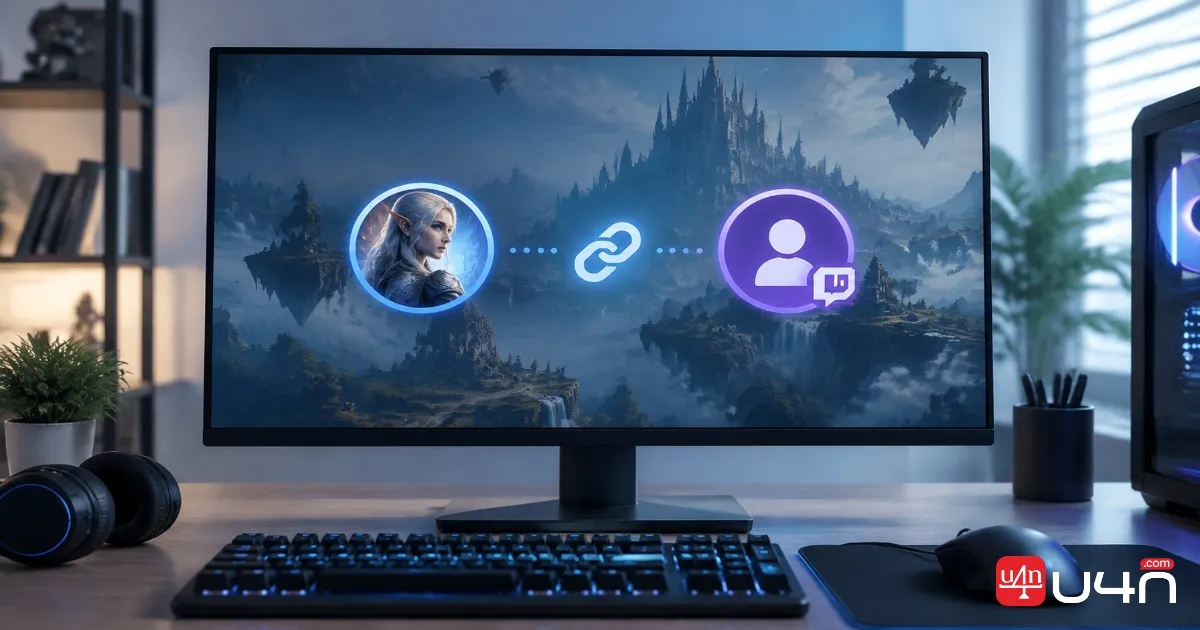
Follow these steps:
- Visit the official Aion 2 Twitch Drops page.
- Find the account-linking option and select the appropriate login method.
- Steam players should select the Steam icon when connecting their account.
- Players using NC's PURPLE service should choose the corresponding NC account.
- Complete the authorization process and verify that the connection is successful.
Twitch also allows players to start the connection process through their Drops Inventory. Find the relevant Aion 2 campaign and select the Connect option if available.
Our team recommends checking the linked account before starting the viewing process. If you have multiple Steam or NC accounts, take a moment to confirm that you are using the one associated with your active Global character.

How to Earn and Claim Halloween Drops
Once the accounts are connected, the remaining process is relatively simple. You do not need to complete special in-game quests, defeat bosses, or purchase additional items to unlock the campaign rewards.
Step 1: Find a Participating Aion 2 Stream
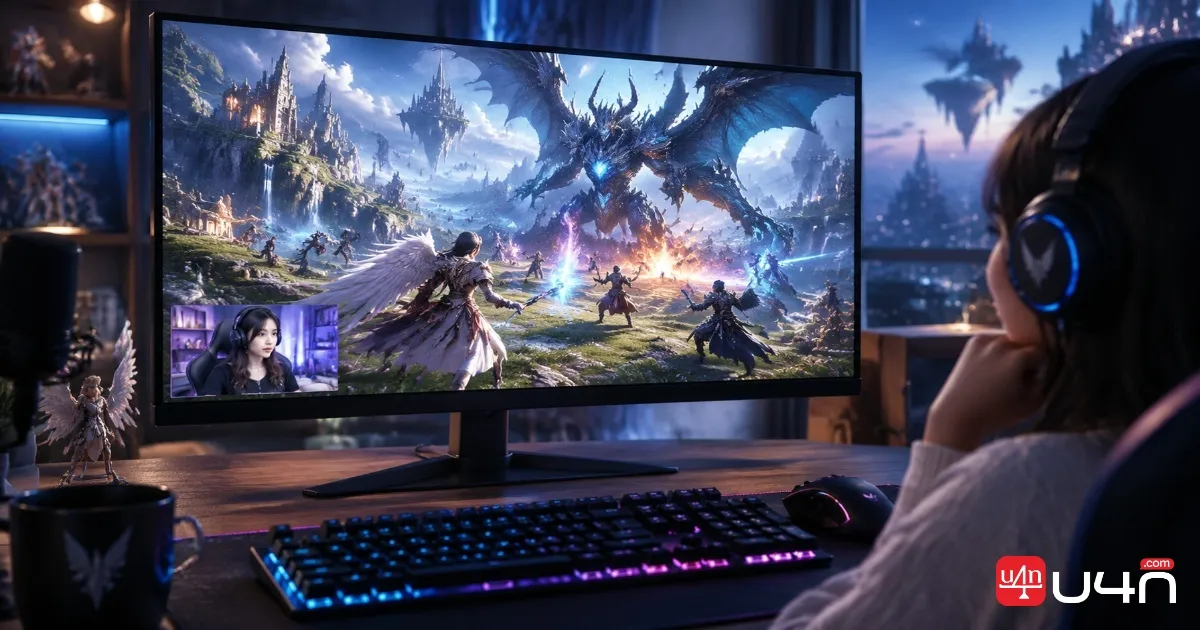
Open Twitch and search for Aion 2 livestreams participating in the Halloween Drops campaign.
Look for the Drops Enabled label or an appropriate Drops campaign notification. Watching a regular Aion 2 broadcast without Drops eligibility will not contribute to your progress.
Step 2: Accumulate Eligible Viewing Time
Watch a participating livestream until you reach the next reward milestone.
You can switch between eligible channels without losing your accumulated progress. However, watching several streams simultaneously does not multiply your viewing time. Twitch only counts one eligible channel at a time.
Another important restriction is that VODs and replays do not count as eligible live viewing. Make sure you are watching an active broadcast.
Step 3: Monitor Your Drops Inventory
Open your Twitch Drops Inventory to check how much viewing time you have accumulated.
Each reward becomes available after its corresponding milestone is completed. Checking your progress occasionally is a simple way to make sure your viewing time is being recorded correctly.
Step 4: Manually Claim Each Reward
Completing a watch-time requirement does not automatically mean that the reward has been claimed.
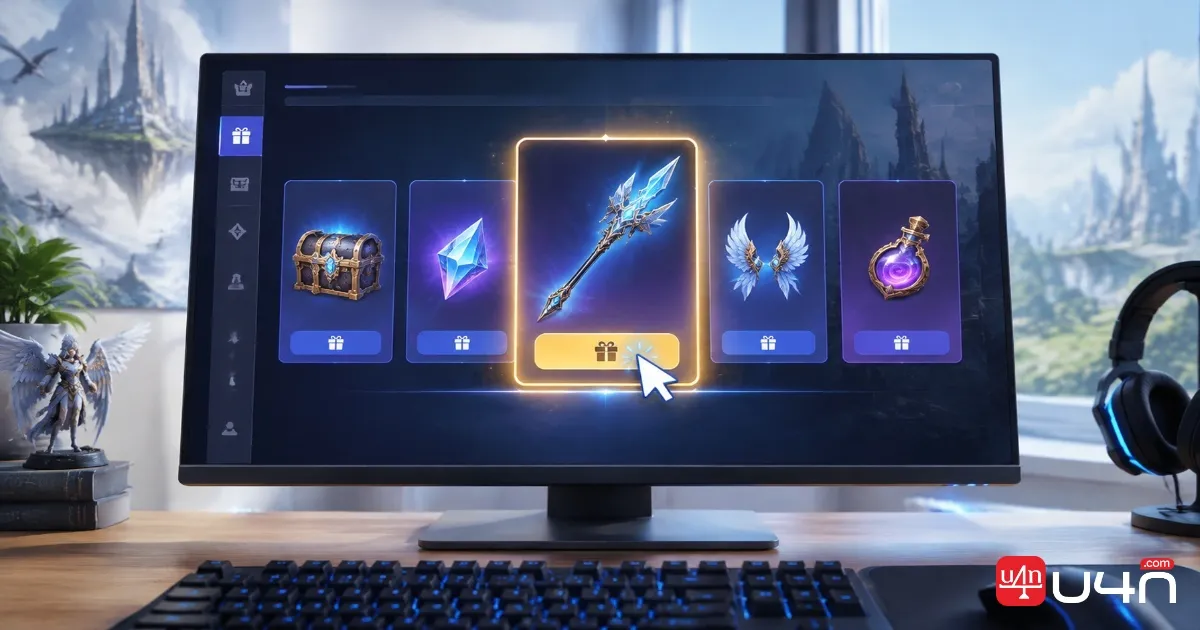
When Twitch makes a reward available, select the claim notification or open Drops Inventory and claim it manually. Do this for every unlocked milestone rather than assuming that claiming the final reward will automatically collect the earlier ones.
Step 5: Check Your Aion 2 Account
After claiming the rewards, check the correct Aion 2 Global account to confirm delivery.
Twitch handles the viewing progress and reward claim process, while the game developer handles the delivery of claimed rewards. If something is missing, first check your Twitch claim status and linked account information before contacting NC Support. For additional guidance, refer to Twitch's official Drops help guide.
Don't Miss the Halloween Rewards
Aion 2 Halloween Twitch Drops is a straightforward event, but players need to pay attention to the account connection and two separate deadlines.
Our team recommends prioritizing the following checklist:
- Confirm that you play on an eligible Global server.
- Connect the correct Steam or NC account to Twitch.
- Watch participating live channels for up to eight hours.
- Check your Drops Inventory as you reach each milestone.
- Manually claim every unlocked reward.
- Collect all earned rewards before November 17, 2026.
Players who are managing their progression and looking for Aion 2 Kinah for sale should also remember that these Twitch rewards do not require an additional in-game purchase. The campaign is a separate opportunity to collect consumables and customization items while following the event requirements.
If you are interested in the Chubby Panda helm, completing the full eight-hour milestone should be your main target. Otherwise, the earlier rewards still provide a useful reason to participate.
FAQ: Aion 2 Halloween Twitch Drops
Can Korean and Taiwanese server players receive these rewards?
No. This Halloween campaign is intended for Aion 2 Global server players. Korean and Taiwanese server accounts are not eligible for the Global campaign rewards.
Can I watch different Twitch streamers?
Yes. You can switch between participating Aion 2 channels, and eligible viewing time can accumulate across them. You do not have to watch one streamer for all eight hours.
Does watching multiple streams at once increase progress?
No. Twitch counts viewing time from one eligible channel at a time. Opening several streams simultaneously will not make you unlock rewards faster.
Do I need to claim each reward manually?
Yes. After completing a milestone, open Twitch Drops Inventory or use the claim notification to collect the reward. Unlocking a milestone and claiming its reward are separate actions.
What happens if I miss the November 3 deadline?
You cannot earn additional viewing progress for this campaign after the viewing period closes. However, rewards already unlocked can still be claimed until November 17, 2026, at 11:59 PM PST.
What should I do if my rewards do not appear in-game?
First, confirm that the reward shows as claimed in Twitch Drops Inventory. Then verify that Twitch is connected to the correct Aion 2 Global account. If the reward is still missing, contact NC Support for assistance.