購物車空
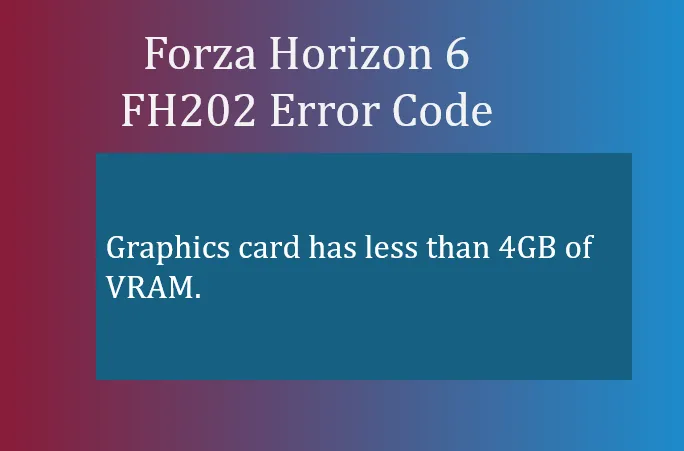
繼續購物If you're diving into Forza Horizon 6 and suddenly get the FH202 error, it can be frustrating. This error specifically tells you that your graphics card has less than 4GB of VRAM, meaning your system doesn't meet the game's minimum video memory requirement. While this can be a hard limit on older hardware, there are some fixes you can try if your GPU should have enough VRAM but the game still refuses to run.
Many laptops and multi-GPU desktops default to the integrated graphics chip (which uses shared system RAM) instead of your dedicated graphics card. This can make the game think your GPU has insufficient VRAM.
Steps to force the dedicated GPU:
This ensures the game runs on your powerful GPU, not the integrated processor.
Outdated or corrupted drivers can misreport VRAM, causing FH202 to appear.
If you're on a budget or handheld PC using an integrated GPU like the Radeon 680M/780M, you can allocate more system RAM to act as VRAM:
Keep in mind that integrated chips have limitations, so performance may still be lower than a dedicated GPU.

Sometimes FH6 may default to high VRAM settings even on systems with limited memory. Lowering texture quality, turning off ray tracing, and reducing resolution can help bypass some VRAM bottlenecks.
The FH202 error is primarily a VRAM issue. If your GPU truly has less than 4GB, upgrading is the only reliable way to play at full settings. If your card meets the requirements but the game still shows FH202, forcing the dedicated GPU and updating drivers usually fixes the problem.
For players looking for a fast solution or wanting extra credits to upgrade cars once they're back in the game, platforms like U4N provide safe options to buy Forza Horizon 6 credits, letting you hit the road without delays.
U4N編輯團隊由一群熱愛遊戲的分析師和技術專家組成。我們不僅是一個可靠的遊戲資產市場——我們的核心目標是通過專業內容幫助玩家。我們的團隊為一些大熱門遊戲製作詳細的攻略、經濟策略和技術問題解決方案,包括《MLB The Show 26》、《Aion 2》、《Forza Horizon 6》、《Arc Raiders》和《Path of Exile》等。
無論是掌握遊戲市場的買賣技巧,還是幫助你打造最強的遊戲角色或策略,我們發布的每一份內容都經過我們團隊的實際測試。在 U4N,我們不僅跟隨遊戲的趨勢,我們還幫助你領先一步