Winning more fights in Roblox Rivals is not just about clicking faster. Good aim comes from a combination of crosshair placement, camera settings, weapon handling, and consistent practice. Whether we are using an assault rifle in a mid-range duel or trying to land quick shots in a close-range fight, small adjustments can make aiming feel much more controlled. Players comparing gear and progression options, including Rivals Items, should also remember that better fundamentals often make a bigger difference than constantly changing equipment.
Our team recommends starting with the basics before trying to copy another player's entire setup. A sensitivity or camera setting that works for an experienced player may feel uncomfortable for someone with a different playstyle. Instead of changing everything at once, we can focus on four practical improvements, test them in real matches, and keep the adjustments that consistently help us win fights.
Improve Crosshair Placement Before Every Fight
One of the most effective ways to improve aim is to stop making unnecessary corrections after an enemy appears. If our crosshair is already near the opponent's likely position, we spend less time moving the mouse and more time landing shots.
Keep Your Crosshair at the Right Height
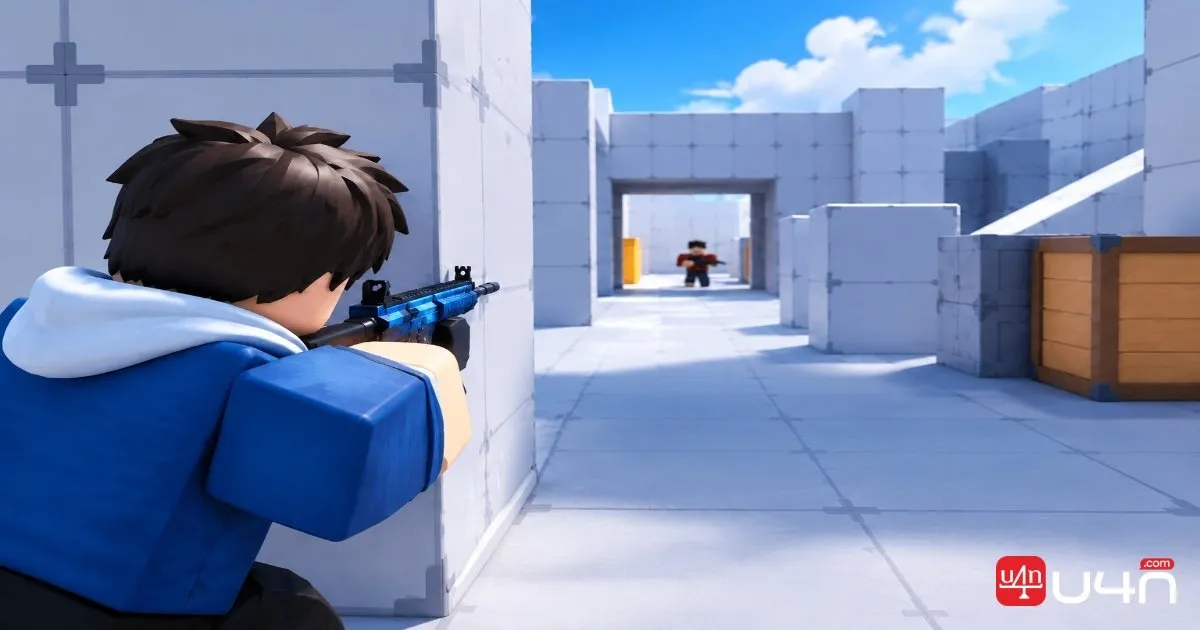
Crosshair placement starts with anticipating where an opponent may appear. When moving through familiar routes, we should keep our aim near the height where an enemy is likely to be rather than pointing at the floor or empty space.
This becomes especially useful around corners, doorways, and common combat routes. If we expect an opponent to swing around a corner, placing the crosshair near that entry point gives us a better starting position for the duel.
Choose a Crosshair That Is Easy to Track
A crosshair should remain visible against different backgrounds without distracting us from the target. A bright color can help, but visibility matters more than choosing a particular color simply because another player uses it.
We recommend testing a few options in different parts of a map. If the crosshair disappears against bright surfaces or becomes difficult to distinguish during hectic fights, try a more contrasting color or a simpler design.
Our practical tip: Focus on keeping the crosshair where the next fight is likely to happen. Good placement reduces the amount of aiming work required after an enemy enters view.
Find an FOV Setting That Fits Your Playstyle
Field of view, or FOV, affects how much of the environment we can see at once. In Roblox Rivals, changing it can influence how comfortable it feels to track opponents, monitor nearby threats, and respond to fast movement.
A wider FOV shows more of the surrounding area, which can help us notice threats approaching from the sides. However, distant targets may appear smaller on the screen, making precise tracking feel more difficult for some players. A narrower view can make targets appear larger, but it also reduces peripheral awareness.
There is no single setting that works best for every player. The right choice depends on our preferred weapons, how often we fight at close range, and how comfortable we feel tracking moving targets.
Test FOV in Real Combat
Rather than switching settings repeatedly between matches, we should test one value at a time.
| What to test | What to observe | When it may help |
|---|---|---|
| Wider FOV | Peripheral awareness and target visibility | Fast movement and close-range encounters |
| Moderate FOV | Balance between awareness and tracking | General-purpose play |
| Narrower FOV | Comfort when focusing on distant targets | Players who prefer a more focused view |
The important point is not to chase a supposedly perfect number. We should choose a setting that lets us track opponents comfortably while still noticing what is happening around us.
For weapons that rely on aiming down sights, we should also consider how the game handles camera zoom.
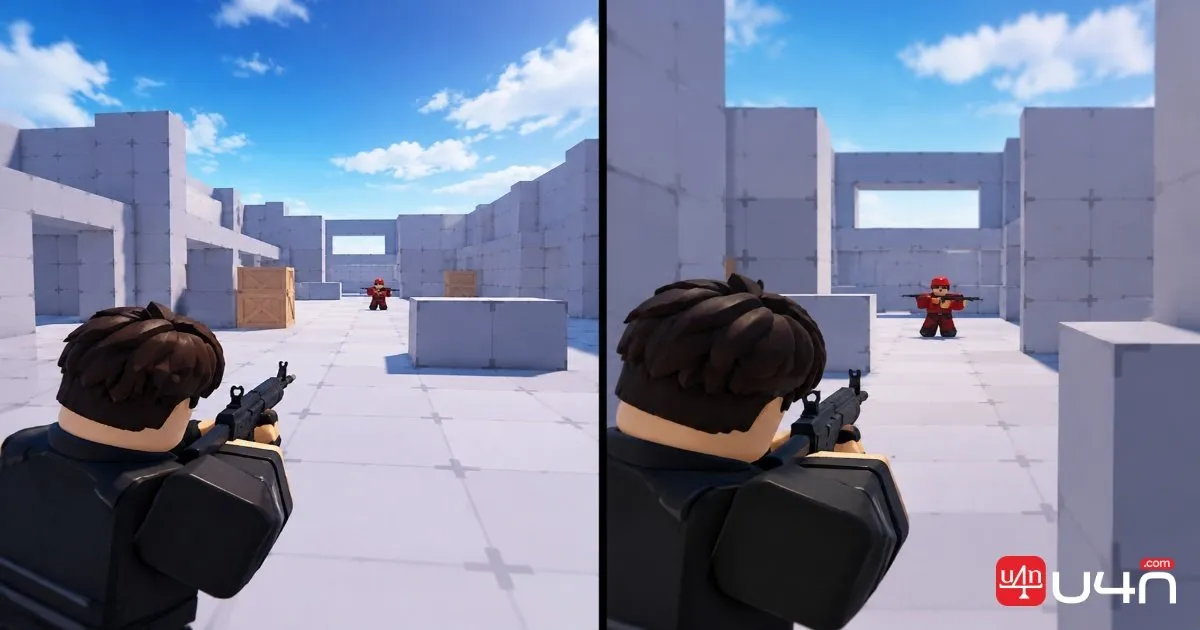
Test the Aiming Animation Setting
Weapon animations can affect how aiming feels, particularly when we need to react quickly. We recommend disabling the aiming animation for non-scoped weapons, arguing that it can make the aiming process feel more direct and reduce visual obstruction from some weapon models.
This is a useful setting to test, but it should not be treated as a universal advantage. The result depends on the weapon, its sights, the player's habits, and how the setting behaves in the current version of the game.
Compare Before and After
We recommend testing the same weapon with the setting enabled and disabled. Use a familiar practice area or repeat similar fights in Free-for-All rather than relying on one lucky encounter.
Pay attention to three things:
- Reaction: Can you begin tracking an opponent comfortably when the fight starts?
- Visibility: Does the weapon model or aiming animation make it harder to see the target?
- Control: Can you keep your crosshair on a moving opponent without fighting against your own muscle memory?
If disabling the animation makes your aim feel more consistent, keep it. If it makes aiming awkward or does not improve your results, there is no reason to force the change.
We also suggest avoiding several simultaneous adjustments. If we change the aiming animation, FOV, and sensitivity together, it becomes difficult to tell which change actually helped.
Control Wildcat Recoil With Short Practice Sessions
Recoil control is another important part of reliable aim. The Wildcat, for example, shows that its upward recoil can be managed by moving the aim downward as the weapon fires.
The goal is to learn the weapon's behavior rather than pull the mouse down by an arbitrary amount. Too little correction allows shots to climb away from the target, while too much correction can pull the crosshair below the opponent.
Practice Your Recoil Pattern
Start in a practice area and fire controlled bursts at a stationary target. Watch how the crosshair moves, then apply gradual downward correction. Repeat until the movement begins to feel predictable.
Once that feels comfortable, practice against moving targets. Tracking an opponent while controlling recoil is harder than shooting at a stationary object, so we should build up to it instead of expecting perfect results immediately.
The Wildcat is a weapon suited to close-to-medium-range combat. That makes range selection important: even if we control its recoil well, we should not expect every weapon to perform equally well at every distance.
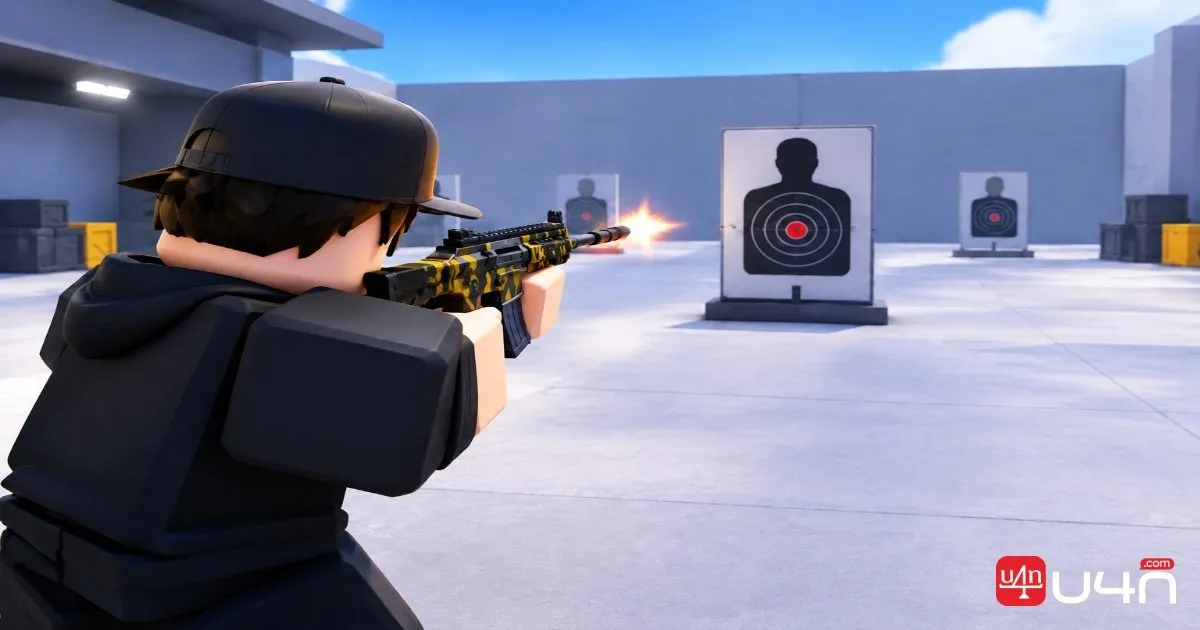
Reload timing also deserves attention. The guide notes that the Wildcat's first reload can feel faster than subsequent reloads. Rather than relying on this observation as a guaranteed mechanic, we should test the current behavior in-game and learn when it is safe to reload.
Build a Repeatable Aim Routine
A short, consistent routine is more useful than an occasional long session without a clear goal.
| Practice stage | What to do | Main goal |
|---|---|---|
| Crosshair placement | Move through familiar routes while aiming at likely enemy positions | Reduce unnecessary corrections |
| Target tracking | Follow moving targets without firing continuously | Improve smooth aim movement |
| Recoil control | Fire controlled bursts with the Wildcat | Learn downward correction |
| Live fights | Apply one adjustment in Free-for-All or regular matches | Check whether the change works under pressure |
After each session, identify one weakness to work on next. If we repeatedly lose track of opponents at close range, focus on tracking and awareness. If our shots climb above targets during sustained fire, spend more time learning recoil control.
Summary
Improving aim in Roblox Rivals is a process of building repeatable habits rather than searching for one setting that fixes everything. Better crosshair placement helps us prepare for fights, a suitable FOV balances awareness with target tracking, and aiming animation settings are worth testing on non-scoped weapons. Practicing Wildcat recoil control can also make sustained fire more predictable.
Our team recommends changing one variable at a time and judging the results across several encounters. A setup that feels comfortable in the practice area still needs to work against moving opponents and under pressure. Once we understand which adjustments genuinely improve our consistency, we can spend less time tweaking settings and more time winning fights. That same practical approach is useful when evaluating equipment or looking for ways to buy Rivals Items without losing sight of the skills that matter most in combat.
FAQ
What is the best FOV for Roblox Rivals?
There is no universally best FOV. A wider view can improve peripheral awareness, while a narrower view may feel more comfortable for tracking distant targets. Test different values with your preferred weapons and choose the setting that feels most consistent.
Should I disable the aiming animation?
We recommend testing this option for non-scoped weapons. Whether it helps depends on your weapon choice and personal comfort, so compare both settings in similar situations before deciding.
How can I control Wildcat recoil?
Start by firing controlled bursts at a stationary target and gradually move your aim downward to compensate for upward recoil. Once you can keep shots grouped more consistently, practice tracking moving opponents.
Is changing settings enough to improve aim?
Settings can make aiming more comfortable, but they cannot replace practice. Crosshair placement, target tracking, recoil control, and learning when to take a fight all contribute to more consistent performance.