Cart Empty
Continue ShoppingSeasons play a critical role in Forza Horizon 6, drastically changing the driving conditions, visuals, and available events across the open-world map of Japan. Understanding how the seasonal cycle works is essential for planning your races and unlocking exclusive rewards.
This guide explains exactly how seasonal transitions function and how you can manipulate or navigate them.

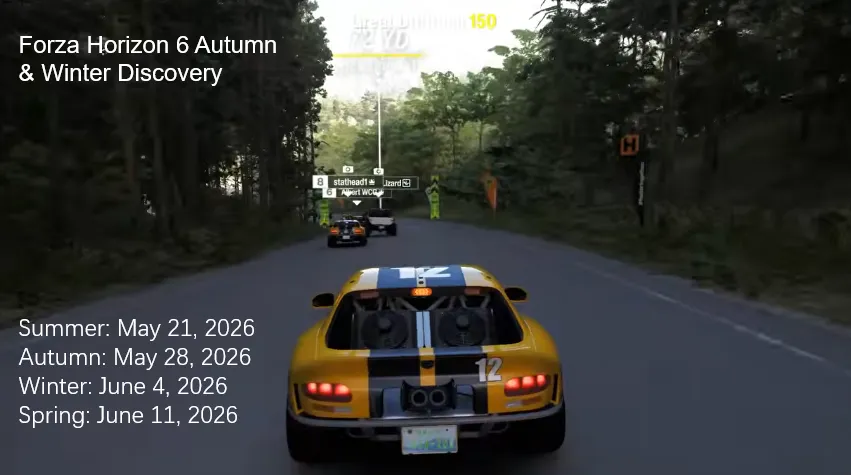
In the main online multiplayer and single-player modes (Horizon Life), you cannot manually change the season at will. The game runs on a fixed, real-world weekly schedule synchronized across the global server.
| Season | Festival Playlist Status | Map Conditions (Japan) |
|---|---|---|
| Summer | Wet Season / Series Start | Frequent rain, slippery asphalt, lush green landscapes. |
| Autumn | Storm Season | Strong winds, heavy downpours, leaves covering roads impacting grip. |
| Winter | Dry / Snow Season | Heavy snow in mountainous regions (like Mount Fuji), icy high-altitude roads, dry city conditions. |
| Spring | Hot Season | Clear skies, optimal dry road grip, blooming cherry blossoms (Sakura). |
If you do not want to wait for the weekly server reset, you can change the season immediately for specific activities using the built-in Blueprint and Horizon EventLab systems.
This is the most reliable way to drive in your preferred season for a specific race route.
To explore free-roam concepts or custom tracks in specific seasons created by the community:
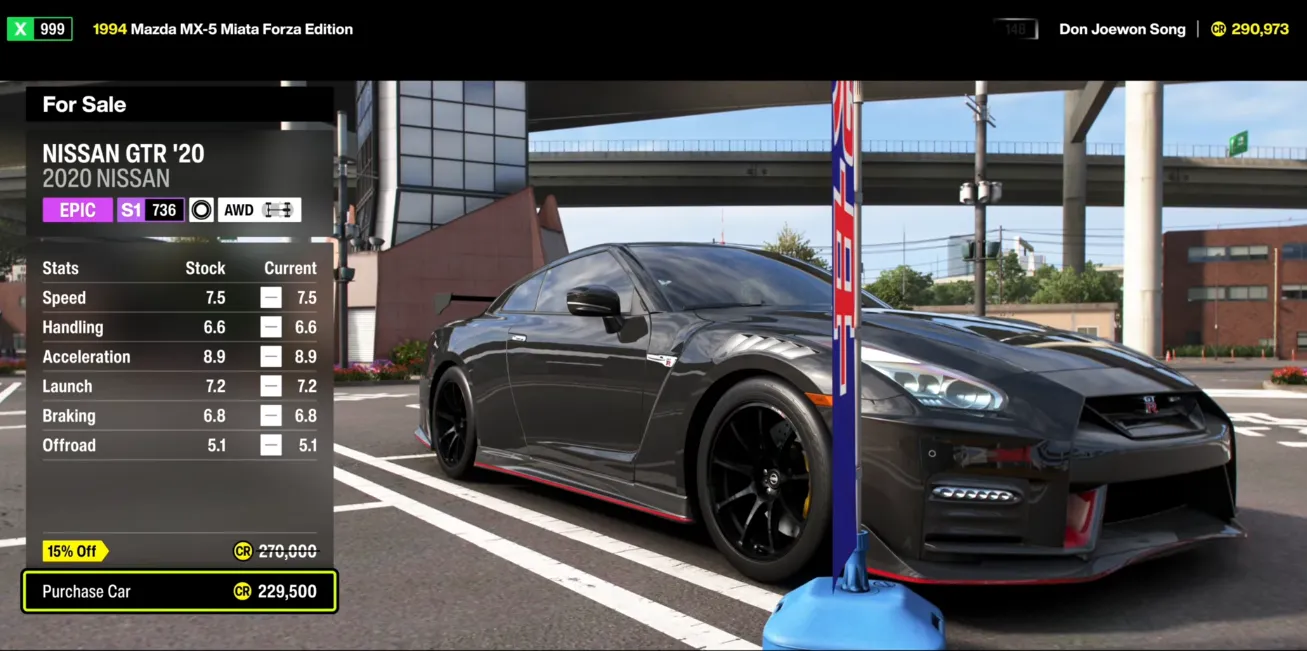
To fully enjoy these custom seasonal events and secure the best hypercars for any weather condition, having enough in-game currency is key. You can easily skip the tedious grind and buy Forza Horizon 6 Credits directly from our website right now. It is a safe, fast, and reliable way to instantly unlock your dream garage and dominate every track in any season.
When you first start the game, you are placed in the introductory campaign phase called the Horizon Qualifiers. During this brief period, seasons change automatically as you complete specific showcase events and earn your first festival wristbands. Once you graduate from the qualifiers and enter the main Horizon Festival roster, the game locks into the global weekly rotation described above.
Authored by elite gamers and industry insiders, the U4N Editorial Team delivers authoritative game updates, patch notes breakdowns, and expert strategies for trending titles including World of Warcraft, Path of Exile 2, MapleStory, Aion 2, and Arc Raiders.
From deep-dive guides to the latest meta shifts, our in-house veterans test every tactic firsthand to keep you ahead of the game.