
Unlocking the Outpost in Arc Raiders opens up more than a personal space to decorate. It also gives players access to additional progression options, including weapon amplification beyond the level-four stage. In this guide, our team breaks down what the Outpost offers, what to check after unlocking it, and how to prepare for your next upgrade. If you're also planning your equipment progression, keeping track of useful resources through ARC Raiders Items can help you stay organized.
How to Unlock the Outpost
The tutorial begins after the player completes the required objectives to unlock the Outpost. When opening the Outpost tab for the first time, the game presents a series of tasks. It describes roughly three stages, each involving objectives and items that need to be collected.
Once all the required stages and collection objectives are complete, the Outpost becomes available for further interaction.
Our recommendation: Finish the unlock objectives first, then explore the available features. This makes it easier to distinguish between functions that are already available and projects that still require additional resources.
What Can You Do at the Outpost
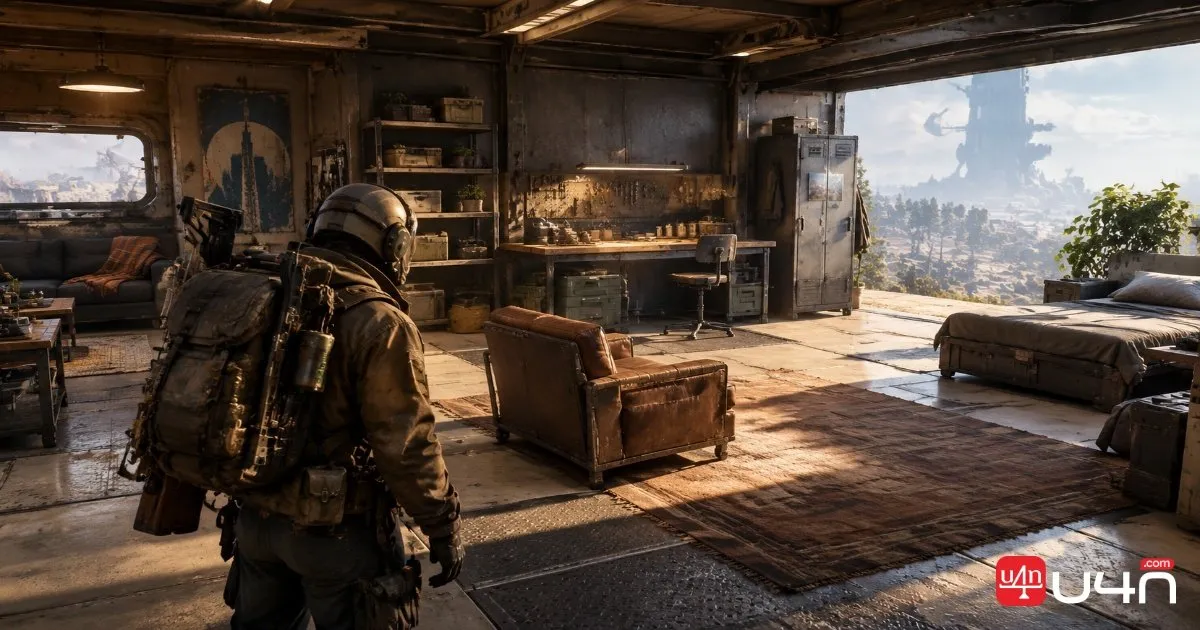
The Outpost serves as a personal space where players can arrange furniture and explore different customization options.
Some furniture can be repositioned, while other objects appear to have more limited interactions. We also attempt to place or inspect items such as a piano and shelving, but quickly run into resource requirements.
| Outpost feature | What the tutorial shows | What to keep in mind |
|---|---|---|
| Furniture placement | The player can interact with decorative objects | Available actions may differ by object |
| Moving furniture | Some objects can be repositioned | Check the interaction menu for available options |
| Room expansion | A new room option appears in the interface | Construction requires additional resources |
| Object inspection | The player can inspect items and access more actions | Inspect the available commands before making changes |
For players who prioritize combat progression, decorating can wait. It is worth learning the basic controls, but the more important step is understanding how the Outpost connects to weapon upgrades.
Weapon Amplification: The Main Reason to Explore
The most significant feature discussed in the tutorial is weapon amplification. After unlocking the Outpost, the weapons can progress beyond level four toward the Legendary tier.
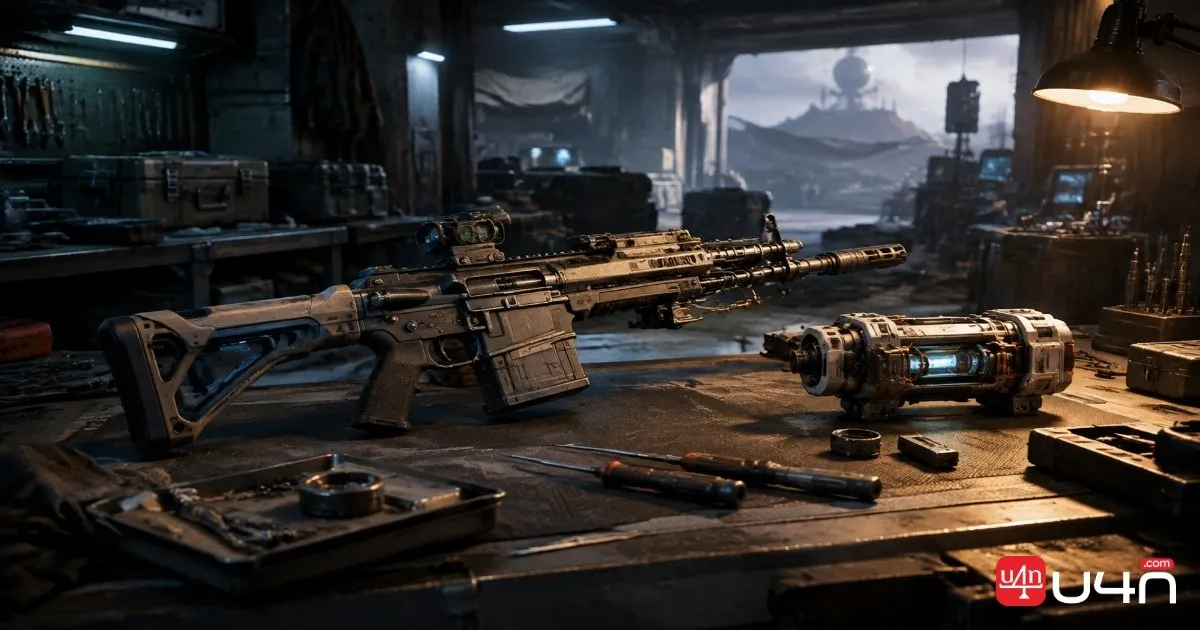
This is the part of the system worth investigating first if your main goal is to improve your combat equipment.
The creator also checks an anvil and an amplification module, discovering that the module currently available is not sufficient for the upgrade he wants to make.
That moment highlights an important distinction: unlocking a progression feature does not necessarily mean you have everything required to use it immediately.
Our key takeaway: Unlocking the Outpost opens the door to further weapon progression, but your next upgrade still depends on meeting the relevant requirements and collecting the necessary resources.
Before committing materials, check the weapon's current level, the available amplification options, and any module requirements shown in the game. Avoid assuming that every weapon can reach the same stage with the same materials unless the game confirms it.
Resources and Your Next Upgrade
Throughout the tutorial, we repeatedly encounter a familiar problem: we have unlocked new options but lack the resources to use them. Room expansion is blocked by insufficient materials, and the weapon upgrade attempt also stalls because his current amplification module does not meet the requirements he needs.
Rather than repeatedly checking unavailable options, we recommend turning each failed attempt into a short resource checklist.
| What to check | Why it matters |
|---|---|
| Weapon level | Establishes your current progression stage |
| Amplification module | Confirms whether you have the module needed for the intended upgrade |
| Required materials | Helps identify what is missing before you leave the Outpost |
| Construction costs | Keeps room expansion and weapon progression from being confused |
| Available upgrade options | Shows which actions are currently possible |
For a more efficient progression loop, inspect your upgrade target first, note the missing components, and then head into your next raid with a clear collection goal. Players planning future loadouts can also review ARC Raiders Loot as part of their broader equipment and resource planning.

Summary: What to Do After Unlocking the Outpost
The Outpost combines personal-space customization with an important progression opportunity: further weapon amplification. Players can explore furniture options, inspect room expansion, and check weapon upgrade systems, but it also makes one limitation clear—resources can prevent immediate progress.
Our team recommends prioritizing weapon requirements over decoration if combat progression is your main goal. Confirm the available upgrade, check the module and material requirements, and collect what you need before attempting the next step. Treat the video as an introduction to the system rather than a complete upgrade walkthrough.
FAQ
Does unlocking the Outpost automatically upgrade your weapons?
No. Unlocking the Outpost makes further weapon amplification available, but the creator still needs the appropriate resources and module to proceed.
Can you decorate the Outpost?
Yes. The tutorial demonstrates interacting with furniture and exploring placement options. Some objects or construction projects may require additional resources, and not every object appears to support the same actions.
Why can't I build a new Outpost room?
The creator encounters a message indicating that he lacks the resources needed for construction. Check the in-game requirements for the specific room before collecting materials.
What should I do first after unlocking the Outpost?
Explore the basic interface, inspect the weapon amplification options, and identify any missing modules or materials. This gives you a practical next objective instead of spending time repeatedly checking upgrades you cannot yet complete.