購物車空
繼續購物If you're playing Forza Horizon 6 on PC, you might have run into crashes—whether it's failing to launch, freezing mid-race, or suddenly dropping to your desktop. Many players have faced these frustrating issues, but the good news is that most crashes are fixable with some simple tweaks. Here's a detailed, practical guide from a fellow player's perspective.
Forza Horizon 6 is a massive game with cutting-edge graphics, ray tracing, and dynamic physics. Because of this, it can conflict with certain Windows graphics settings, background monitoring tools, or corrupted game files. Typical crash scenarios include:
Most of these issues stem from either software conflicts or hardware settings that need adjustment.
One of the main culprits is Hardware-Accelerated GPU Scheduling (HAGS) in Windows. While designed to improve performance, it can trigger crashes and black screens in Forza Horizon 6.
Keep in mind that this will disable frame generation, but it resolves most launch and black-screen issues.
Programs like MSI Afterburner and RivaTuner (RTSS) are notorious for conflicting with FH6. Fully exit these apps from the system tray before launching the game. Also, turn off any overlays such as:
This can prevent mid-game crashes caused by real-time graphics hooks.
If you can get into the game menu but crashes occur while driving between zones:
This reduces GPU strain and prevents memory-related crashes.
Some error codes, like 0x12c, relate to CPU encryption features. To fix:
This can resolve cryptic startup crashes and boost overall stability.
FH6 can display specific codes when it crashes. Here's how to address them:
Some crashes relate to account authentication or insufficient permissions:
This ensures a clean handshake between your PC and FH6 servers.
Many players report that these combined steps prevent the majority of crashes and allow smooth gameplay even on high-end systems.
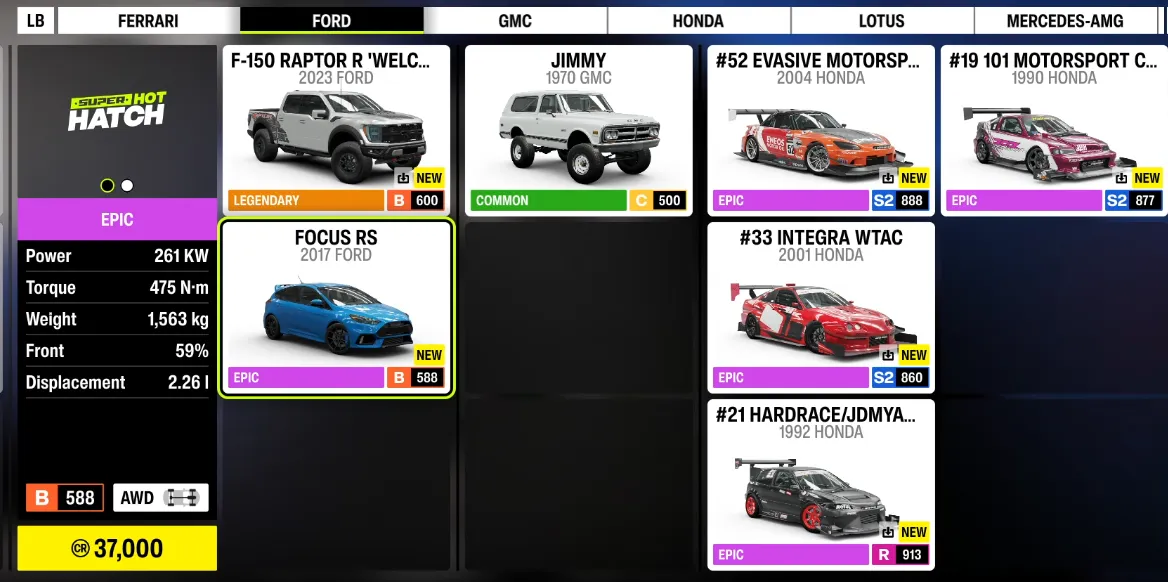
If you want to avoid interruptions and keep your Forza Horizon 6 experience smooth, you can also save time by getting the resources you need directly—U4N is a trusted platform where you can safely buy FH6 credits PC online, letting you upgrade cars, unlock events, and boost progression without grinding, so you can focus on racing and enjoying the game.
U4N編輯團隊由一群熱愛遊戲的分析師和技術專家組成。我們不僅是一個可靠的遊戲資產市場——我們的核心目標是通過專業內容幫助玩家。我們的團隊為一些大熱門遊戲製作詳細的攻略、經濟策略和技術問題解決方案,包括《MLB The Show 26》、《Aion 2》、《Forza Horizon 6》、《Arc Raiders》和《Path of Exile》等。
無論是掌握遊戲市場的買賣技巧,還是幫助你打造最強的遊戲角色或策略,我們發布的每一份內容都經過我們團隊的實際測試。在 U4N,我們不僅跟隨遊戲的趨勢,我們還幫助你領先一步