購物車空
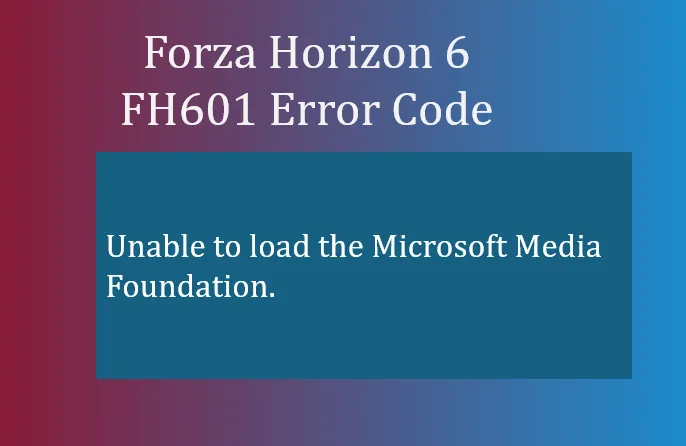
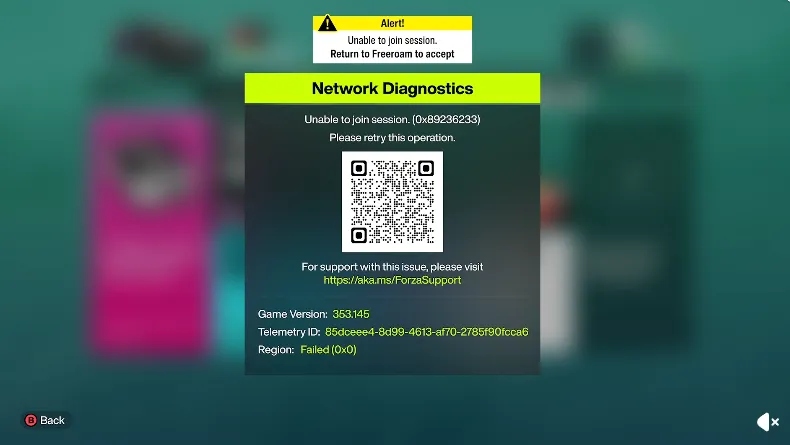
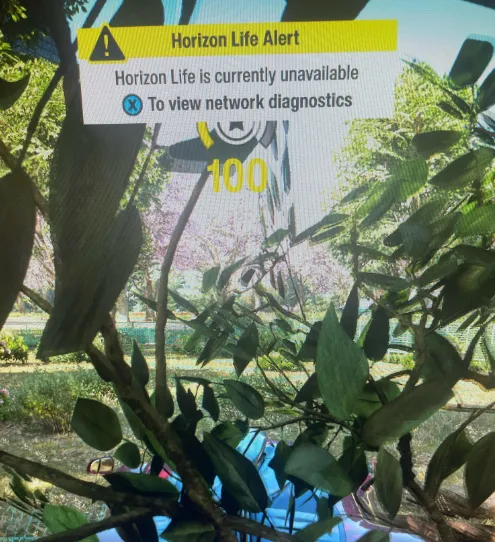
繼續購物If your Forza Horizon 6 Horizon Life online matchmaking is not working, you are not alone. Many players across both PC and Xbox Series X|S are hitting errors like "Feature Unavailable," "Region: Failed (0x0)," and convoy connection failures, especially after the 2.5GB launch update. While most of these issues are server-side, there are a few steps you can take to improve your chances of reconnecting.
Before troubleshooting your system, confirm if Playground Games' servers are down:
Server-wide outages mean typical network fixes might not work immediately, so confirming status first can save time.
If you're on Windows, try these solutions:
These steps can resolve local authentication and peripheral conflicts that prevent Horizon Life from connecting.
For players looking to skip the frustration of server issues or simply get ahead in Forza Horizon 6, marketplaces like U4N provide a reliable way to buy FH6 credits online safely and instantly, letting you upgrade your cars, unlock new content, and fully enjoy Horizon Life without waiting for server stability.

If your Xbox shows an open NAT but you still can't connect:
These console-specific tweaks often resolve handshake issues with FH6 servers.
Players report:
“Game is launching fully today... Servers will likely be screwed up for the rest of the night and possibly for a few days.”
“It was working fine for everyone, then they pushed a 2.5GB update and now it's broken.”
Community feedback confirms that server instability following updates is a primary cause, and patience is often required while Playground Games addresses the issues.
U4N編輯團隊由一群熱愛遊戲的分析師和技術專家組成。我們不僅是一個可靠的遊戲資產市場——我們的核心目標是通過專業內容幫助玩家。我們的團隊為一些大熱門遊戲製作詳細的攻略、經濟策略和技術問題解決方案,包括《MLB The Show 26》、《Aion 2》、《Forza Horizon 6》、《Arc Raiders》和《Path of Exile》等。
無論是掌握遊戲市場的買賣技巧,還是幫助你打造最強的遊戲角色或策略,我們發布的每一份內容都經過我們團隊的實際測試。在 U4N,我們不僅跟隨遊戲的趨勢,我們還幫助你領先一步