購物車空
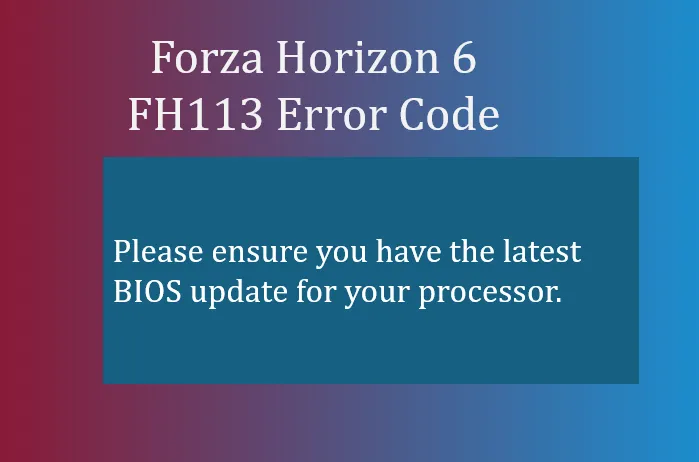
繼續購物Running into the FH113 error code in Forza Horizon 6, can be frustrating, especially if your PC otherwise meets the recommended specs. This particular error is tied to processor-level microcode and BIOS requirements.
The FH113 error is triggered when your system lacks the latest BIOS updates or processor microcode security patches required by Forza Horizon 6. Unlike other errors tied to graphics cards or memory, this one is CPU/firmware specific. Essentially, the game is checking for certain processor instructions and security features, and if they're missing, it refuses to launch.
Key points:
This is the most reliable solution.
Warning: Flashing BIOS carries some risk. Make sure your PC is connected to a reliable power source.
Some players have reported success by simply clicking “Ignore Warning” when the error dialog appears.
If the error persists even after ignoring the warning:
This can sometimes bypass launcher-related issues that trigger FH113.

Getting FH113 resolved is mostly about making sure your CPU and motherboard firmware are fully up to date. Once that's done, you should be able to jump back into Forza Horizon 6 without any crashes.
If you're looking to maximize your in-game experience without waiting on unlocks or progress, platforms like U4N offer reliable ways to buy Forza Horizon 6 credits, giving you instant access to cars, upgrades, and customization options while you focus on enjoying Japan's open roads.
U4N編輯團隊由一群熱愛遊戲的分析師和技術專家組成。我們不僅是一個可靠的遊戲資產市場——我們的核心目標是通過專業內容幫助玩家。我們的團隊為一些大熱門遊戲製作詳細的攻略、經濟策略和技術問題解決方案,包括《MLB The Show 26》、《Aion 2》、《Forza Horizon 6》、《Arc Raiders》和《Path of Exile》等。
無論是掌握遊戲市場的買賣技巧,還是幫助你打造最強的遊戲角色或策略,我們發布的每一份內容都經過我們團隊的實際測試。在 U4N,我們不僅跟隨遊戲的趨勢,我們還幫助你領先一步