購物車空
繼續購物When tuning Forza Horizon 6, the goal is clear: make your cars look great while keeping performance smooth. Whether you're on a mid-range PC like an RTX 5070 or a handheld like the Xbox Ally X, the right settings can balance visual fidelity and frame rate.
| Setting | Recommended Value | Notes |
|---|---|---|
| Resolution | 3840 x 2160 | 4K recommended; adjust if needed |
| Frame Rate Limit | Unlocked or personal preference | Set Vertical Sync to Off to unlock |
| Upscaling | DLSS / FSR / XeSS | AMD → FSR 3.1.5, Intel → XeSS, Nvidia → DLSS; Quality for 1080p, Balanced 1440p, Performance 4K |
| Field of View (FoV) | Personal preference | Affects camera view only, no performance impact |
| Setting | Mid-Range PC (RTX 5070) | Handheld (Xbox Ally X / Steam Deck) | Notes |
|---|---|---|---|
| Car Level of Detail | Ultra | High | Affects VRAM usage, keep cars detailed |
| Environment Texture Quality | High | High | Reduces VRAM pressure for upscaling |
| Environment Geometry Quality | High | High | Mesh quality of world objects |
| Car Reflection Quality | High | High | Heavy on GPU, but key for visuals |
| Screen Space Reflections Quality | Off | Medium / Off | Non-ray traced reflections |
| Ray Traced Reflections Quality | Medium | Off | Use only with RT-capable GPUs |
| Shadow Quality | High | Low | Balances visual fidelity with performance |
| Night Shadows | Ultra | Off | Only for high-end GPUs or 1440p |
| Screen Space Global Illumination | Off | Medium | Ambient lighting effect |
| Ray Traced Global Illumination | Low | Off | Heavy, improves realism |
| Shader Quality | Ultra | High | Minor impact on performance |
| Deformable Terrain Quality | Extreme | Medium | Dirt/mud effects, moderate cost |
| Particle Effects | High | Medium | Debris, puddles, dust |
| Volumetric Fog Quality | Ultra | Medium | Fog effects, minor performance cost |
| Lens Effects | Personal preference | Personal preference | Cosmetic only |
| Motion Blur | Personal preference | Personal preference | Cosmetic only |
Forza Horizon 6 is a visually stunning game, and getting the right graphics settings is only half the battle—having enough credits to fully enjoy the cars and upgrades matters just as much. If you’re looking to expand your garage without grinding for hours, U4N offers a reliable way to buy FH6 credits with instant delivery, letting you unlock top-tier cars and upgrades immediately while you keep your performance settings optimized for the smoothest gameplay experience.
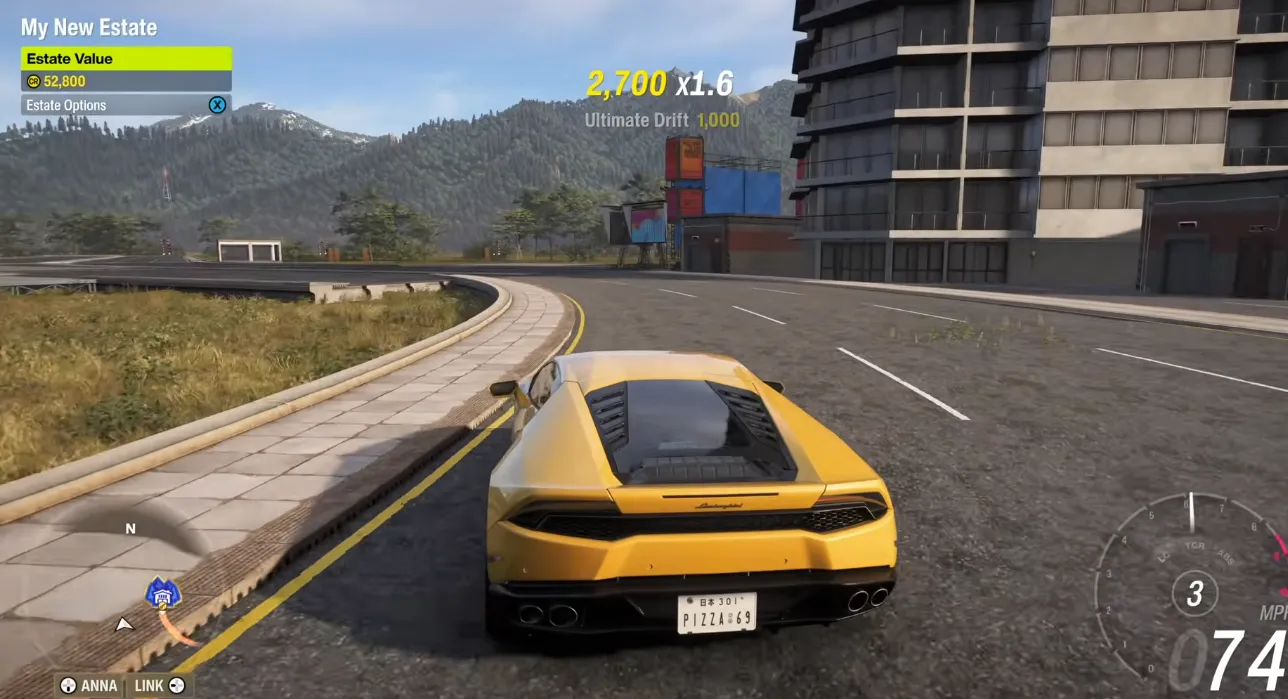
Optimizing Forza Horizon 6 is about prioritizing what you see most—cars, reflections, and the environment—while adjusting heavier effects like shadows, global illumination, and ray tracing to your device's power. This setup ensures the game runs smoothly and looks stunning no matter your hardware.
U4N編輯團隊由一群熱愛遊戲的分析師和技術專家組成。我們不僅是一個可靠的遊戲資產市場——我們的核心目標是通過專業內容幫助玩家。我們的團隊為一些大熱門遊戲製作詳細的攻略、經濟策略和技術問題解決方案,包括《MLB The Show 26》、《Aion 2》、《Forza Horizon 6》、《Arc Raiders》和《Path of Exile》等。
無論是掌握遊戲市場的買賣技巧,還是幫助你打造最強的遊戲角色或策略,我們發布的每一份內容都經過我們團隊的實際測試。在 U4N,我們不僅跟隨遊戲的趨勢,我們還幫助你領先一步