購物車空
繼續購物Few things are more frustrating to a racing fan than launching Forza Horizon 6, expecting to jump back into a hypercar, only to find a fresh intro sequence and a completely wiped profile.
If you just opened the game to find your garage empty, your credits gone, and your map progression reset to zero, do not panic. The development team is actively tracking a data-wiping bug, and there are specific, immediate steps you can take to recover your profile or get your lost assets gifted back to your account.
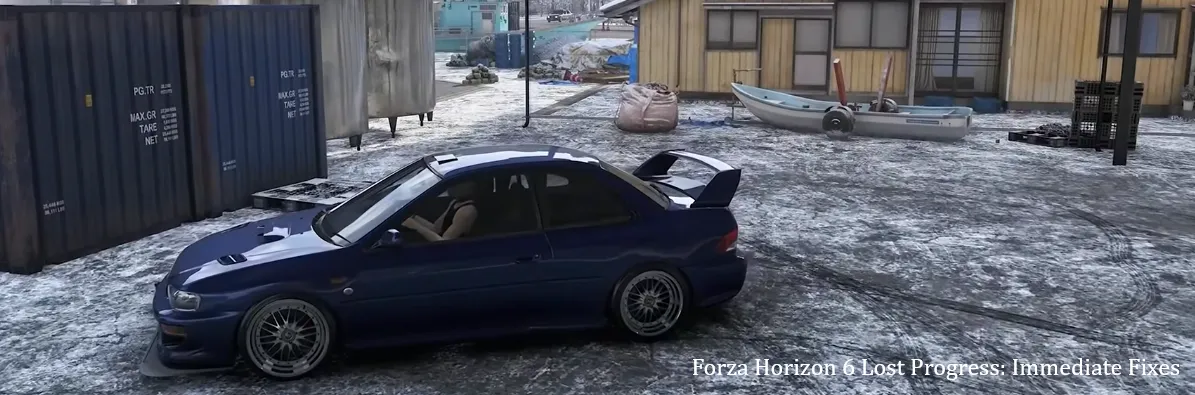
Here is exactly what you need to do right now to save your data.
How you handle the next five minutes will determine whether your data is gone forever or successfully restored. If you just experienced a progress wipe, follow these rules strictly:
Reports across Reddit, Discord, and official forums indicate two main culprits behind the Forza Horizon 6 save glitch: Cloud Sync Timeouts and Specific Asset Corruption.
Many Xbox Series X|S players report closing the game or shutting down their consoles while the game is technically suspended in a "Quick Resume" state. Because Forza Horizon 6 requires constant cloud synchronization for its shared world, suspending the game while it is attempting to push save data to the Xbox network causes the save to fragment. The next time the player boots the game, the server reads the fragmented save as corrupted and serves a fresh, blank file instead.
A specific sub-set of community data loss issues ties back to the game's upgrade and design menus. Modifying, painting, or sharing custom liveries on a handful of specific vehicle models triggers an instant crash-to-desktop or console freeze. Because the game automatically forces a save action when you exit the custom paint booth, freezing mid-save completely corrupts the local profile.
Depending on your platform, follow these technical steps to attempt a data recovery.
If you play via the Xbox App on Windows, a corrupted background service might be blocking your cloud sync. Use the built-in Microsoft tool to force a repair:
If the repair tool fails, or if you are on an Xbox console, you must rely on the developer's server tools to revert your account or compensate you.
What Support Can Do: While the team cannot always piece together a broken file, they can frequently roll your account profile back to an older, uncorrupted cloud snapshot. If the save file is entirely unrecoverable, the team is known to manually gift back all previously owned cars, wheelspins, and credits directly to your in-game message center so you don't have to grind from scratch.
Once your data is restored—or if you are reading this preemptively to stay safe—make sure to alter these settings and habits immediately.
This is the single most important adjustment for console players. Disabling this feature forces the game to launch fresh and clean every time, ensuring a proper sync check.
Until a definitive hotfix patch rolls out, completely avoid customizing, upgrading, or editing designs for the following vehicle models:
Keep this quick checklist in mind every single time you finish a racing session:
| Action Type | What to Avoid | What to Do Instead |
|---|---|---|
| Exiting the Game | Force-quitting via dashboard or pulling the power cord. | Use the menu to hit "Quit" (Console) or "Exit to Desktop" (PC). |
| Booting Up | Mashing the A or Enter button through the title screens. | Let the welcome screens load completely so the Cloud Sync prompt has time to trigger. |
| Platform Switching | Logging off a PC and instantly opening the game on an Xbox. | Wait 3–5 minutes after closing the game on one device before opening it on another. |
| System Errors | Ignoring "Out of Space" or storage optimization warnings. | Immediately restart your console/PC via the software menu to clear the memory cache. |
By treating your save cycles with patience and keeping Quick Resume turned off, you can safely navigate around this glitch while the developers work on a permanent server-side update.
U4N編輯團隊由一群熱愛遊戲的分析師和技術專家組成。我們不僅是一個可靠的遊戲資產市場——我們的核心目標是通過專業內容幫助玩家。我們的團隊為一些大熱門遊戲製作詳細的攻略、經濟策略和技術問題解決方案,包括《MLB The Show 26》、《Aion 2》、《Forza Horizon 6》、《Arc Raiders》和《Path of Exile》等。
無論是掌握遊戲市場的買賣技巧,還是幫助你打造最強的遊戲角色或策略,我們發布的每一份內容都經過我們團隊的實際測試。在 U4N,我們不僅跟隨遊戲的趨勢,我們還幫助你領先一步