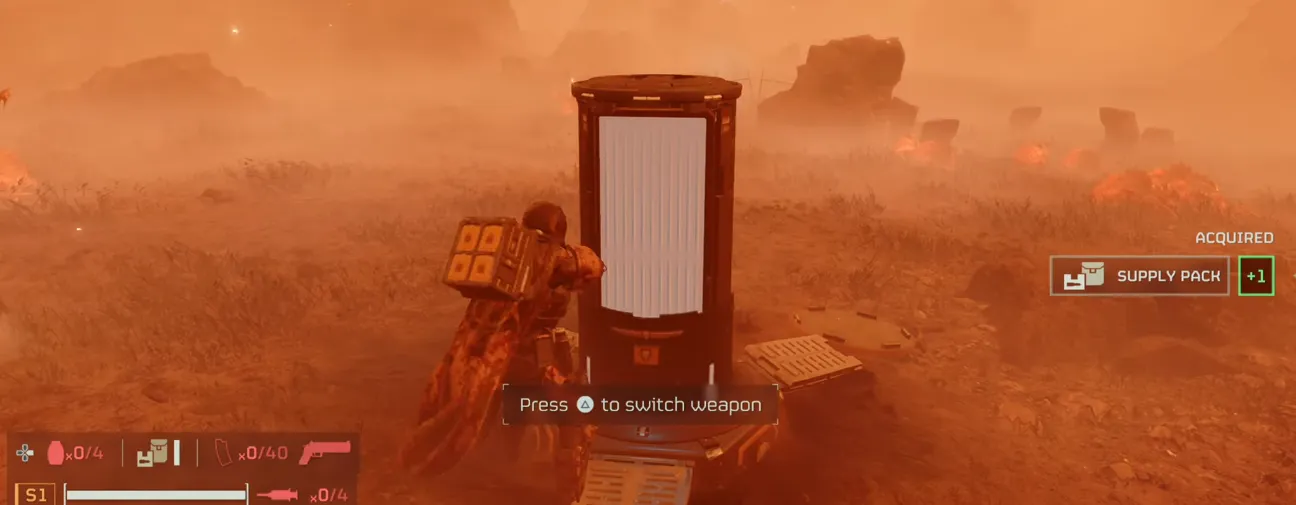
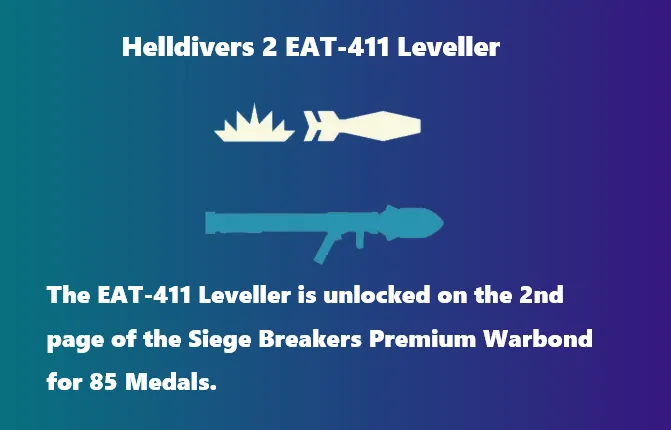
To use the B-1 Supply Pack in Helldivers 2, you must use different inputs depending on whether you are restocking yourself or sharing ammunition with your squad mates.
Resupplying Yourself
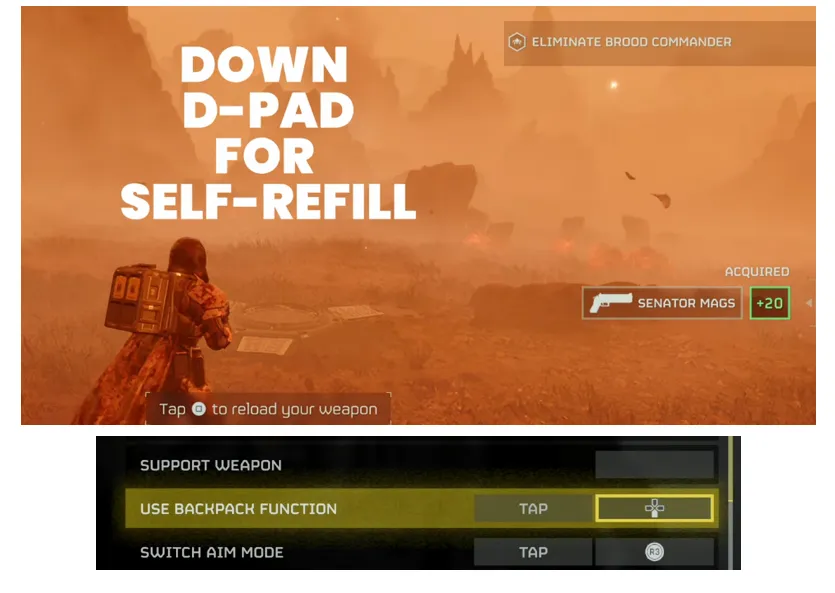
You can consume one of your own backpack charges to instantly top off your ammo, stims, and grenades.
- PC (Keyboard): Press the 5 key.
- PlayStation 5 / Controller: Quickly tap Down on the D-Pad. Do not hold it down, as holding it opens the radial menu to drop your equipment.
Resupplying Teammates
You can distribute supplies to your squad to keep them fighting in the name of Democracy.
- Approach a teammate who is running low on resources.
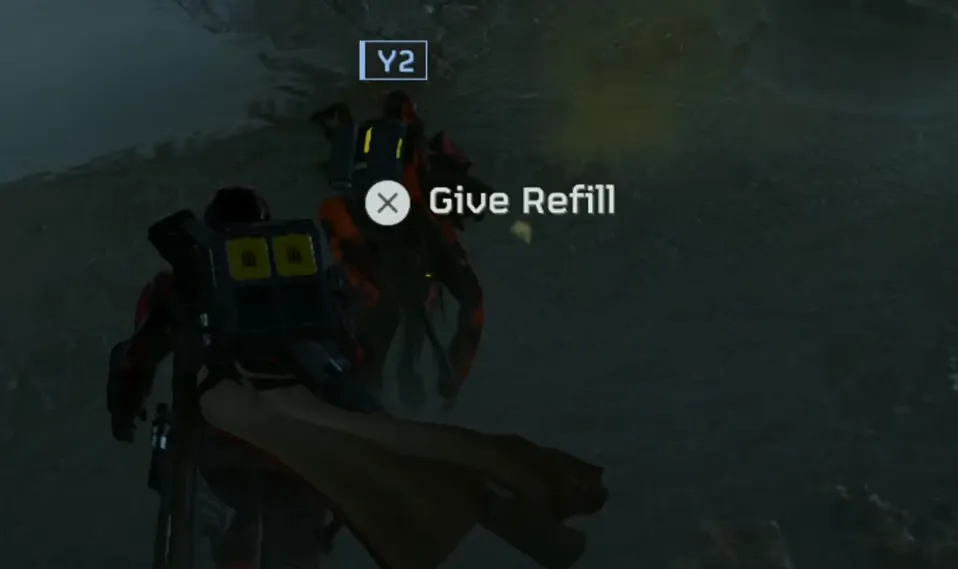
- Look directly at them until an on-screen prompt appears.
- Press the Interact key (E on PC / X on PS5) to hand them a box.
Now that you know how to keep your squad's ammo topped off in the field, don't forget to keep your own arsenal fully upgraded back on the ship. To unlock the absolute best warbonds, armor sets, and cosmetic gear, you can buy Helldivers 2 Super Credits directly from our website for fast delivery and the best rates, ensuring you are always fully equipped to spread Managed Democracy across the galaxy.
Managing Your Supply Pack Charges
- Check Your Remaining Boxes: Look at the actual model on your character's back. The backpack holds a maximum of 4 yellow boxes. Each box disappears from your character model as it is consumed.
- Refilling the Pack: You can completely replenish your backpack's charges by picking up supply boxes from a standard Resupply Pod stratagem. Each box you take from a pod refills one slot on your backpack.
Pro-Tips for Maximum Efficiency
- Unmatched Synergy: The supply pack pairs exceptionally well with heavy-hitting, ammo-hungry support weapons like the Grenade Launcher, Heavy Machine Gun (HMG), or the Anti-Materiel Rifle (AMR).
- The "Stim-Run": Because the pack lets you replenish your health items at will, you can constantly trigger stims to get a stamina boost and run long distances across maps safely.
- Custom Bindings: If you frequently misclick the default inputs, you can open the Options menu, navigate to Controller / Keyboard, click Change Bindings, and look for the "Use Backpack Function" tab to remap it.
作者簡介
U4N編輯團隊由一群熱愛遊戲的分析師和技術專家組成。我們不僅是一個可靠的遊戲資產市場——我們的核心目標是通過專業內容幫助玩家。我們的團隊為一些大熱門遊戲製作詳細的攻略、經濟策略和技術問題解決方案,包括《MLB The Show 26》、《Aion 2》、《Forza Horizon 6》、《Arc Raiders》和《Path of Exile》等。
無論是掌握遊戲市場的買賣技巧,還是幫助你打造最強的遊戲角色或策略,我們發布的每一份內容都經過我們團隊的實際測試。在 U4N,我們不僅跟隨遊戲的趨勢,我們還幫助你領先一步