購物車空
繼續購物A lot of Xbox players use the “New Zealand trick” every time a big game launches, and yes — it works for Forza Horizon 6 too. If you own the right version of the game, you can start playing many hours earlier simply by changing your console or PC region to New Zealand.
This works because Xbox uses a rolling regional launch system. The game unlocks at midnight local time in each region, so New Zealand players get access before North America and Europe.
For many US players, that means jumping into FH6 roughly 12–16 hours early.
However, there are a few important things you need to know before trying it.
Yes — but only on Xbox platforms.
The trick works on:
It does NOT work on Steam.
Steam uses a single worldwide release time instead of regional unlocks, so changing your PC region won't unlock the game early there.
Before changing your location, make sure you actually have access rights for the launch window.
If you want to play during the early-access period, you need one of these:
Early access begins on May 15 in local regions.
Without Premium access, the trick will not unlock the game early.
If you only own the Standard Edition or use Xbox Game Pass Ultimate, your unlock happens during the general launch period starting May 19.
The trick can still help you enter earlier than your local timezone once the global rollout begins.
The New Zealand trick only works with digital copies.
Physical discs usually still require the servers to unlock online features and game access timing.
The Xbox setup only takes about two minutes.
Press the Xbox button on your controller.
Go to:
Profile & system → Settings
Open:
System → Language & location
Under “Location,” select:
New Zealand
Do not change your language unless you want to.
Choose:
Restart now
Your Xbox must fully reboot for the region change to apply correctly.
Once the console restarts:
If it still says “too early,” wait a few minutes and relaunch the game.
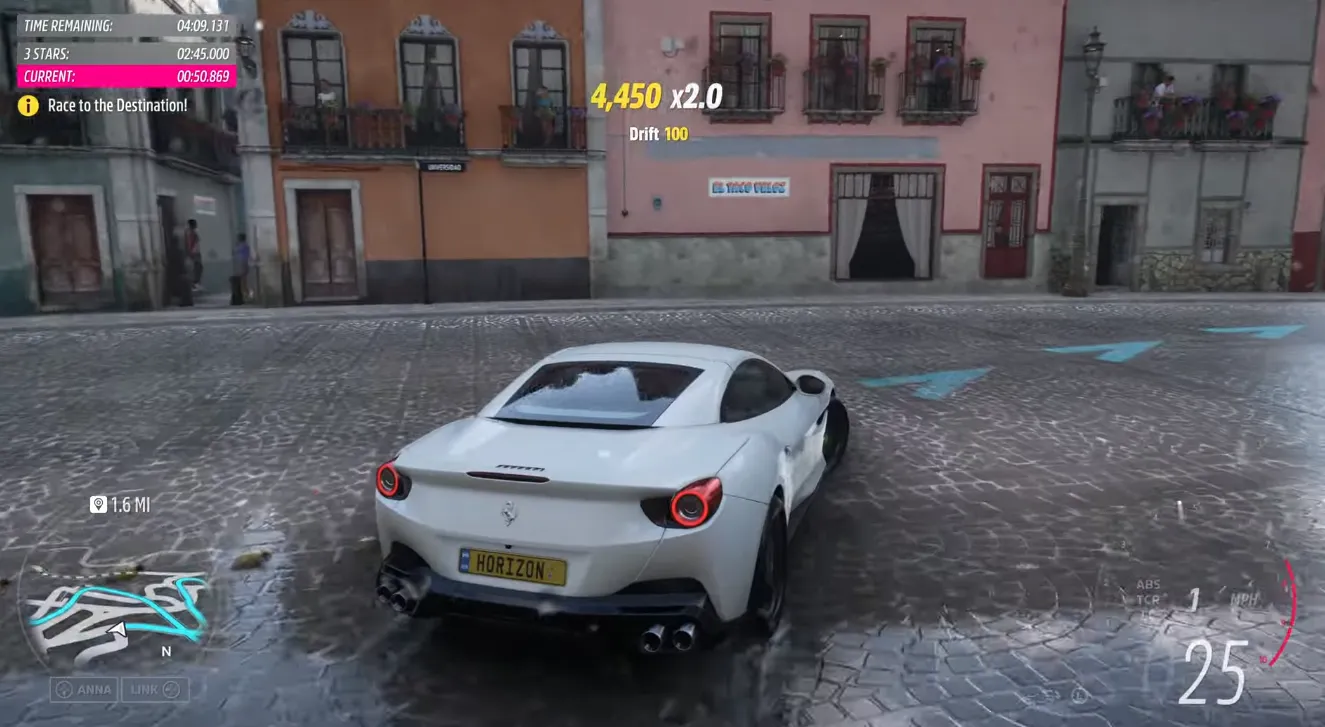
Once you finish the New Zealand setup and get into Forza Horizon 6 early, you can immediately start grinding races, festival rewards, and seasonal events before most players even log in. That early head start can make a huge difference for building your garage faster, unlocking rare cars, and stacking credits ahead of the market rush. If you want to progress even quicker after launch, many players also use trusted marketplaces like U4N to buy FH6 credits safely and save time on the long grind for expensive hypercars and upgrades.
PC players using the Xbox App can also do this very easily.
Press:
Win + I
Go to:
Time & Language → Region
Under:
Country or region
Select:
New Zealand
Close the Xbox App completely.
Then reopen it and launch Forza Horizon 6.
Some players also restart Windows to make sure the region fully updates.
Some players try using Kiribati because its timezone is slightly ahead of New Zealand.
In certain launches, this can provide access around 1–2 hours earlier.
However, New Zealand is usually the most reliable and safest option because Xbox support systems consistently recognize it during launch rollouts.
Historically, Xbox has never seriously punished players for simply changing console regions to access games early.
People have used this method for years with major Xbox releases.
That said, Forza Horizon 6 is being monitored more heavily than usual because of:
So while changing your region is generally considered low risk, you should still be smart about it.
One of the fastest ways to attract attention is posting launch footage publicly before your real regional release time.
Avoid:
Especially during the first few hours.
FH6 reportedly has much stricter anti-cheat detection than older Horizon games.
Avoid:
Even during early access.
Playground Games aggressively tracks suspicious leaderboard activity.
Unrealistic lap times or exploit abuse can absolutely trigger penalties.
Yes.
After the game officially launches in your real region, it's a good idea to switch your console or PC region back to normal.
This helps avoid:
The process is the same as before — simply change the location back and restart.
U4N編輯團隊由一群熱愛遊戲的分析師和技術專家組成。我們不僅是一個可靠的遊戲資產市場——我們的核心目標是通過專業內容幫助玩家。我們的團隊為一些大熱門遊戲製作詳細的攻略、經濟策略和技術問題解決方案,包括《MLB The Show 26》、《Aion 2》、《Forza Horizon 6》、《Arc Raiders》和《Path of Exile》等。
無論是掌握遊戲市場的買賣技巧,還是幫助你打造最強的遊戲角色或策略,我們發布的每一份內容都經過我們團隊的實際測試。在 U4N,我們不僅跟隨遊戲的趨勢,我們還幫助你領先一步