購物車空
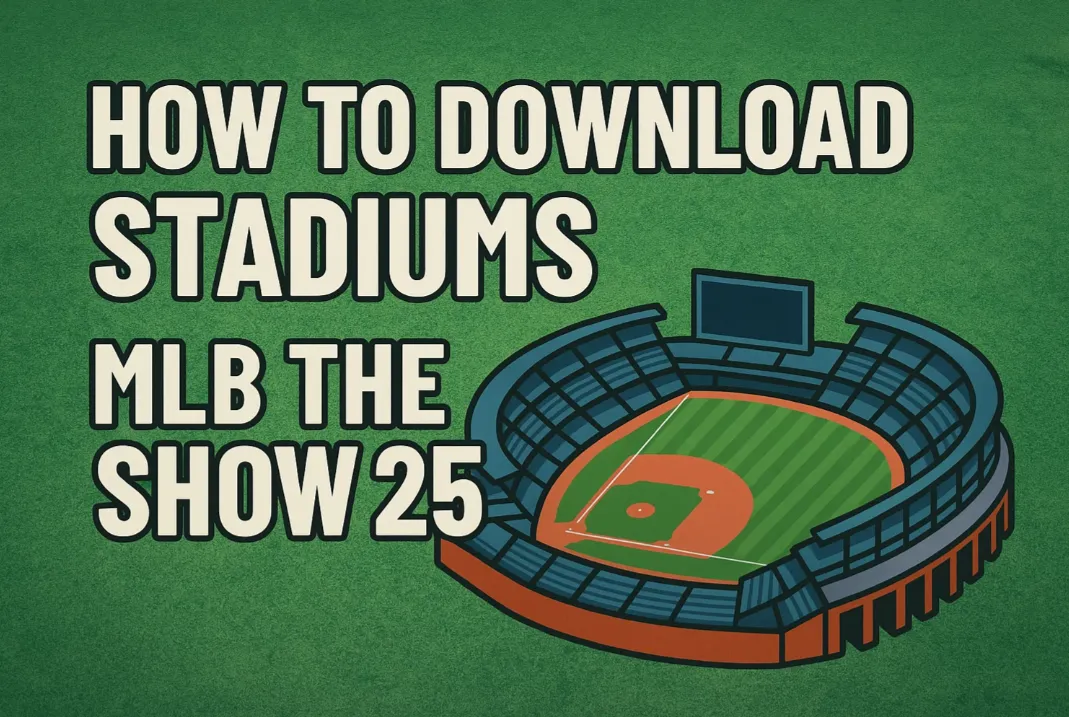
繼續購物Enhance your MLB The Show 25 experience by downloading custom stadiums created by other players in the community. Follow the process below to access and use personalized ballparks within your game.
| Requirement | Action |
|---|---|
| Internet Connection | Ensure your console is connected to the internet. |
| Account Login | Sign into your MLB The Show account. Create one if you haven't yet. |
| Game Version | Check for and install any available updates for full compatibility. |
| Navigation Path | Description |
|---|---|
| Main Menu → Create | From the home screen, access the creative tools menu. |
| Select "Stadium Creator" | Enter the Stadium Creator interface to build or browse community stadiums. |
Once inside Stadium Creator, you'll find The Vault, a hub for user-generated stadiums.
| Section | Purpose |
|---|---|
| My Saves | Displays your previously created or downloaded stadiums. |
| Recent Uploads | Shows the most recently uploaded stadiums by the community. |
| Most Popular | Highlights trending and frequently downloaded custom stadiums. |
Use the Search Bar to locate stadiums by name or the creator's online ID.
| Action | Result |
|---|---|
| Select a Stadium | View screenshots and description before downloading. |
| Click "Download" or "Save" | Adds the stadium to your personal library under "My Saves." |
| Confirm Storage | Ensure it appears in your "My Saves" tab before leaving the menu. |
| Game Mode | How to Use Custom Stadiums |
|---|---|
| Exhibition | Select your downloaded stadium from the list of venues. |
| Franchise | Assign your saved stadium as the home park for your franchise team. |
| Diamond Dynasty | Set your downloaded stadium as your home field. |
| Scenario | Solution |
|---|---|
| Import from MLB The Show 24 | Upload your old stadiums to The Vault in MLB 24, then download in 25. |
| Slow Downloads | Double-check internet connection and ensure all updates are installed. |
| Want to Edit a Downloaded Stadium | You can edit downloaded parks as long as they meet mode-specific limits. |
Downloading and using custom stadiums in MLB The Show 25 not only allows for a personalized touch but also connects you with a creative player community. By browsing The Vault and saving your favorite designs, you'll enrich your baseball simulation with unique environments that reflect your style. And while you're upgrading your stadium experience, don’t forget that building a powerful Diamond Dynasty team takes more than just creativity—it takes resources. If you're looking to get ahead without the grind, you can buy MLB The Show stubs cheap and give your roster the boost it needs to dominate on the field.
U4N編輯團隊由一群熱愛遊戲的分析師和技術專家組成。我們不僅是一個可靠的遊戲資產市場——我們的核心目標是通過專業內容幫助玩家。我們的團隊為一些大熱門遊戲製作詳細的攻略、經濟策略和技術問題解決方案,包括《MLB The Show 26》、《Aion 2》、《Forza Horizon 6》、《Arc Raiders》和《Path of Exile》等。
無論是掌握遊戲市場的買賣技巧,還是幫助你打造最強的遊戲角色或策略,我們發布的每一份內容都經過我們團隊的實際測試。在 U4N,我們不僅跟隨遊戲的趨勢,我們還幫助你領先一步