購物車

購物車空

繼續購物
總計 $0.00
結算
首頁 / 博客 / 英雄圍城(Hero Siege)

Hero Siege PS5 Release Date, Crossplay, Controller

作者: U4N
發佈日期: Apr 13, 2026
1441

On April 3, 2026, Hero Siege officially launched on PlayStation 5, coinciding with the start of Season 9. This release brings exciting new features and enhancements to the game, offering players a fresh experience and a chance to dive into the latest content on a new platform. Here's a breakdown of what to expect, including information on crossplay, controller support, and more.

Release Date and Platform Details

  • Platform: PlayStation 5 (native version)
  • Release Date: April 3, 2026
  • Key Features: Includes all content updates from Hero Siege Season 9, with balance adjustments and new gameplay features designed to enhance the experience for both new and returning players.

Cross-Platform Play (Crossplay)

One of the most exciting features of Hero Siege on PS5 is the ability to play with others across different platforms. The game supports cross-platform multiplayer, meaning PS5 players can team up with friends on both PC and other consoles. This opens up the community and makes it easier to find matches, even if your friends play on different systems.

  • Crossplay: Active between PS5, PC, and other consoles. You can join the same game with players across these platforms, ensuring a vibrant and diverse multiplayer community.

However, there is a notable limitation when it comes to cross-commerce:
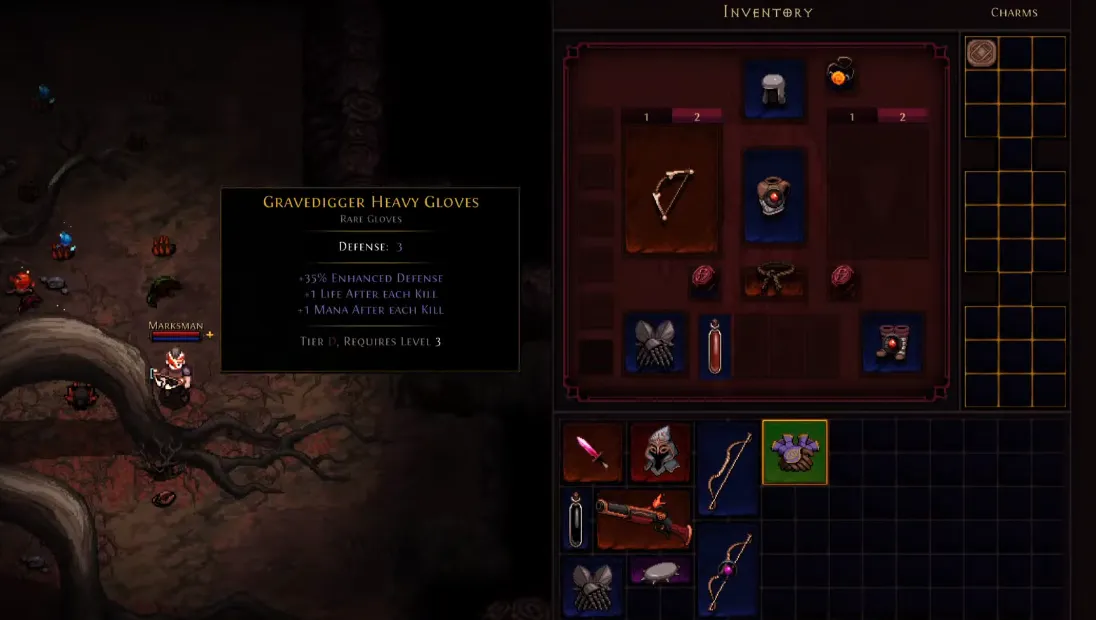
  • No Cross-Commerce: Unfortunately, purchases made on one platform will not carry over to another. This means that any purchases you make on the PlayStation Store (such as skins or classes) will be exclusive to your PS5 account and won't be available on PC or other platforms. Similarly, Blood Pacts, which are a key feature in Hero Siege, do not transfer between platforms, so they are not usable on both your PS5 and PC accounts.

Hero Siege PS5 Season 9 Gameplay

Hero Siege PS5 Season 9 Gameplay

PS5 Controller Support

The PS5 version of Hero Siege fully supports the DualSense wireless controller, taking advantage of the advanced features that come with it. Here's what you can expect when using the controller:

  • Vibration: Experience enhanced haptic feedback, allowing you to feel the action in the game more vividly. Whether you're battling enemies or exploring the world, the vibrations will make the experience more immersive.
  • Controller Remapping: The game allows basic remapping of controller buttons, so you can customize your control scheme to suit your playstyle.

For players on PC who want to use the PS5 controller, things are a little trickier. By default, the game may not immediately recognize the DualSense, and you might need to do some additional setup to get it working properly.

How to Set Up PS5 Controller on PC (Steam)

If you're playing Hero Siege on PC and want to use a PS5 controller, follow these steps to get it working:

  1. Enable Steam Input:
    • Go to your Steam Library, right-click Hero Siege, then select Properties.
    • Under Controller, choose Enable Steam Input from the dropdown menu.
  2. Use Steam Big Picture Mode:
    • Launch Steam in Big Picture Mode.
    • Go to Settings > Controller Settings and make sure PlayStation Configuration Support is checked.
  3. Third-Party Wrappers:
    • If the above steps don't work, you can use tools like DS4Windows. This software makes your PS5 controller appear as an Xbox controller, which the game recognizes more reliably.
Gear Up with Cheap Hero Siege Gold from U4N.com

Known Issues and Tips

Though the PS5 version of Hero Siege works well with the DualSense controller, there are a few quirks and limitations you should be aware of:

  • Controller Prompts: Even if your PS5 controller is working, the game might still show Xbox-style button prompts (A, B, X, Y) instead of the PlayStation icons (Circle, Cross, Square, Triangle). This can be a little confusing at first, but the game's functionality is not affected.
  • Skill Mapping: Some players have reported difficulties when trying to map more than 4 skills directly to the controller's buttons. To solve this, you may need to use button combinations (e.g., L1 + Triangle) to assign certain abilities.
  • Auto-Aim: If you're using analog sticks for aiming, make sure Auto Aim is enabled in the in-game settings. This helps improve targeting accuracy, especially in fast-paced battles.

The PlayStation 5 release of Hero Siege brings a ton of exciting updates, especially with the integration of Season 9 content. Crossplay allows PS5 players to join their friends across platforms, making multiplayer more accessible than ever. While cross-commerce is not supported, the native PS5 controller support and the immersive features like vibration and remapping make the experience feel fresh. For those playing on PC, setting up the PS5 controller can be a bit tricky, but with a few tweaks, you can get it working smoothly.

上一個 下一個
作者簡介

U4N編輯團隊由一群熱愛遊戲的分析師和技術專家組成。我們不僅是一個可靠的遊戲資產市場——我們的核心目標是通過專業內容幫助玩家。我們的團隊為一些大熱門遊戲製作詳細的攻略、經濟策略和技術問題解決方案,包括《MLB The Show 26》、《Aion 2》、《Forza Horizon 6》、《Arc Raiders》和《Path of Exile》等。

無論是掌握遊戲市場的買賣技巧,還是幫助你打造最強的遊戲角色或策略,我們發布的每一份內容都經過我們團隊的實際測試。在 U4N,我們不僅跟隨遊戲的趨勢,我們還幫助你領先一步

相關文章