購物車空
繼續購物In Grow a Garden 2, guild identity is heavily shaped by visual customization, and image IDs play a key role in defining how a guild is recognized in-game. These IDs allow players to set unique guild icons ranging from memes and anime characters to gaming references and exclusive Grow a Garden-themed designs.
Choosing the right image is more than just decoration—it helps establish your guild’s personality, attract members, and stand out in both casual and competitive environments. Whether you want a funny meme emblem, a stylish anime badge, or a clean branded icon, the image ID system gives you full flexibility to customize your guild’s appearance.
This guide organizes all available image IDs into clear categories so players can quickly find the perfect icon for their guild style. If you want to get more items, you can buy Grow A Garden 2 items from us.
| Image Name | Guild Image Code |
|---|---|
| Troll Face | 6862780932 |
| Skibidi Toilet | 18834584530 |
| Kai Cenat Caller | 16408842876 |
| XQC Confusion | 7096561444 |
| I am drowning | 7279156932 |
| How Do I Type | 7279137093 |
| Sheldon DAD | 131434296771944 |
| Gangster Cat | 11348348263 |
| Bobby | 5865291365 |
| Bad Agent | 12182738647 |
| 67 | 110444066627259 |
| IShowSpeed Is a W | 12490432762 |
| Image Name | Guild Image Code |
|---|---|
| Luffy | 9609536589 |
| Luffy Timeskip | 11397736815 |
| Luffy Jolly Roger | 9478562323 |
| Demon Slayer Siblings | 10306904699 |
| Nezuko | 6147540175 |
| Haikyuu | 8670234663 |
| Hinata | 6777333627 |
| Meguru Blue Lock | 12028510331 |
| Reo Mika | 12028515583 |
| Rinnegan | 5996229973 |
| Sharingan | 6842461300 |
| Zoro Lost | 11105448053 |
| Image Name | Guild Image Code |
|---|---|
| Freddy FNAF | 10271776147 |
| Sonic | 7484353182 |
| CJ Minecraft | 76931761198336 |
| Wolf Dead Rails | 126443287301798 |
| Among Us Skii | 6344756217 |
| Red Imposter | 6981510683 |
| Gundam | 6053758032 |
| Predator | 80365101032448 |
| Appraiser | 120304766136019 |
| MJ | 5153349351 |
| Constantine Shot | 6967178345 |
| Image Name | Guild Image Code |
|---|---|
| Devil Boss | 117494756865379 |
| Phonk Skeleton | 10432428942 |
| Gangster Cat | 11348348263 |
| South Park | 6324328851 |
| Spongebob | 14012109495 |
| Ray Barbie | 14686752172 |
| Image Name | Guild Image Code |
|---|---|
| GAG Queen Bee | 80644834677173 |
| I Love GAG | 126780015070988 |
| Jandel | 86550846377312 |
| Image Name | Guild Image Code |
|---|---|
| Dog OP | 8964489619 |
| Fat Ronaldo | 12513739276 |
| I'm an Object Blox Guy | 106614075983427 |
| Chicken Jockey | 113488079374496 |
| Chicken Jockey 2 | 112173324149675 |
| A South Asian | 119071626107045 |
| Pennywise | 5262144870 |
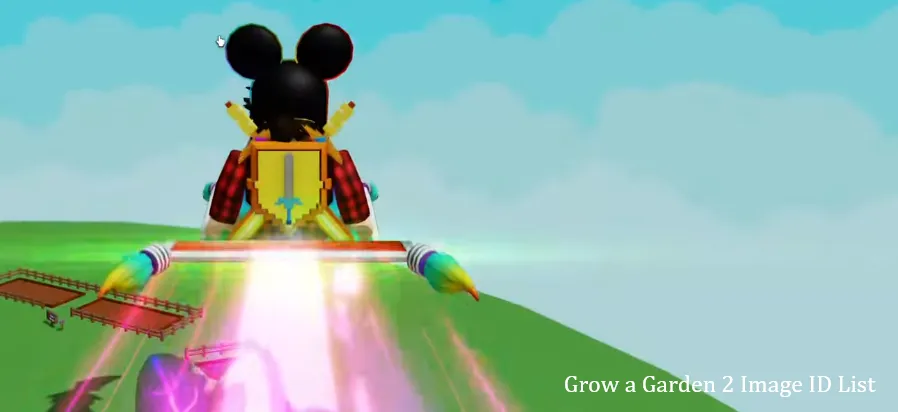
To equip a Guild Image Code in Grow a Garden 2 (or most Roblox games with guild systems), you must grab a specific numerical asset ID from Roblox and paste it into your in-game guild settings.
You can use an existing image or upload your own to get a working code.
U4N編輯團隊由一群熱愛遊戲的分析師和技術專家組成。我們不僅是一個可靠的遊戲資產市場——我們的核心目標是通過專業內容幫助玩家。我們的團隊為一些大熱門遊戲製作詳細的攻略、經濟策略和技術問題解決方案,包括《MLB The Show 26》、《Aion 2》、《Forza Horizon 6》、《Arc Raiders》和《Path of Exile》等。
無論是掌握遊戲市場的買賣技巧,還是幫助你打造最強的遊戲角色或策略,我們發布的每一份內容都經過我們團隊的實際測試。在 U4N,我們不僅跟隨遊戲的趨勢,我們還幫助你領先一步