購物車空
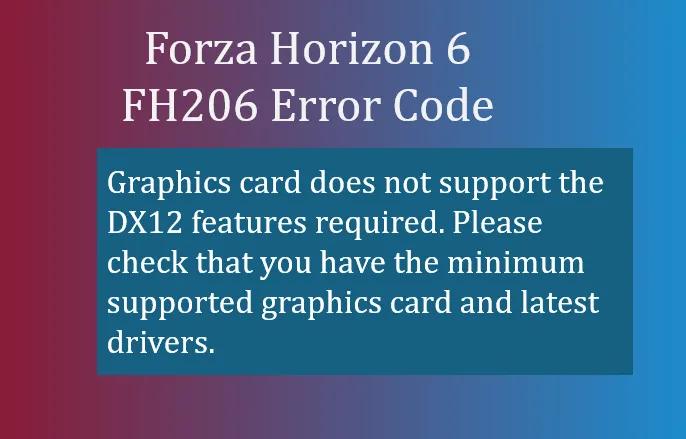
繼續購物If you're trying to launch Forza Horizon 6 and see the FH206 error code, it usually means your game is hitting a roadblock right at startup. From a player's perspective, it's frustrating because the game won't even get to the main menu. The error itself is straightforward:
FH206: Graphics card does not support the DX12 features required. Please check that you have the minimum supported graphics card and latest drivers.
In simple terms, your GPU either isn't capable of handling DirectX 12 at the level Forza Horizon 6 needs, or there's a software conflict blocking it from initializing properly.
When you run FH6, the game relies on DirectX 12 to deliver high-fidelity graphics, ray tracing effects, and smooth frame rates. If your graphics card is too old, lacks DX12 hardware support, or if your drivers are outdated, FH206 will appear. Even if your GPU technically supports DX12, outdated drivers or certain audio/virtual devices can trigger the crash before the game fully launches.
Here's a player-tested approach to get past FH206:

If your graphics card physically lacks DirectX 12 support (common in older GPUs), software fixes won't help. For players who want to enjoy FH6 at its intended settings, upgrading to a GPU that fully supports DX12 Feature Level 12_0 or higher is necessary.
For players struggling with FH206, these steps usually resolve the issue without reinstalling the game. Keep your drivers current and verify DX12 support to avoid this error in the future.
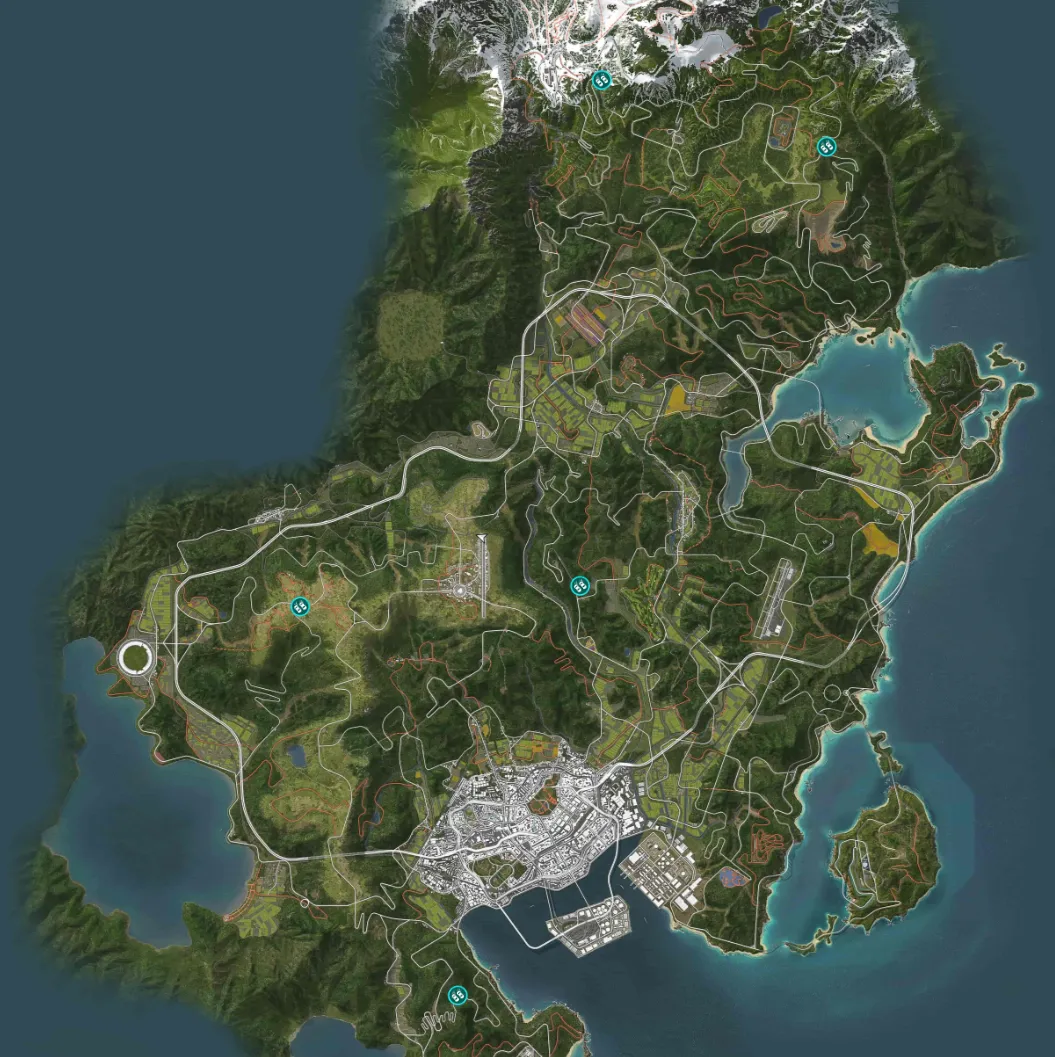
Once you've fixed FH206, you're ready to hit Japan's roads in Forza Horizon 6, from Tokyo city streets to Alpine mountain passes, without crashes stopping the fun.
U4N編輯團隊由一群熱愛遊戲的分析師和技術專家組成。我們不僅是一個可靠的遊戲資產市場——我們的核心目標是通過專業內容幫助玩家。我們的團隊為一些大熱門遊戲製作詳細的攻略、經濟策略和技術問題解決方案,包括《MLB The Show 26》、《Aion 2》、《Forza Horizon 6》、《Arc Raiders》和《Path of Exile》等。
無論是掌握遊戲市場的買賣技巧,還是幫助你打造最強的遊戲角色或策略,我們發布的每一份內容都經過我們團隊的實際測試。在 U4N,我們不僅跟隨遊戲的趨勢,我們還幫助你領先一步