購物車空
繼續購物Audio crackling in Forza Horizon 6 can be annoying, especially when you're in the middle of a high-speed race or exploring Japan's scenic roads. The main culprits are VRAM memory leaks, Bluetooth controller conflicts, and spatial audio processing under heavy load.
Forza Horizon 6 can sometimes use too much VRAM, causing both audio crackling and micro-stutters.
What to do:
Bluetooth controllers may overload a CPU thread by constantly polling for audio signals, leading to crackling.
Fix it by:
Heavy rendering can break 5.1 or 7.1 audio channels, causing static or popping sounds.
Steps:
High-resolution audio sometimes conflicts with the game.
How to adjust:
After adjusting your Windows audio settings and lowering the sample rate to 16-bit or 24-bit at 44.1kHz or 48kHz, your Forza Horizon 6 experience should be much smoother with minimal audio crackling, letting you focus on the races and exploration. For players looking to maximize their progression, U4N offers a reliable way to quickly buy Forza Horizon 6 (FH6) Wheel Spins & Skill Points, so you can enhance your cars and level up faster without the grind.
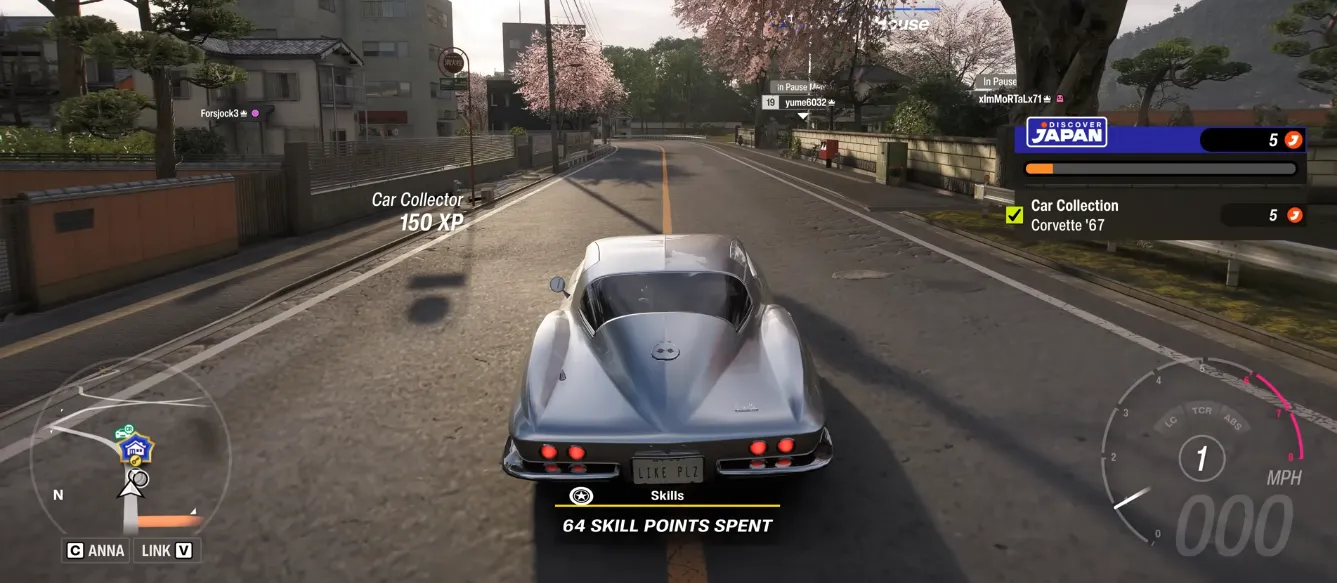
Windows may force headsets into low-quality “phone mode,” causing crackling.
Steps:

Following these steps should solve most audio crackling issues in Forza Horizon 6, whether you're using a high-end gaming rig or just a mid-range PC. With VRAM leaks patched, wired controllers, and simplified audio settings, your racing experience will sound smooth and immersive.
U4N編輯團隊由一群熱愛遊戲的分析師和技術專家組成。我們不僅是一個可靠的遊戲資產市場——我們的核心目標是通過專業內容幫助玩家。我們的團隊為一些大熱門遊戲製作詳細的攻略、經濟策略和技術問題解決方案,包括《MLB The Show 26》、《Aion 2》、《Forza Horizon 6》、《Arc Raiders》和《Path of Exile》等。
無論是掌握遊戲市場的買賣技巧,還是幫助你打造最強的遊戲角色或策略,我們發布的每一份內容都經過我們團隊的實際測試。在 U4N,我們不僅跟隨遊戲的趨勢,我們還幫助你領先一步